Seedream 5.5 AI Image Generator Online

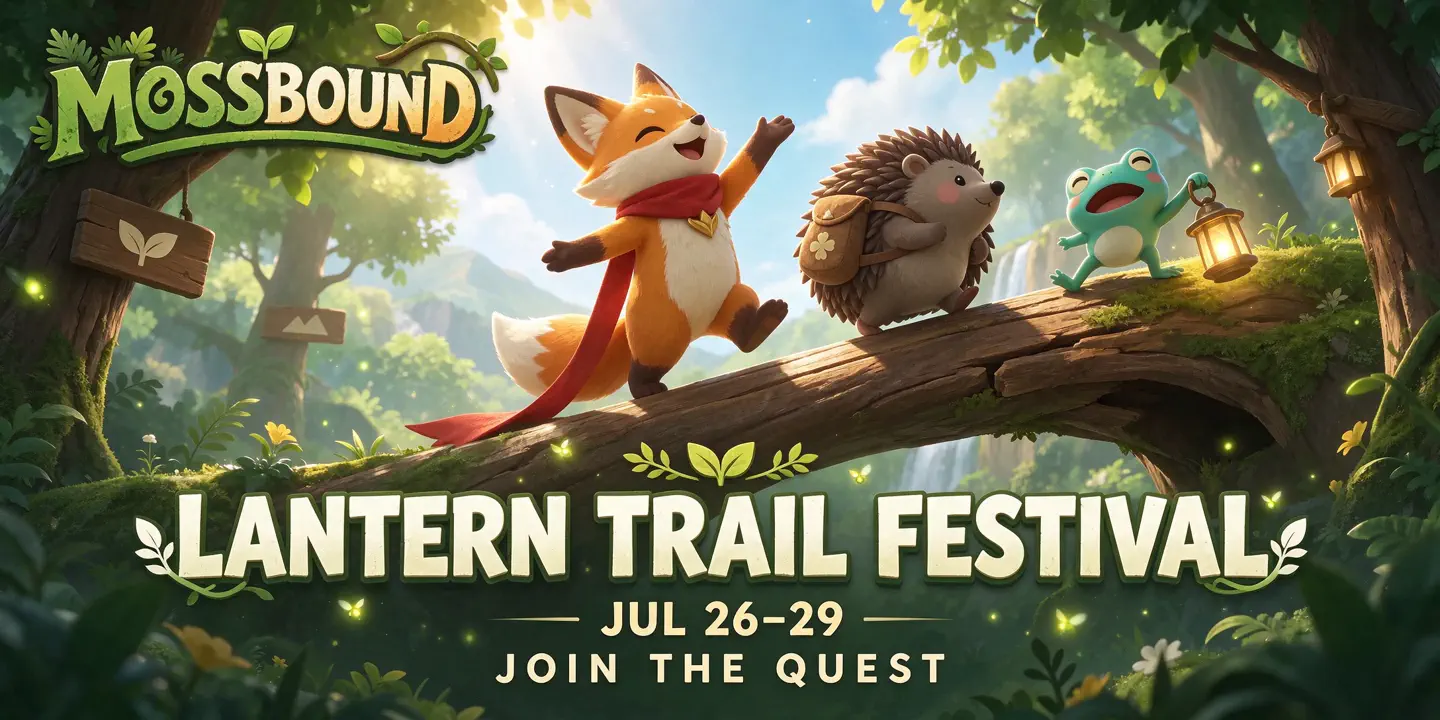
Create product visuals, campaign posters, character scenes, and more with natural textures and lighting using Seedream 5.5 on HeyTop AI. Refine details in existing images or generate reusable transparent assets for further editing and composition.

Reference images
Model

Loading models…

Preview
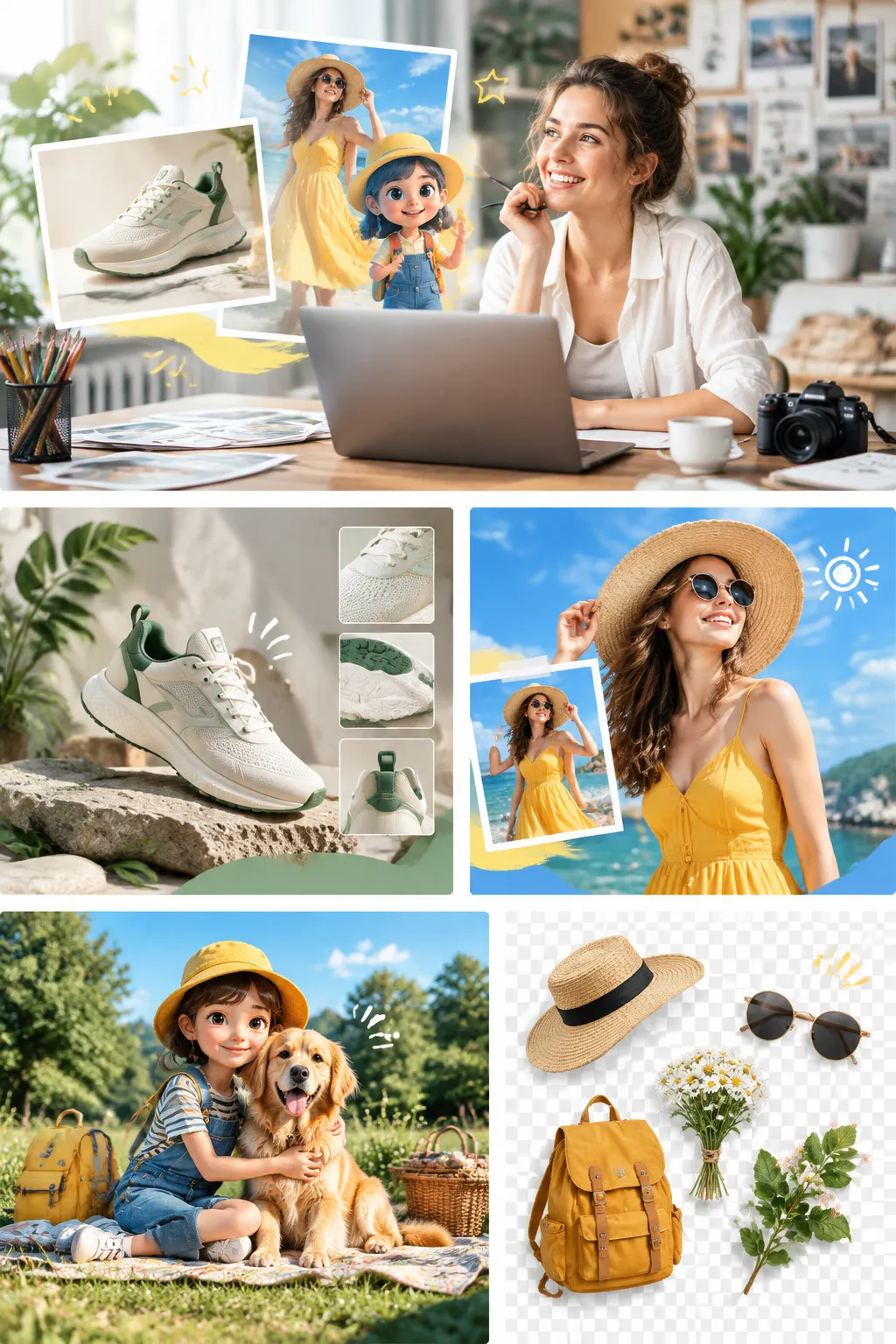
Creator refining a realistic image in Seedream 5.5 beside a laptop and art references

What Is Seedream 5.5?

Seedream 5.5 is a multimodal AI model developed by ByteDance’s Seed team for image generation and editing. It uses text prompts and reference images to create new visuals or revise existing ones. This release focuses on more stable editing across multiple rounds, direct generation of transparent assets, and more natural-looking images with clearer text.

Image Generation and Editing Features in Seedream 5.5

Use the Seedream 5.5 AI image generator to create visuals for your project, refine selected areas over multiple rounds, and extract individual elements for reuse in other layouts.

Multi-Turn Image Editing with Targeted Changes

Make targeted changes to the same image over several rounds. Try different colors, swap objects, or change materials while the model helps preserve details you want to keep, such as the subject’s pose, overall framing, and text placement. Compare different versions built on the same composition.

Try Multi-Turn Editing

Transparent Background Generation for Reusable Assets

Generate transparent PNGs directly, with support for partially transparent details such as soft shadows and translucent edges. Place stickers, decorative lettering, or product graphics over a new background without having to cut them out first.

Generate Transparent Images

Photorealistic Image Generation for Natural-Looking Results

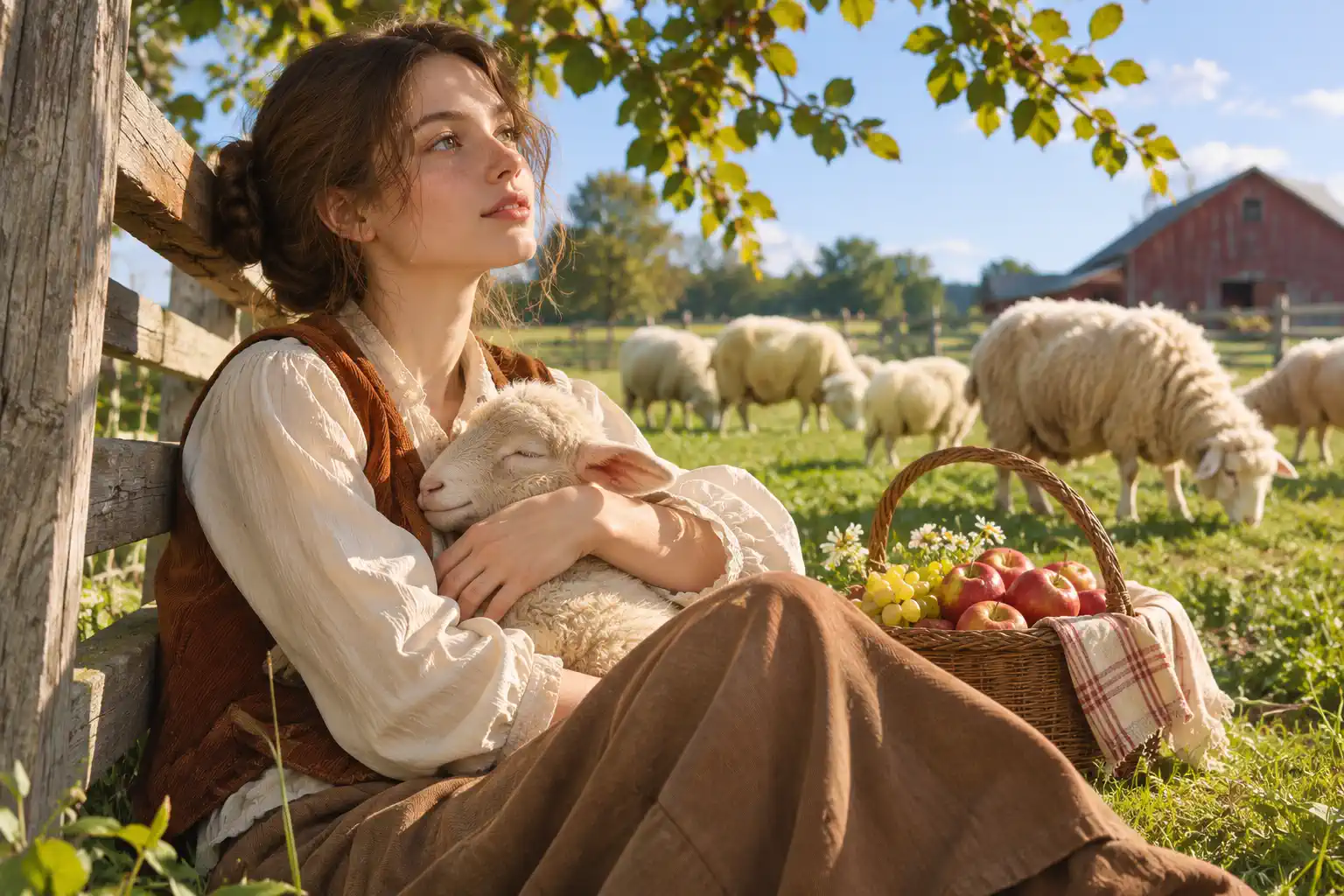
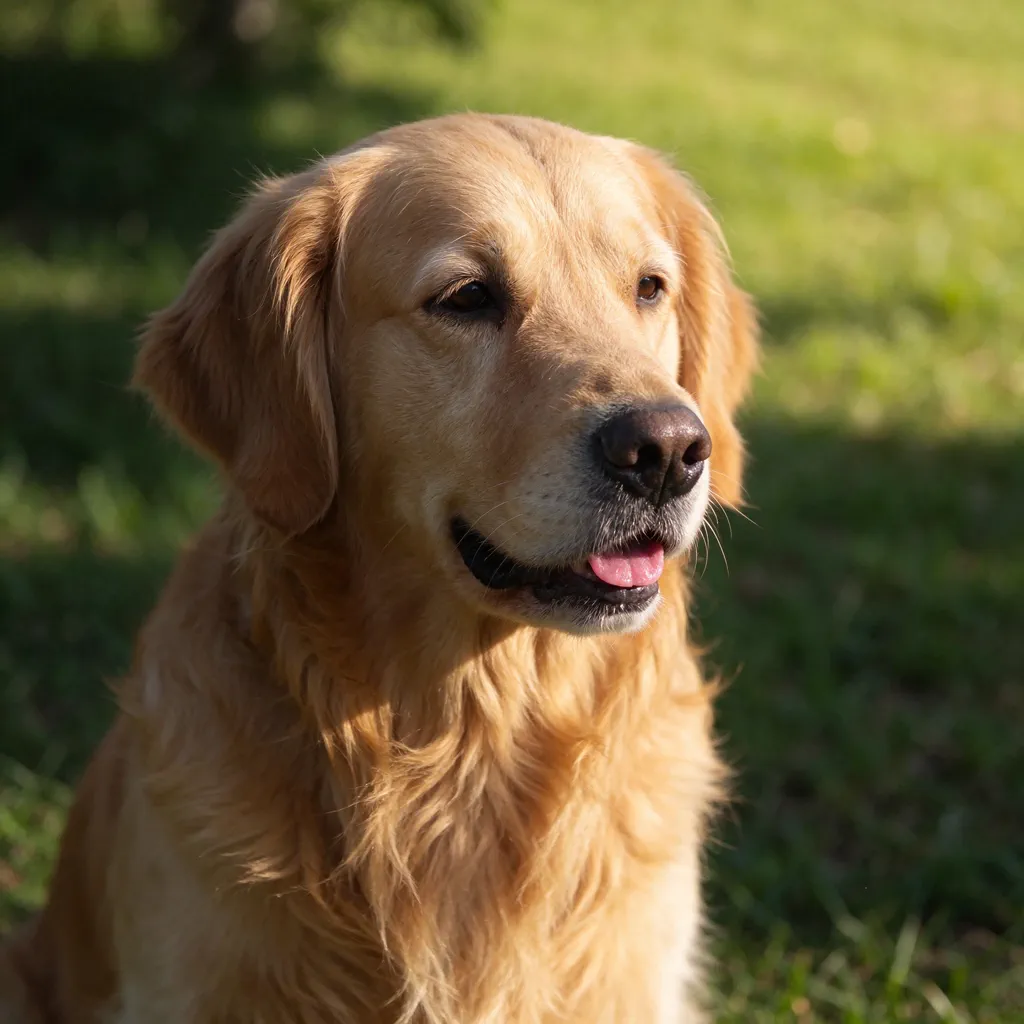
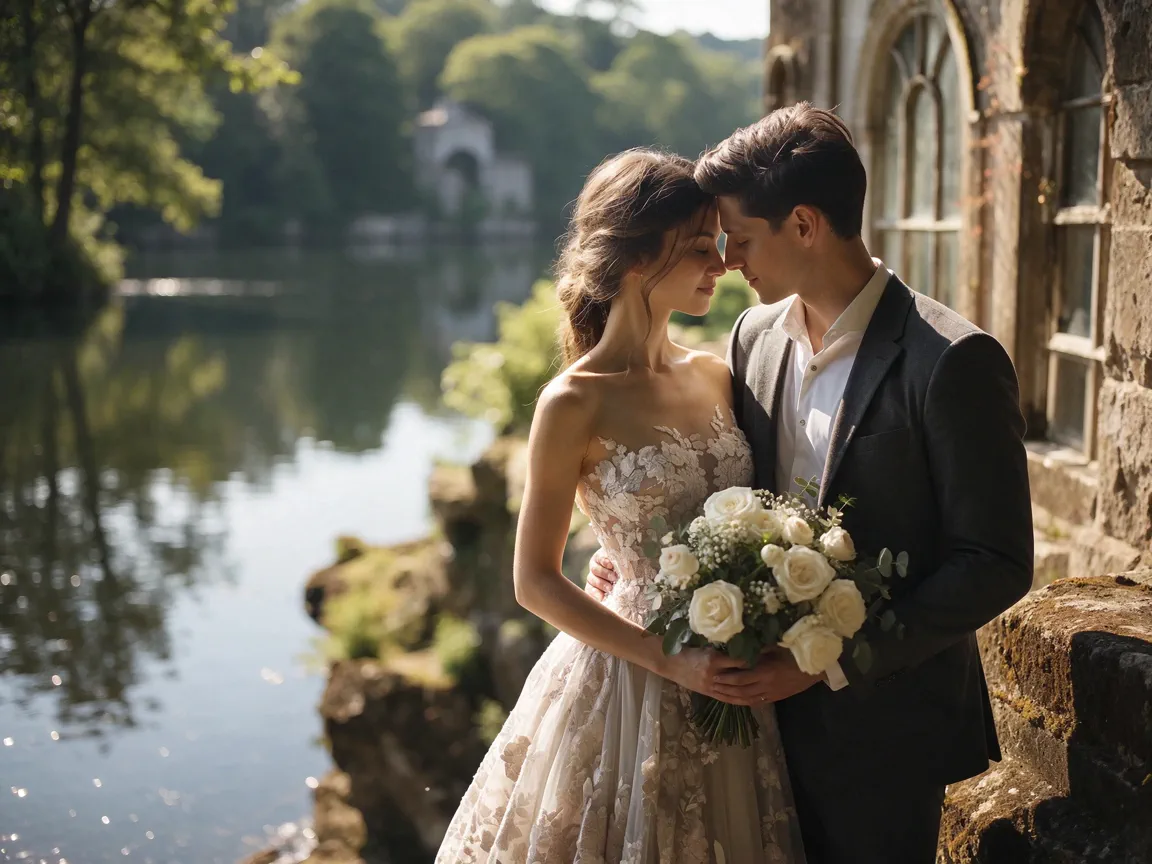
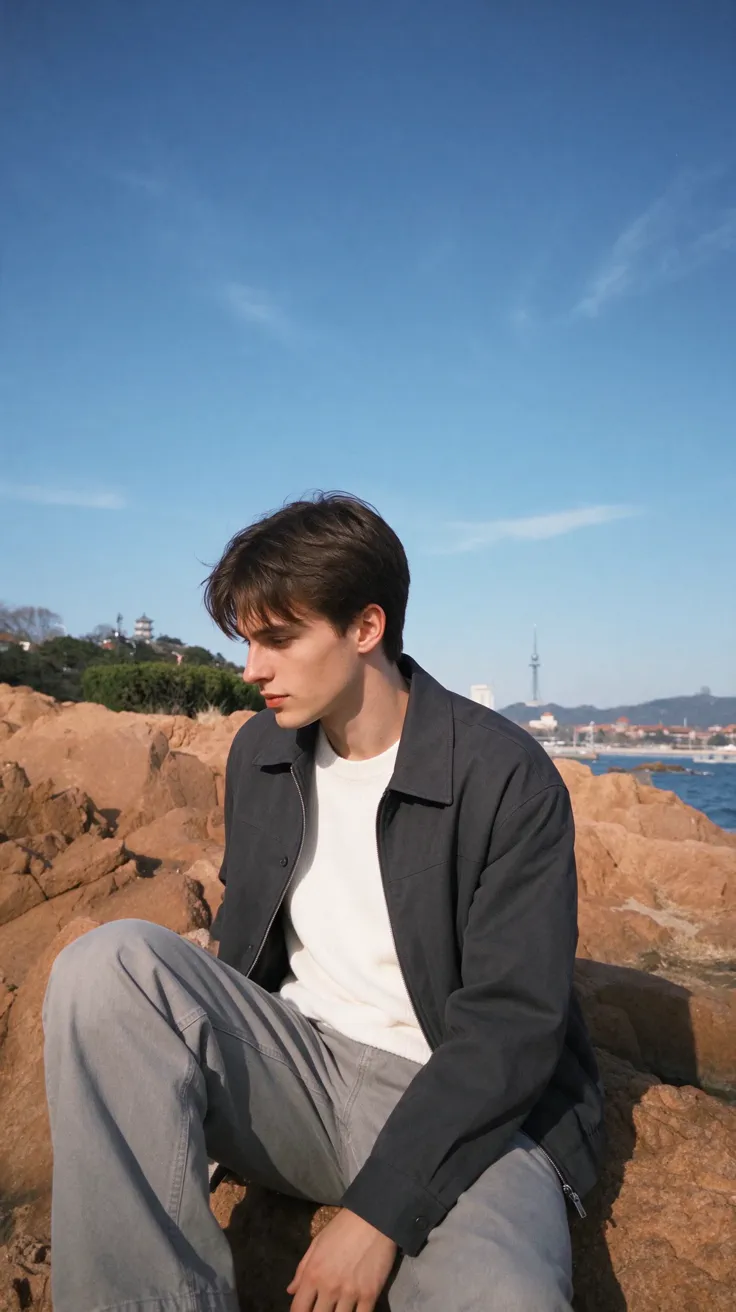
Create images with natural lighting and realistic details in skin, fabric, and other materials. Soft shadows bring out skin texture, highlights define folds in clothing, and subtle reflections reveal surface finishes, giving portraits, close-ups, and everyday scenes a more photographic look.

Create Realistic Images

Multilingual Text Rendering for Graphic Design

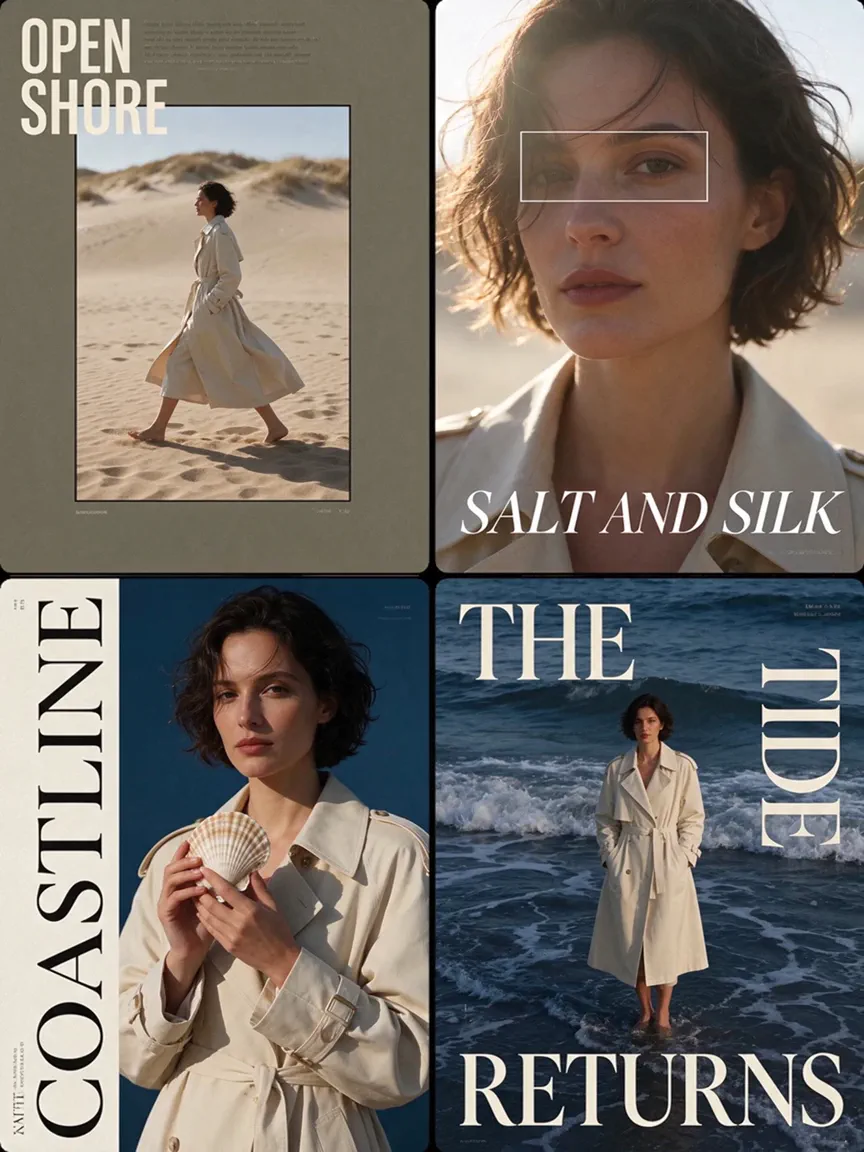
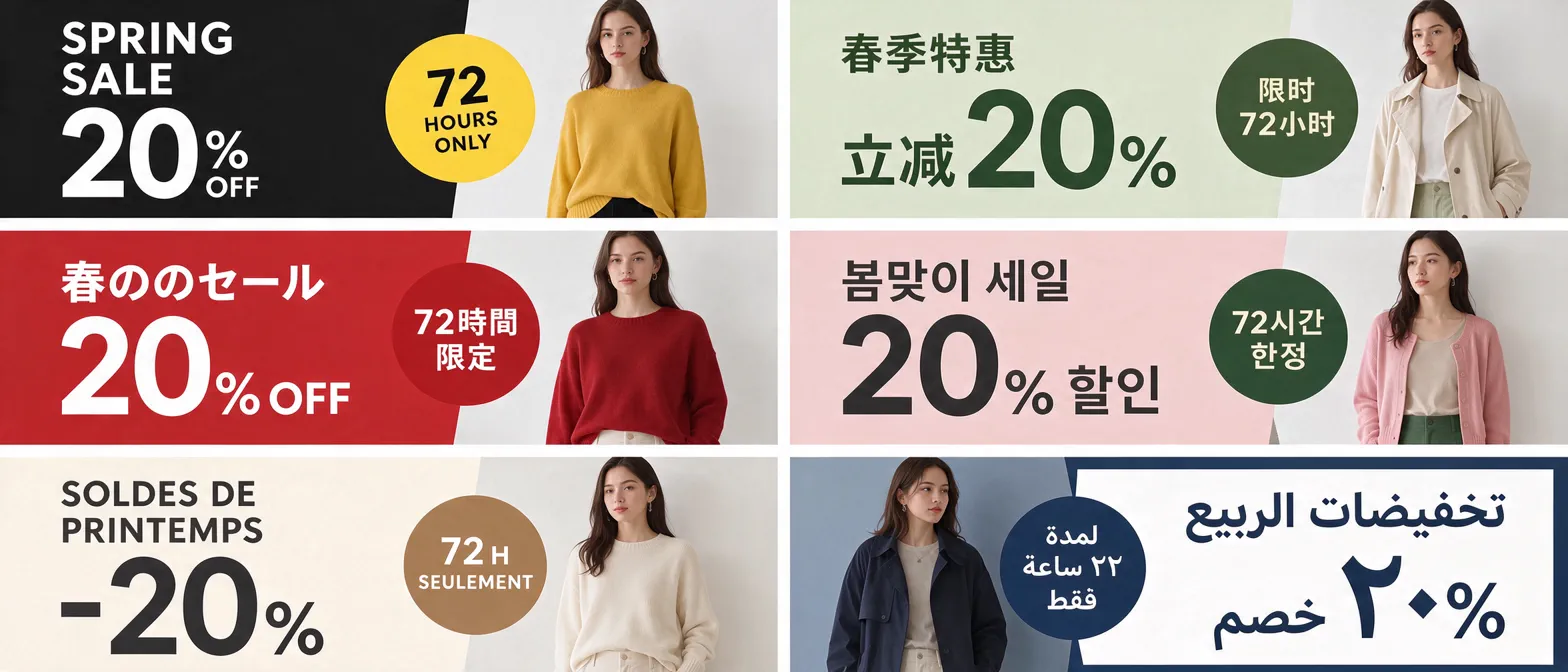
Render large headlines, decorative lettering, and small captions in one image, including layouts that mix Chinese and English. Improved small-text rendering helps keep supporting copy readable in dense layouts, and you can provide translations to create different language versions of the same design.

Create Multilingual Graphics

Image Layer Separation for Independent Editing

Split an existing image into a base image and separate transparent layers, so elements such as the subject and decorative graphics can be handled individually. Move, resize, or recombine those layers in a design tool to adapt the original layout for a different format.

Split Image into Layers

How to Use the Seedream 5.5 AI Image Generator

Turn your ideas into images in three simple steps, with room to explore different styles, adjust the composition, and refine details as you go.

Enter a Prompt or Add a Reference

Describe your subject, setting, and preferred style. Or upload a reference image and explain what you’d like to change or keep.

Choose Your Settings and Generate

Select your aspect ratio and resolution, then click Generate to create an image based on your prompt and any reference images you’ve added.

Review and Refine Your Image

Check the composition, text, and details. Use Re-edit to adjust your instructions or Regenerate to try another version, then download your preferred result.

Try Seedream 5.5 Now

What Are the Advantages of Seedream 5.5?

Fast Image Generation

Faster generation reduces the wait between iterations. When a design needs several revisions, you can see how each change looks sooner and decide what to refine next.

Up to 10 Reference Images

Use up to 10 reference images in one request to show details that are hard to put into words. One image can define the subject while others guide the setting, materials, or style.

Multiple Aspect Ratio Options

Choose from 10 aspect ratios, including 2:1 for wide headers, 1:2 for tall graphics, and 21:9 for panoramic scenes. Generate in the proportions your layout needs to reduce cropping later.

Up to 2K Output

Choose up to 2K resolution for larger displays, where extra pixels can help show fine textures, small patterns, and edges more clearly.

Practical Use Cases for Seedream 5.5 AI Image Model

From personal projects to marketing campaigns, use Seedream 5.5 to create images for the people you want to reach.

Product Colorways

Show Product Color Options from the Same Angle

Product references help online retailers create listing images for each available color of clothing, footwear, bags, or home goods. Consistent angles and framing keep the set cohesive and make it easier for shoppers to compare colors before choosing.

Localized Ads

Create Local Ad Versions for the Same Campaign

When a campaign runs in several markets, marketing teams may need ads with locally approved headlines, offers, and dates. Each version can reflect what matters to its audience. A shared main visual helps the campaign stay recognizable across paid ads and social posts.

Fashion Lookbooks

Build a Collection Lookbook Around One Signature Piece

Lookbooks give fashion brands and stylists a way to present a signature piece at a collection launch or buyer meeting. A series of outfits can show how the piece pairs with different layers and accessories. This gives shoppers styling ideas and helps retail buyers see how the item fits into the collection.

Illustrated Recipe Cards

Turn a Written Recipe into an Illustrated Cooking Card

Turning an existing recipe into a card gives food creators and cooking instructors a visual to share in a newsletter or class handout. The card brings ingredient quantities and illustrations of the key steps together on one page. Readers can keep the card nearby to check an amount or see what comes next while cooking.

Movie Posters

Design a Film Poster for a Premiere or Screening

Independent filmmakers and festival teams can use a poster to promote a premiere on an event page or in a festival program. Featuring a lead character or key scene can convey the film’s tone before viewers read the synopsis. The title, screening date, and venue give interested viewers the details they need to attend.

Frequently Asked Questions

Can I Try Seedream 5.5 for Free on HeyTop AI?

It depends on whether your available free credits can be used for this model and cover the cost of a generation. Check your credit balance and the cost shown in the generator before starting.

How Does Seedream 5.5 Compare with Seedream 5.0?

Compared with Seedream 5.0 Pro, Seed highlights three improvements in 5.5: more stable edits over multiple rounds, direct generation of transparent assets, and improved realism and small-text rendering. If your project involves repeated revisions or transparent graphics, these are useful differences to consider.

Can I Keep the Same Person or Product Consistent Across Different Images?

Yes, key features can carry across images, though smaller details may vary. Using the same reference image helps keep a person recognizable or a product’s shape and packaging consistent as the background or composition changes.

How Do I Keep the Background Transparent When I Download?

Generate the image with a transparent background and choose PNG for the output. PNG can preserve transparency, while JPEG cannot. If you plan to place the graphic over another image, preview it against that background to check its edges.

Will a Local Edit Affect Other Parts of My Image?

You can make local changes across multiple edits while preserving the rest of the image. For example, when changing a jacket’s color, ask Seedream 5.5 to keep the person’s pose and background.

Can I Use Generated Images for Commercial Projects?

HeyTop AI permits lawful commercial use subject to its terms and any restrictions that apply to the model or feature. Use reference images you have permission to use, and review the generated result before publishing it in ads, packaging, or client work.

Create Your First Image with Seedream 5.5 Today!

★ ★ ★ ★ 4.7 / 5 · Rated by creators worldwide

Start Creating Now