
AI Virtual Try On: Dress Yourself in Any Outfit for Free

Use AI to preview a new outfit on your own photo or showcase clothing on a virtual model. Turn a try-on photo into a short showcase video, or swap an outfit in an existing clip.

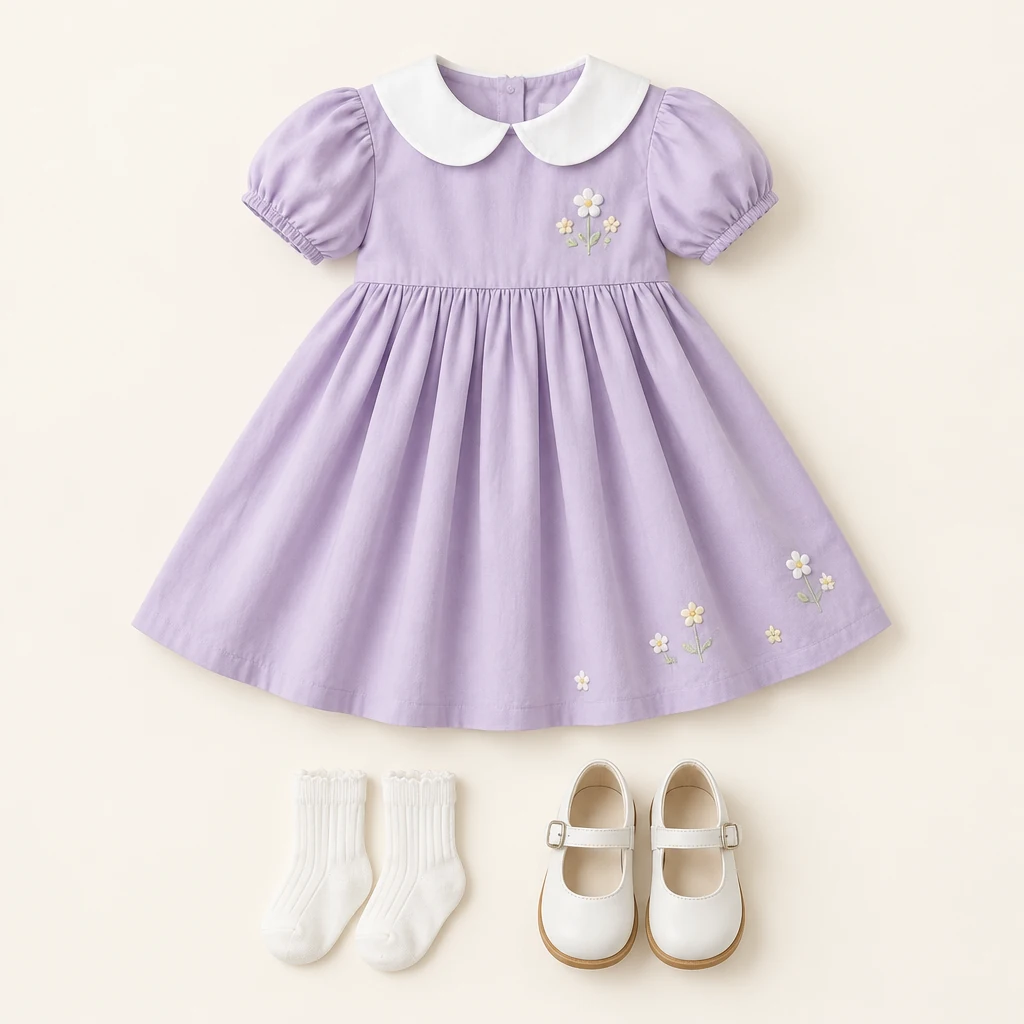
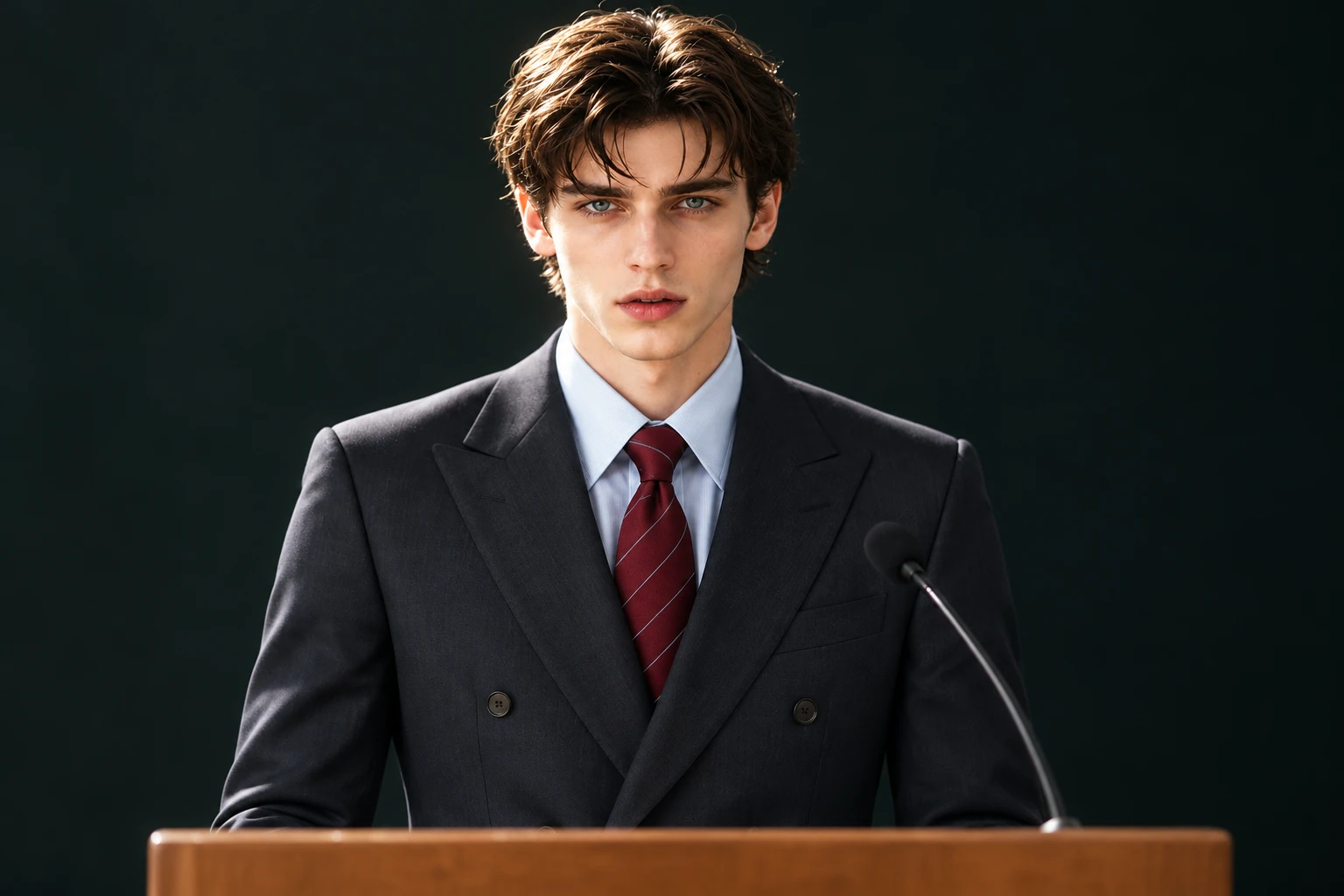
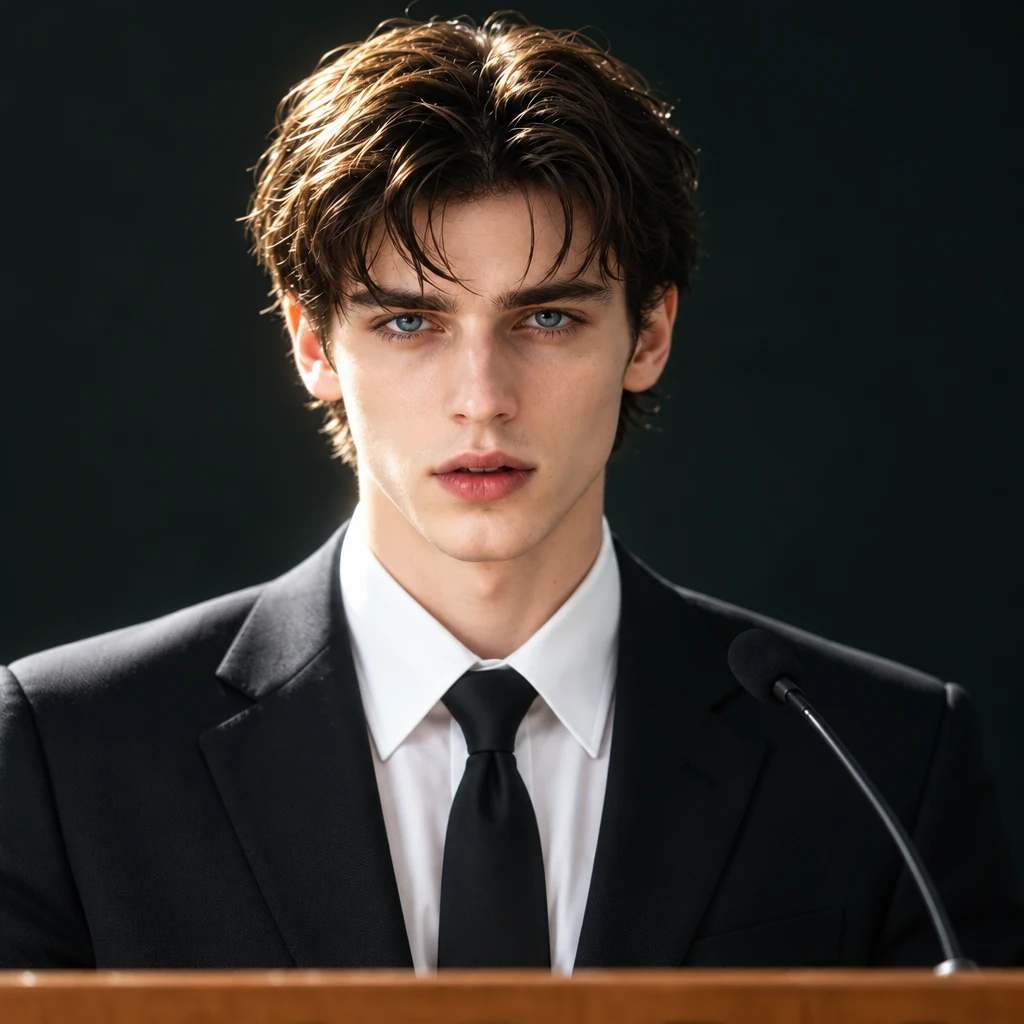
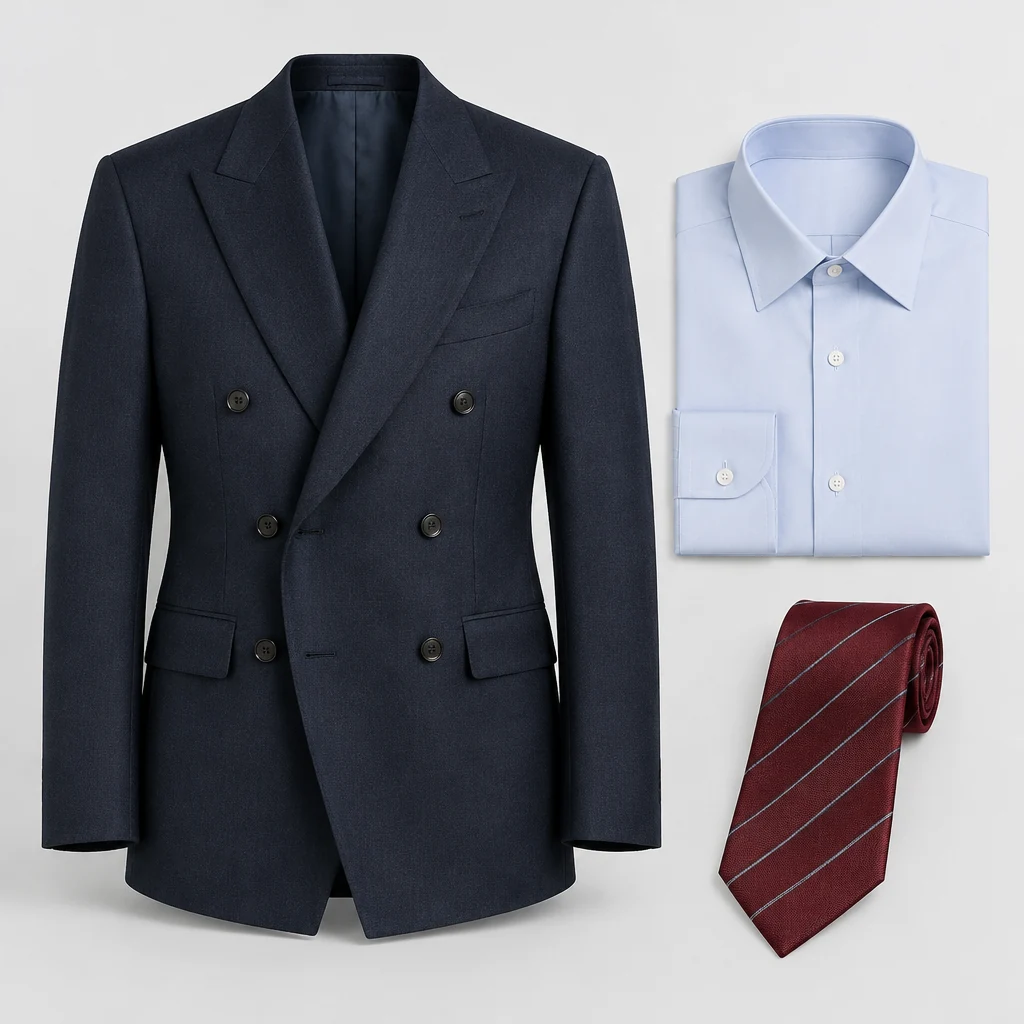
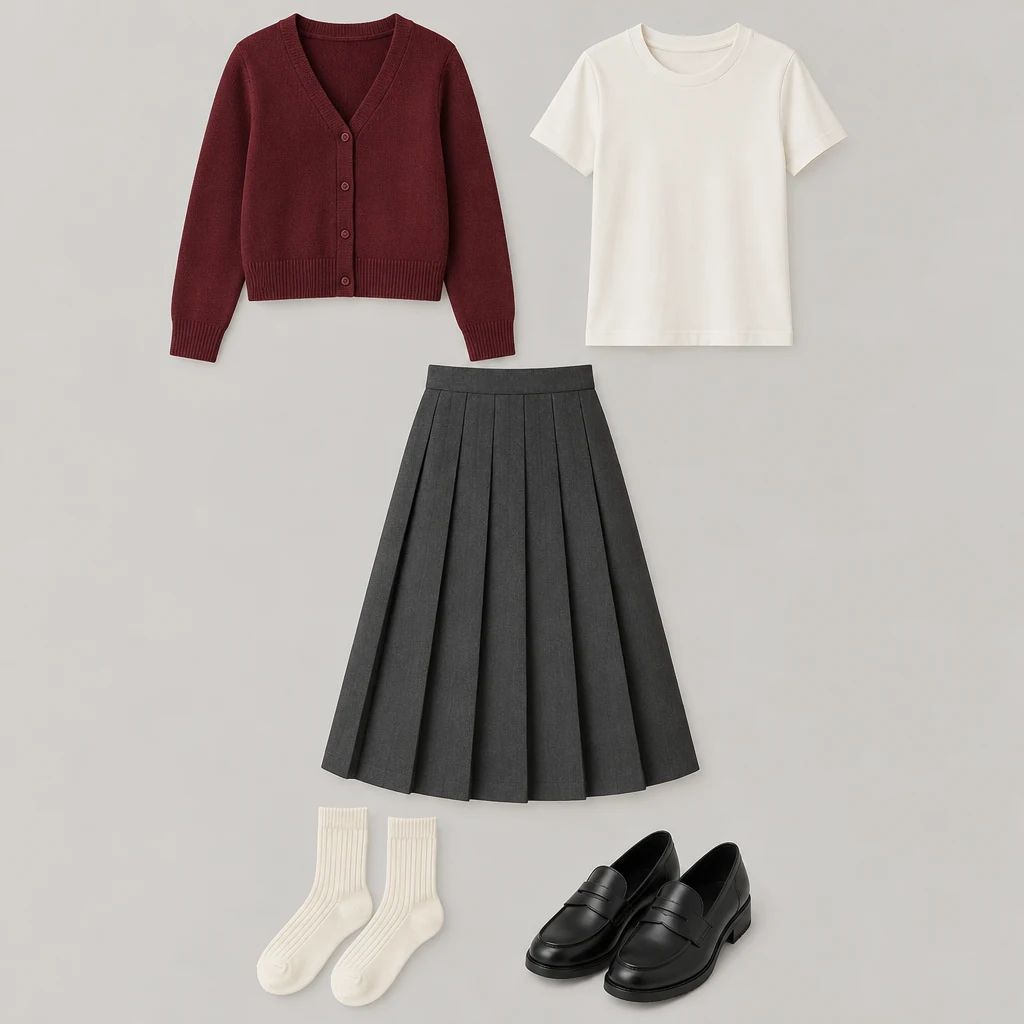
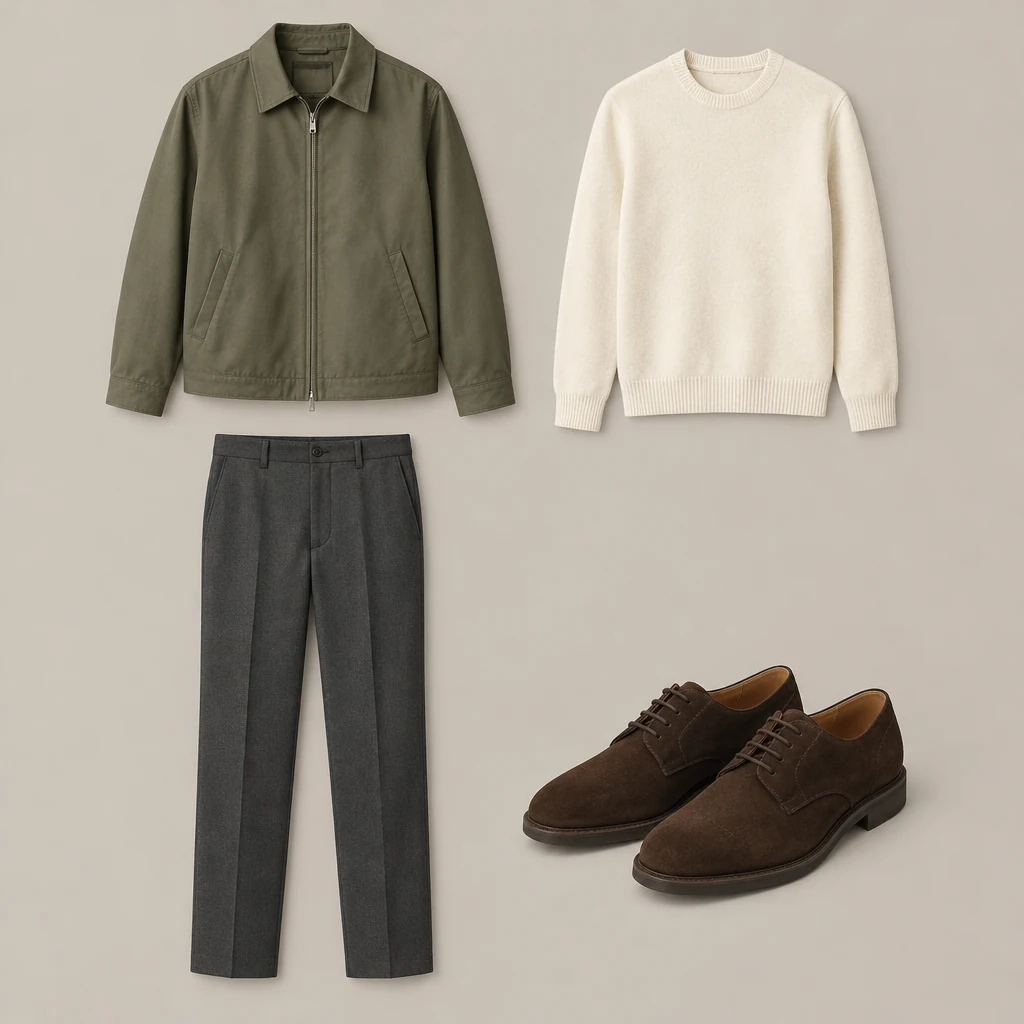
Upload the clothing image first (Image 1), then the photo of the person (Image 2).

Reference images
Model

Loading models…

Preview
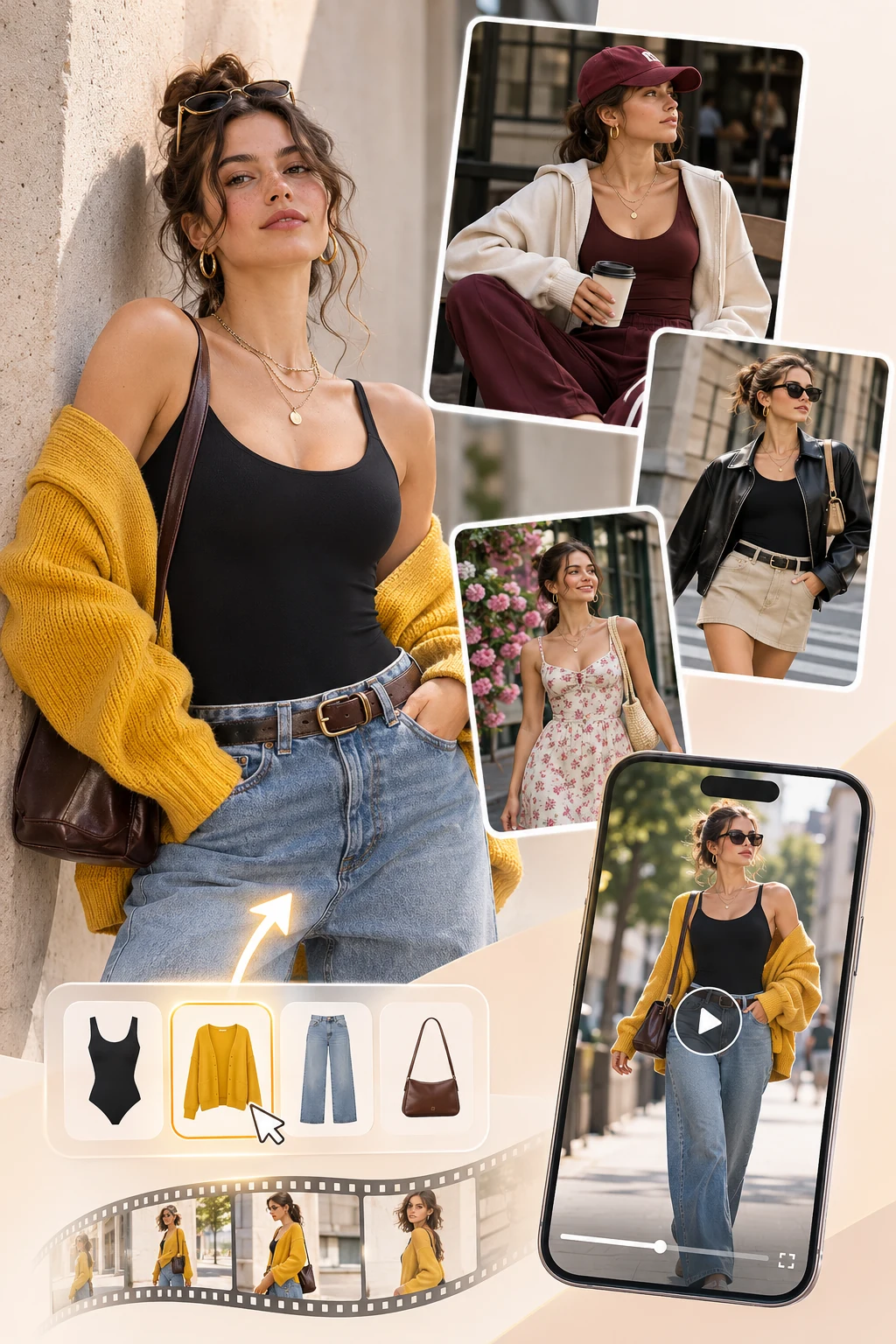
Woman in a yellow cardigan beside a collage of outfit previews on photos and a phone.

View Real Clothing Try-On Examples Across Ages and Styles

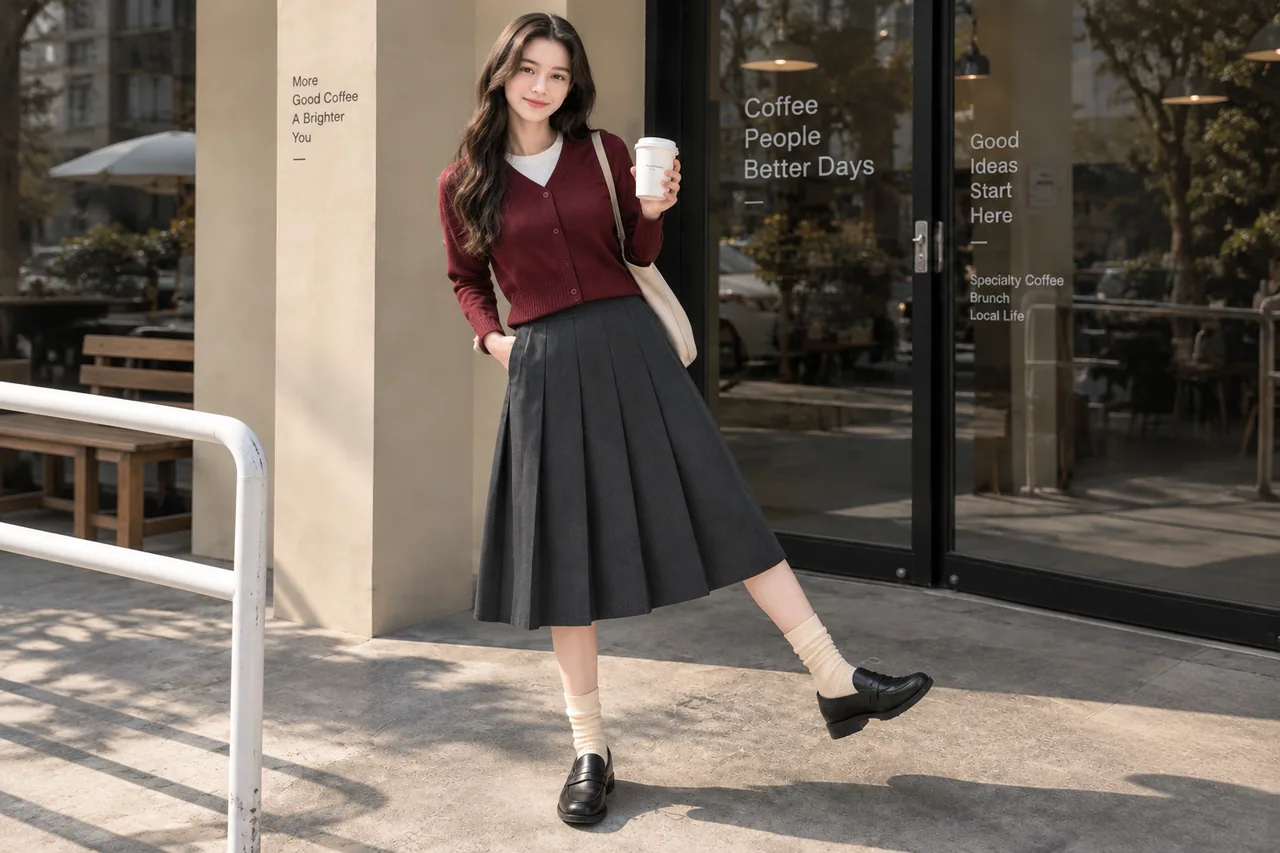
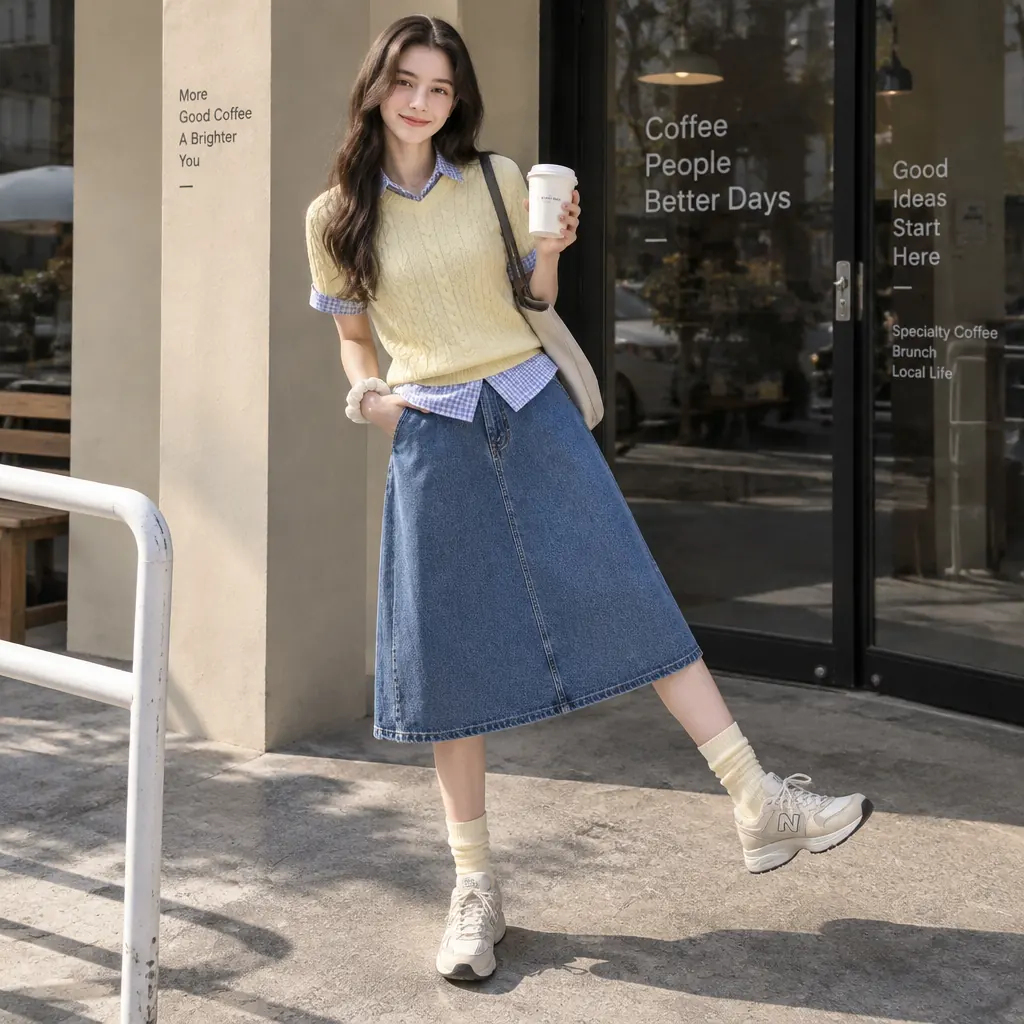
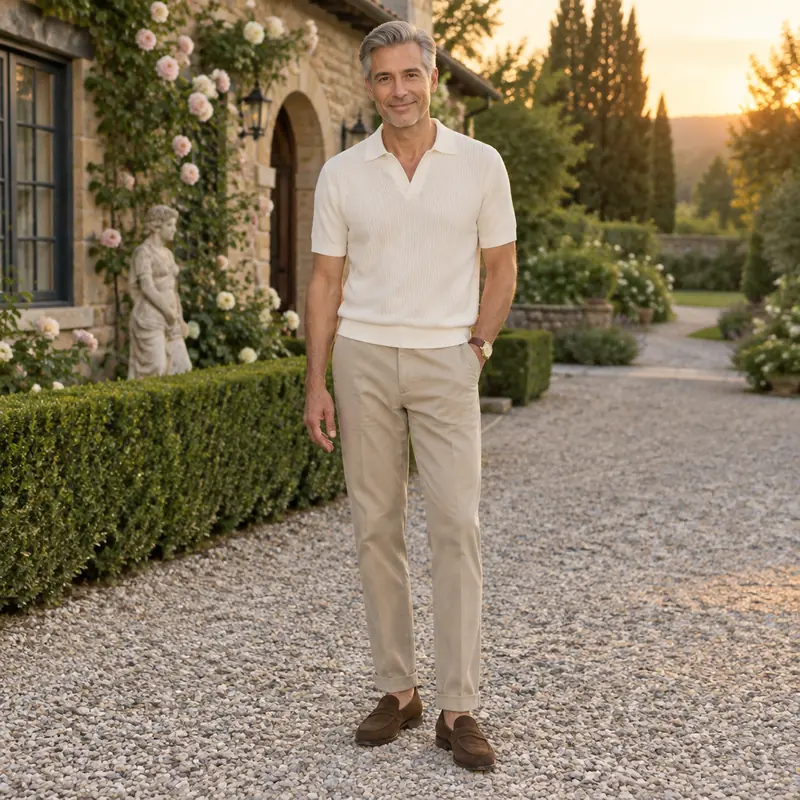
Compare high-definition try-on portraits with dynamic outfit videos to see how different garments look on diverse body types, both in still poses and in motion.

What Are the Core Features of Our AI Virtual Try-On Generator?

Realistic clothing presentation calls for both convincing garment detail and flexibility in how each piece is shown. Our core features bring these qualities together, supporting personal try-on previews and fashion content with a distinct visual identity.

Virtually Try On Any Clothes in Your Own Photos

Reference-based clothing replacement brings a selected garment into your own photo, from a shirt or jacket to a complete outfit. The edit focuses on what you wear while retaining your original appearance, pose, and background, creating a personalized try-on image within the existing composition.

Try Clothes on My Photo
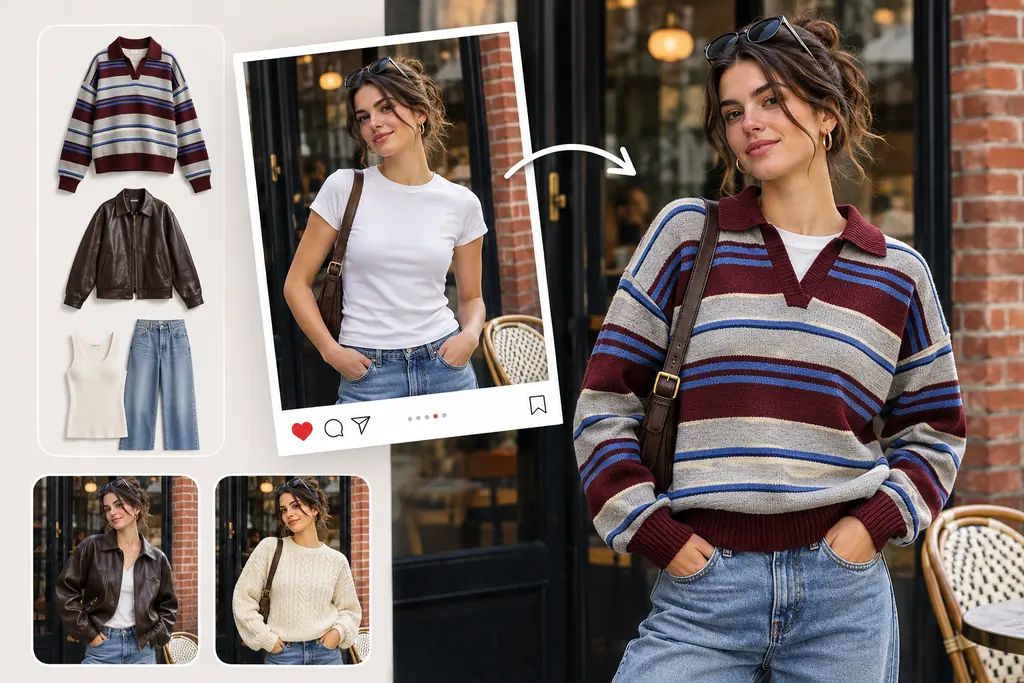
A striped sweater reference becomes a try-on result on a woman seated at an outdoor café.

Custom Virtual Model Images to Match Your Target Audience

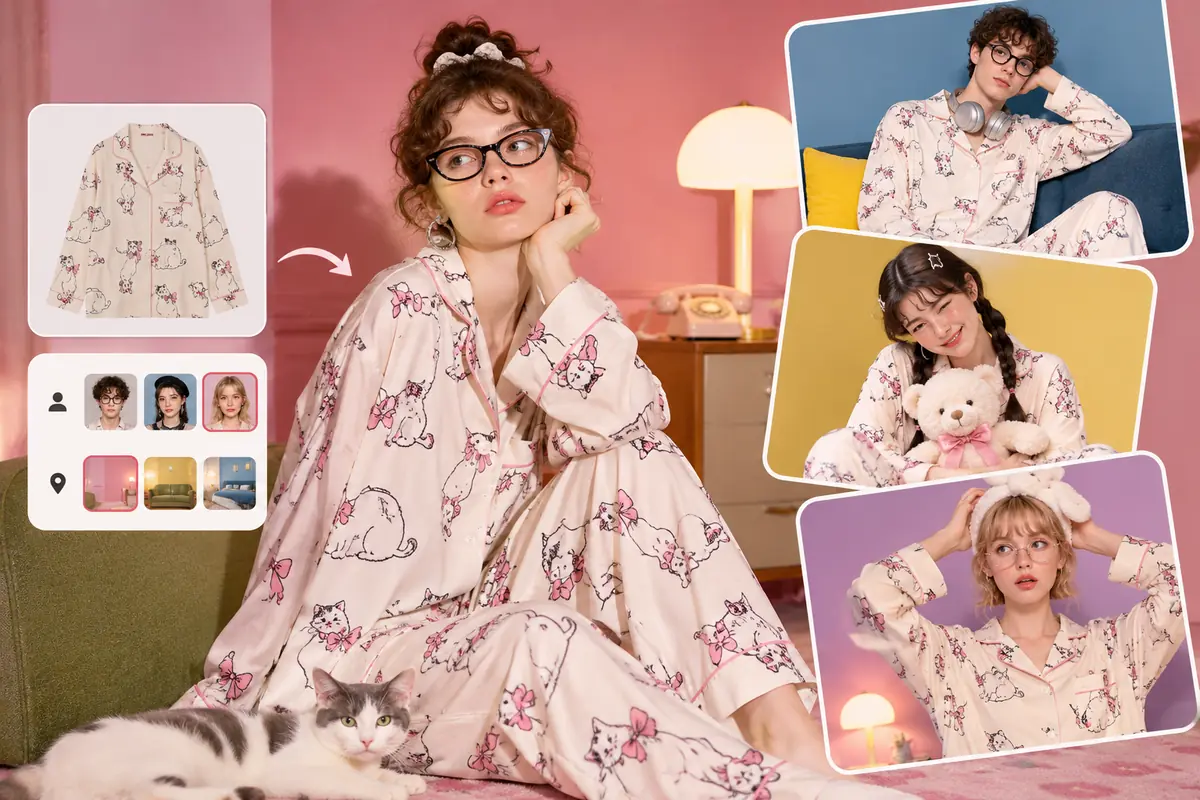
Reference images and text prompts guide the model’s appearance and background settings, aligning your visual content with specific target audiences. By showcasing clothing on relatable models, the tool helps viewers picture themselves wearing the pieces.

Create Model Photos Now
A virtual model wears a pink floral dress, with alternate portraits shown beside her.

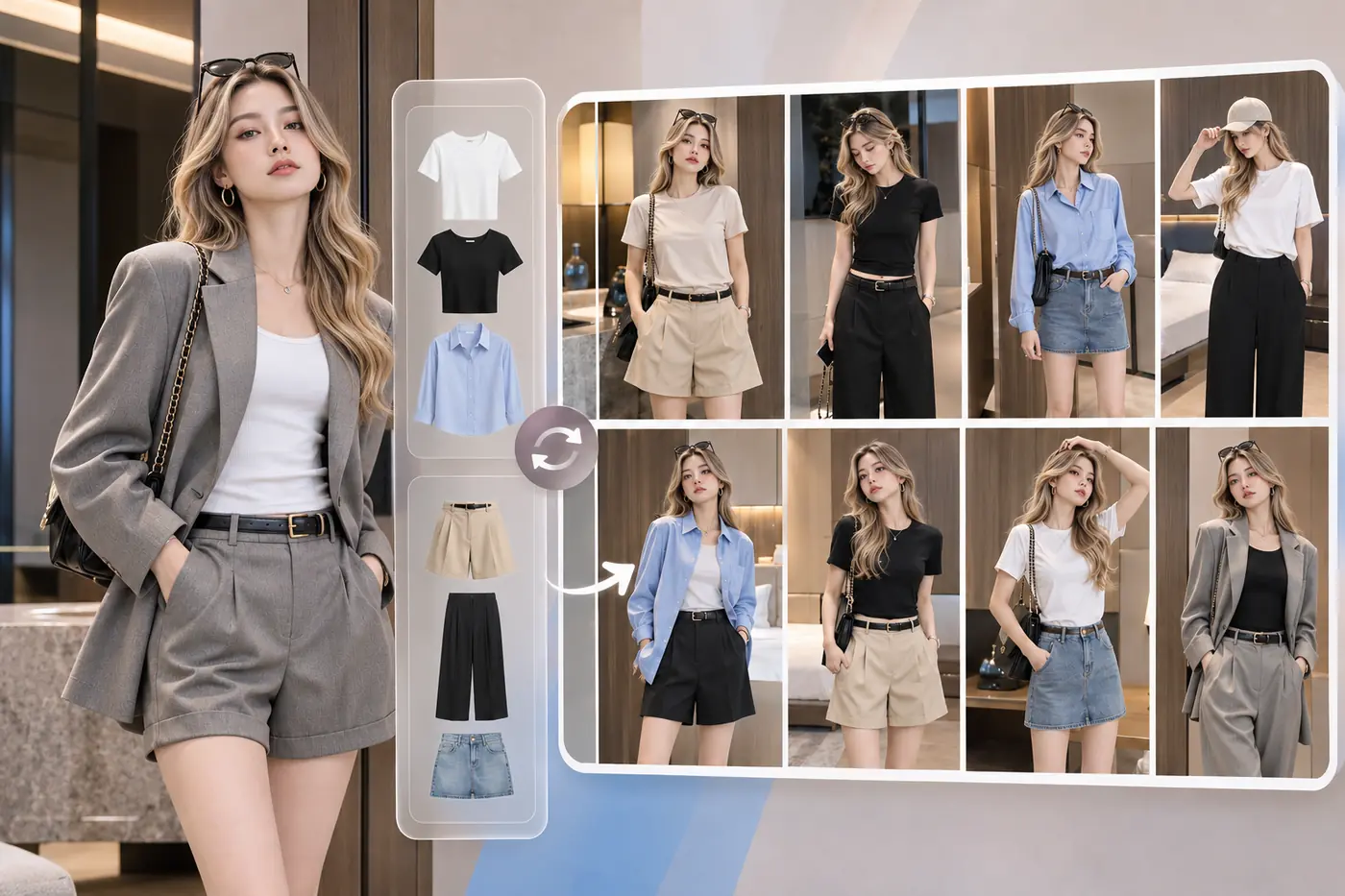
Prompt-Driven Outfit Swapping for Versatile Lookbooks

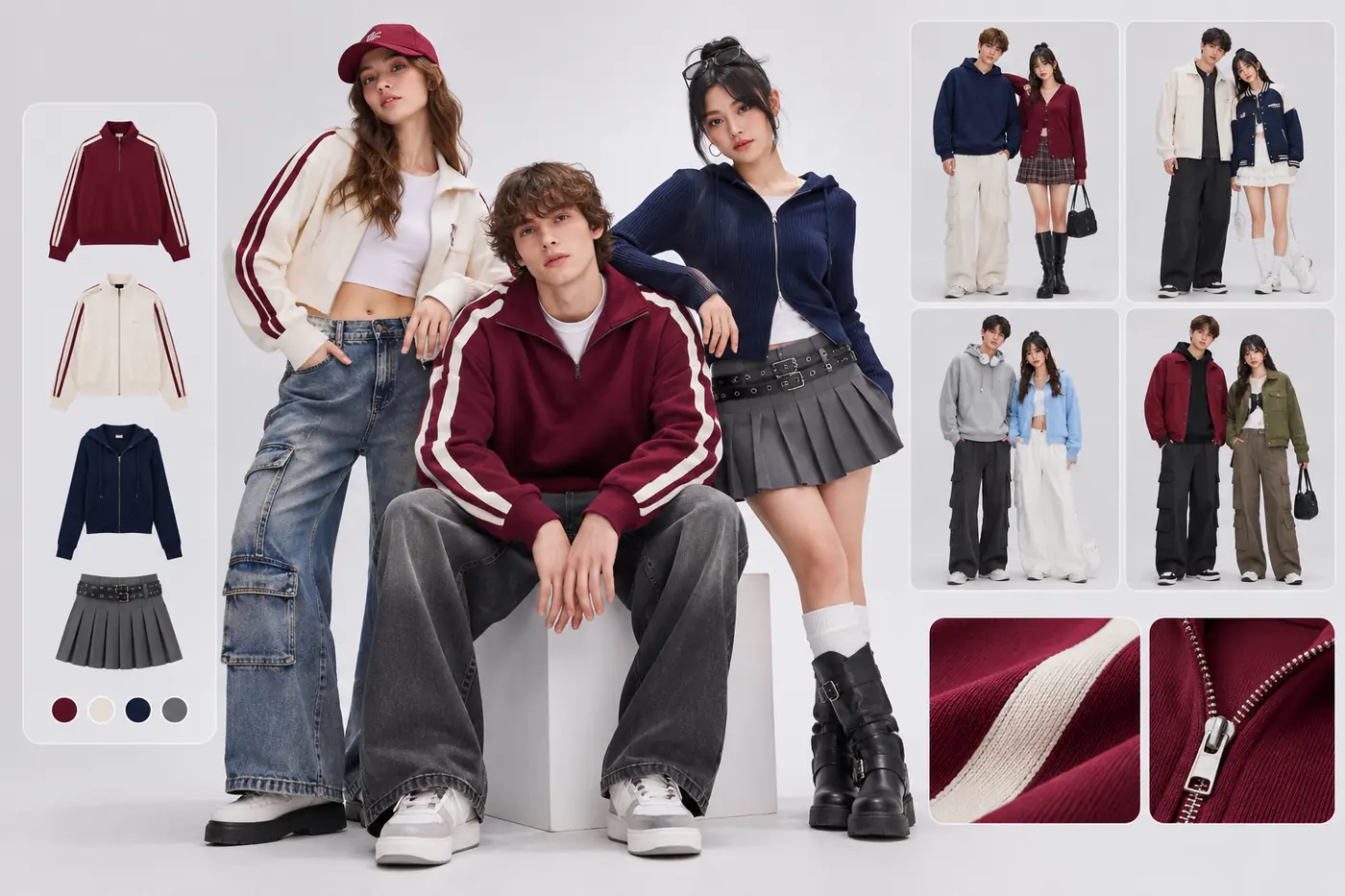
Varied styling combinations built around a single product help expand visual catalogs. Functioning as a practical AI clothes changer, the tool lets users mix and match tops and bottoms using reference images and text prompts, producing comprehensive lookbooks that boost product visibility.

Build Versatile Styling Lookbooks
A gray blazer look appears beside garment references and a grid of coordinated outfits.

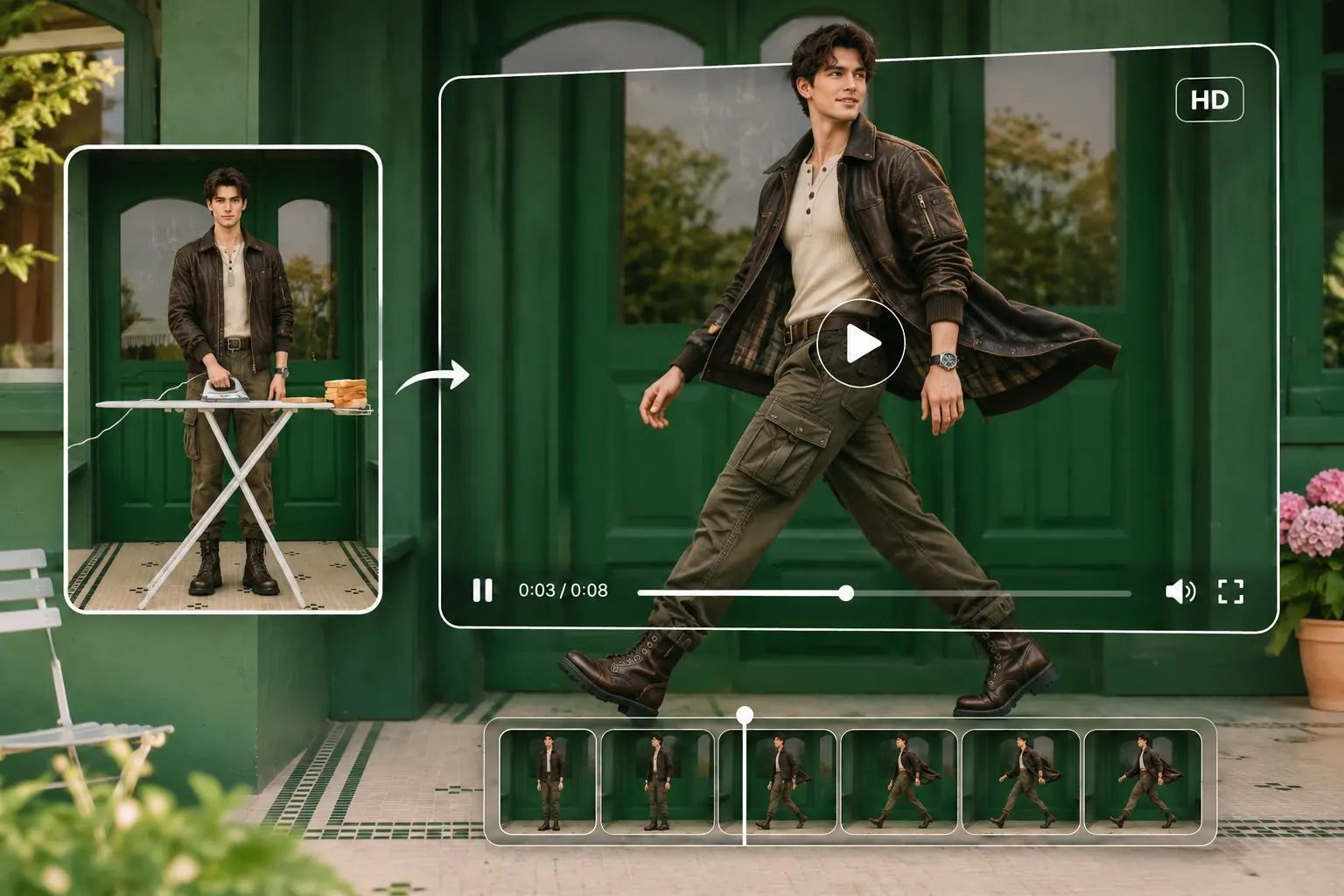
Image-to-Video Transformation for Dynamic Showcases

Converting static assets into motion-rich clips adds a new dimension to standard product shots. This image-to-video approach highlights the natural flow of garments in motion, helping capture viewer attention across social platforms and digital displays.

Generate Dynamic Fashion Videos
A fashion clip storyboard shows a model walking in a green outfit beside the source still.

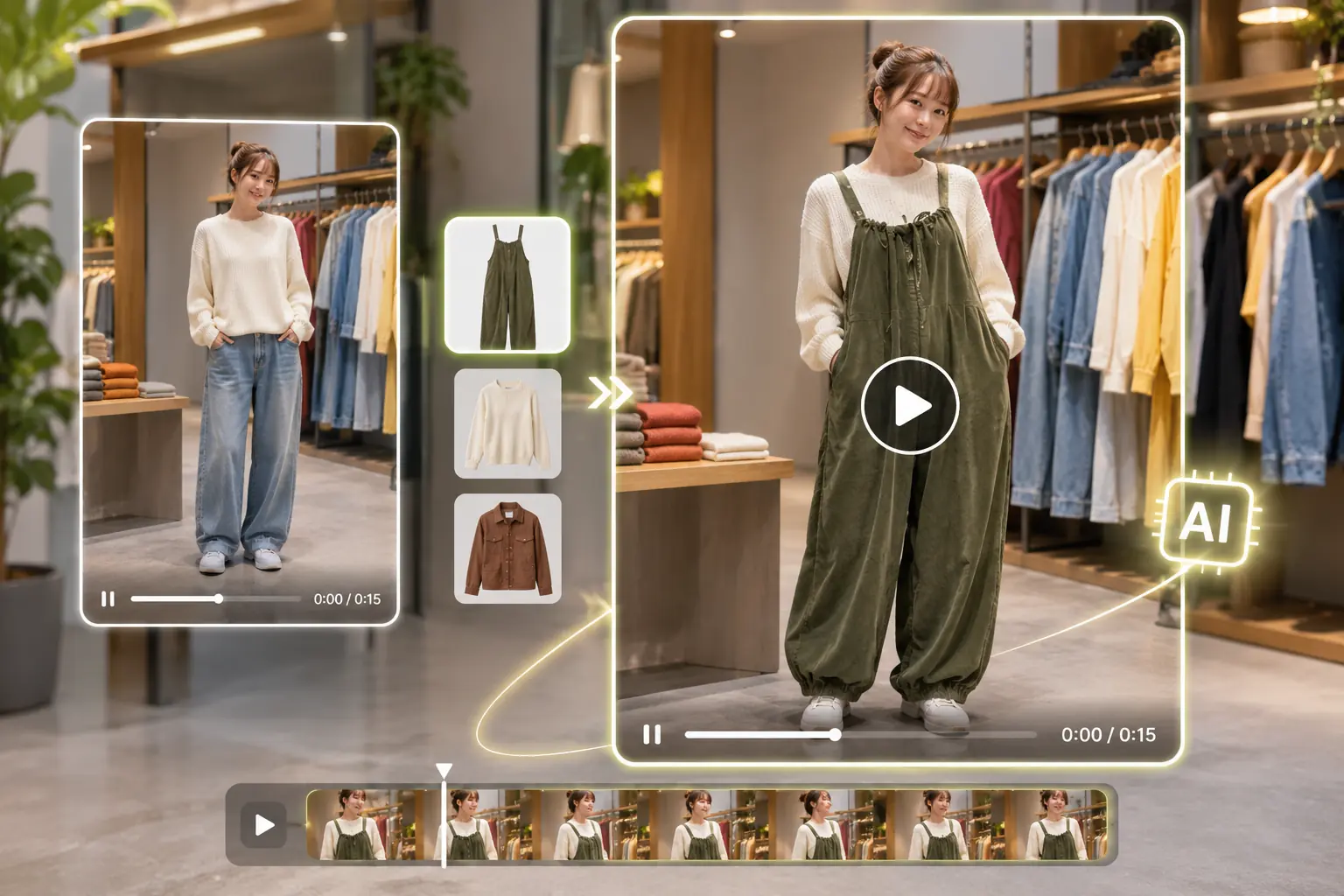
Transform Your Outfit in an Existing Video with AI

Updating the clothing in existing footage introduces new-season pieces into your product videos. Guided by garment references, outfit replacement retains the original model, scene, and movements, helping retailers refresh video content for new arrivals and seasonal promotions.

Refresh Clothing Showcase Videos
Source footage and a garment reference lead to a new olive outfit in the same clothing store.

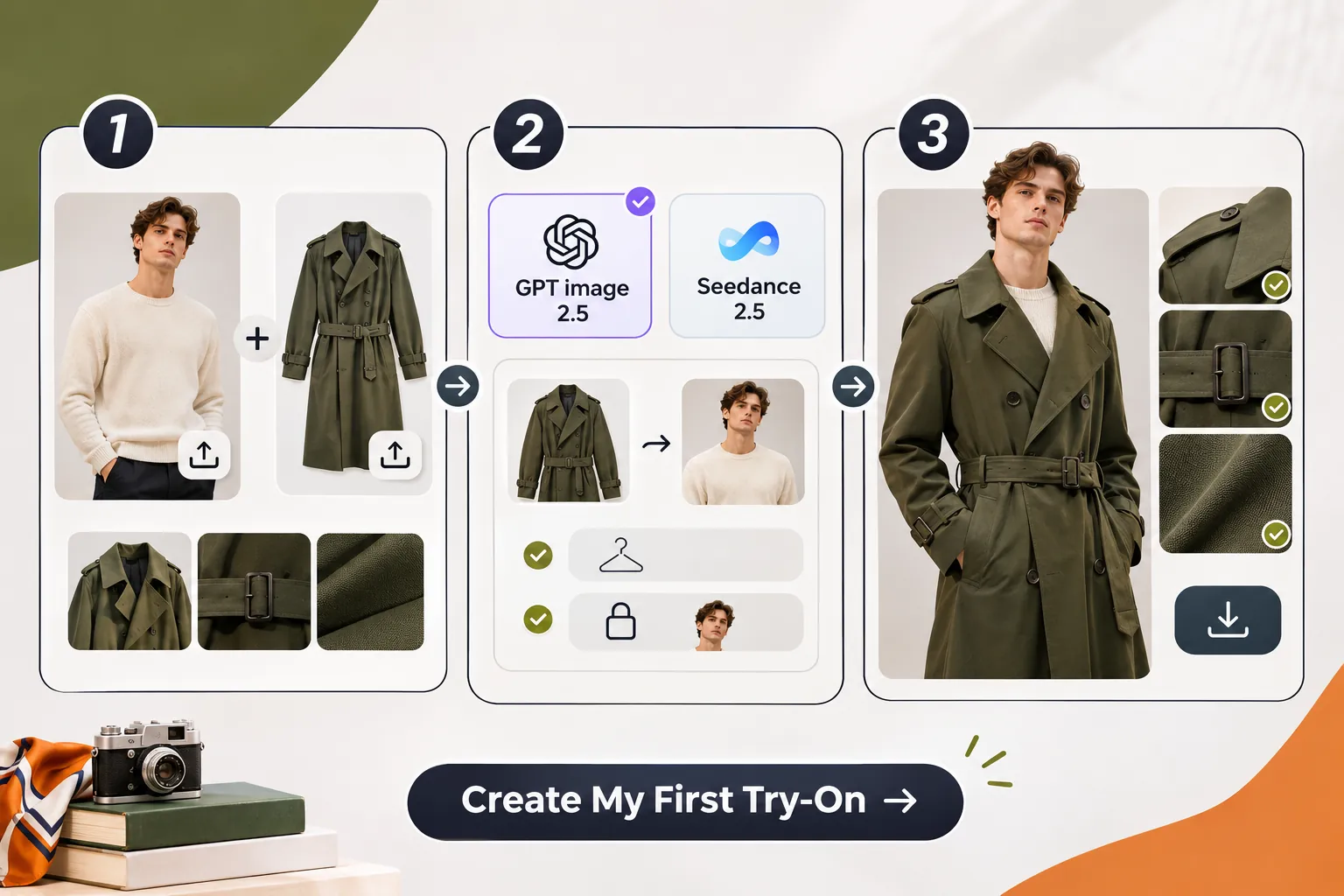
How to Try On Clothes with AI in Three Steps

Create personal clothing previews or virtual-model presentations for your products, all within the HeyTop AI workspace.

Three panels show clothing references, generation settings, and a finished jacket try-on.
01

Add Your References

Upload the original photo or clip alongside a clear clothing reference, ensuring the garment is fully visible and the person is not heavily obscured.

02

Choose a Model and Describe Changes

Select an image or video model, then describe which reference garment to apply to the corresponding source and what should remain unchanged.

03

Generate and Download

Review the generated result for clothing details and unintended changes, then download the version that meets your needs.

Create My First Try-On

Why Choose Our AI Virtual Try-On Tool?

Realistic Details and Natural Fit

Natural-looking textures, folds, and shadows give garments depth and shape, making the on-body result feel more cohesive and believable.

Cost-Effective Content Production

Less reliance on hired models, rented studios, and photography equipment helps keep production budgets manageable when creating new clothing content.

No Specialist Skills Required

Simple descriptions guide clothing changes without complex prompt formulas, while automated edits reduce the need for manual masking and compositing.

Try Image Generation Free

Evaluate image quality and suitability for your needs through a free trial before deciding whether to pay for continued use.

Who Can Benefit from AI Virtual Try-On?

Clothing decisions involve personal preferences, commercial goals, and client expectations. Virtual try-on provides a visual reference to help make those decisions clearer.

Find Clothing That Belongs in Your Wardrobe Before You Buy

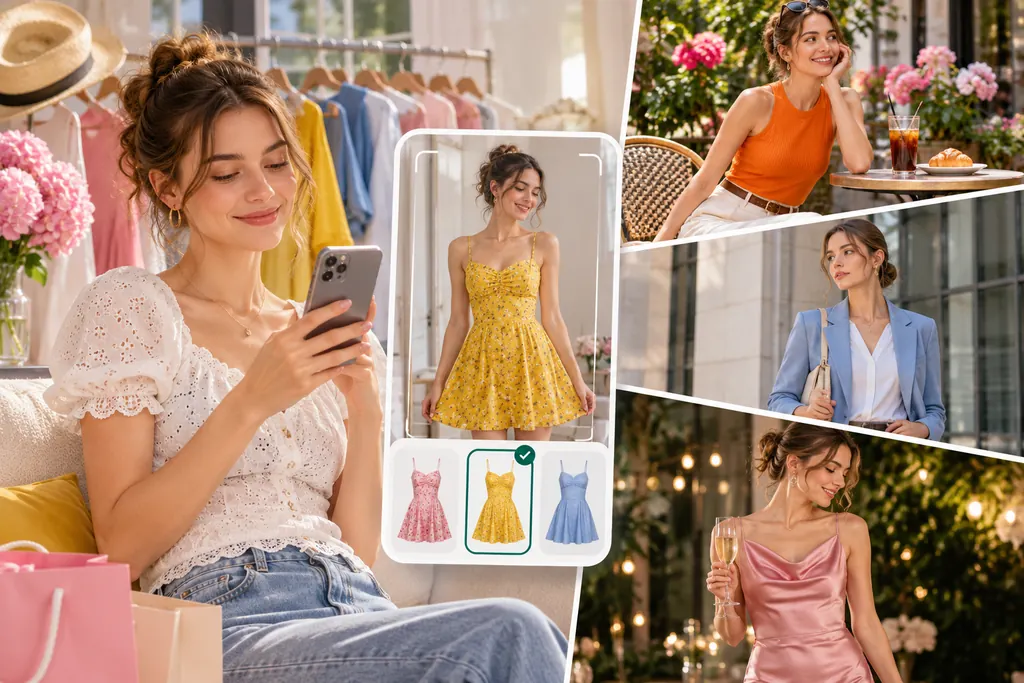
Everyday shopping, workwear updates, and special occasions often mean choosing between several appealing pieces. Trying on clothes online with your own photo helps you judge which colors and styles complement your appearance and wardrobe. Narrow your shortlist before committing your budget.

A shopper holds a phone beside a collage of dress previews in different colors and styles.

Frequently Asked Questions

What is an AI Virtual Try-On Generator?

An AI virtual try-on generator uses person and clothing references to create an image of someone wearing a selected garment. It provides a visual reference for personal clothing choices or virtual-model product presentations, with selected images also available as starting points for outfit videos.

Do I need a clothing reference image?

A reference image is recommended for a specific garment. Text descriptions alone are better suited to exploring a general clothing style than reproducing an exact item.

Can I try on clothes with my own photo?

Yes. Use a clear, well-lit full-body or upper-body photo with the intended clothing area visible, avoiding heavy obstructions and extreme poses.

What types of clothing can I try on virtually?

Options include shirts, trousers, dresses, jackets, suits, and coordinated outfits, covering individual garments and complete combinations.

How accurate is AI virtual try-on for choosing clothes?

Results offer a reference for color, styling, and overall appearance—not physical fit or sizing. Details and proportions may vary, so check the retailer’s measurements and fabric information before buying.

Is it safe to upload my photo?

HeyTop AI uses data protection measures to help safeguard your photos during processing. Avoid uploading sensitive images, and only use photos of yourself or people who have given permission.

Is the AI Virtual Try-On Generator free to use?

You can generate a limited number of try-on images for free. Video generation uses credits, and the amount depends on the options you select. For details, see our subscription plans.

Start Creating Your Own AI Virtual Try-On Looks Today

⭐⭐⭐⭐⭐ 4.8/5 Trusted by creators worldwide
Try Your First Outfit Free