
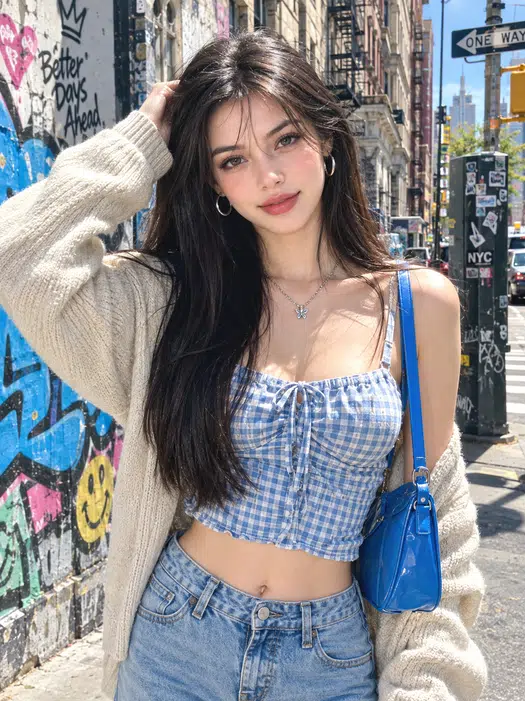
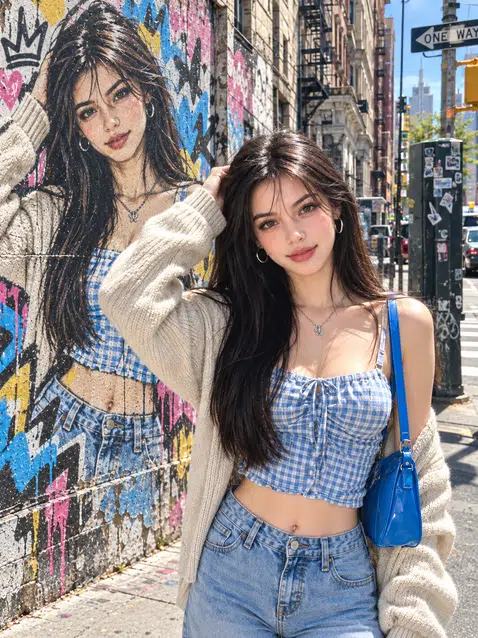
 Before
After
Before
After
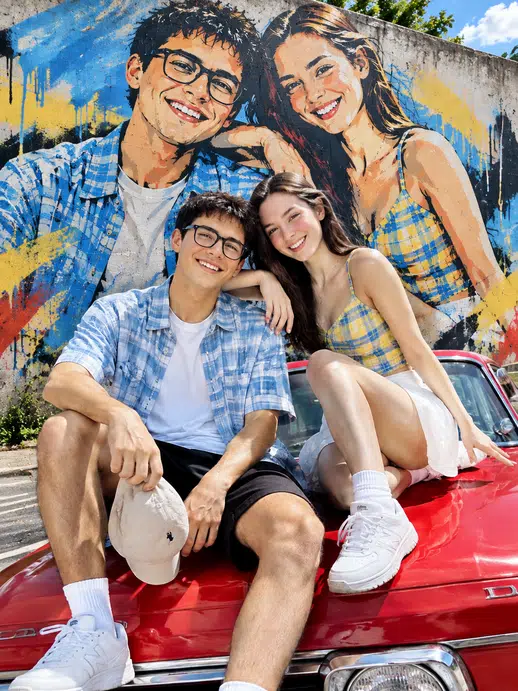
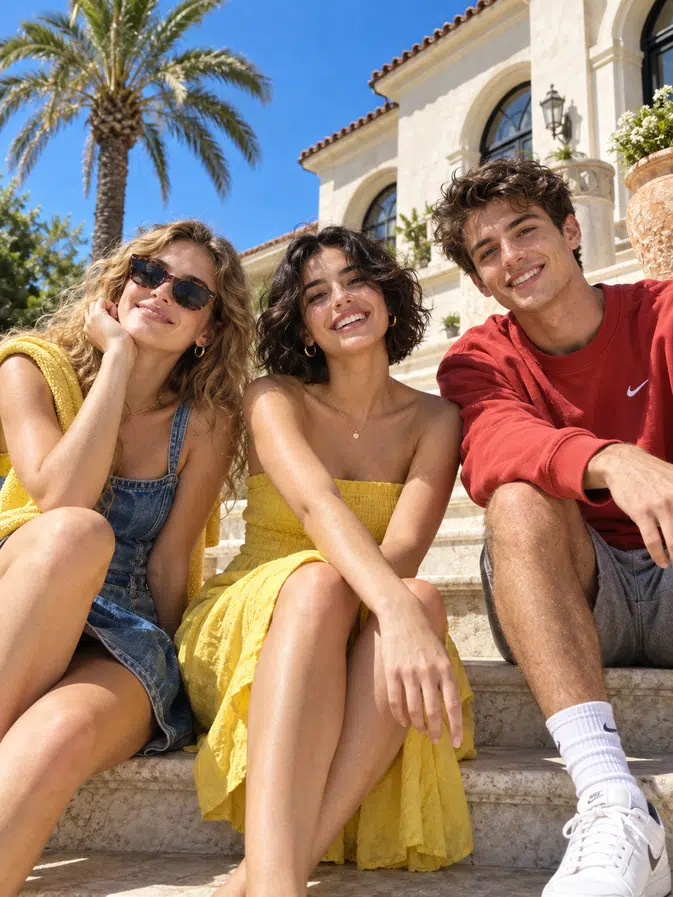
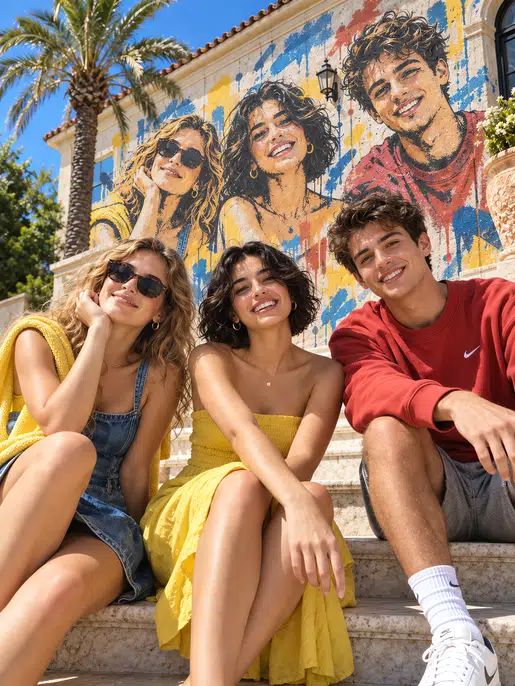
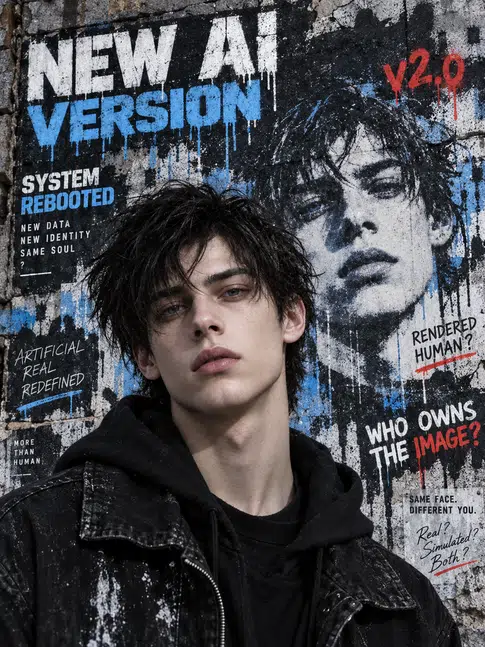
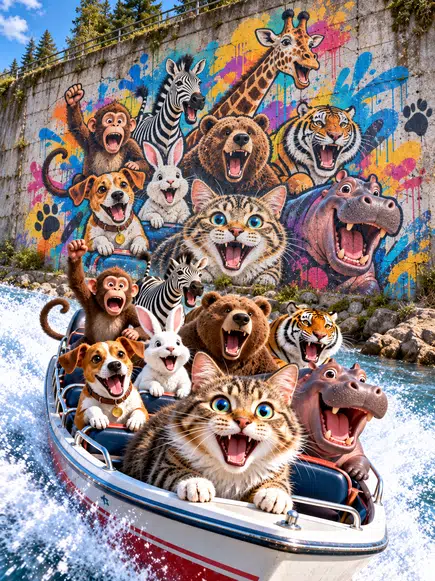
Upload one clear shot — yourself or the whole crew — and the AI rebuilds it as a hand-sprayed piece on the bricks, with real paint drips and raw color. Your face stays sharp, the backdrop goes full street, and it's free to try, HD to save, ready to post the moment it's done.
Loading models…
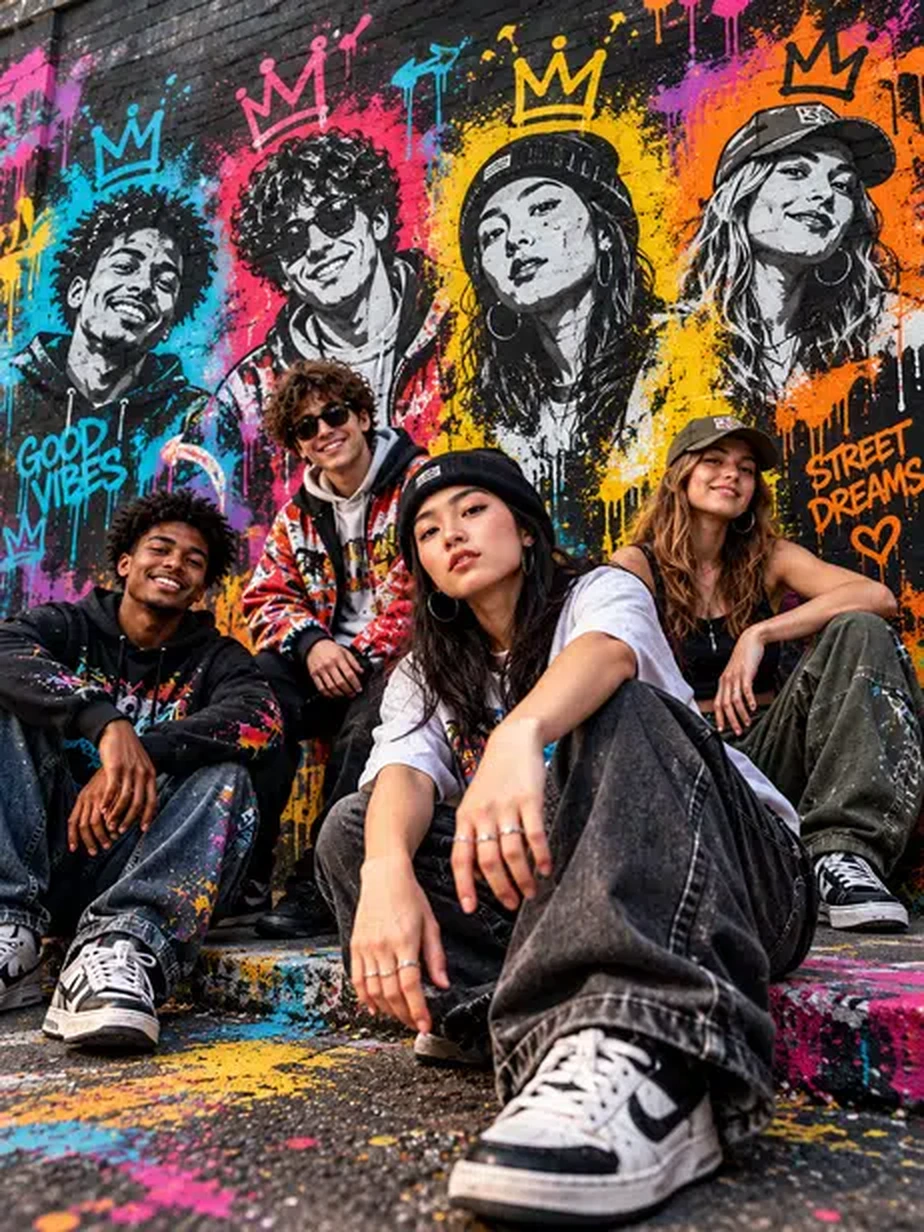
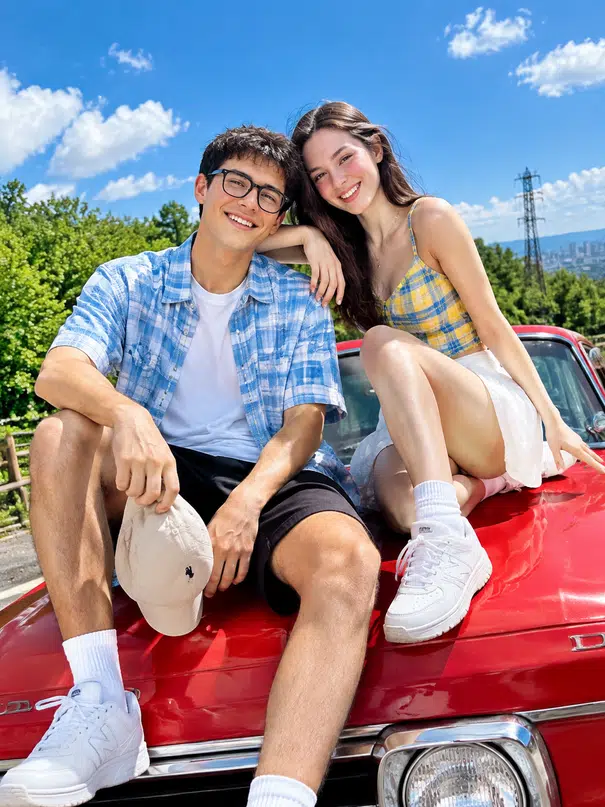
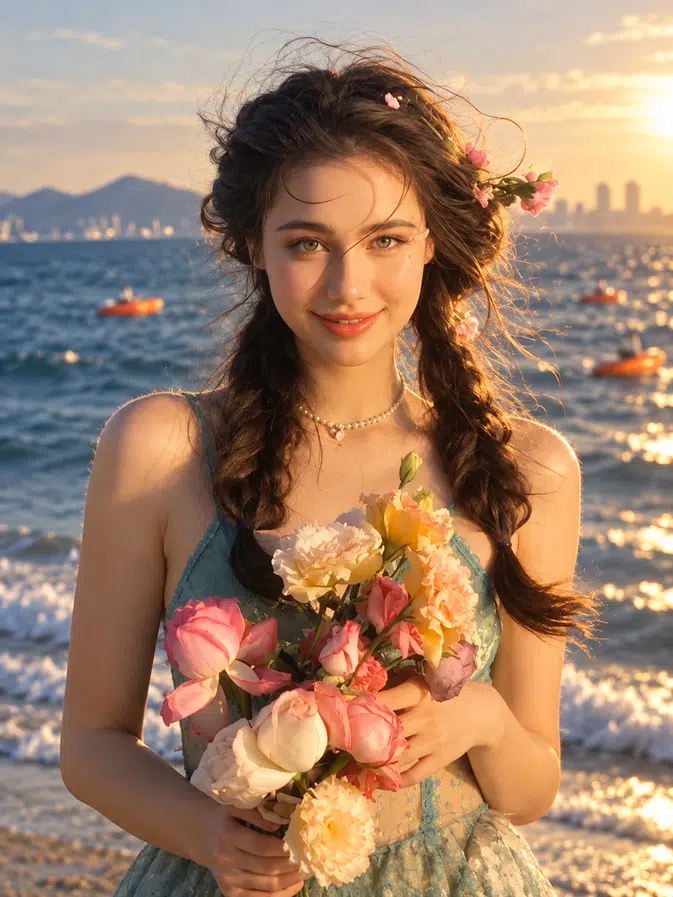
Selfies, couple shots, creator portraits, even music-cover ideas — this effect handles them all. It keeps the main subject true to life while building a large graffiti-style mural, spray-paint texture, and raw wall details behind the person.
Before
After
 Before
After
Before
After
 Before
After
Before
After
 Before
After
Before
After
 Before
After
Before
After
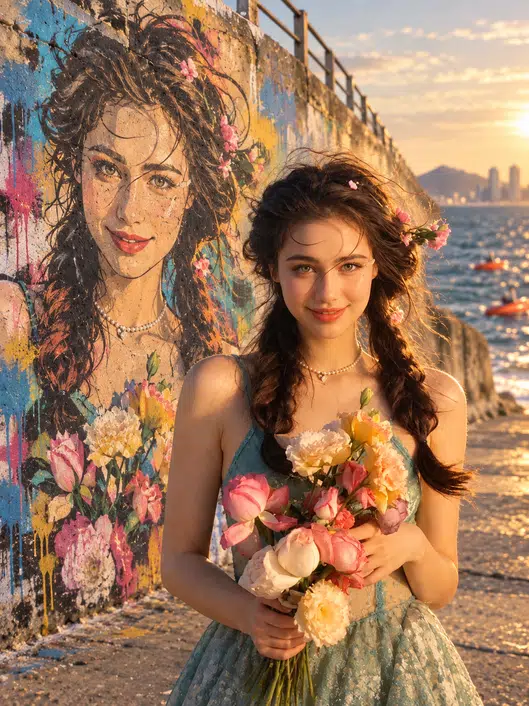 Before
After
Before
After
The Me and My Street Graffiti AI Effect is designed to make graffiti creation fast, flexible, and easy to personalize — turning a single upload into bold street-style artwork while keeping every photo recognizably yours.
Prompt comes pre-tuned and built in, so there's nothing to write or set up — drop in a photo, click once, and a mural-style street artwork comes back, colors, spray texture, and attitude included. Even if tools like this are new to you, it doesn't get any easier.
Generate in One Click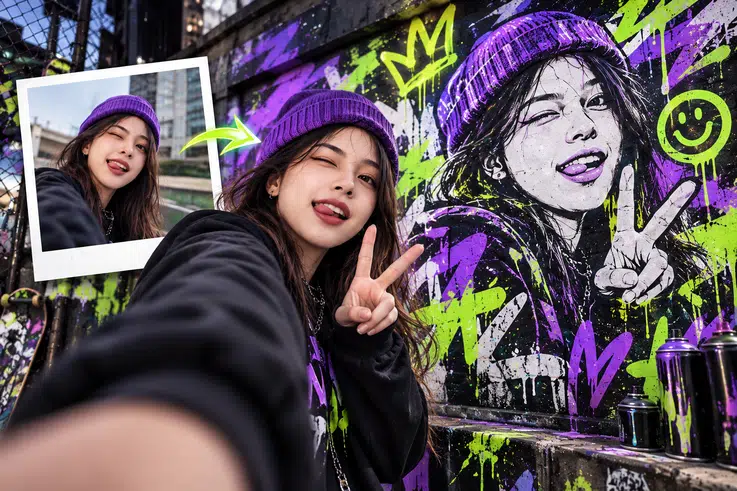
Before anything else happens, the AI locks onto the facial features, expression, and pose in your upload — and doesn't let go of them through any of the steps that follow. The world around you can turn into full-blown graffiti; the person in the middle of it stays unmistakably you.
See Yourself in Graffiti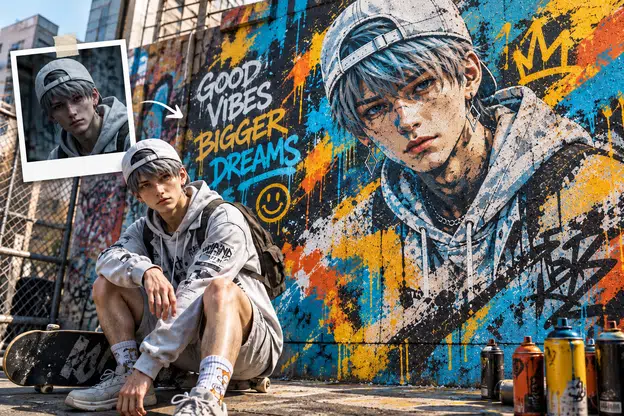
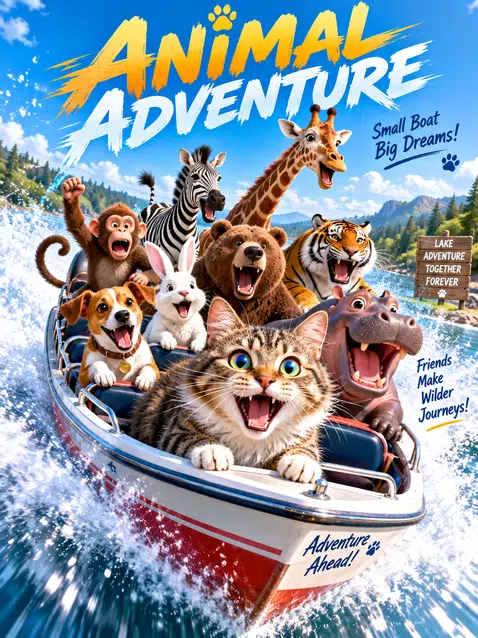
Selfies are just the start — your dog, a group shot with friends, even a pair of sneakers can all go through the same transformation. The look adapts to each subject's shape and details, so whatever you feed it ends up looking like it was made for a wall.
Graffiti Any Photo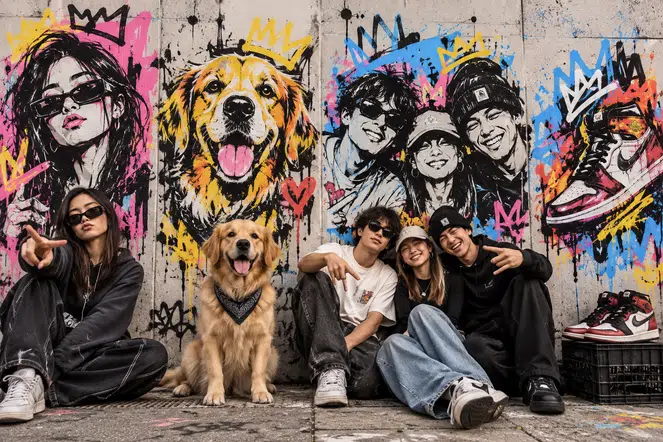
One picture doesn't have to mean one result. Run the same image a few times, compare the takes, and keep your favorite. Want a bigger say in the outcome? Open up that preset prompt and tweak it — switch the style, adjust the palette, add new elements — then regenerate until what's on screen matches what you had in mind.
Customize Your Version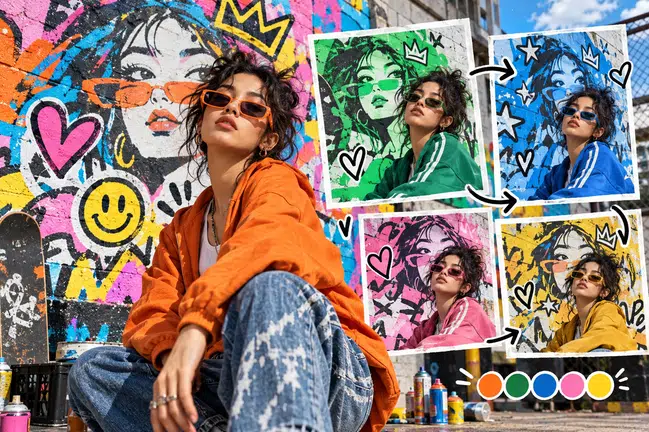
Three steps are all it takes to turn one photo into a street graffiti scene, right in your browser. No editing skills needed, and the finished image is ready in ultra HD.
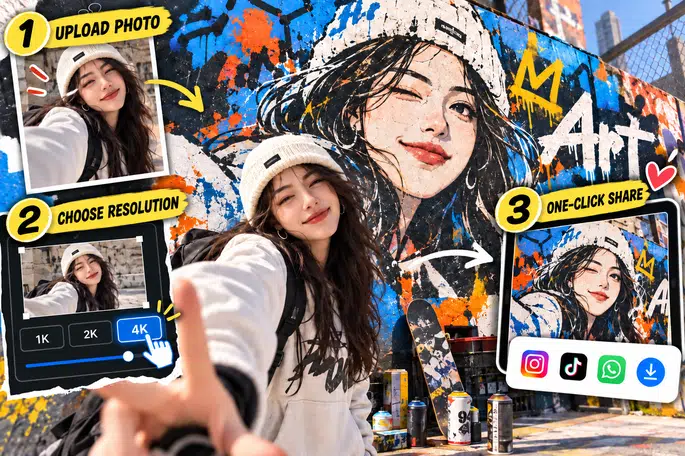
Use a clear portrait, couple photo, or group photo where the main subject is easy to recognize. Well-lit shots usually blend into the wall more naturally.
Choose the image size first, then set the output to 1K, 2K, or 4K. A quick social post works fine at 1K, while 4K keeps every detail sharp enough for wallpapers and prints.
Generate the street graffiti scene and check the result in the preview. Save the ultra HD file to your device, or share it straight to Instagram, TikTok, and WhatsApp.
Your photo transforms into a full graffiti scene in just seconds. That speed lets you test a few takes, keep the one that hits hardest, and post while the trend is still hot.
Generated at up to 4K resolution, every spray texture keeps its edge, sharp enough for phone screens, desktop wallpapers, and even prints.
Bright outdoor selfies or dim night shots, the AI reads the light and tone of your photo and blends the graffiti effect in naturally, so it looks painted on the wall, not pasted on top.
Every image you upload or generate is used only to create your result. It is never reused, never shared with third parties, and cleared from our servers automatically.
From social media visuals to personal art projects, this AI effect opens up endless creative possibilities. Explore the most popular ways people are using it below.
Selfies, travel shots, and pet photos can all become graffiti-style artwork for your daily posts and stories. You don't need any editing experience — just upload a photo and the effect does the rest. With bold colors and spray-paint textures that catch the eye right away, your content naturally picks up more likes, comments, and new followers.
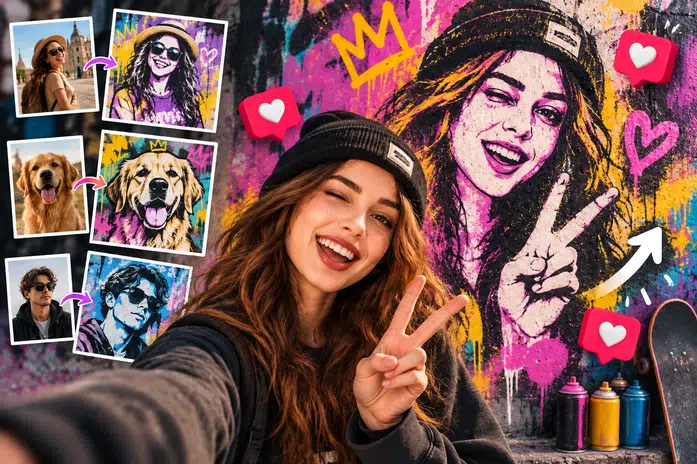
Design mixtape art, single visuals, and party posters that feel as bold as your sound. You can generate a few different versions for the same track and pick the one that fits its mood best. Graffiti and hip-hop share the same roots, so everything you release feels true to the culture from day one — no designer budget needed.
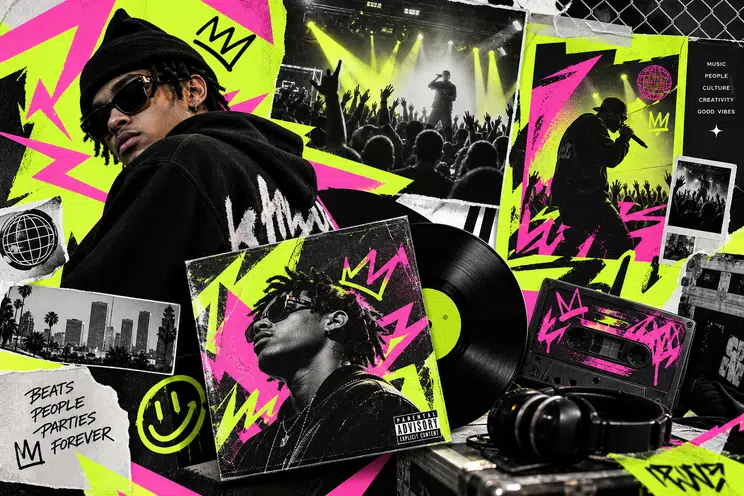
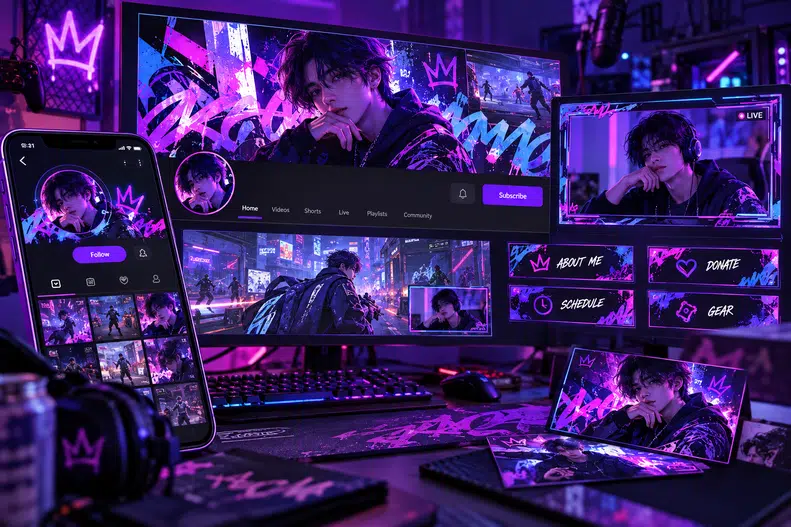
Use the graffiti effect on your portraits and game characters to create banners, overlays, and profile graphics that all share the same look. And when you want a fresh update, you can restyle everything in minutes without starting from scratch. When everything feels like it belongs together, your channel becomes instantly recognizable among thousands of creators.
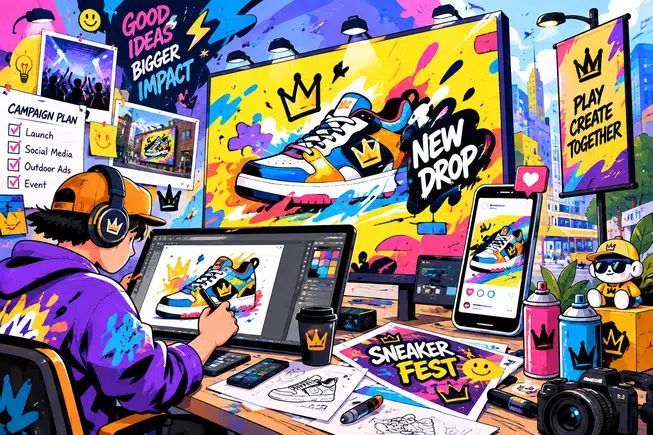
Need visuals for a product launch, an event promotion, or a new ad creative? You can have professional-quality graffiti art in minutes, without waiting on a design team. The urban, edgy style gives your marketing materials instant impact, helping your campaigns cut through the noise and resonate with younger audiences.
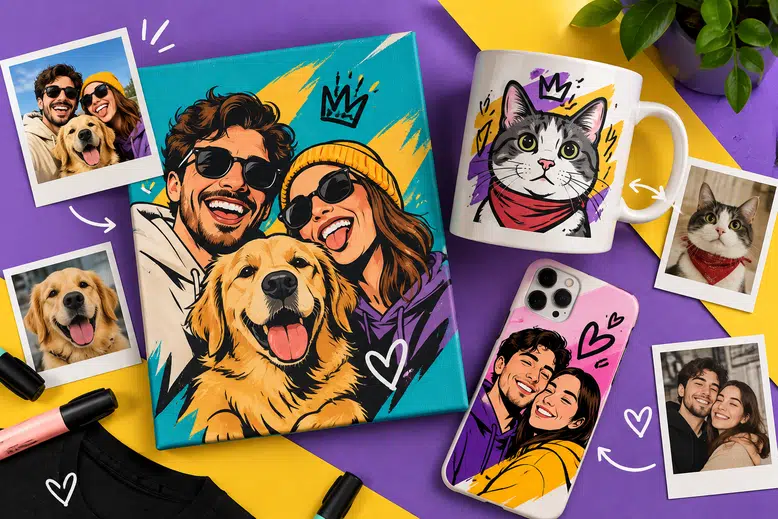
Take a photo that means something and turn it into custom graffiti art for birthdays, anniversaries, and holiday surprises. It works for almost any photo — a couple's portrait, a family moment, or a picture of a beloved pet. Printed on a canvas, a mug, or a phone case, it becomes a heartfelt gift that no store-bought present can match.
“I used the Me and My Street Graffiti Effect for an early single cover idea, and it gave my portrait the street-wall energy I had in mind. The mural behind me did not feel like a random background; it felt connected to the person in the photo. That made the image much easier to build a music visual around.”
“I tried it with a simple outdoor portrait, and the result felt closer to an urban poster than a filtered photo. The street mural photo effect added scale and attitude without burying the original subject. It worked especially well for the kind of street-style portraits I usually shoot.”
“I wanted a profile image that felt different from another clean studio portrait, and this gave me a stronger direction right away. The Me and My Street Graffiti AI Filter added a street-art mood while still keeping my face as the focus. It looked bold enough for social posts but still felt like me.”
“I used it with a model photo while planning visuals for a streetwear drop. The AI street graffiti effect matched the clothing style better than a plain city background and helped the image feel more campaign-ready. It gave the outfit more context without needing a full shoot location.”
“The useful part is that it feels like a photo to graffiti effect with a clear idea behind it. I did not just get a painted wall; I got a portrait scene with foreground, scale, and a strong visual hook. It gave me enough structure to start exploring a poster layout.”
“I tested it with a casual selfie for a community event post, and the image immediately felt more energetic. The AI urban portrait effect made the visual stand out without turning it into something too polished or corporate. For announcements and creator spotlights, that street-art look feels much more natural.”