
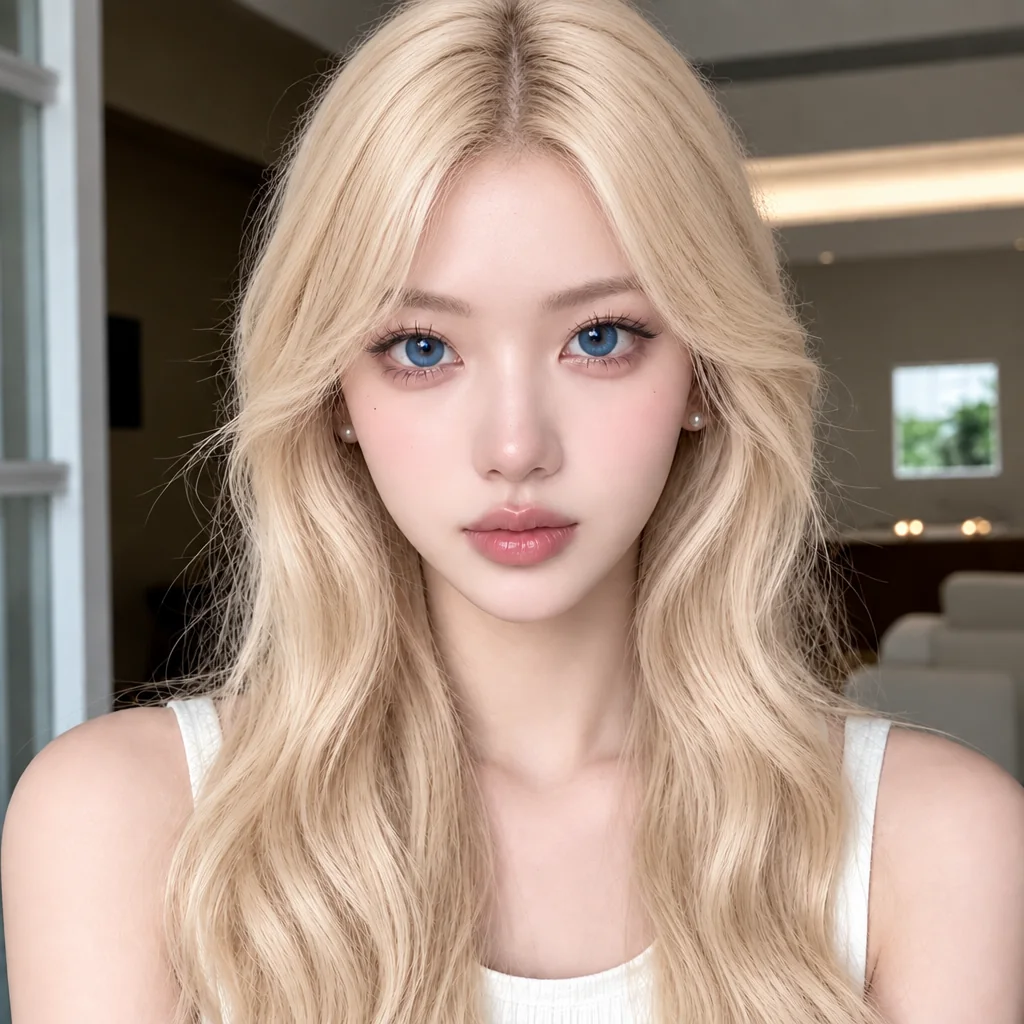
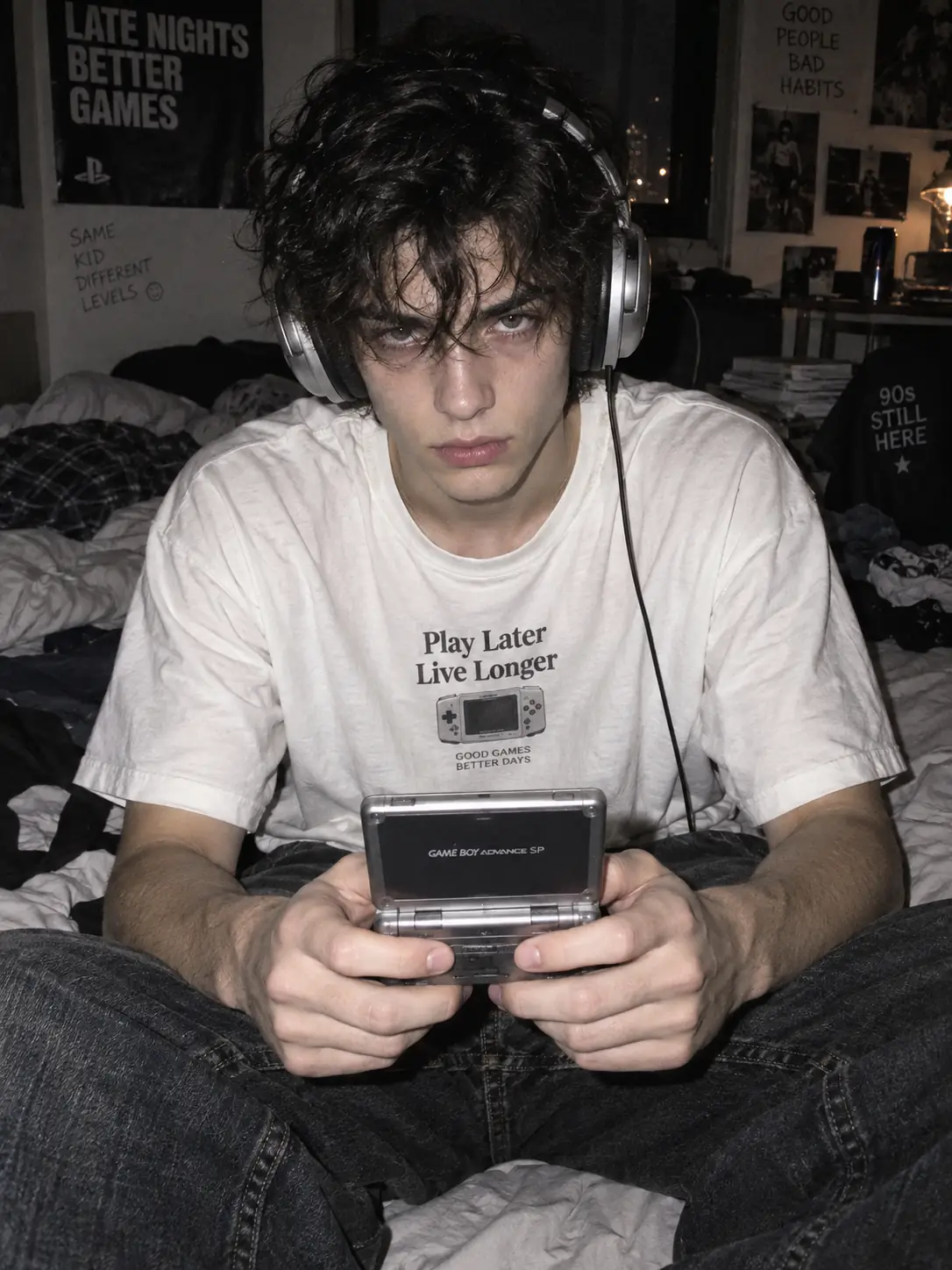
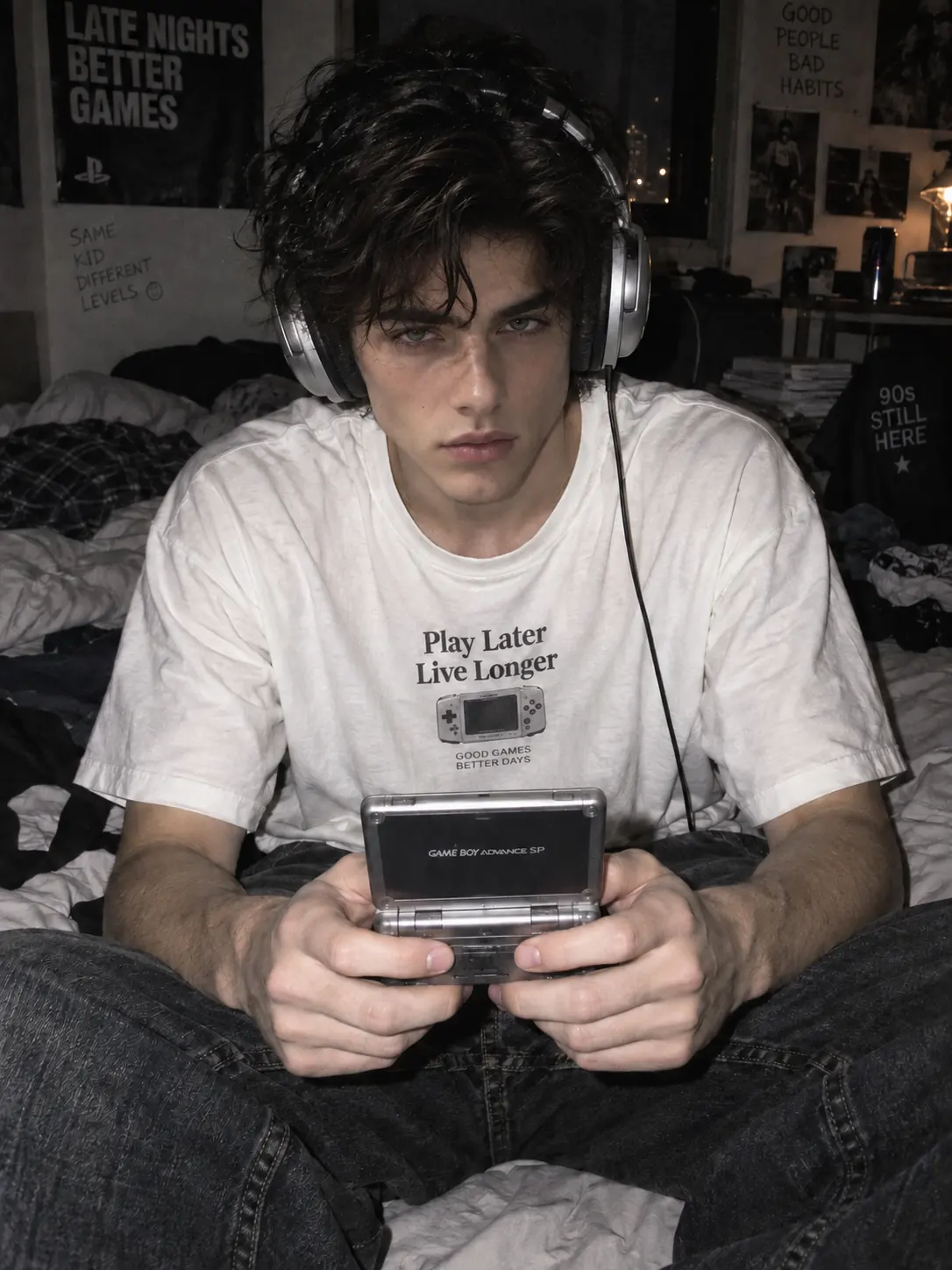
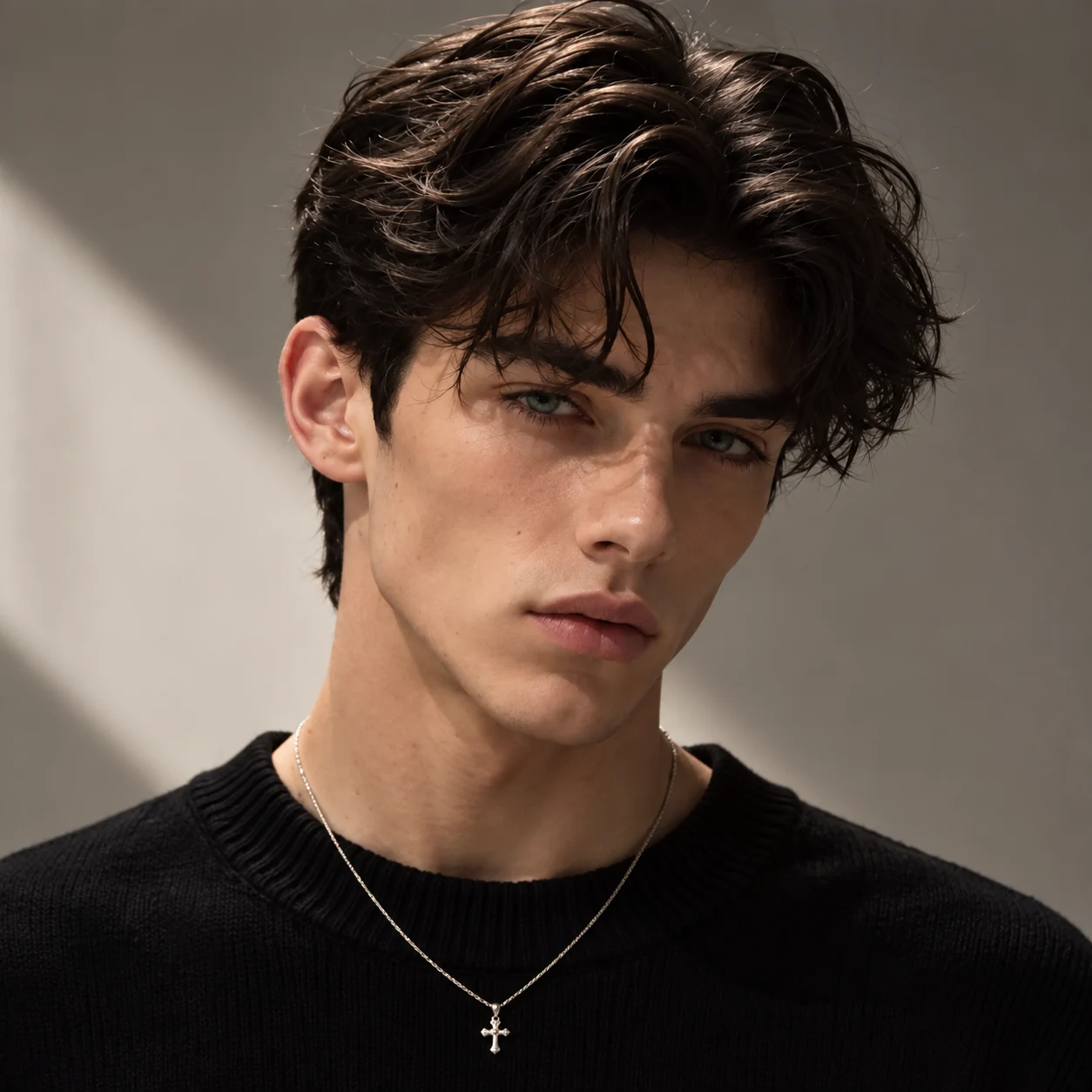
Replace the face in Image 1 with the face from Image 2. Change the face only, and keep the rest of Image 1 close to the original.
AI Face Swap for Photos with Custom Prompts
Replace a specific face in a portrait, or assign different reference faces to people in a couple or group photo. HeyTop AI uses your prompt to understand each face-to-person match, giving you clearer control without masks or layer-based editing.
Reference images
Loading models…
Preview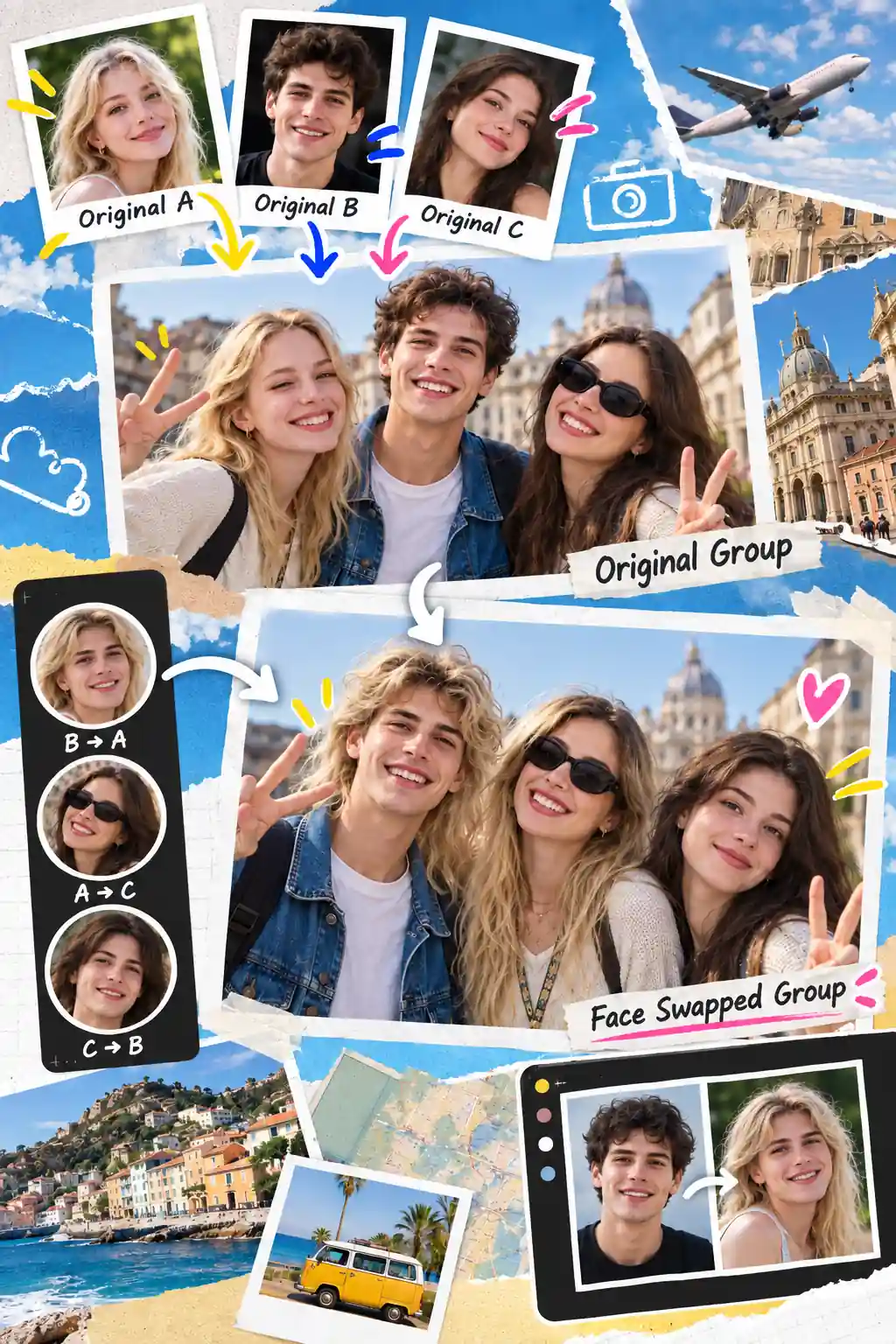
Need a prompt? Try an example:Select a prompt to preview the workflow.
In Image 1, replace the person on the left with the face from Image 2 and the person on the right with the face from Image 3. Keep their hair, clothing, pose and the background close to the original.
Realistic AI Face Swap Results: Before and After Examples
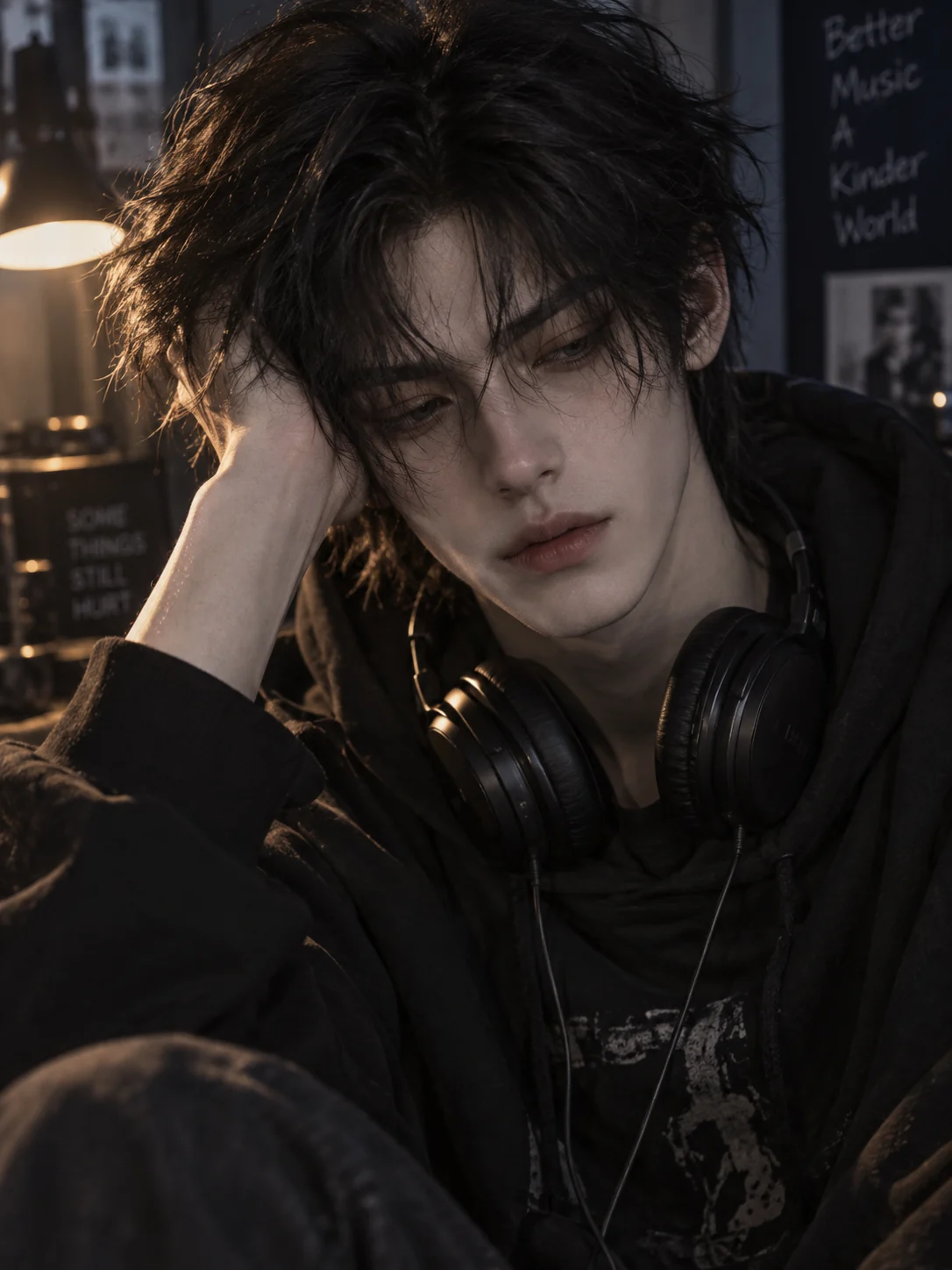
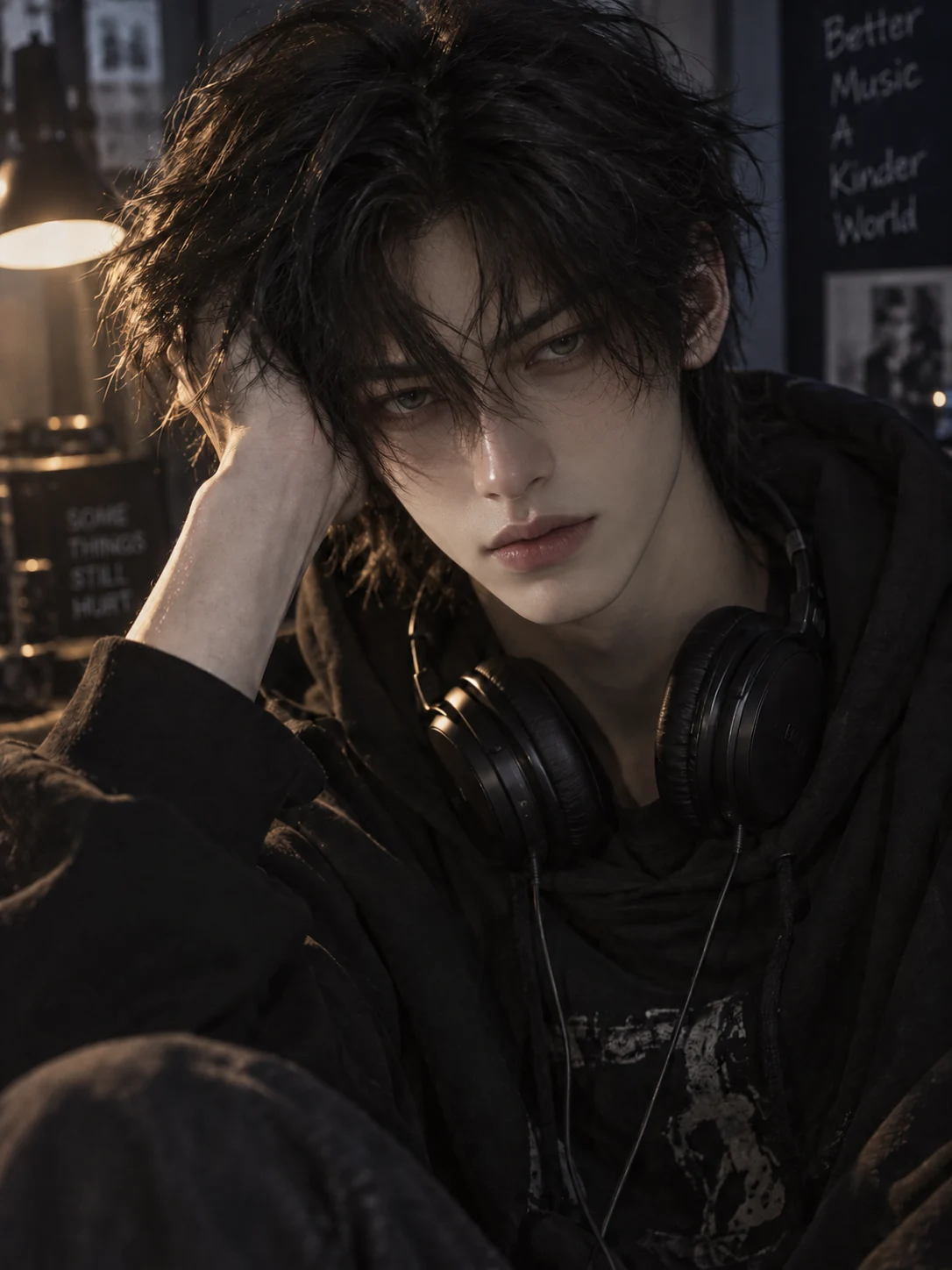
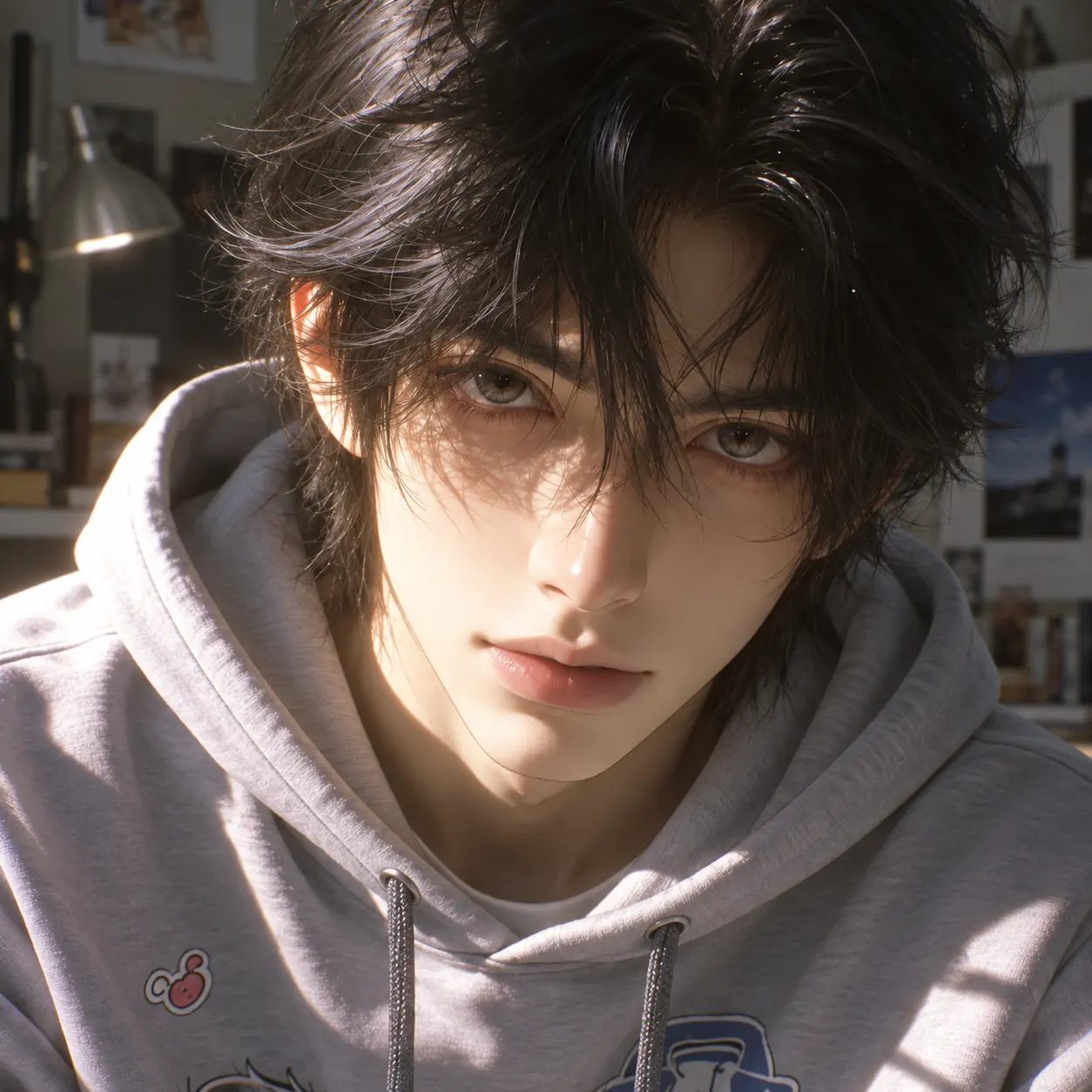
See how the replacement faces adapt to the original photo’s lighting and viewing angle, while the mood and setting stay close to the source image.
BeforeAfter
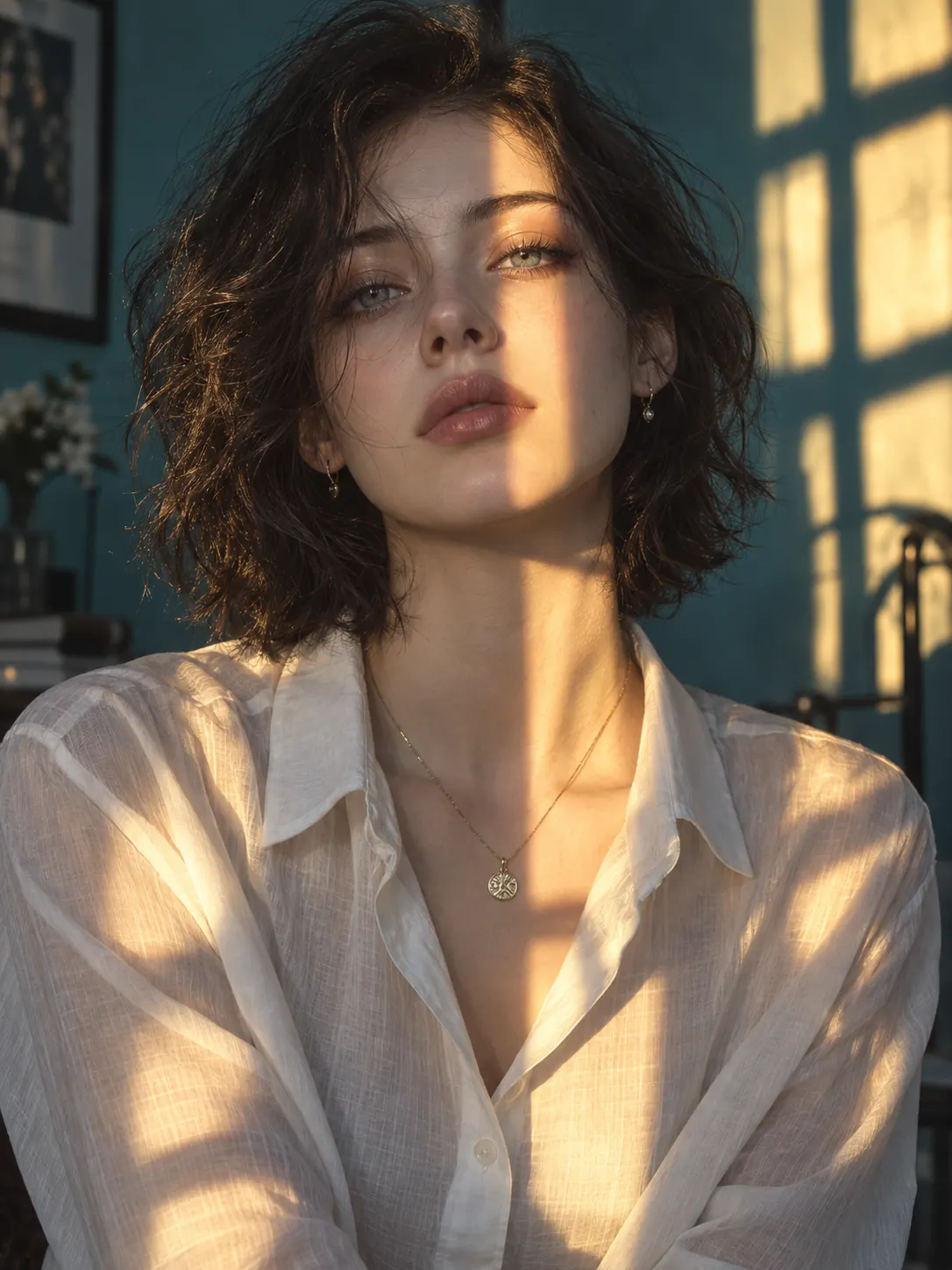
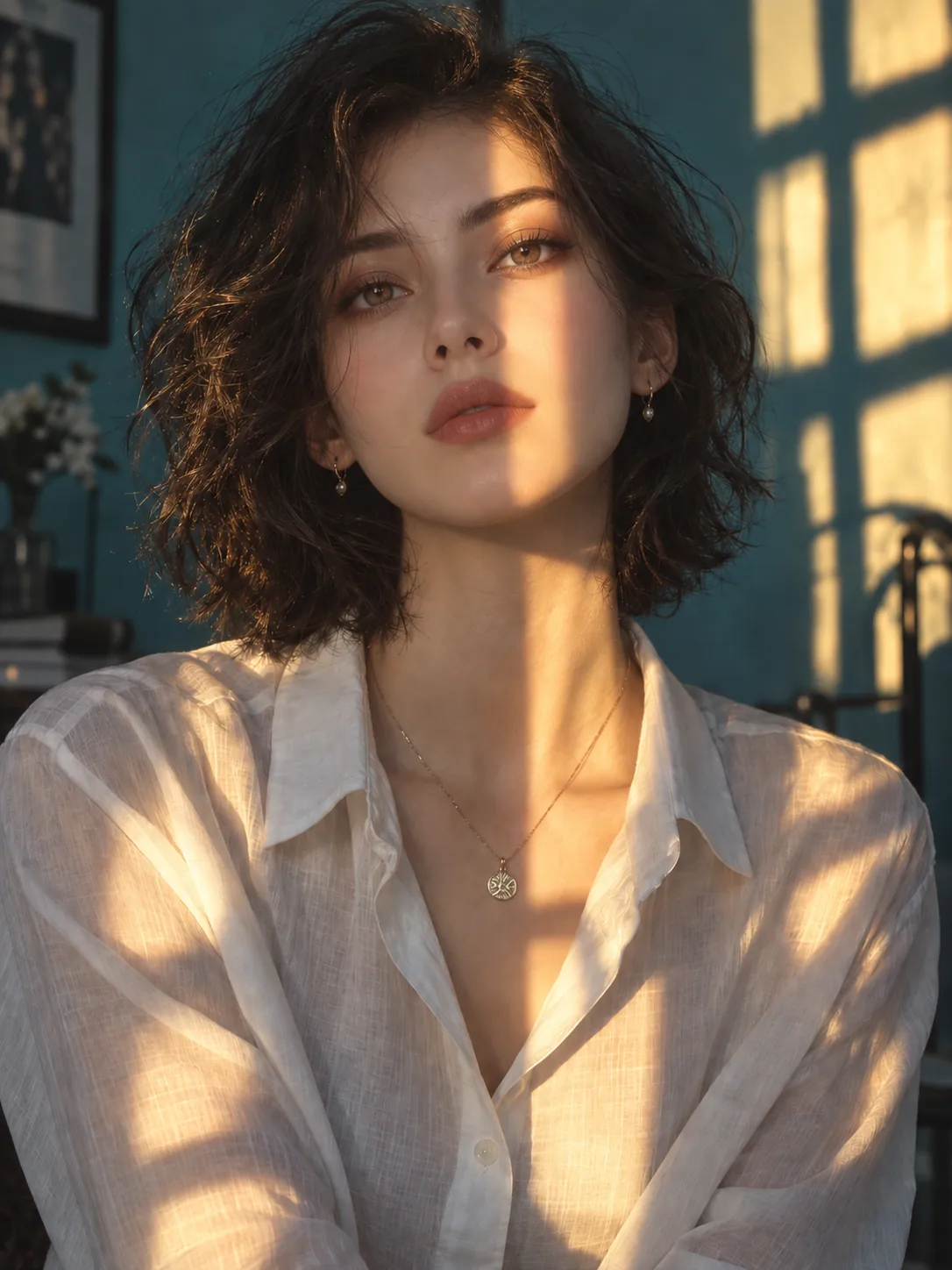
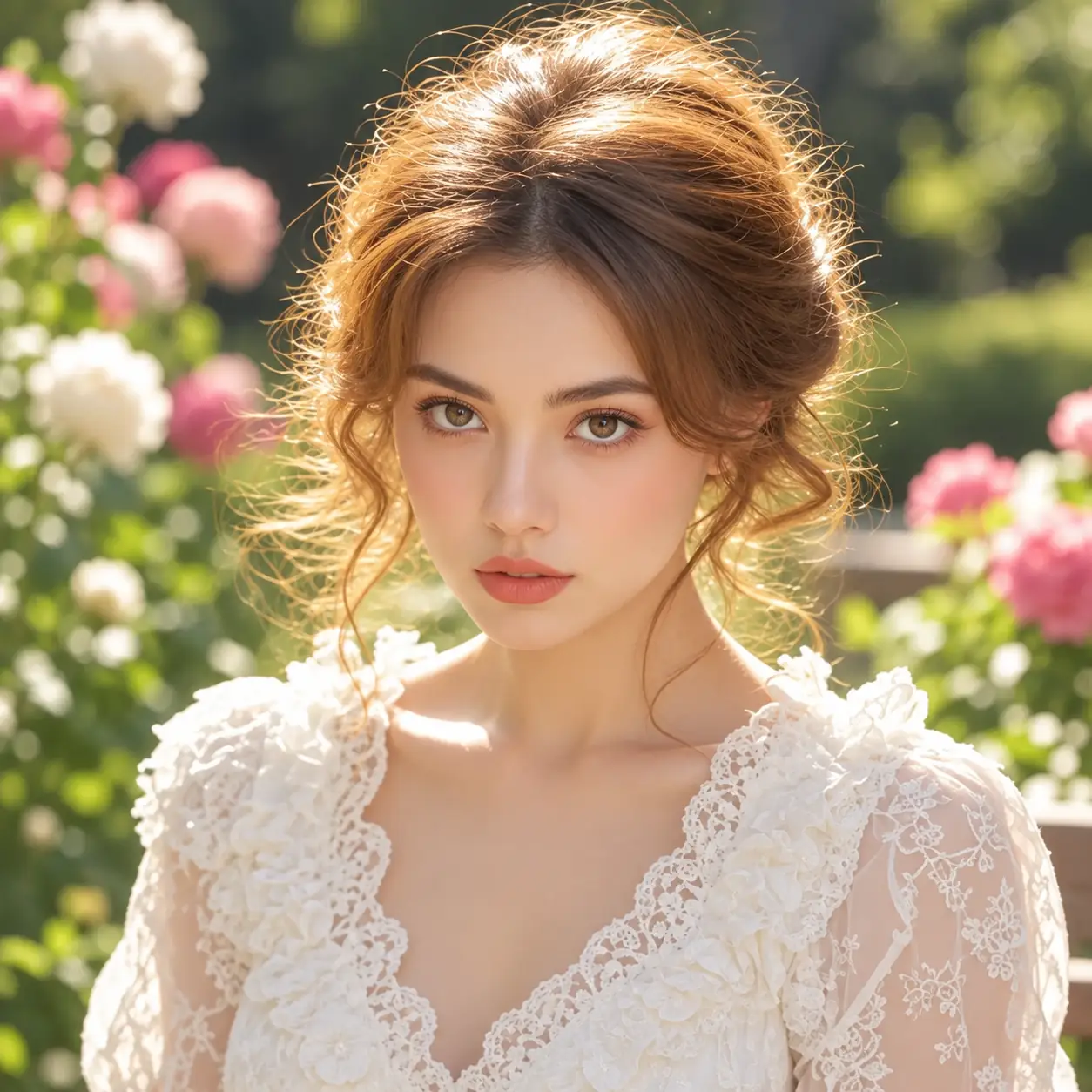
BeforeAfter
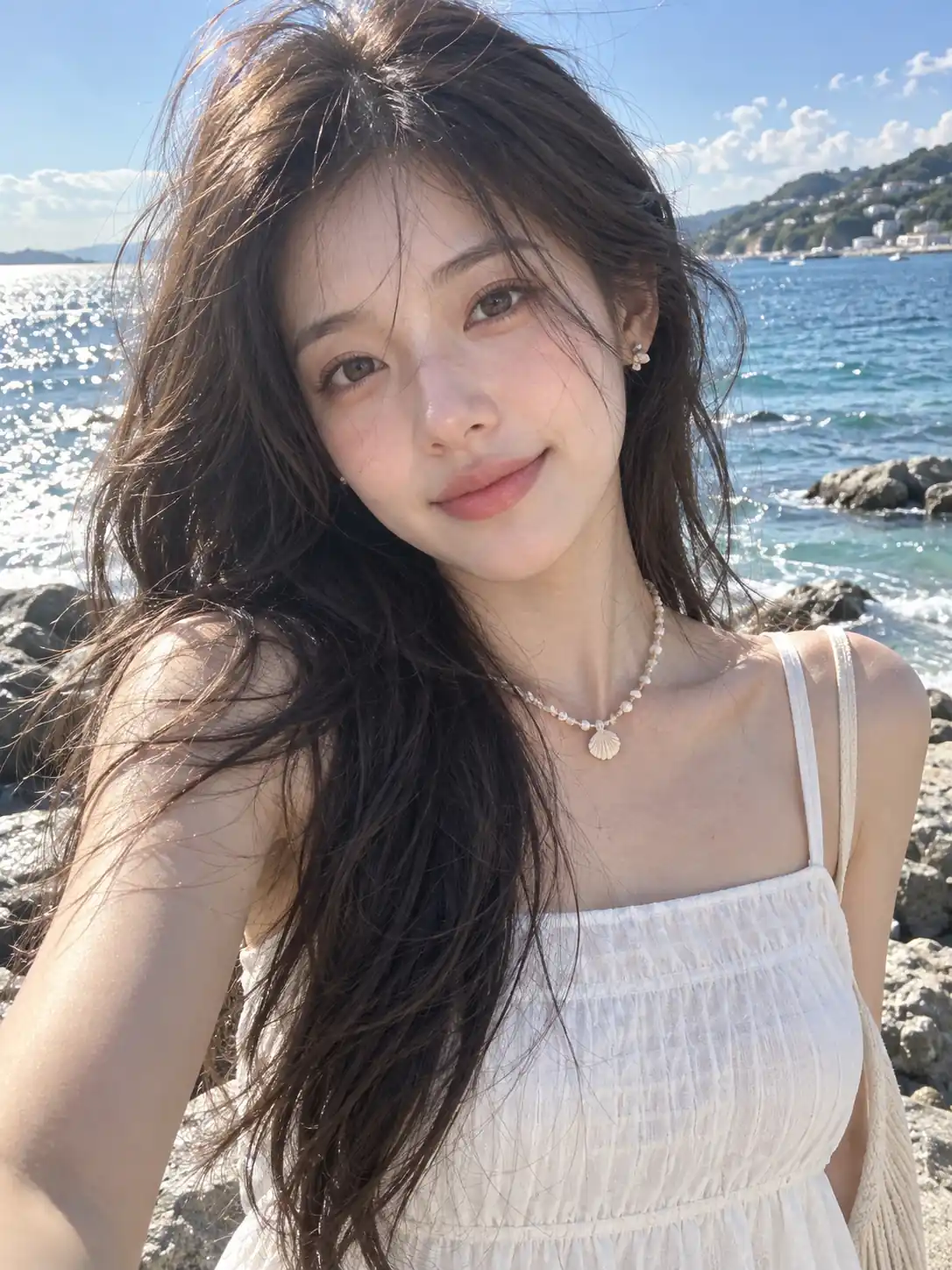
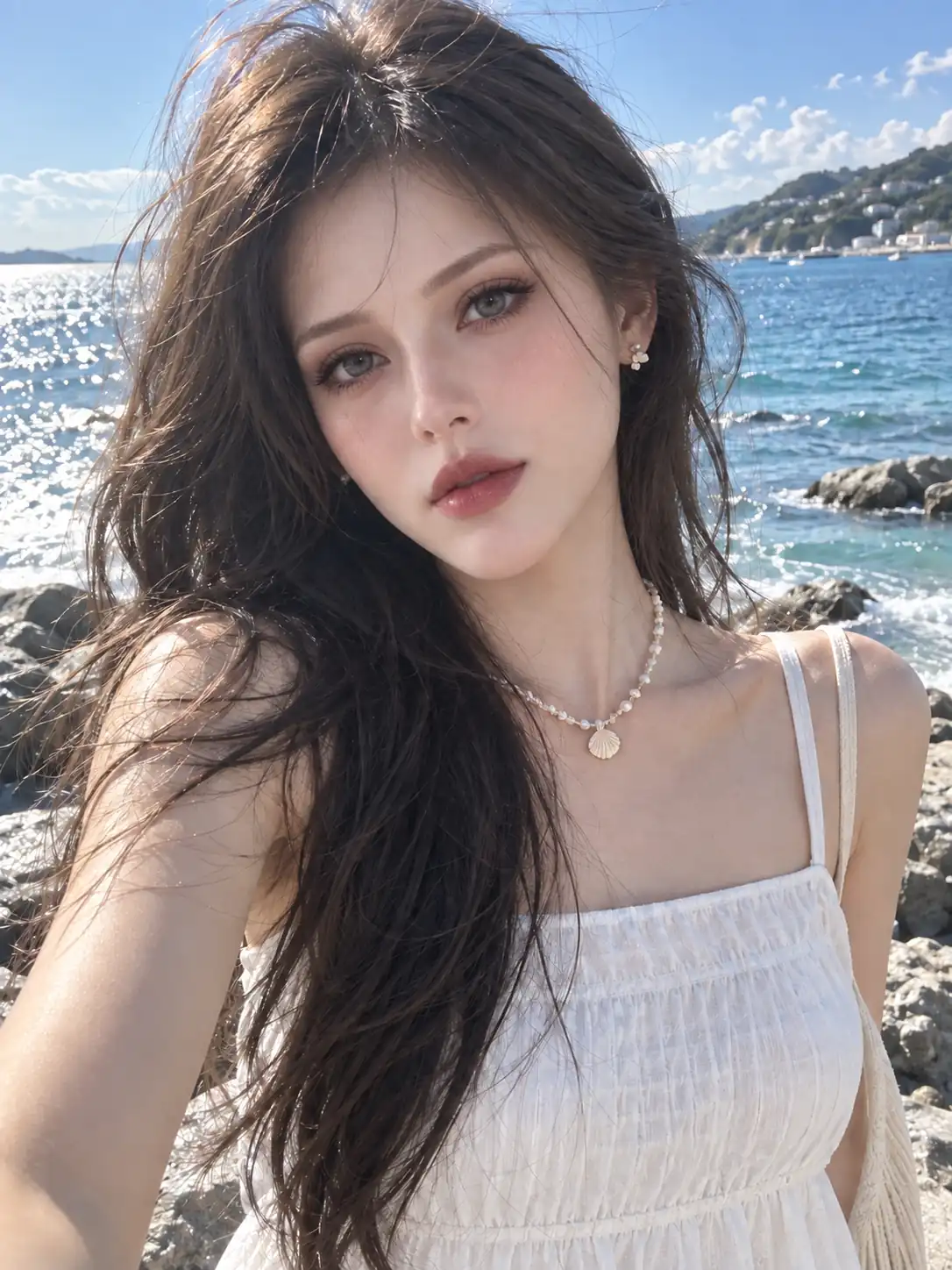
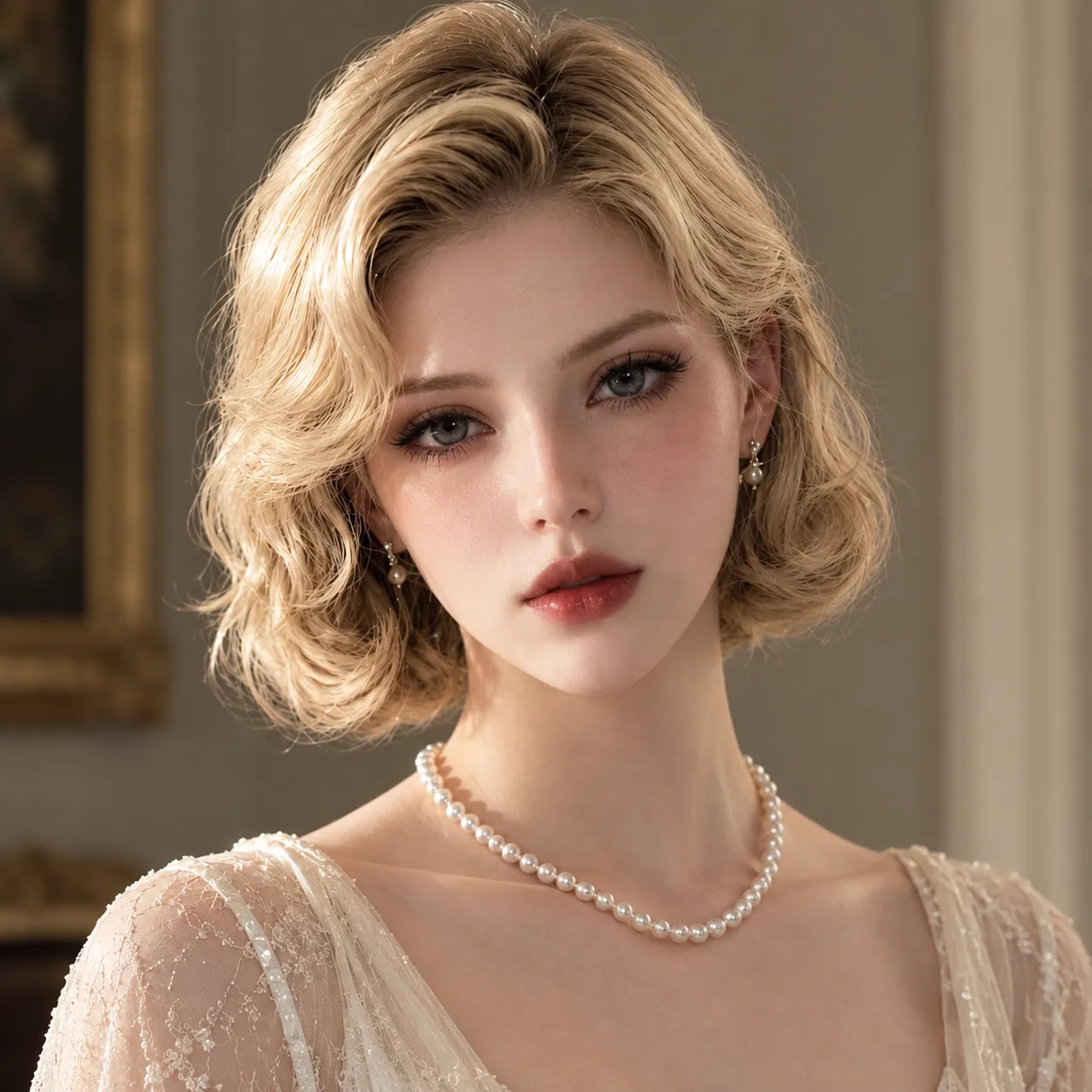
BeforeAfter
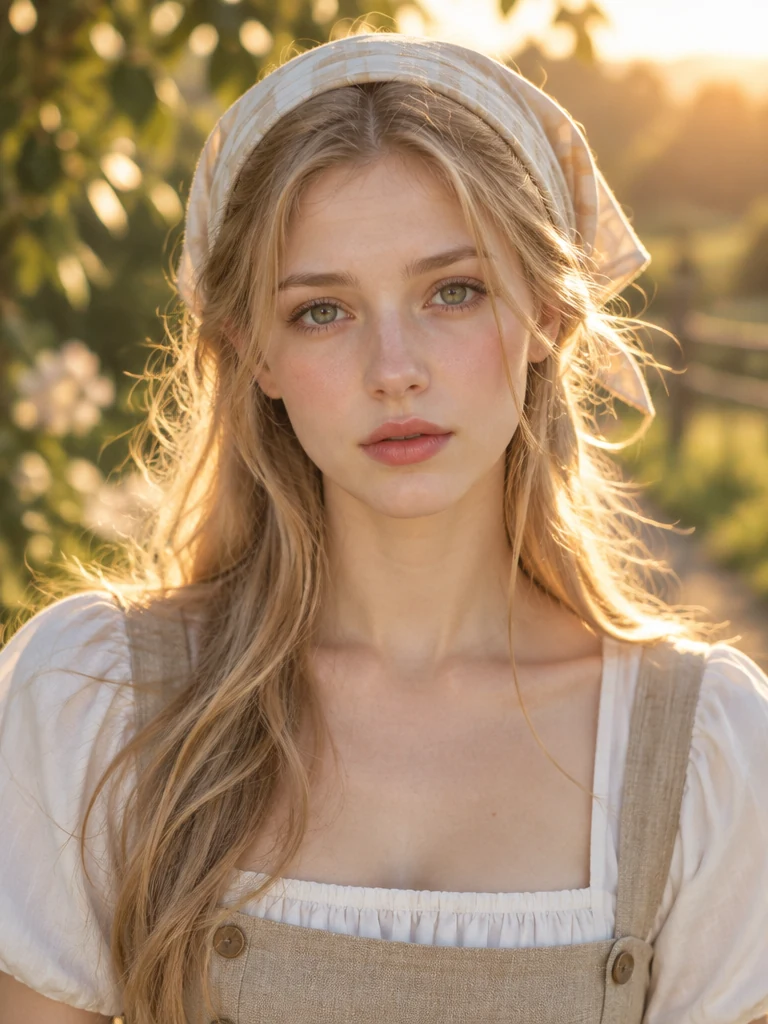
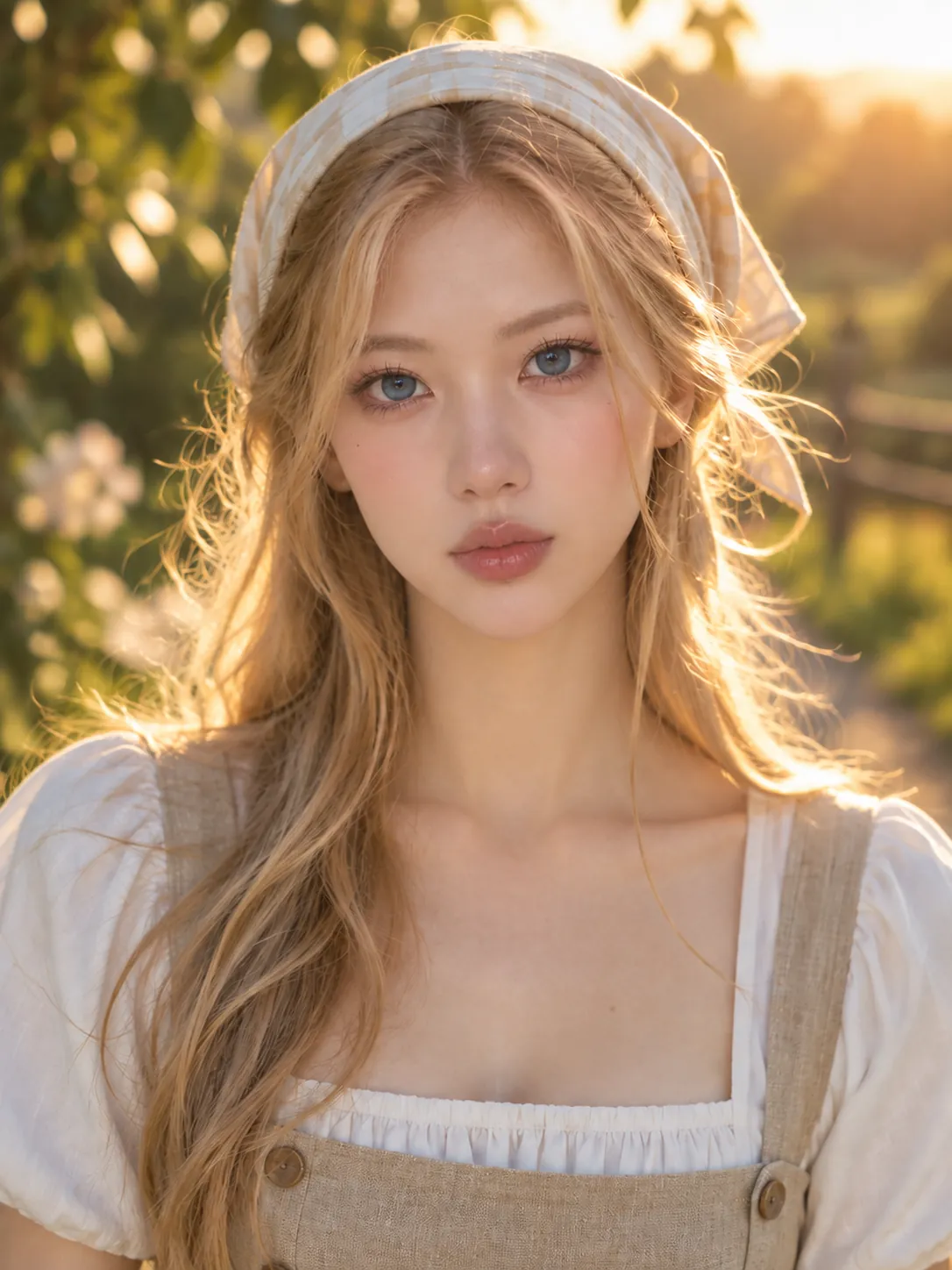
BeforeAfter
BeforeAfter
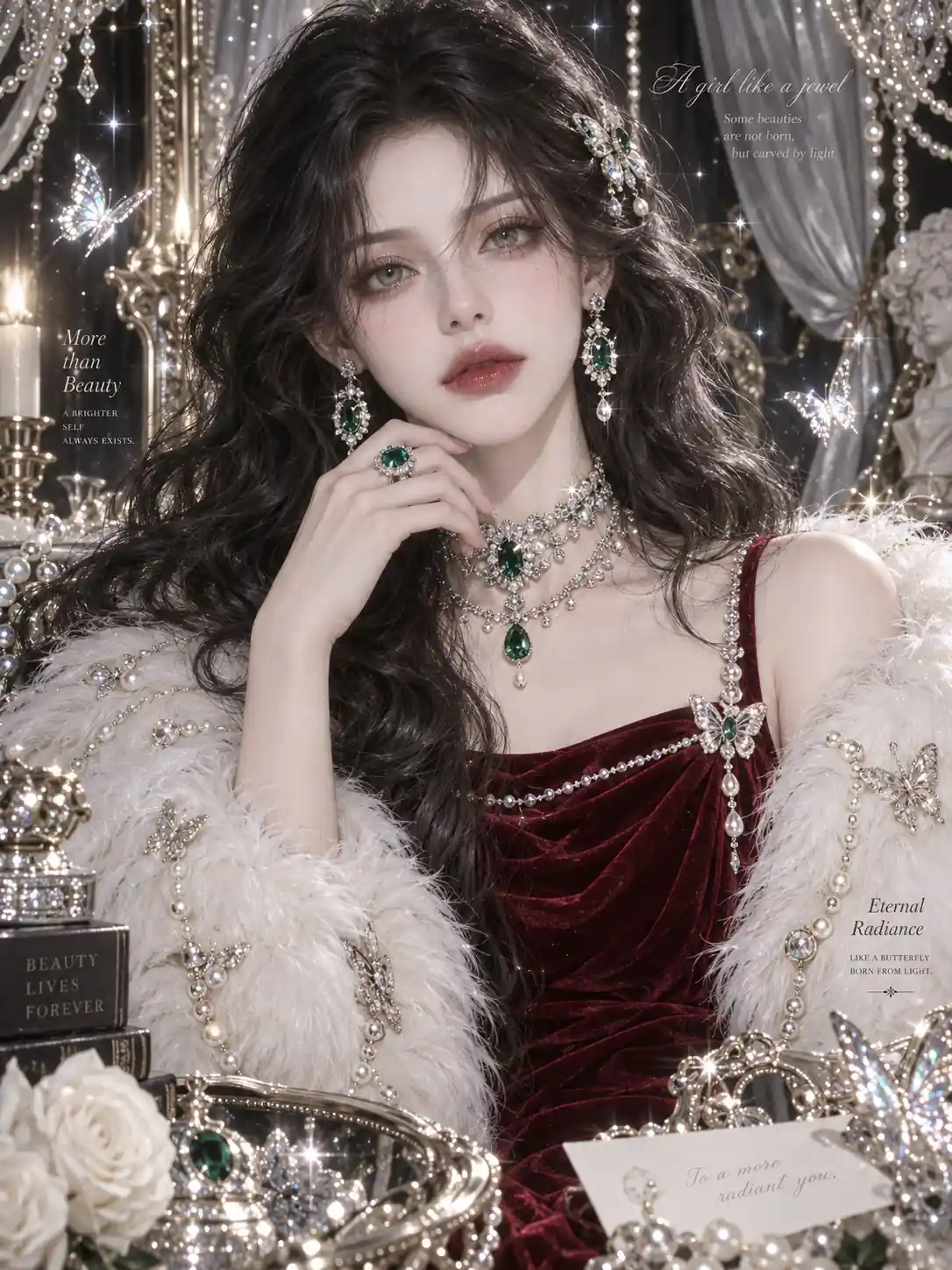
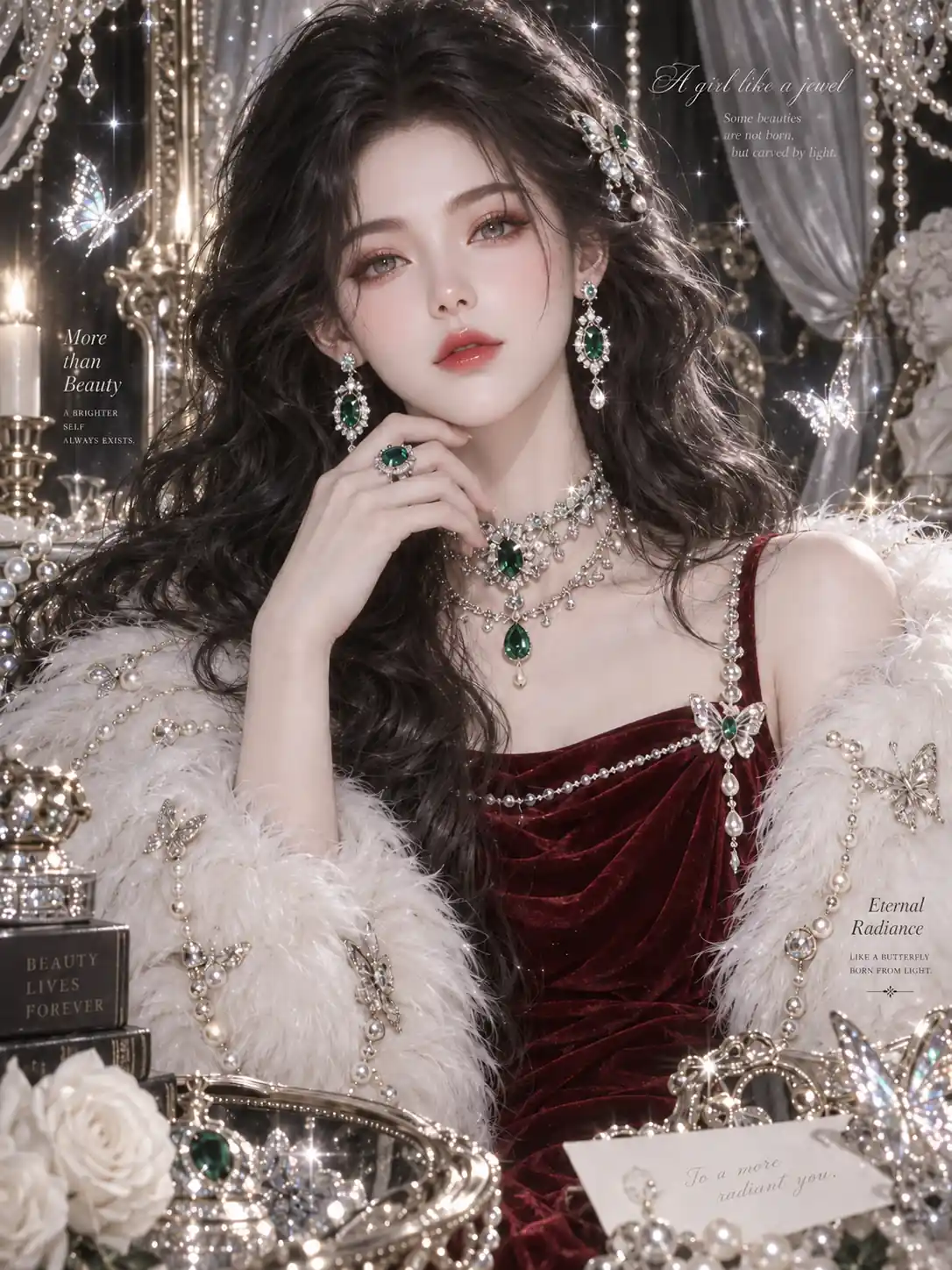
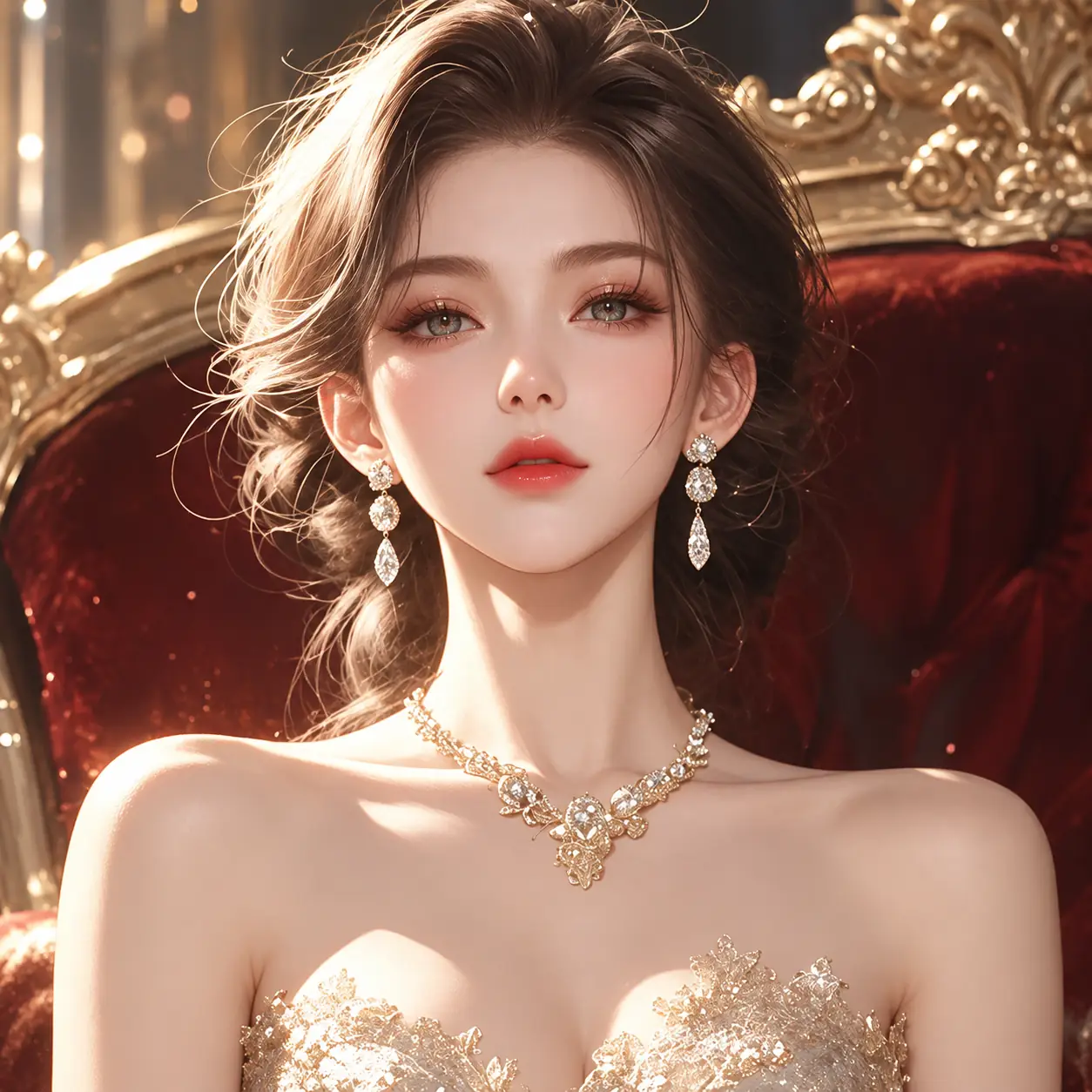
BeforeAfter
Core Features of Our AI Face Swap Online Tool
AI Face Swap Online brings prompts and reference images together for more directed photo edits. Guide identity, style, and subject-level changes in one flexible workflow.
Control and Guide Face Swap Results with Text Prompts
A simple text prompt helps you guide how facial details should blend, adjust, or match your reference picture. You can describe what features need to change and what should stay realistic, making this custom AI face swap feature ideal for edits that require a specific creative direction.
Swap Faces with Prompts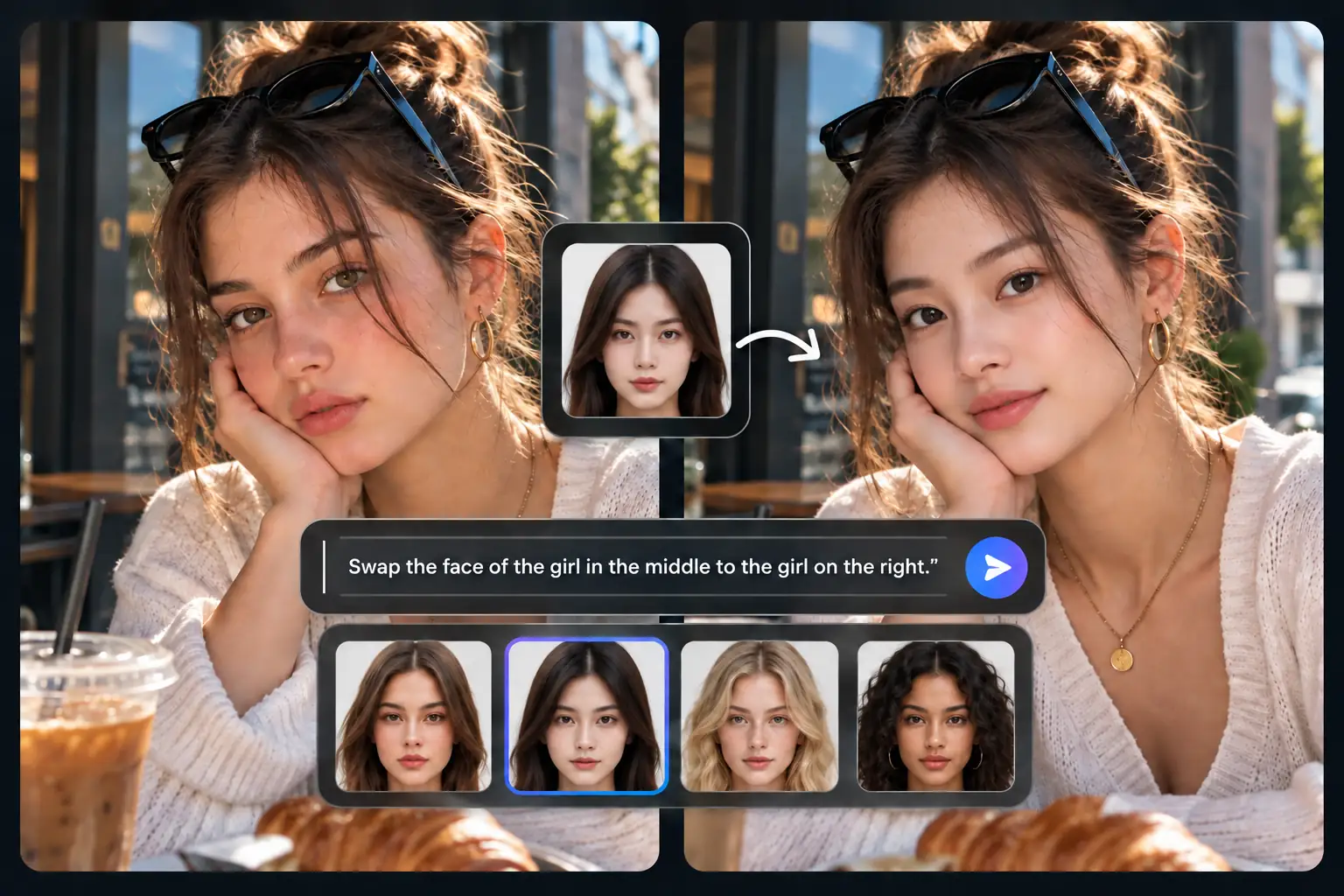
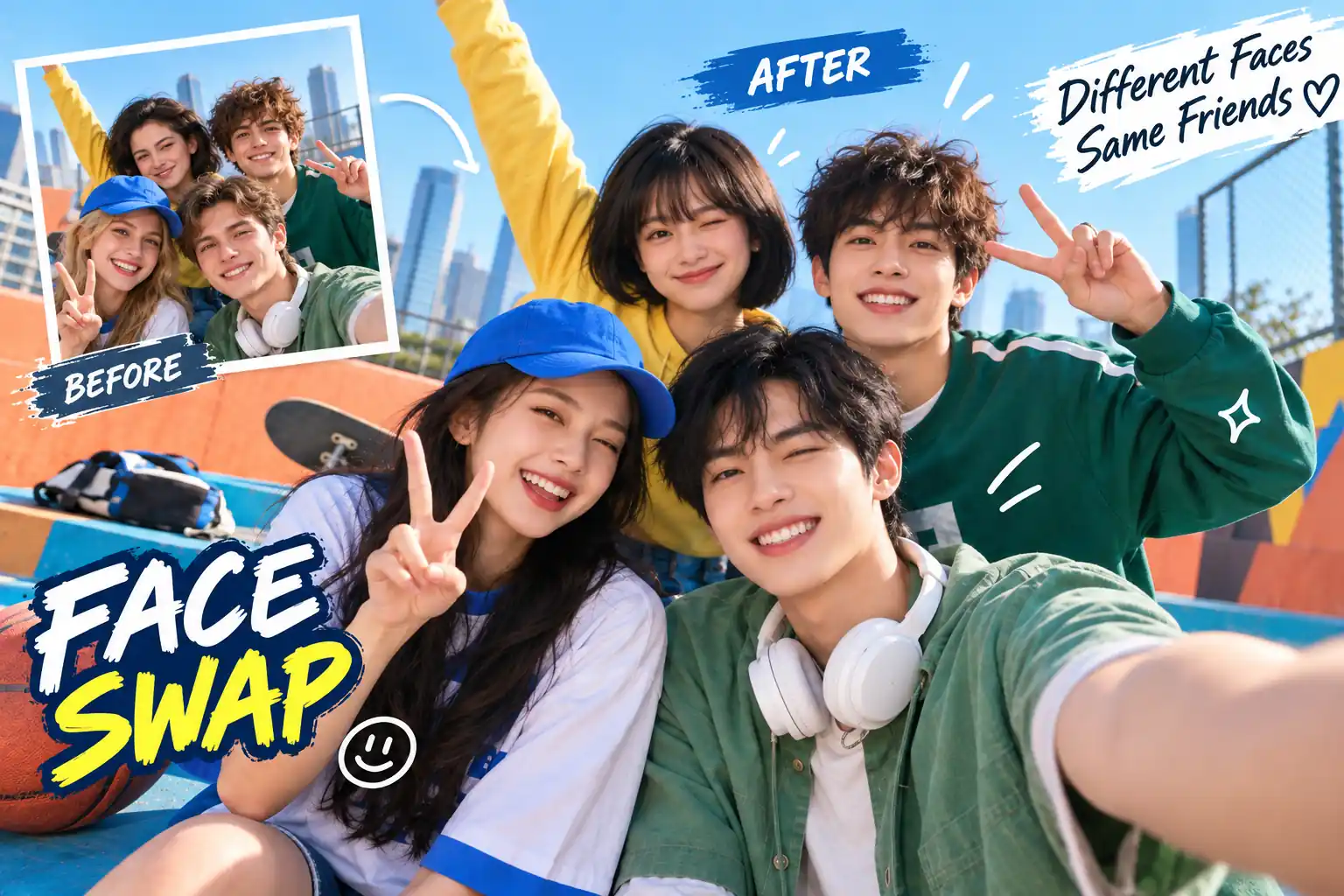
Handle Multiple Face Swaps Simultaneously in One Shared Photo
We make it easy to swap multiple faces in a photo by allowing you to assign a different reference identity to each person within the same frame. This is practical for couple portraits, family shots, or any group photo face swap tasks where every individual needs a unique and distinct look.
Try Multiple Face Swap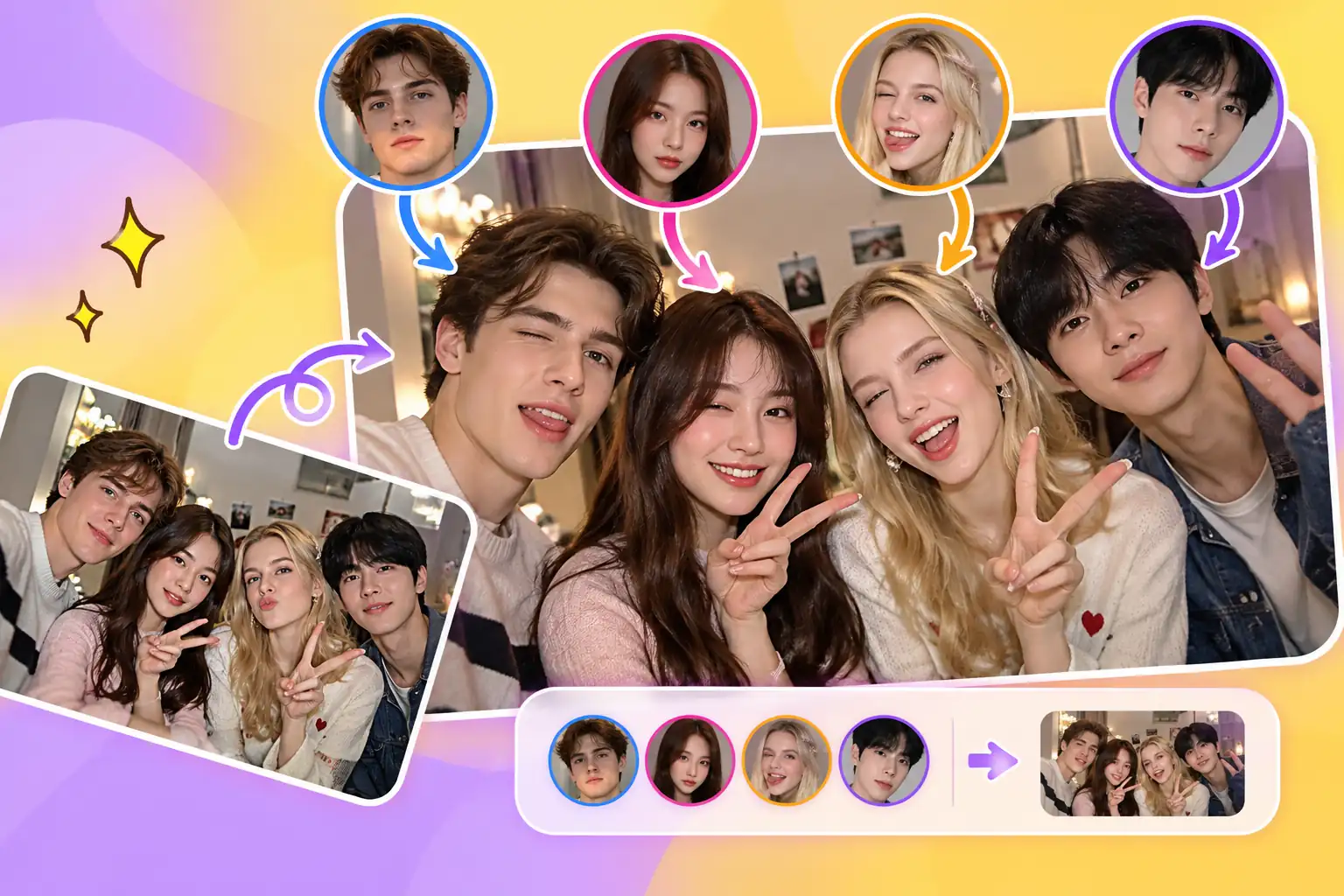
Replace a Specific Face Selectively to Target One Main Subject
When only one person in a crowded scene needs an update, you can instruct us to swap a specific face in a group photo while ignoring everyone else. This selective AI face replacement applies the new identity naturally, keeping the surrounding people, poses, and original background well preserved.
Replace a Specific Face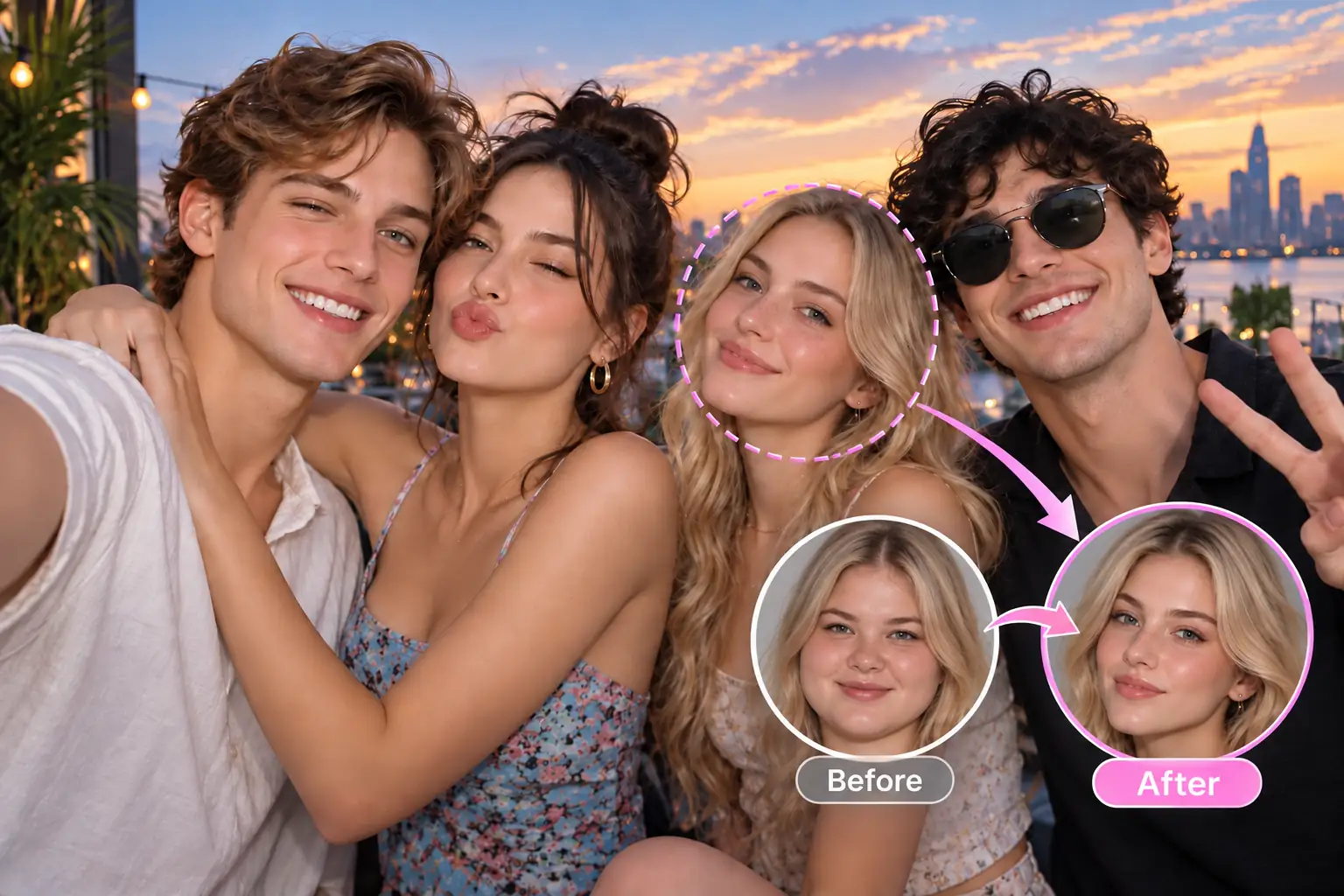
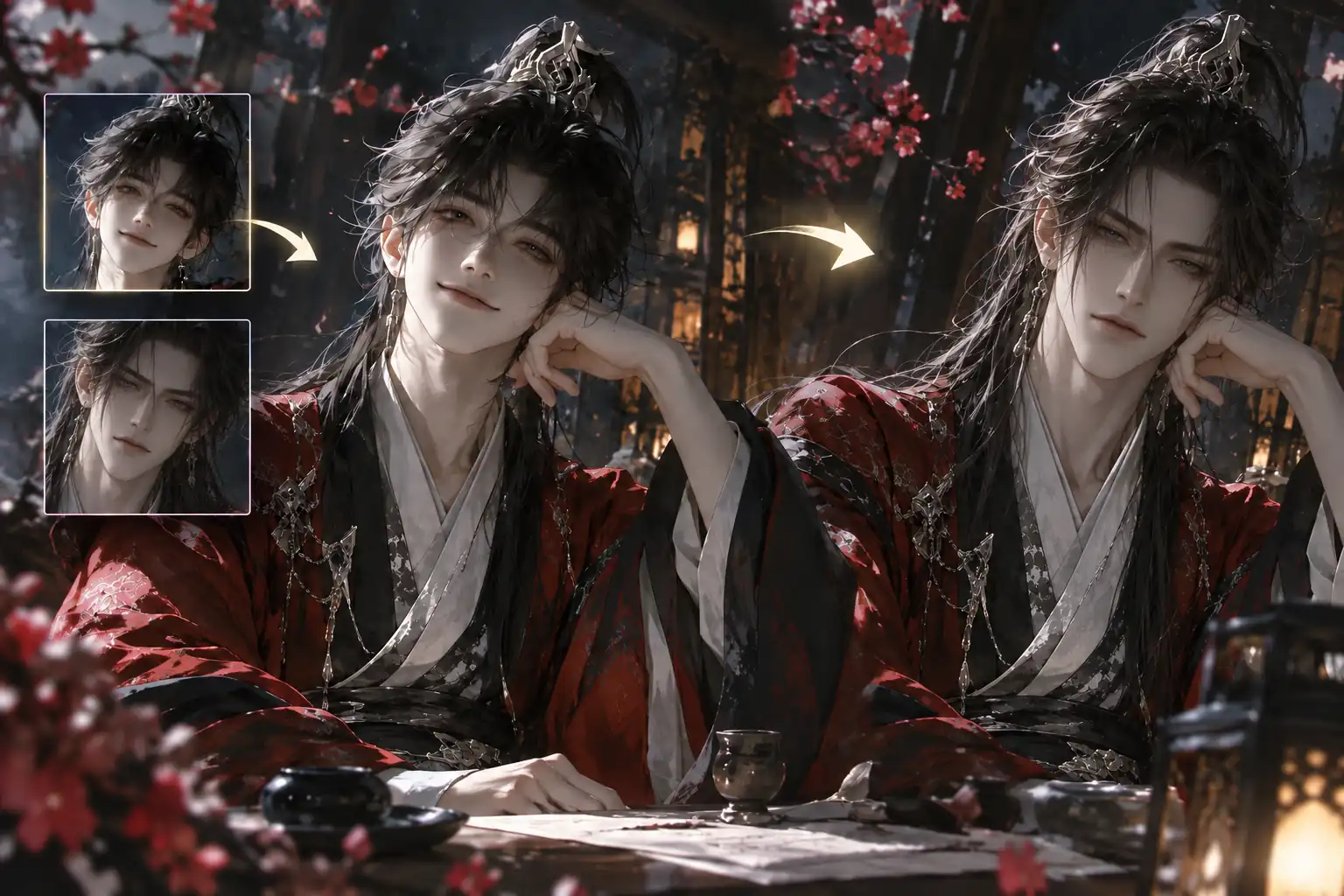
Create Consistent Face Swaps for Anime Characters and Stylized Figures
Our face swap online capabilities are not strictly limited to realistic human portraits, meaning you can also process illustrated faces and 2D figures. By utilizing our AI face swap with prompt features, you can maintain character consistency for your short dramas, comic scenes, and stylized avatars.
Swap Anime Characters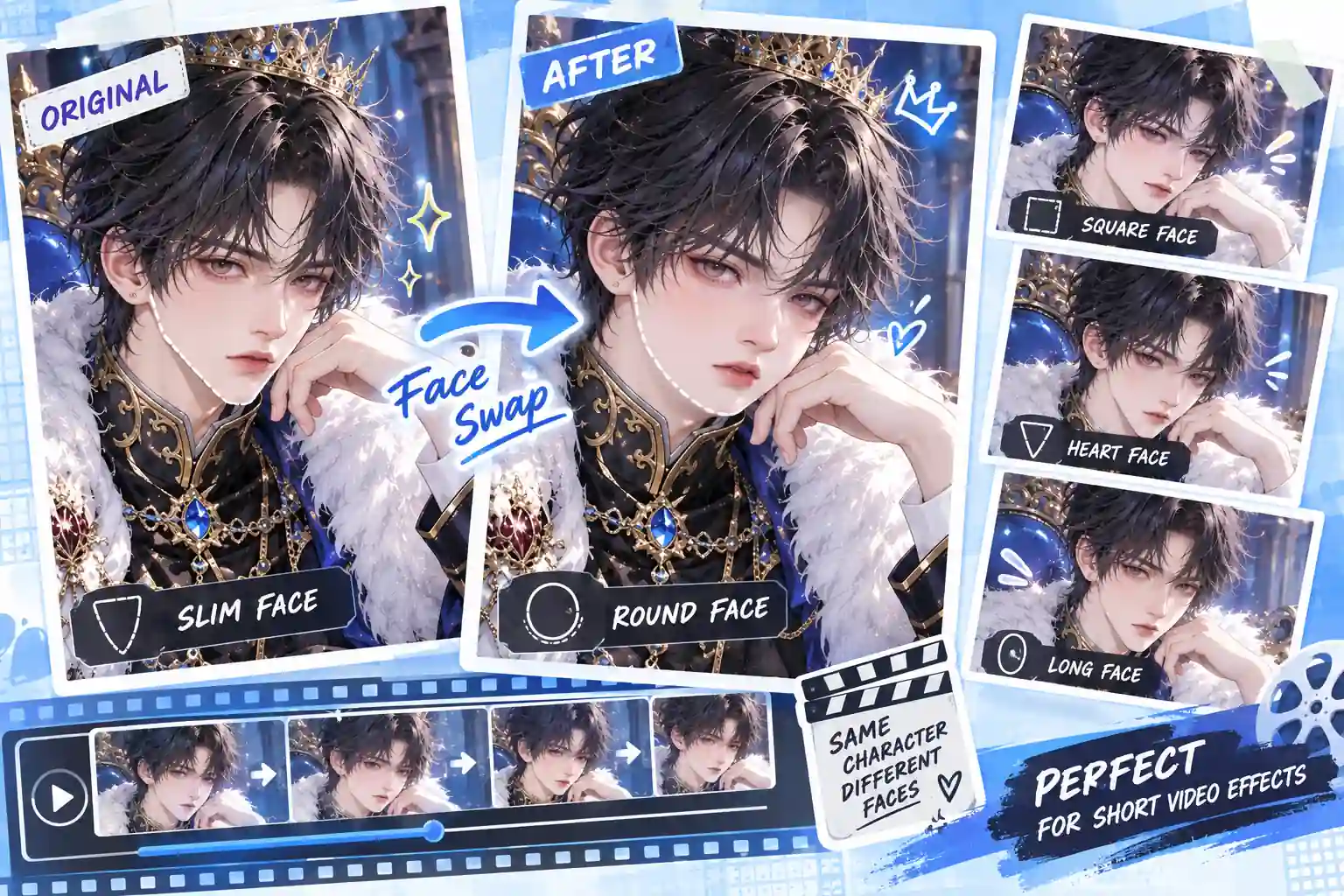
How to Make an AI Face Swap in 3 Steps
Skip the steep learning curve of complex editing tools. A straightforward workflow gives you direct control over the final look of your photos.
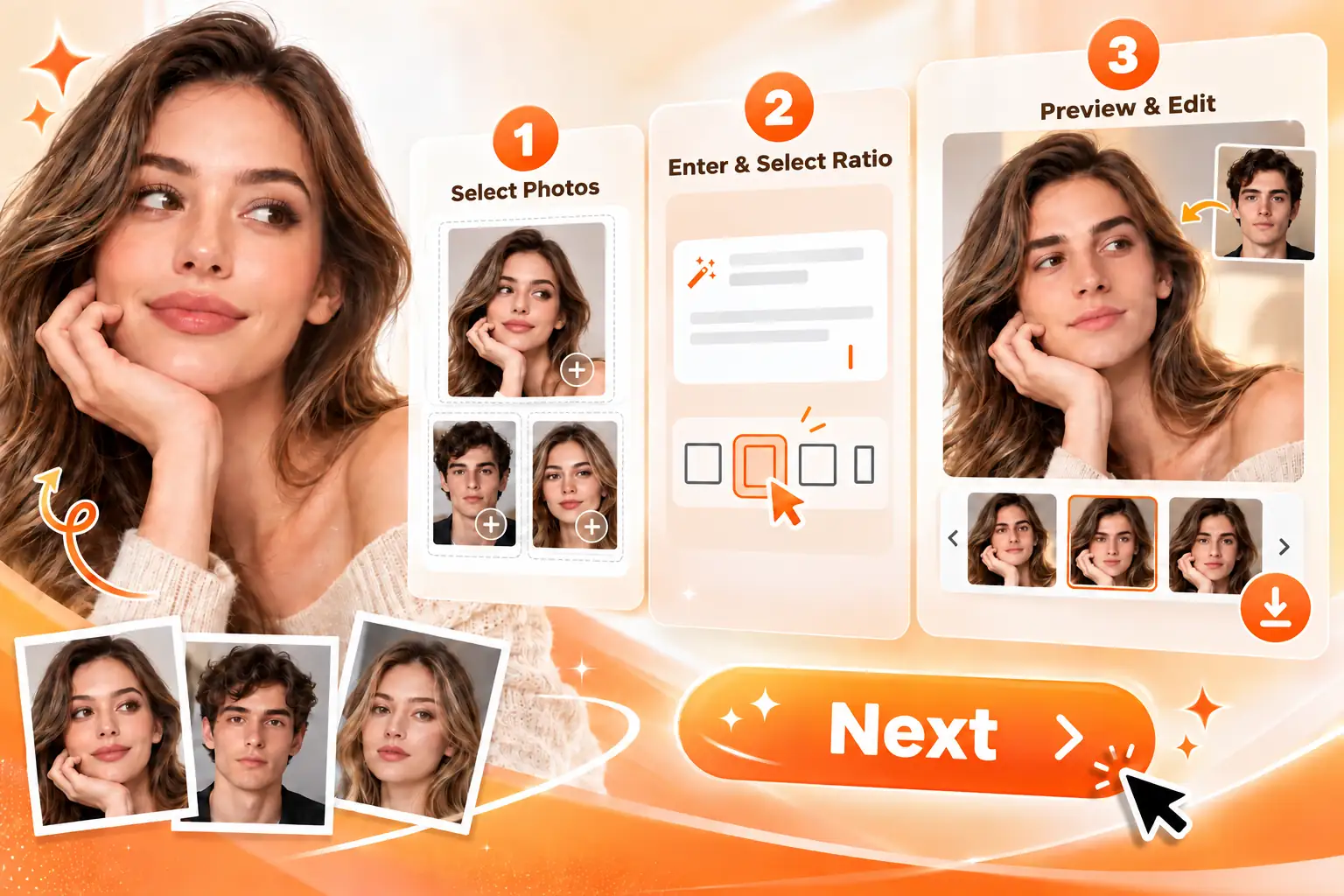
Upload Your Photos
Add your base image and the reference faces. Clear, well-lit portraits are easier for the system to recognize accurately.
Enter Instructions & Select Ratio
Briefly describe who gets which face (e.g., “Put Image 2 on the person on the left”). Then, pick your preferred aspect ratio.
Generate & Download
Once done, save your favorite results. If the face placement needs a slight tweak, simply adjust your text instructions and try again.
What Are the Advantages of Our AI Face Swap Tool?
Natural Light & Texture Blending
Our algorithm carefully analyzes the surrounding environment to help the new face adapt to the original shadows, skin texture, and lighting conditions.
Simple, Intuitive Experience
The interface is designed to feel straightforward, so users can create polished face swap results without prior photo editing skills.
High-Resolution Output
Visual clarity stays a priority, helping generated images retain the crispness and detail of the original photo.
Private Image Processing
Uploaded reference files and generated results are handled with care and are not used for unauthorized model training.
Creative Use Cases for AI Face Swap Generator
Face swap edits become more valuable when they serve a clear content goal, not just a quick visual trick. From social posts to character concepts, these use cases show where image-based face swaps can support everyday creativity and storytelling.
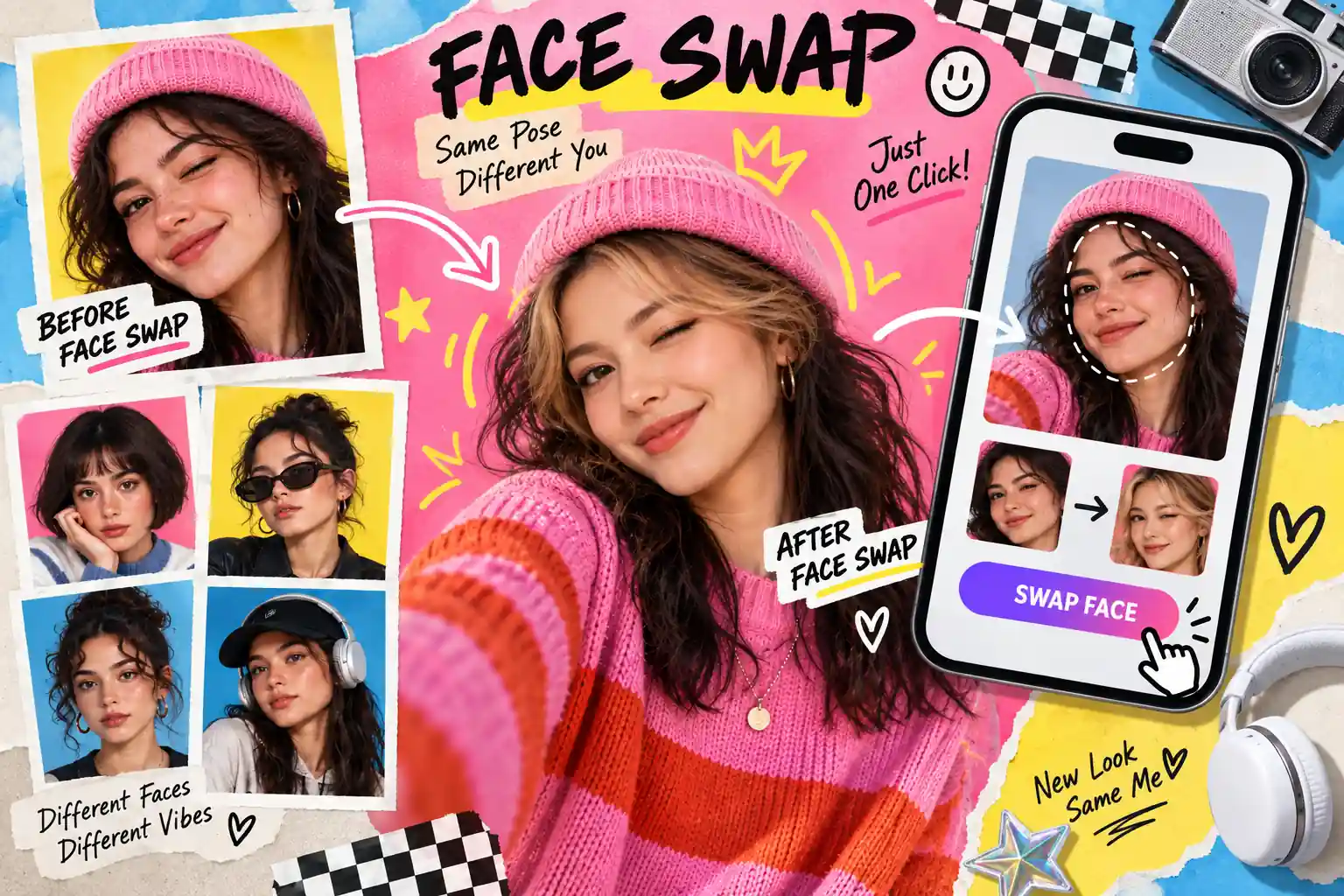
Test New Looks for Avatars, Headshots, and Personal Portraits
Use it to explore avatars, profile images, personal portraits, hairstyle tests, makeup ideas, and character-inspired looks before choosing a final direction. It helps users compare different visual possibilities in a lighter way, especially when a full photoshoot or detailed manual edit is not yet necessary.
Build Consistent Faces for Anime, Comics, and Stylized Characters
This is useful for anime-inspired visuals, comic panels, avatar sets, short drama concepts, and stylized character images where recognition matters across scenes. Creators can develop a more consistent character appearance while testing different poses, moods, costumes, or visual styles for storytelling projects.
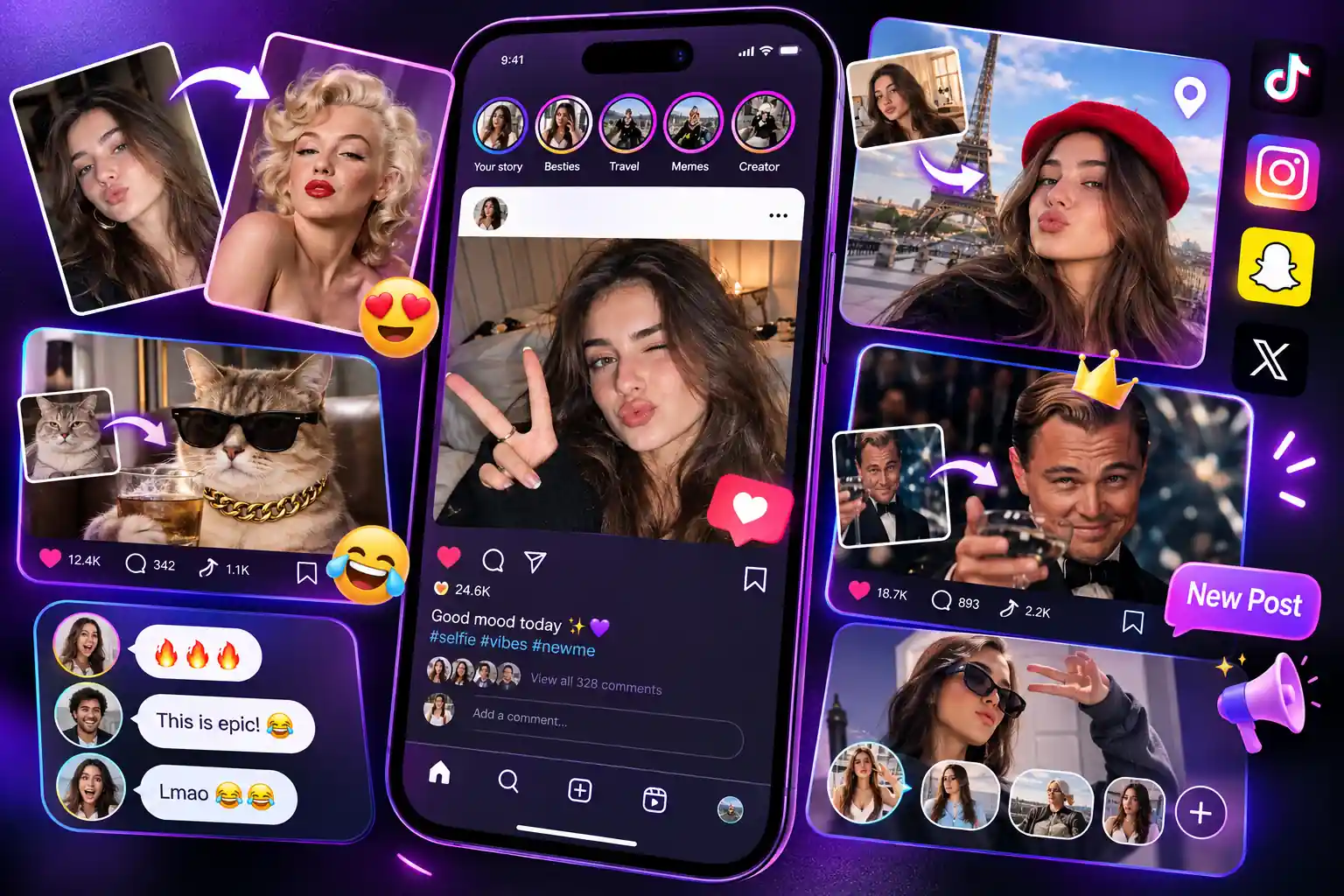
Make Scroll-Friendly Posts, Memes, and Reaction Images
Use face swap edits for social feeds, group chats, meme templates, reaction images, creator updates, and lightweight campaign posts. They help turn familiar photos or trending formats into more personal, humorous, or timely content, making it easier to spark reactions and keep your visuals feeling fresh.
Refresh Couple, Friend, and Family Photos with Specific Face Changes
This use case fits couple portraits, friend photos, family-style images, event snapshots, and creative group edits where people remain the focus. It gives users a flexible way to rework people-centered photos while keeping the original setting, shared pose, and memory-like feeling of the image.
Create Campaign Mockups, Fan Edits, and Story-Based Visuals
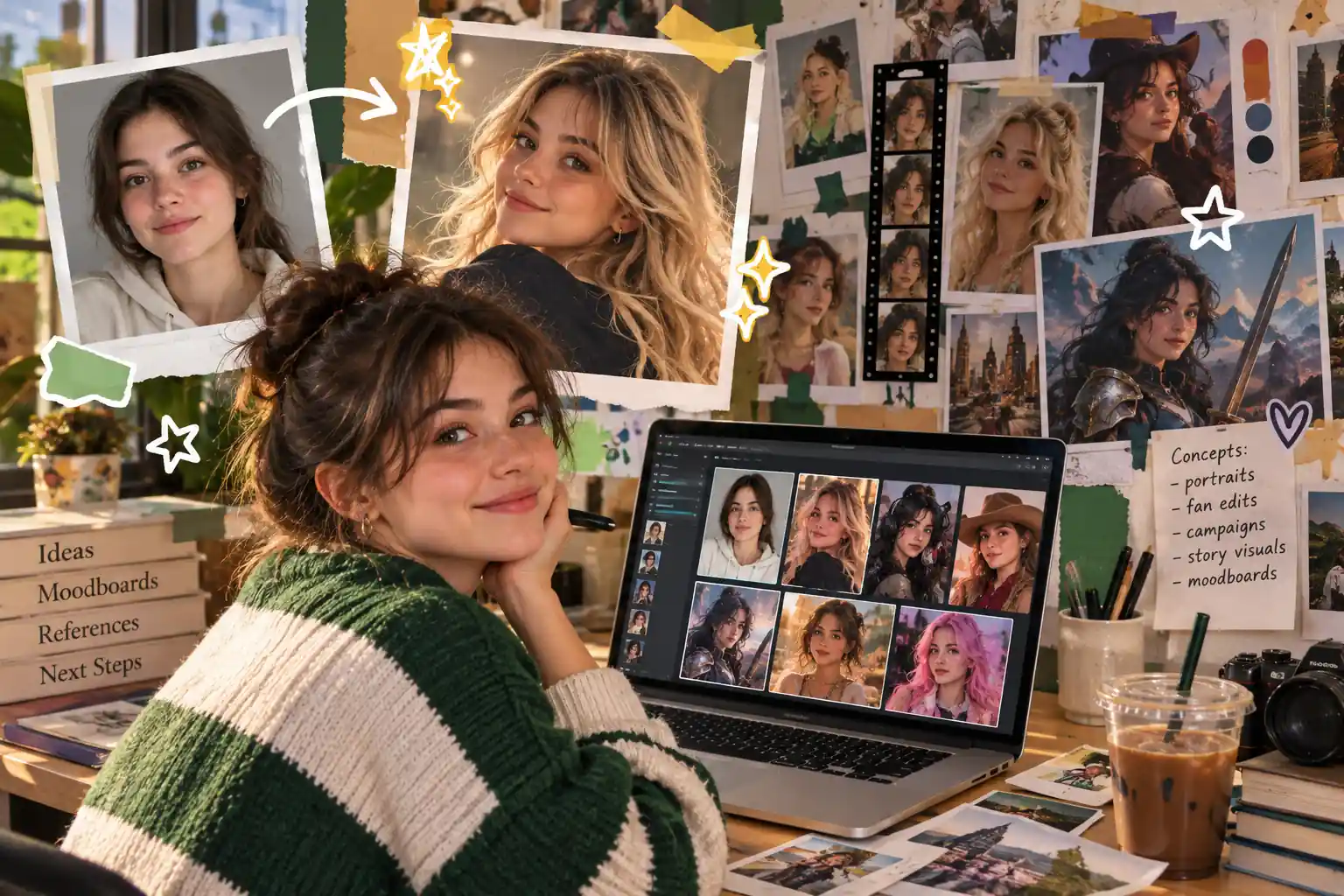
Use it for poster ideas, fan edits, themed portraits, story visuals, moodboards, and early campaign previews when the concept still needs room to evolve. It helps creators turn rough ideas into clearer image references, compare creative directions, and prepare stronger visuals before moving into more detailed production.
Frequently Asked Questions
An AI Face Swap Generator is an online tool that replaces a face in a photo with another face from a reference image. With image uploads and text prompts, it helps create portraits, group edits, character images, and creative photo variations without manual face editing.
Clear, well-lit portraits usually work best. Choose images where the face is visible and not heavily covered by hair, hands, sunglasses, strong shadows, or filters. Similar face angles between the source and reference image can also help the result feel more consistent.
Yes. HeyTop AI can support multiple face swap requests in one image when the prompt clearly explains each person and the matching reference face. For group photos, describe people by position, clothing, or image number to avoid confusion.
Yes. You can guide the edit toward one selected person instead of changing every face in the image. Clear labels such as “the person on the left” or “the man in the blue shirt” help keep the request focused.
You can start creating face swap images for free on HeyTop AI. Download options may vary by plan, and watermark-free downloads can depend on the subscription setting shown in your account. Check the download menu before saving if you need a clean version for publishing or client use.