Seedream 5.0: Advanced Image Generation and Precision Editing

Create detailed scenes, expressive artwork, and text-rich visuals with Seedream 5.0. Start with text prompts or reference images, then refine selected elements to bring your visuals closer to what you have in mind.

Reference images
Model

Loading models…

Preview
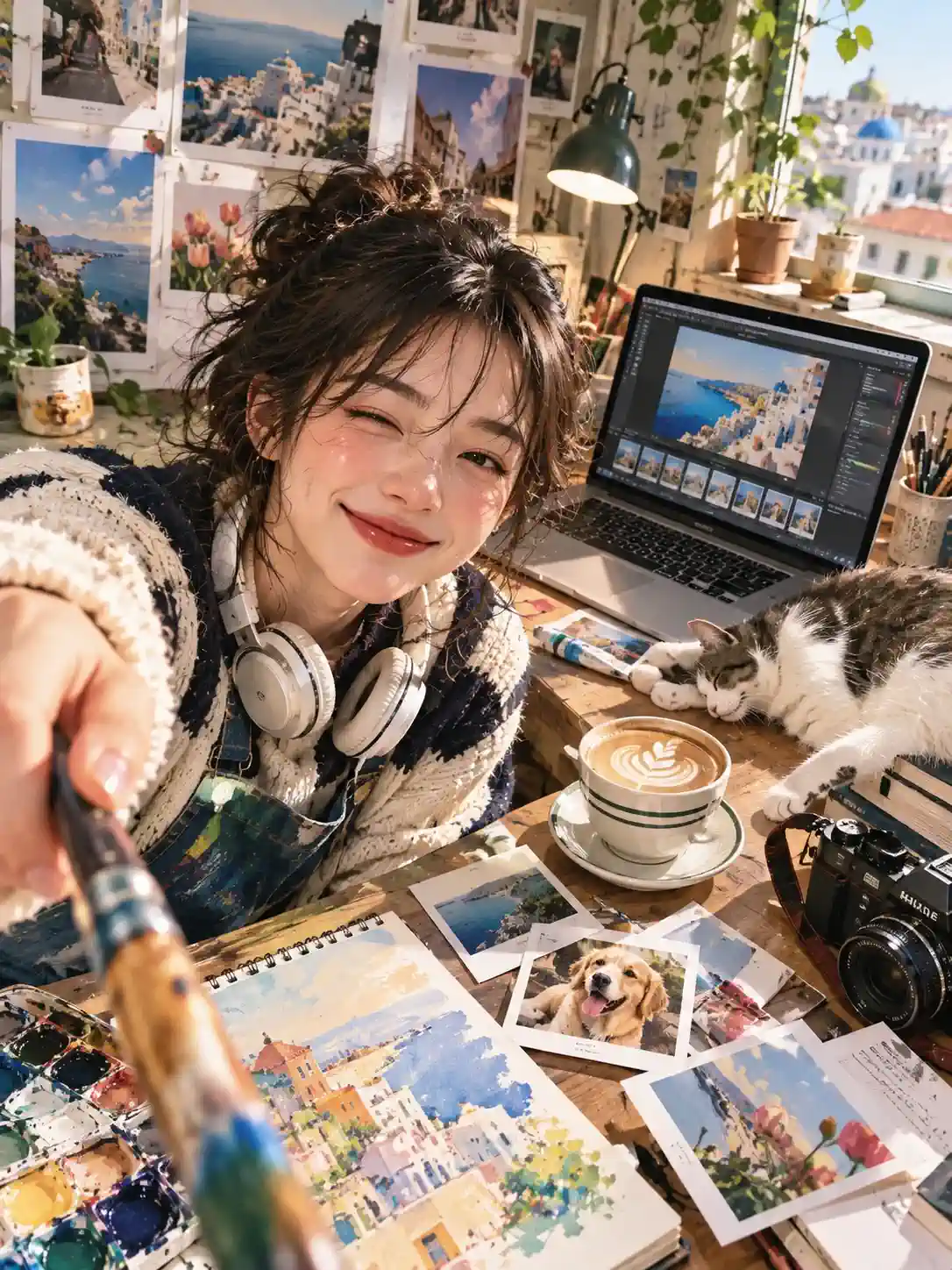
AI image editing result with a creator, reference artwork, laptop, and studio workspace

What Is Seedream 5.0?

Seedream 5.0 is ByteDance’s AI image generation and editing model family, supporting text-to-image creation and generation from single or multiple reference images. HeyTop AI uses the Flash version, which prioritizes faster, more cost-efficient generation, while Pro places greater emphasis on image quality.

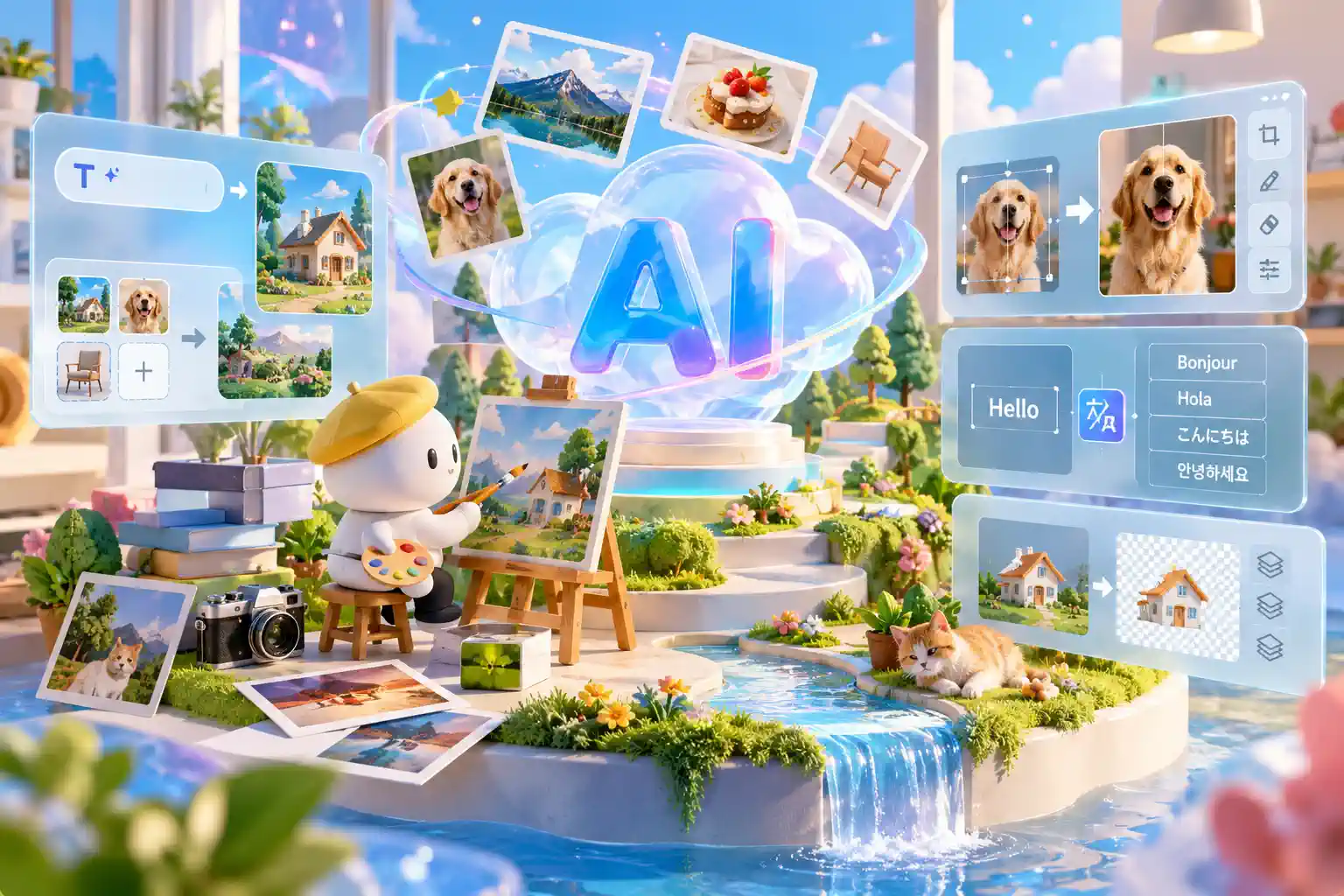
Its capabilities include targeted image editing, multilingual text generation, and image decomposition into a base image and transparent layers. These tools support workflows such as adapting product visuals, revising promotional posters, and preparing artwork for further design work.

Seedream 5.0 image workspace with reference inputs, editing controls, and layer outputs

Seedream 5.0 Features for More Control over Your Images

Go beyond the initial image with more control over how your visuals take shape. From precise edits and multi-image references to flexible layers and multilingual text, explore creative possibilities tailored to your design needs.

Refine Specific Design Elements with Clear, Visually Guided Edits

Draw freeform sketches or bounding boxes directly on your image to pinpoint edits without lengthy positional descriptions. Ask the model to remove your markup and blend new content with the original lighting, even allowing you to composite subjects across entirely different images.

Visually Edit Image Regions
Transform Flat Images into Multi-Layer Assets for Granular Control

Split a rendered composition into a base image and up to 16 transparent PNG layers, separating subjects, typographic elements, and decorative accents. Each extracted layer comes with coordinate metadata and can be independently re-edited or recolored in design tools without altering the rest of your layout.

Extract Editable Image Layers

Blend Subjects, Styles, and Settings into One Cohesive Composition

Build More Consistent Visuals by supplying up to 10 visual references to independently define character identity, wardrobe, or environmental style. Assigning clear roles to each input helps the model combine complex stylistic requirements into a single, unified commercial visual.

Create from Multiple References

Design Commercial Posters and Campaign Visuals with Native Multilingual Text

Embed headlines and labels directly into your scenes rather than applying them as an afterthought, with native support for Chinese and English plus 14 additional languages, including Japanese, Arabic, and Thai. Seedream 5.0 supports these different writing systems, helping you explore localized versions of your campaign visuals.

Generate Multilingual Visuals

Generate High-Fidelity 2K Images Sized Perfectly for Your Projects

Tailor your outputs to project requirements by generating crisp 1K, 1.5K, or high-fidelity 2K assets across customizable aspect ratios within the supported range. Export directly to standard PNG or JPEG files for your next stage of production.

Generate Custom 2K Images

How to Use Seedream 5.0 to Create AI Images

Creating images with Seedream 5.0 on HeyTop AI is straightforward, whether you're starting from scratch or building on existing visuals. Follow these three steps to get started.

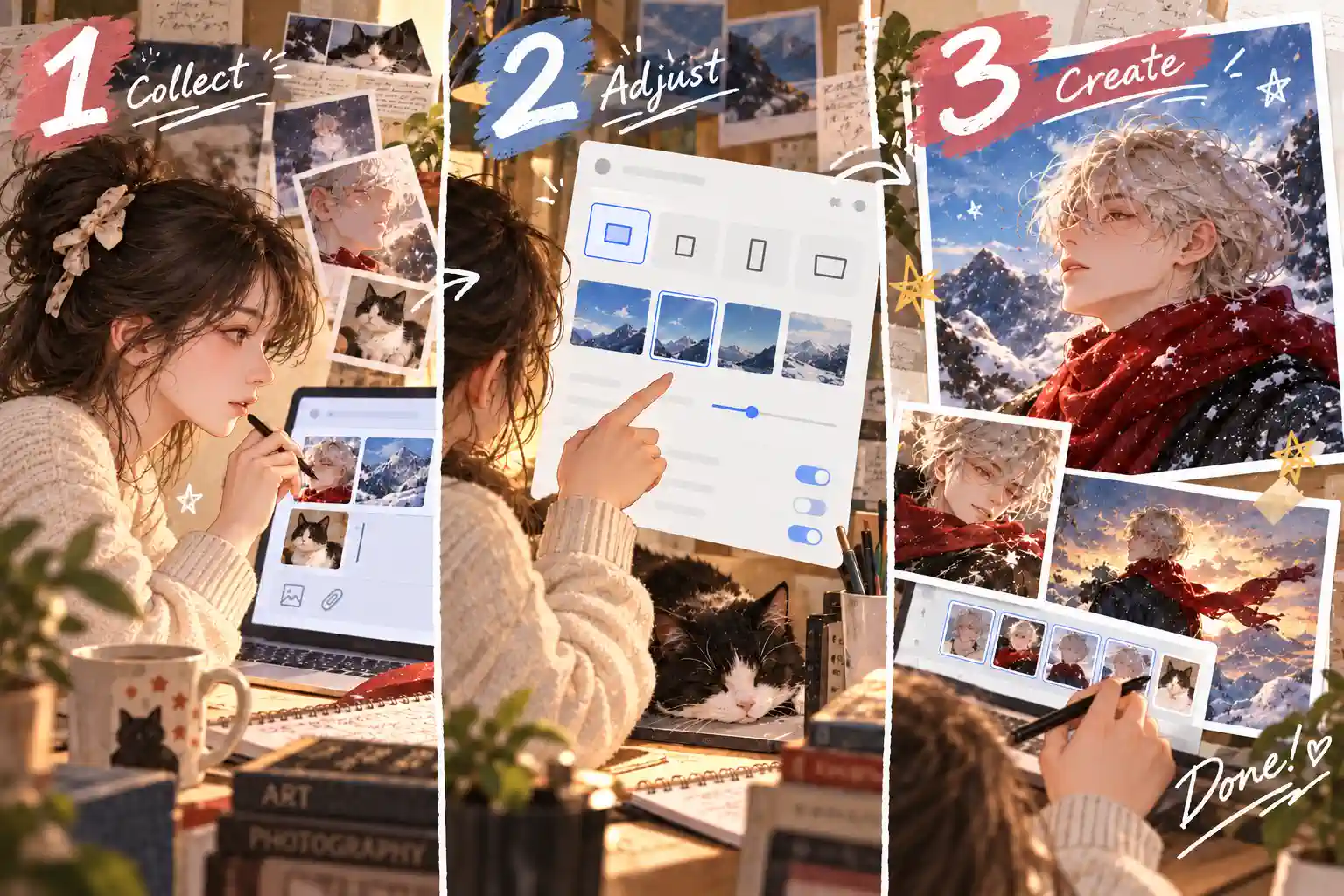
Three step AI image workflow for collecting references, adjusting settings, and creating results
01

Describe Your Idea or Add Reference Images

Enter a prompt with your preferred subject, style, and scene details, or upload reference images to guide the result.

02

Set Your Preferred Image Format

Select the image size and aspect ratio that suit your project, then adjust any available options before generating.

03

Generate, Review, and Refine

See how your image turns out, make any needed adjustments, and download the result for your project.

Why Choose Seedream 5.0 on HeyTop AI?

Save More Creative Time

Spend less time on repetitive design tasks and more time exploring fresh ideas, developing concepts, and bringing your creative projects together.

Create Directly in Your Browser

Access the model online without installing extra software or setting up a local environment, making it easier to create wherever you work.

Simple and Intuitive Experience

Enjoy a straightforward creative workflow that feels approachable for beginners while remaining practical for designers and content creators.

Privacy for Your Creative Work

Create with greater peace of mind, with your content and personal information handled according to the platform's privacy policy.

What Can You Create with Seedream 5.0?

From product imagery to cinematic storytelling, see how AI-generated images can support different creative goals. Find practical ways to communicate ideas, develop design directions, and prepare visuals for real projects.

Develop Brand-Ready Product Images for E-commerce and Advertising

Showcase products with backgrounds, lighting, and compositions that reflect your brand’s style. Whether you’re planning a new launch or refreshing an online store, testing different presentation ideas can help you find the right visual direction before investing in a full photo shoot.

Seedream 5.0 vs. Earlier Models: Compare Features and Output Options

Compare resolution, reference inputs, and editing capabilities across the Seedream family. HeyTop AI runs the Flash version, combining visual editing and layer decomposition with a focus on faster, more cost-efficient generation.

CapabilitySeedream 5.0 FlashSeedream 5.0 ProSeedream 5.0 LiteSeedream 4.5Seedream 4.0
Output resolution1K, 1.5K, 2K1K, 1.5K, 2K2K, 3K, 4K2K, 4K1K, 2K, 4K
Text to image generation✅✅✅✅✅
Single- and multi-reference generation✅✅✅✅✅
Maximum reference images1010141414
Visual editing with points, boxes, or marks✅✅❌❌❌
Image layer decompositionBase image + up to 16 layersBase image + up to 16 layers❌❌❌
Image series generation❌❌✅✅✅
Web search❌❌✅❌❌
Output formatsPNG, JPEGPNG, JPEGPNG, JPEGJPEGJPEG

✓ Supported · × Unsupported or not currently supported.

Visual editing refers to targeting areas with points, boxes, or other marks, rather than general prompt-based editing. Specifications describe model capabilities; available controls may vary by platform.

Explore More AI Tools for Your Next Creative Project

Frequently Asked Questions

Describe the subject, setting, and visual style, then add any essential layout or lighting details. With reference images, explain what to take from each one, such as the outfit, pose, or background. For edits, specify what should change and what should stay, keeping each instruction focused on the result you want.

Yes. On HeyTop AI, you can enter a prompt or upload reference images directly in the online workspace. No API key or local installation is required.

Yes. Upload an image, identify the object or area to change, and describe the edit you want, whether it’s replacing a prop, adjusting a color, or adding a detail. Specify which elements to preserve to help keep the result aligned with your original design.

The Flash version available here supports 1K, 1.5K, and 2K output in PNG or JPEG format. Choose from the resolution, aspect ratio, and export options available in the workspace.

You can earn free credits through daily check-ins and other available offers. Check your balance and the model’s credit cost to see whether you can generate without purchasing additional credits.

Commercial use depends on the platform’s applicable terms and the rights associated with your input materials. Make sure your references are properly licensed, and review the current terms before using results in ads, packaging, or client projects.

Your Next Commercial Masterpiece Starts with Seedream 5.0

★★★★★ 4.8 / 5.0 · Made for Creators Around the World

Create Your First 2K Asset Now