
Input Prompts & Select Model
Type your visual ideas and use ‘@’ to reference your uploaded files. Then, select an advanced AI model like Wan 3.0 or Seedance 2.5 to define the core aesthetic.
Stop limiting your raw clips to a single outcome. Whether you need to rewrite the art style, swap out environments, or upscale the base resolution, HeyTop AI’s video-to-video locks onto the original kinetic motion to deliver entirely new visual narratives.
Loading models…
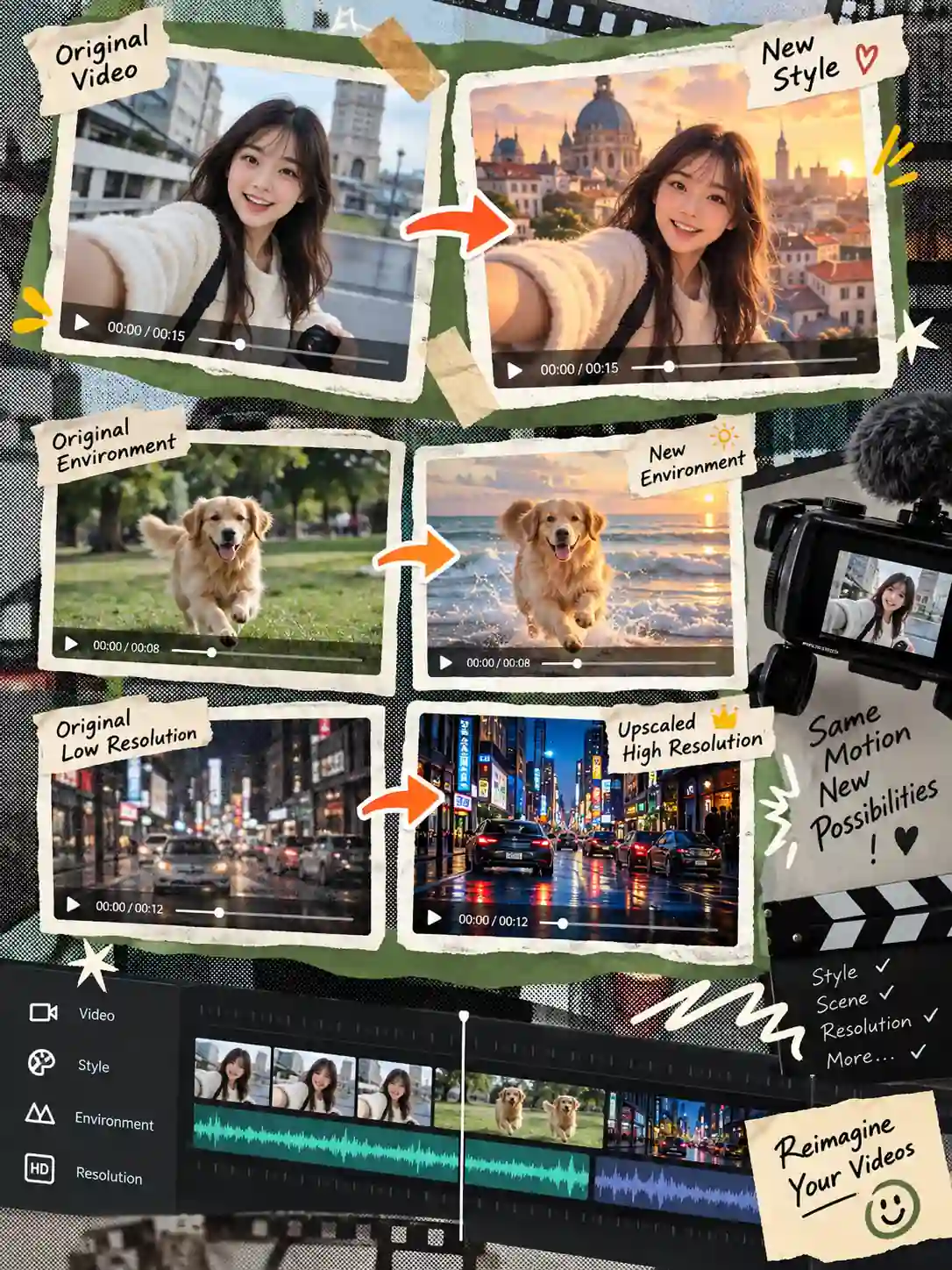
Delve into a curated collection of generated sequences spanning multiple aesthetics and genres. Observe how standard footage is elevated into striking visual narratives, maintaining exceptional stability and intricate detail across every frame.
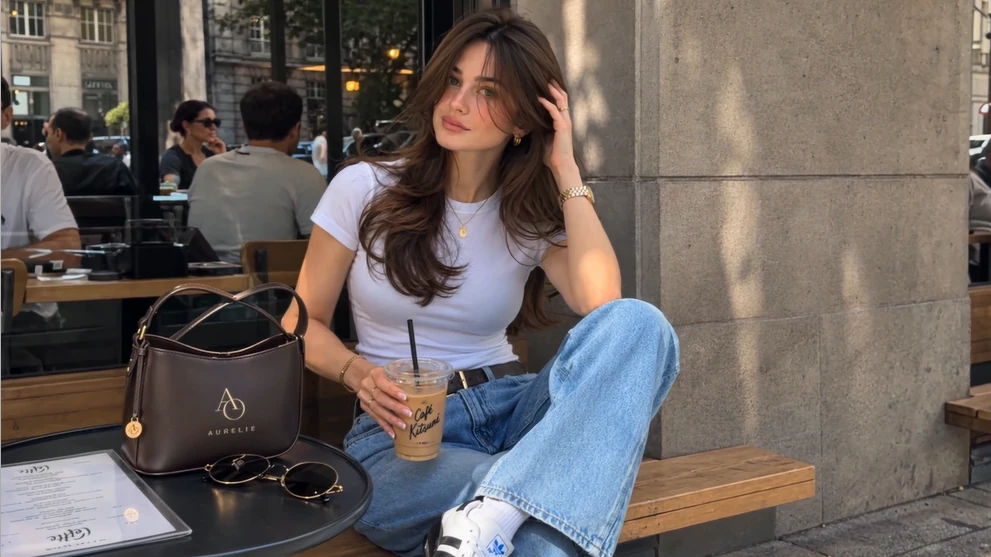
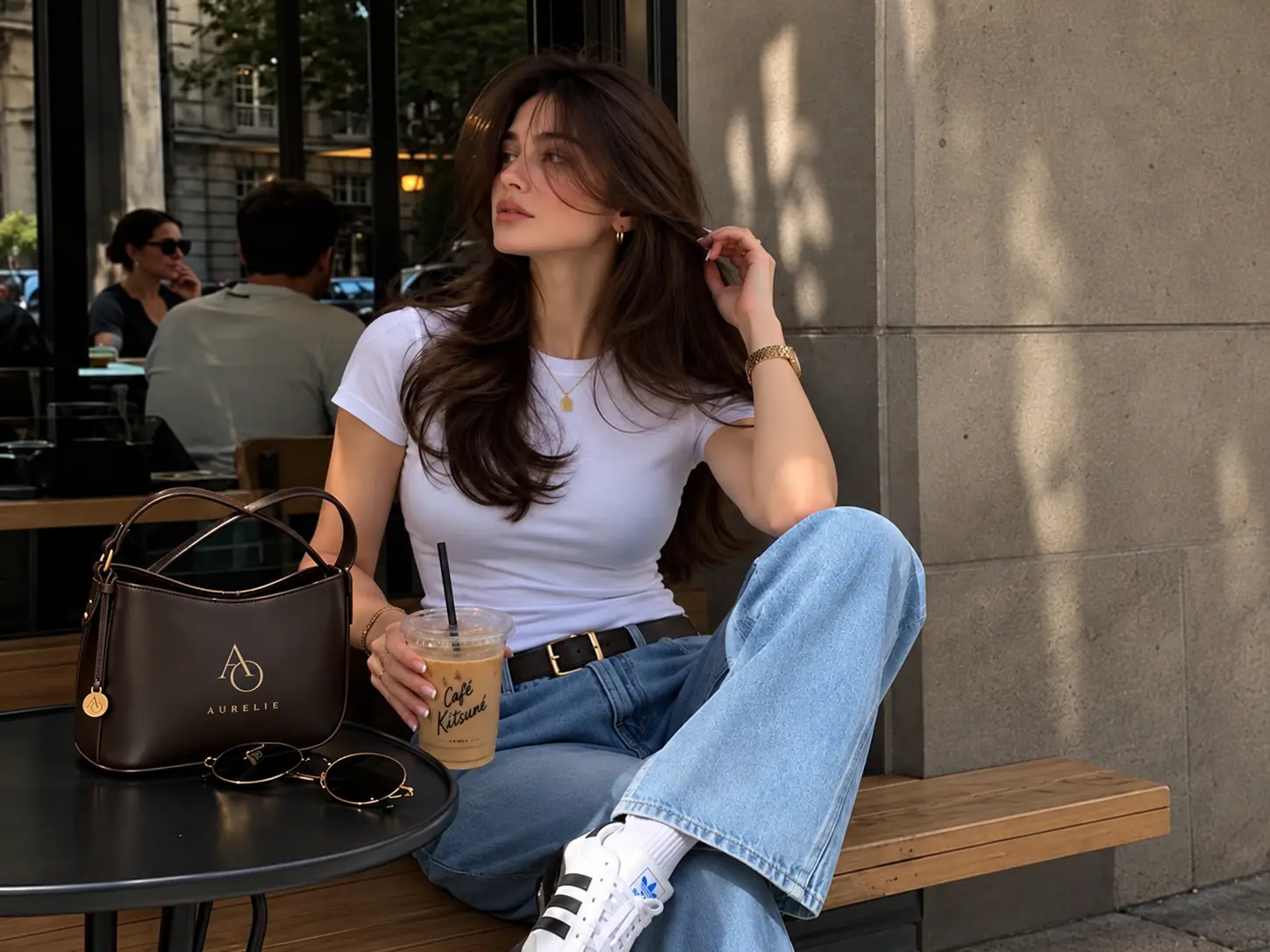
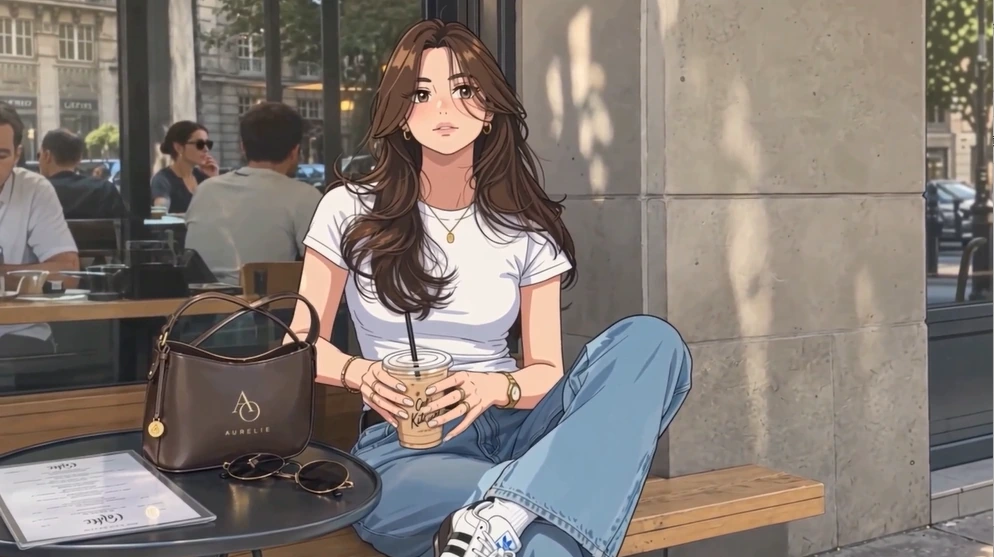
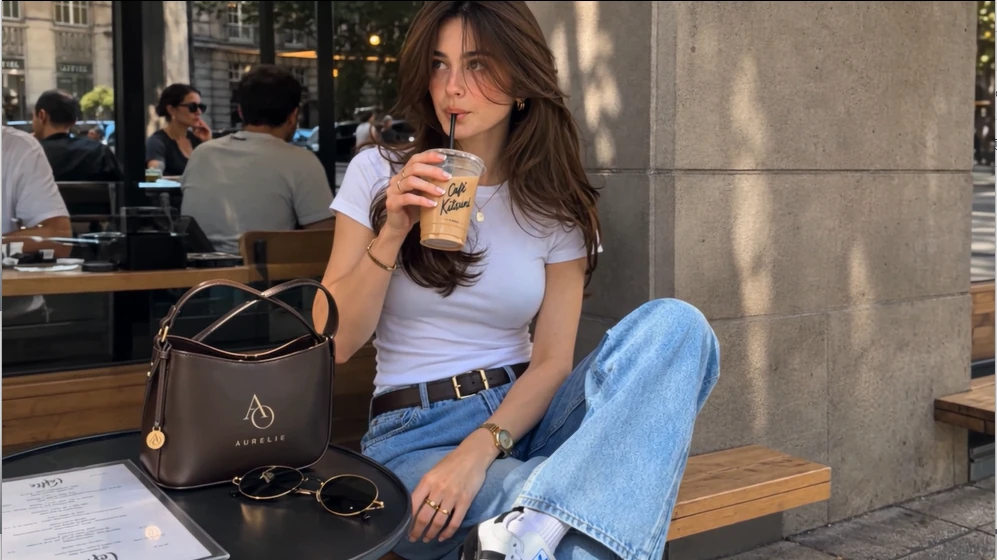
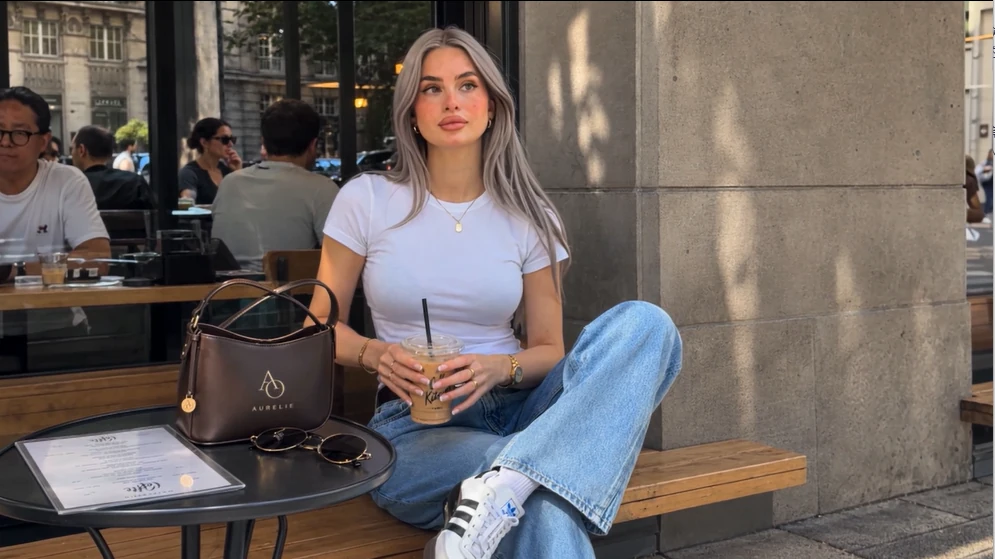
Gain granular control over your creative process. Seamlessly alter spatial environments, reimagine aesthetic textures, and upgrade pixel density while strictly anchoring the subject’s original movement.
Shift the core visual atmosphere of your shoot naturally. Through intelligent AI video style transfer, a casual backyard clip organically evolves into an anime sequence or a watercolor painting. The underlying skeletal movement stays intact while the aesthetic identity changes.
Apply Visual Stylization Now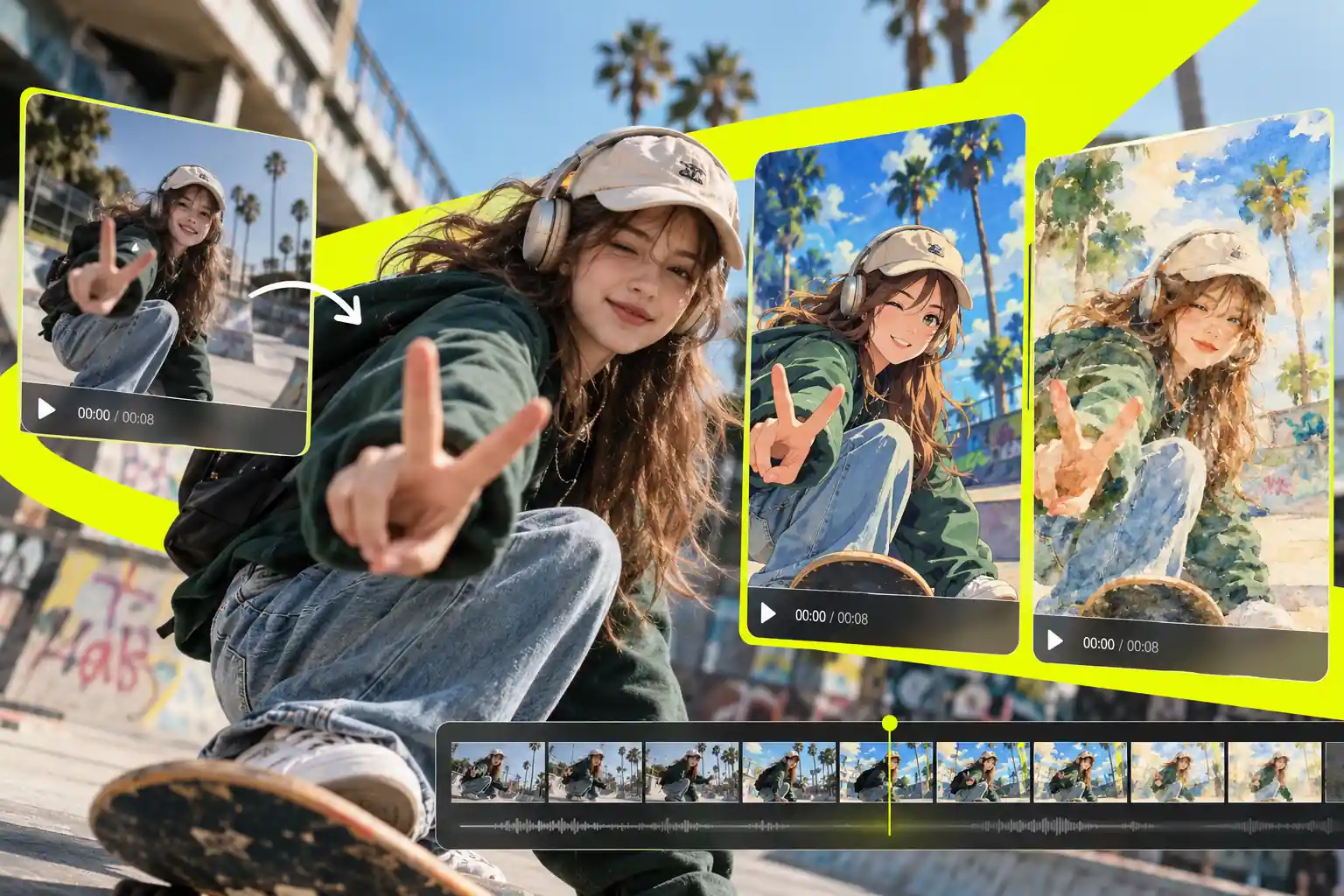
Relocate your subjects into any global or virtual setting. By analyzing complex spatial depth, you can change video backgrounds easily, ensuring the primary foreground action blends nicely with the newly generated environment. The subjects remain firmly grounded, even as the world behind them shifts.
Swap Your Video Backgrounds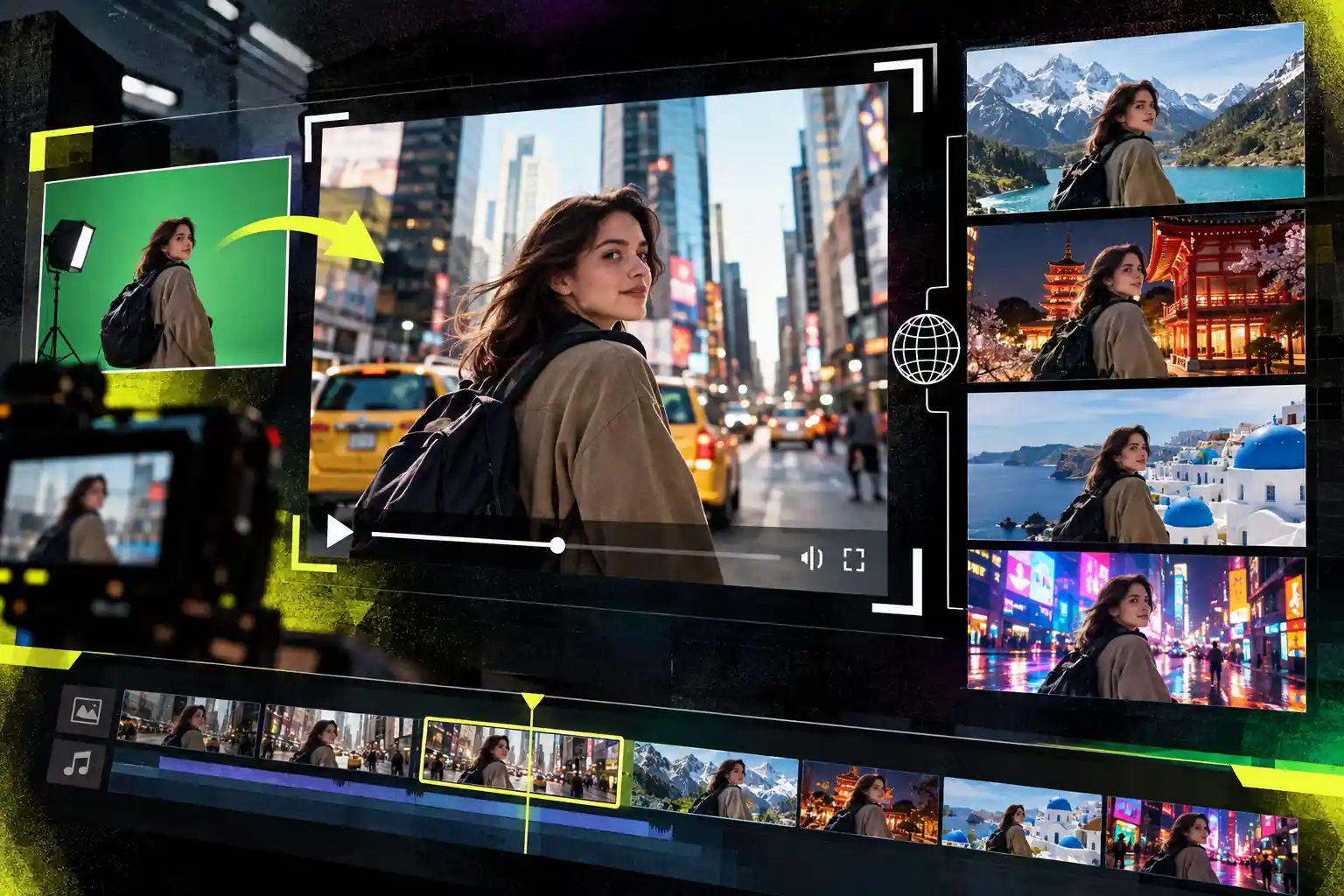
Swap the central figures or objects in your scene without losing their original movements. Whether changing a person walking into an armored knight, or a regular car into a futuristic rover, the newly generated subjects follow the initial motion trajectory perfectly.
Transform Video Subjects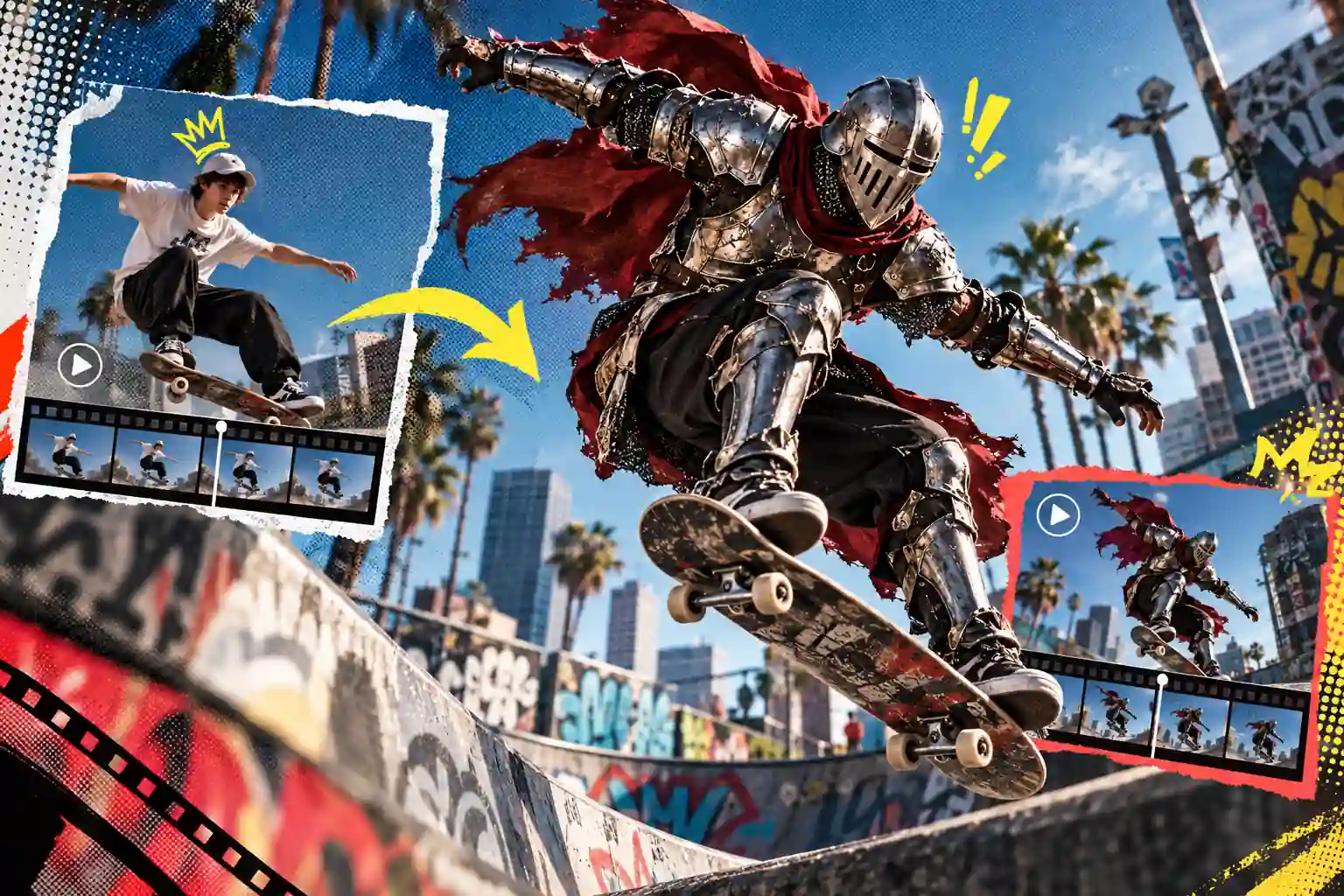
Bring grainy, low-light, or compressed clips back to a highly usable state. This built-in video enhancer naturally fills in missing pixel data and refines soft edge details, elevating standard smartphone recordings closer to professional-grade clarity without artificial over-sharpening.
Enhance Video Visual Clarity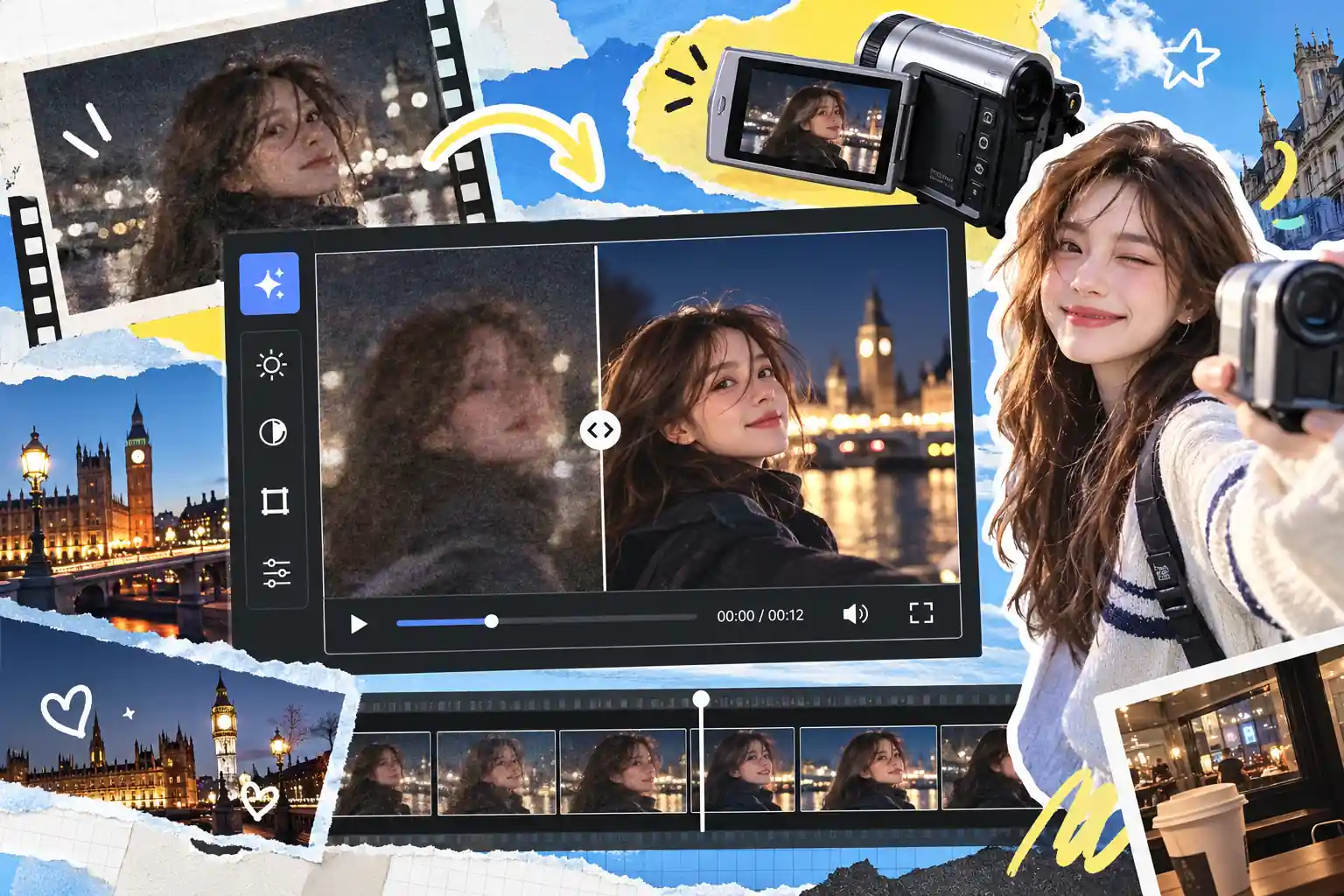
Extend short clips into longer visual narratives with ease. Instead of being limited to a brief moment, you can expand a few seconds of video into a cohesive 30-second short film. The continuation follows the original storyline, giving you more screen time to convey your ideas.
Extend Your Video Length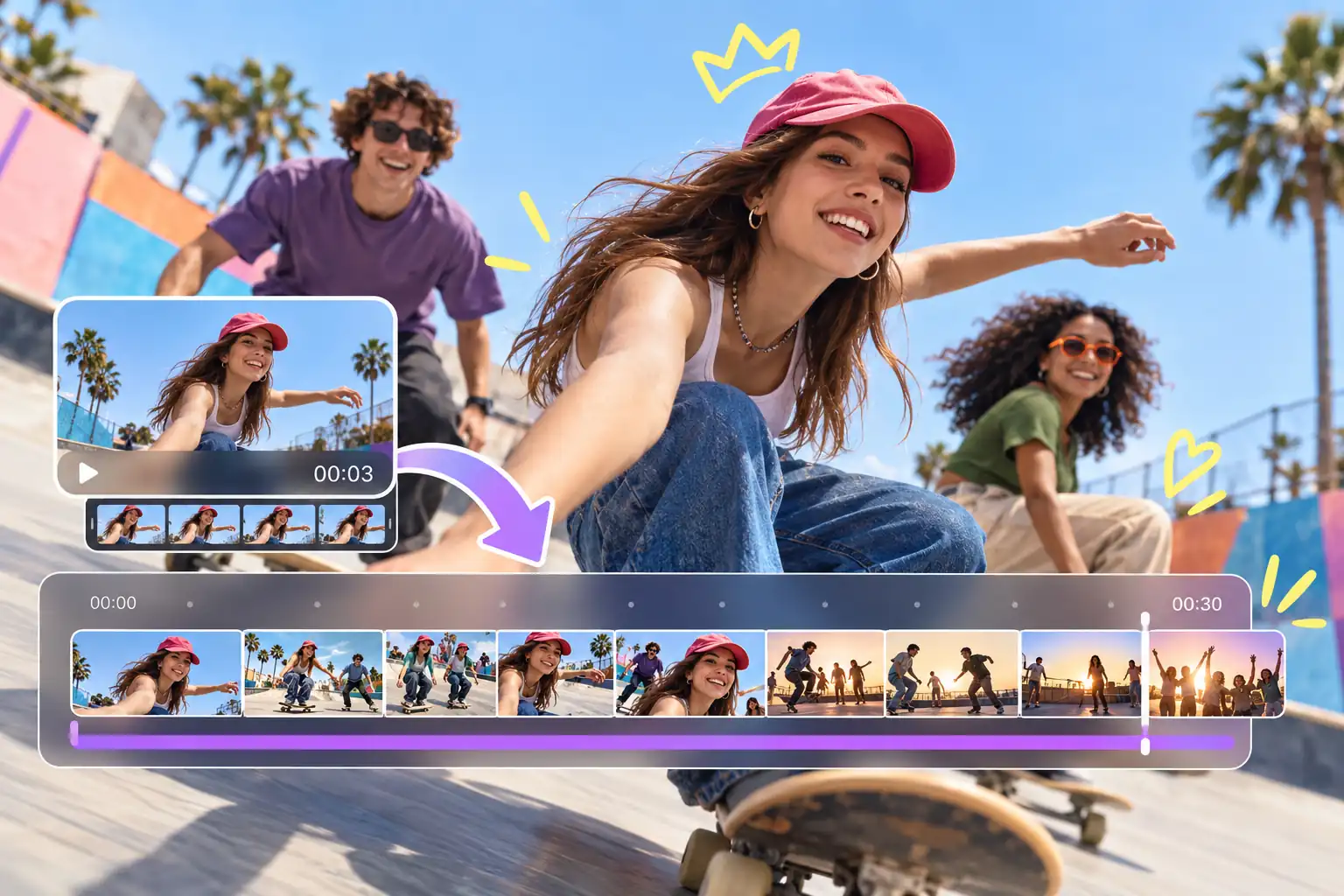
Go from a raw concept to a polished visual piece in minutes, requiring zero complex editing skills—just your imagination.
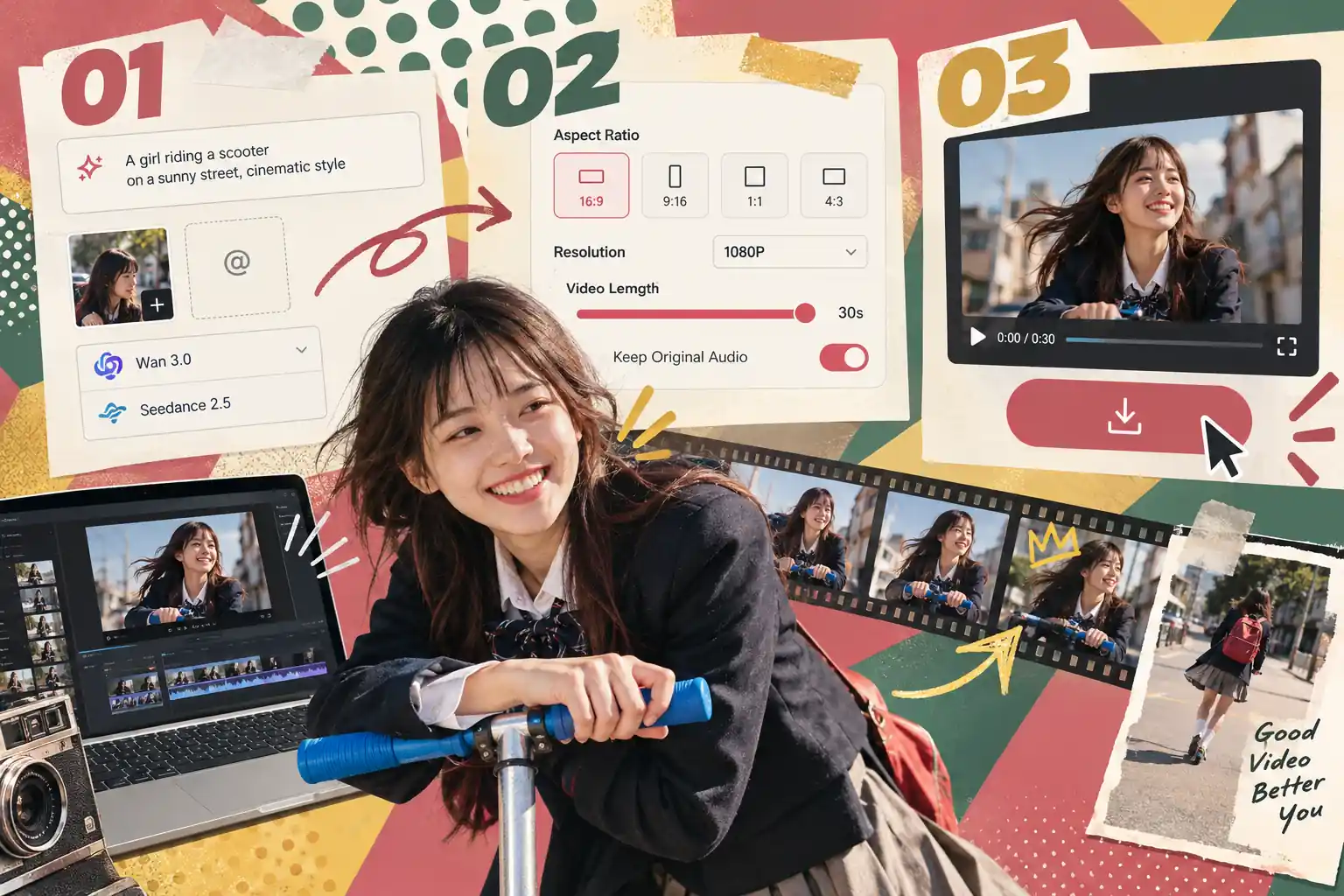
Type your visual ideas and use ‘@’ to reference your uploaded files. Then, select an advanced AI model like Wan 3.0 or Seedance 2.5 to define the core aesthetic.
Pick your desired aspect ratio and set the resolution up to 1080P. Drag the slider to set a video length up to 30s, and toggle to keep the original audio.
Click generate. The AI will render your new visual textures while keeping the original motion intact. Preview and download your final video instantly.
Spend less time waiting and more time creating. Optimized processing pipelines ensure quick turnaround times, letting you test multiple ideas efficiently.
Benefit from optimized rendering that preserves natural motion dynamics, significantly reducing common visual glitches and frame flickering.
Skip the steep learning curve of professional VFX software, as our intuitive interface allows beginners to transform everyday footage into stunning visuals with just simple text prompts.
Switch between industry-leading engines like Grok 1.5 and Seedance 2.5 within a single interface, making it easier to find the perfect style for your project.
Discover how creators across different industries leverage our AI to simplify production and elevate their storytelling. Whether you are scaling commercial ads or aiming for the next viral hit, there is a specialized workflow for you.
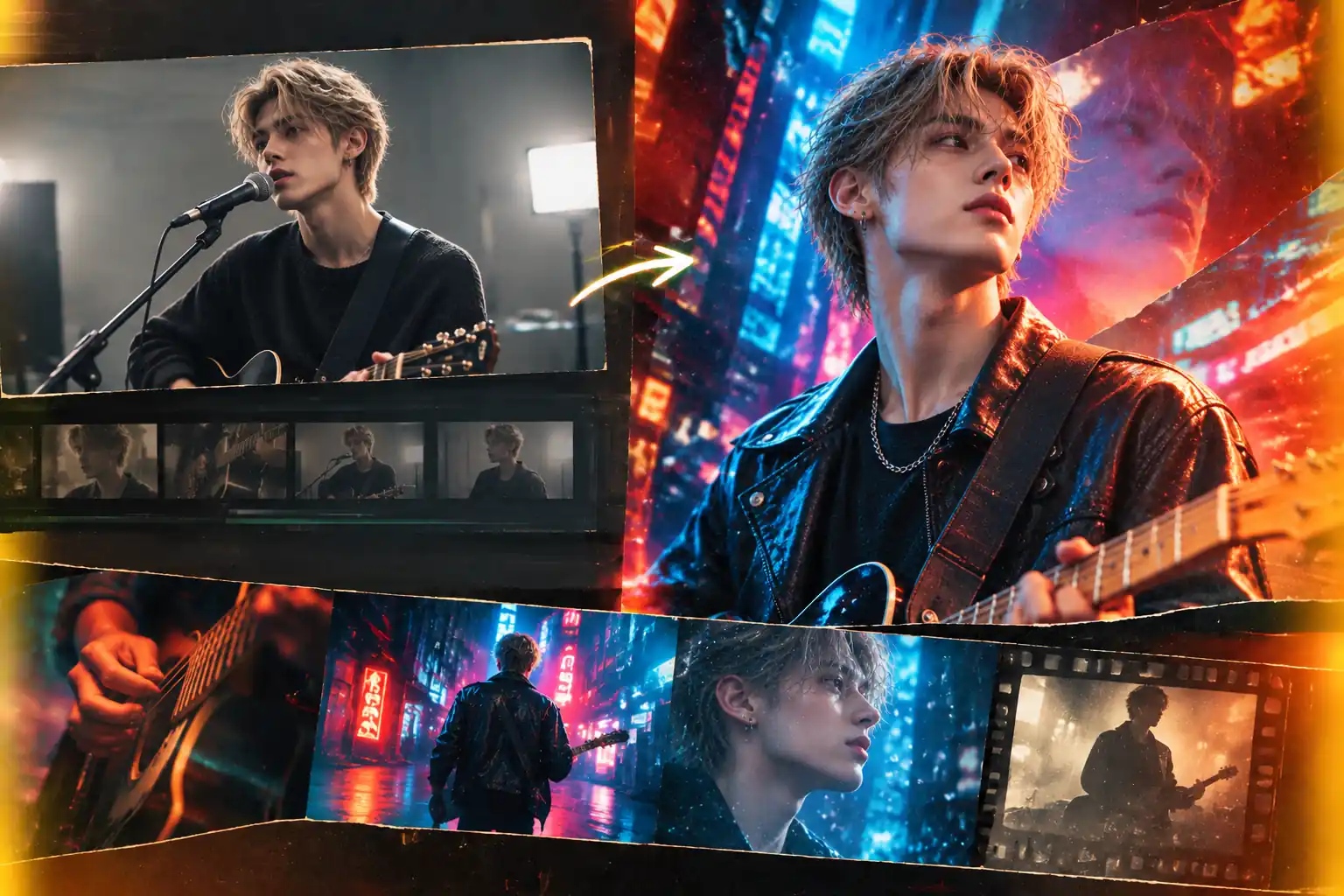
Musicians and independent directors can easily convert basic studio performance shots into surreal, multi-dimensional visual journeys. Whether adding dynamic neon accents to a hip-hop track or a retro film look to an indie pop song, the AI handles the heavy lifting of VFX compositing. It brings high-end artistic visions to life, making professional music videos accessible to indie artists.
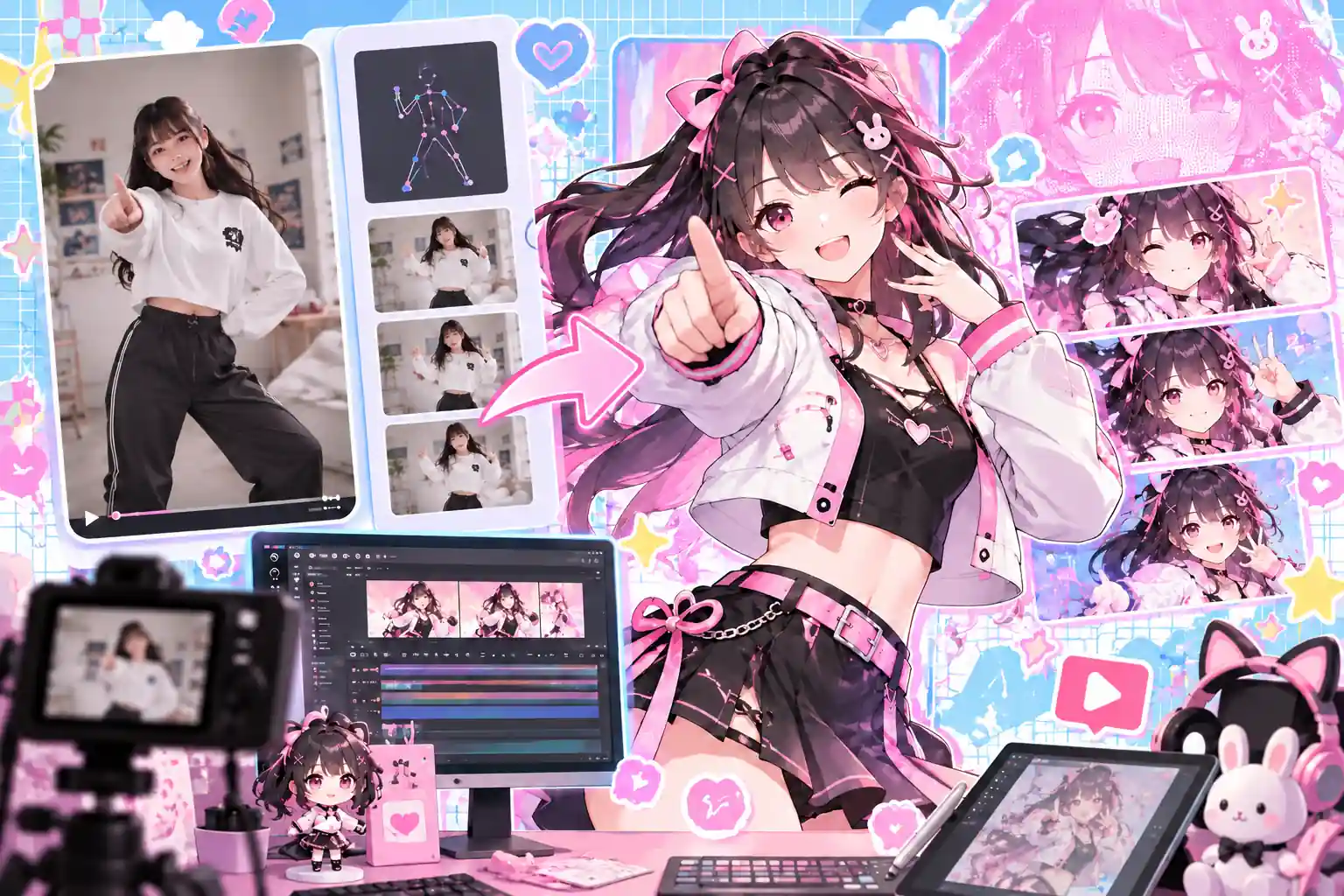
Ideal for VTubers, cosplayers, and animation enthusiasts looking to turn everyday dance routines or acting clips into studio-quality anime scenes. It eliminates the need for expensive motion capture setups or frame-by-frame hand drawing. This significantly lowers the barrier for independent animators to build their own dynamic 2D or 3D characters rapidly.
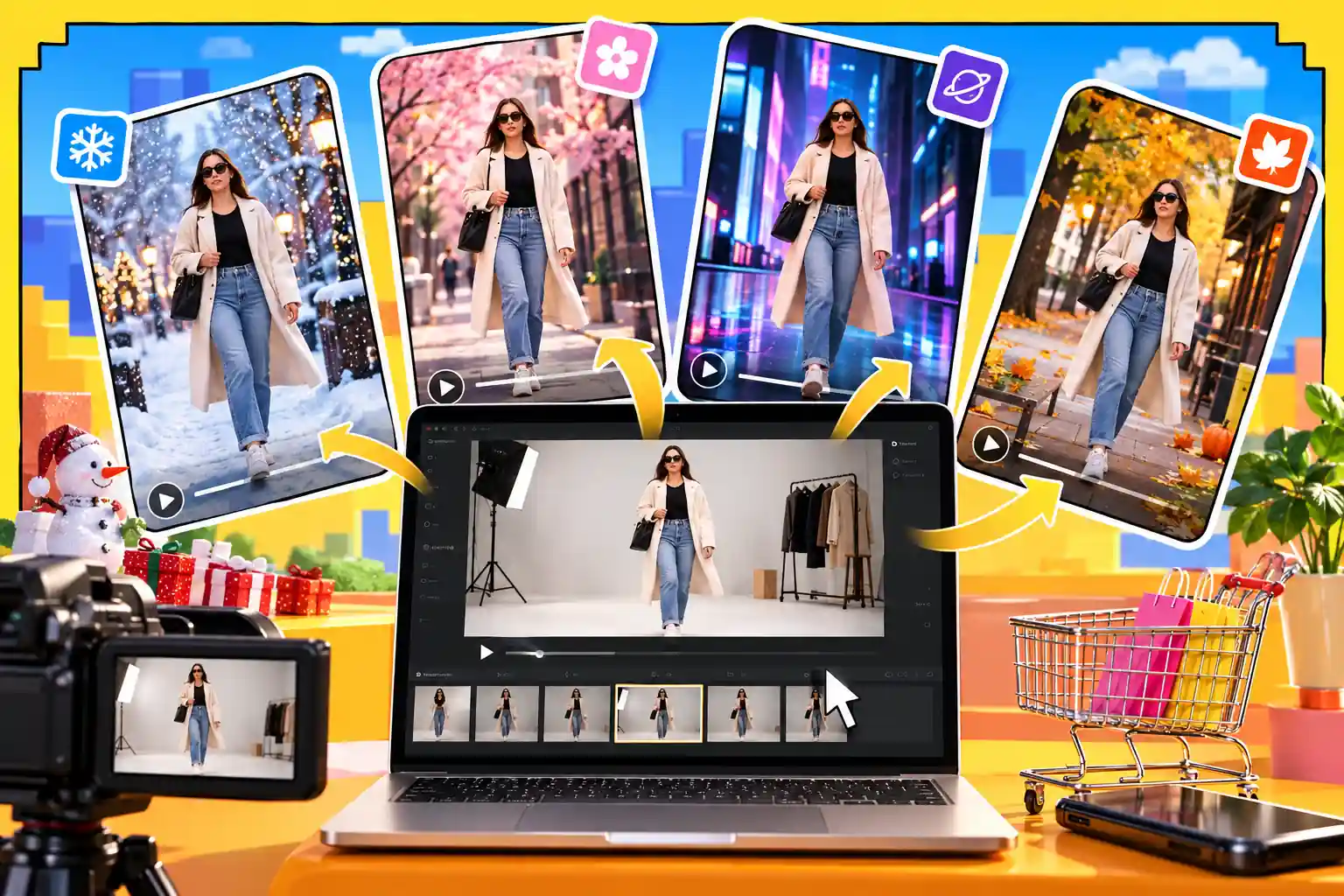
E-commerce brands can repurpose a single raw product shooting video into multiple seasonal or thematic advertisements. Change the background of a simple fashion walk from a plain studio to a snowy street or a futuristic runway in just one click. This drastically cuts down on location scouting and reshooting costs while multiplying your ad variations for A/B testing.
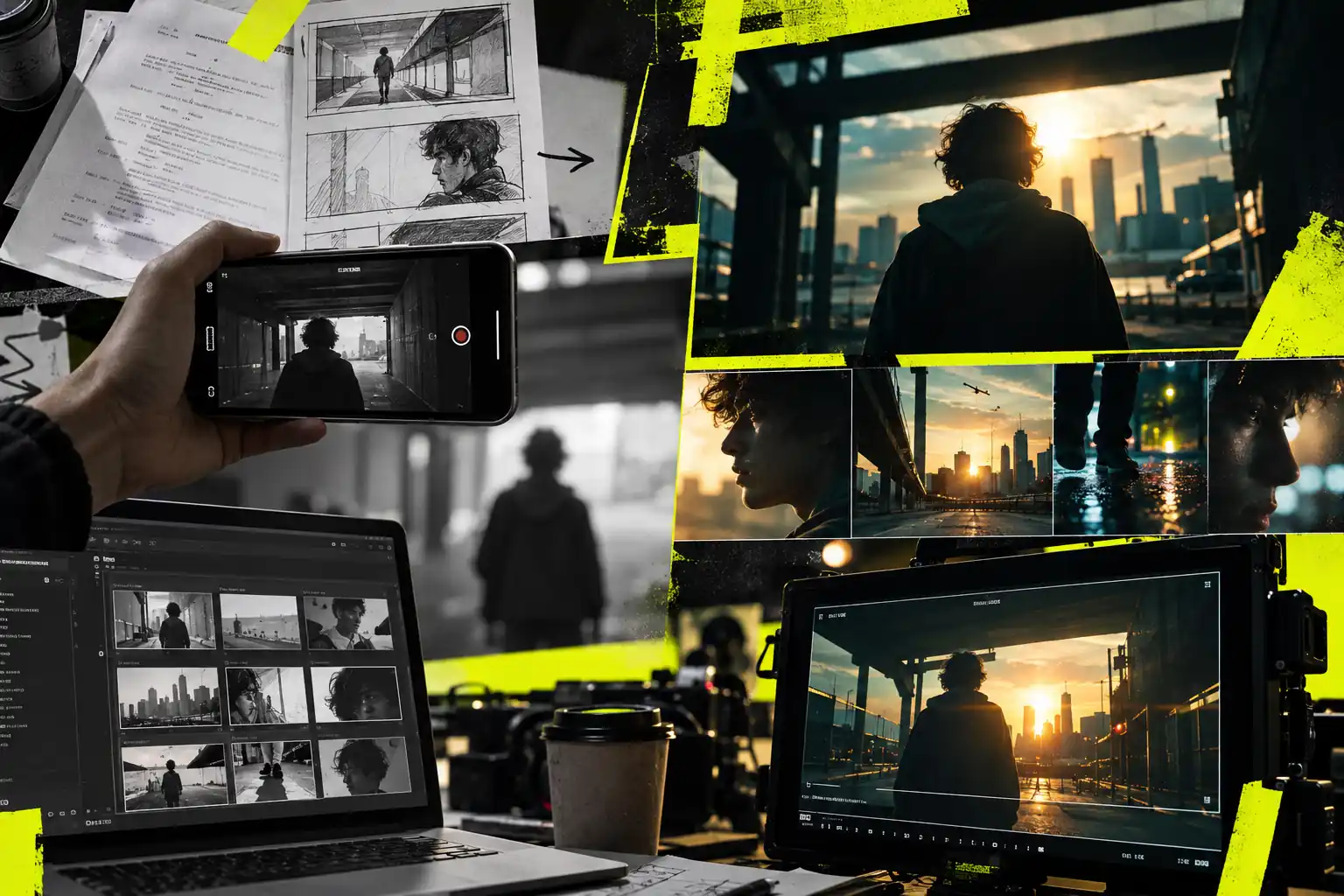
Filmmakers and creative agencies can shoot quick stand-in mockups with a smartphone and convert them into convincing conceptual scenes for client pitches. It bridges the gap between text-based scripts and the final cinematic look before actual production begins. This saves immense time in storyboard rendering and helps stakeholders align on the visual direction early on.
A Video-to-Video (V2V) AI Generator is a comprehensive creation tool that transforms existing footage into entirely new visuals using artificial intelligence. Beyond simple style transfer, it empowers you to accurately replace subjects, seamlessly swap backgrounds, and even extend video length based on your text prompts. By deeply analyzing the motion and depth of your original clip, it generates smooth, high-quality videos while perfectly preserving the core dynamics and structural integrity.
To achieve the smoothest output, we recommend using high-definition source footage with clear lighting and steady camera movement. When writing prompts, describe the main subject and background as precisely as possible. Additionally, selecting advanced AI rendering models will significantly enhance frame-to-frame consistency.
We currently support popular video formats like MP4 and MOV. You can generate videos up to 30 seconds long at a maximum resolution of 1080P, easily meeting the standard publishing requirements for social media shorts, ad creatives, and more.
Yes. Content generated under an active paid subscription is cleared for commercial use. However, you must ensure that you own the legal copyright or have obtained the proper licensing for the original base video you upload.
Yes, new users receive free credits upon registration to test our core features. If you need watermark-free downloads, longer video generation, and priority processing, you can upgrade to a premium plan at any time.
Your privacy is absolutely guaranteed. Uploaded files are securely encrypted and used strictly to process your generation tasks. Without your explicit authorization, we will never use your private videos to train public AI models.
Create Eye-Catching Visual Hooks for TikTok and Reels
Perfect for social media influencers and marketers who need to stand out in crowded algorithm feeds. Apply bold stylistic changes like cyberpunk, claymation, or watercolor to standard vlog footage to instantly grab audience attention in the first three seconds. This approach effectively boosts engagement rates and follower growth without extending your production time.