Transform Word Documents into Ready-to-Present Slides
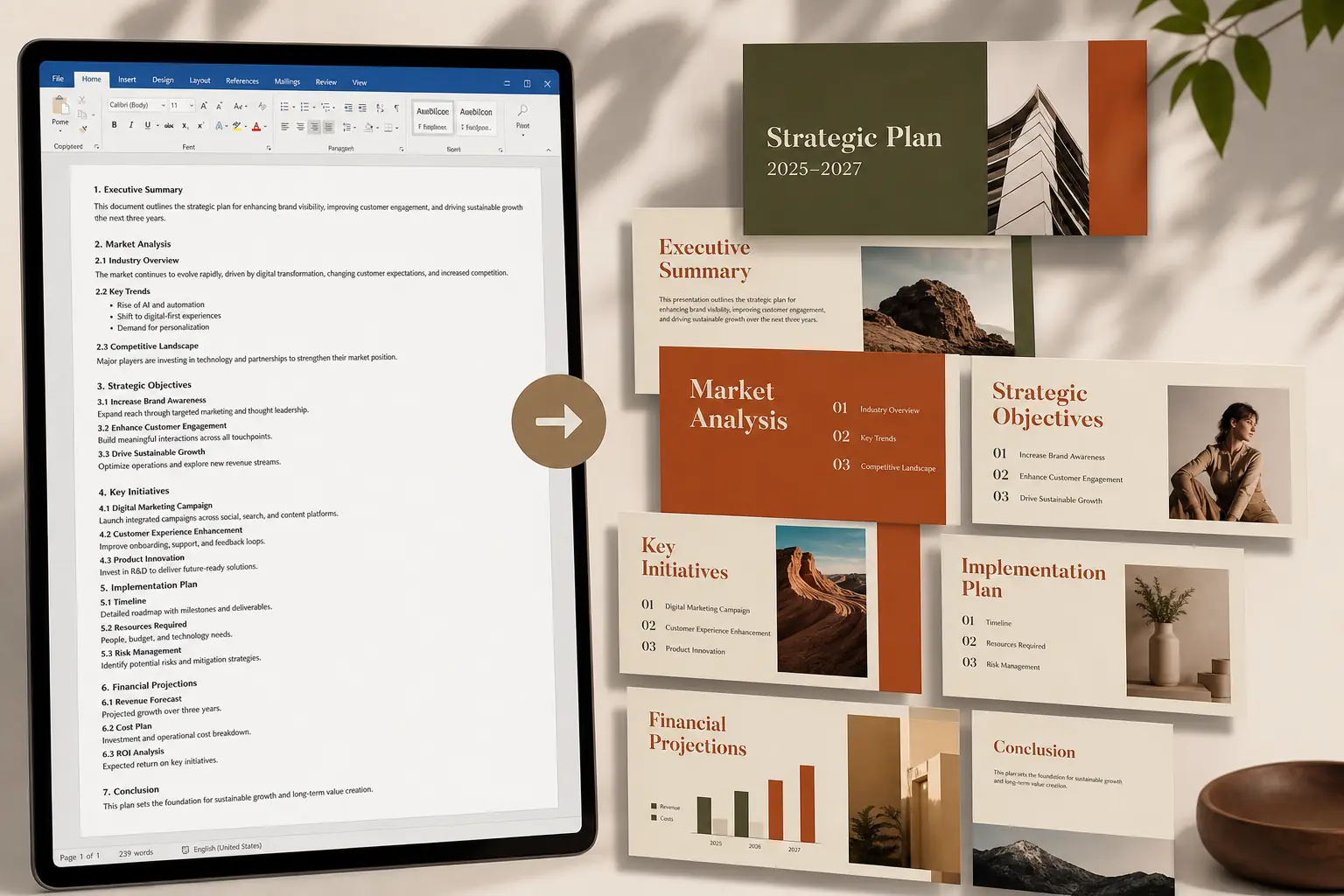
Stop turning Word documents into slides page by page. Upload your DOCX file, and HeyTop AI will pull out the storyline, key points, and slide structure you need for a sharper presentation.
Word
Upload your Word file here
Drag and drop or click to upload
Powerful Features for Turning Word Documents into PPT
Your Word document already has the ideas. HeyTop AI helps shape them into slides that are easier to scan, easier to explain, and easier to polish before the final presentation.
Turn Long Word Documents into a Clear Slide Framework
Convert dense Word content into a cleaner slide framework without starting from a blank PowerPoint file. This AI Word to PPT tool reads headings, sections, key ideas, and supporting details, then organizes them into a structure that feels closer to a real presentation draft.
Refine the AI Outline into Speaker-Friendly Slide Content
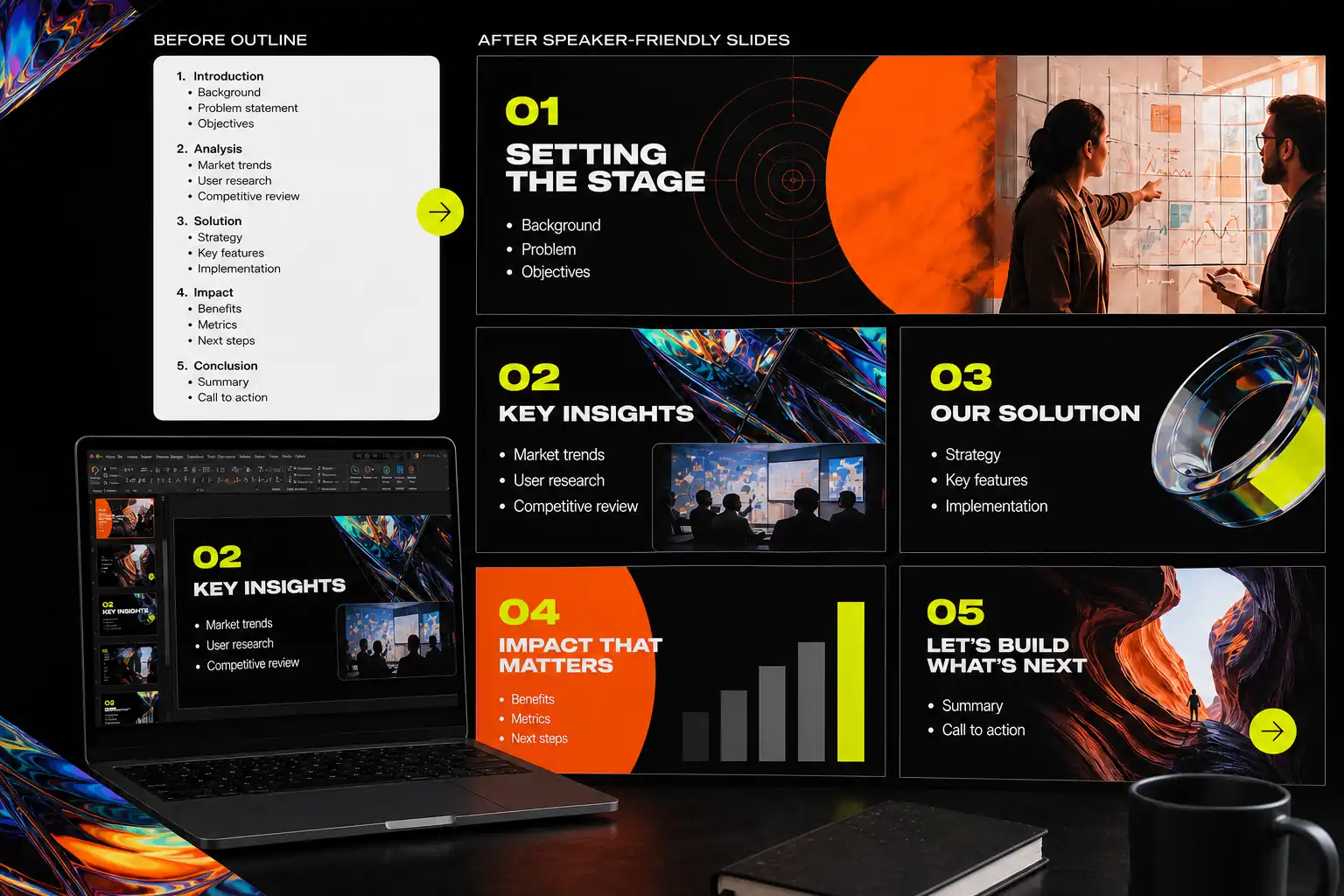
A strong presentation needs more than copied paragraphs. You can edit the presentation outline from Word and reshape it into concise slide titles, talking points, and page-level messages that are easier to explain during a meeting, class, pitch, or report.
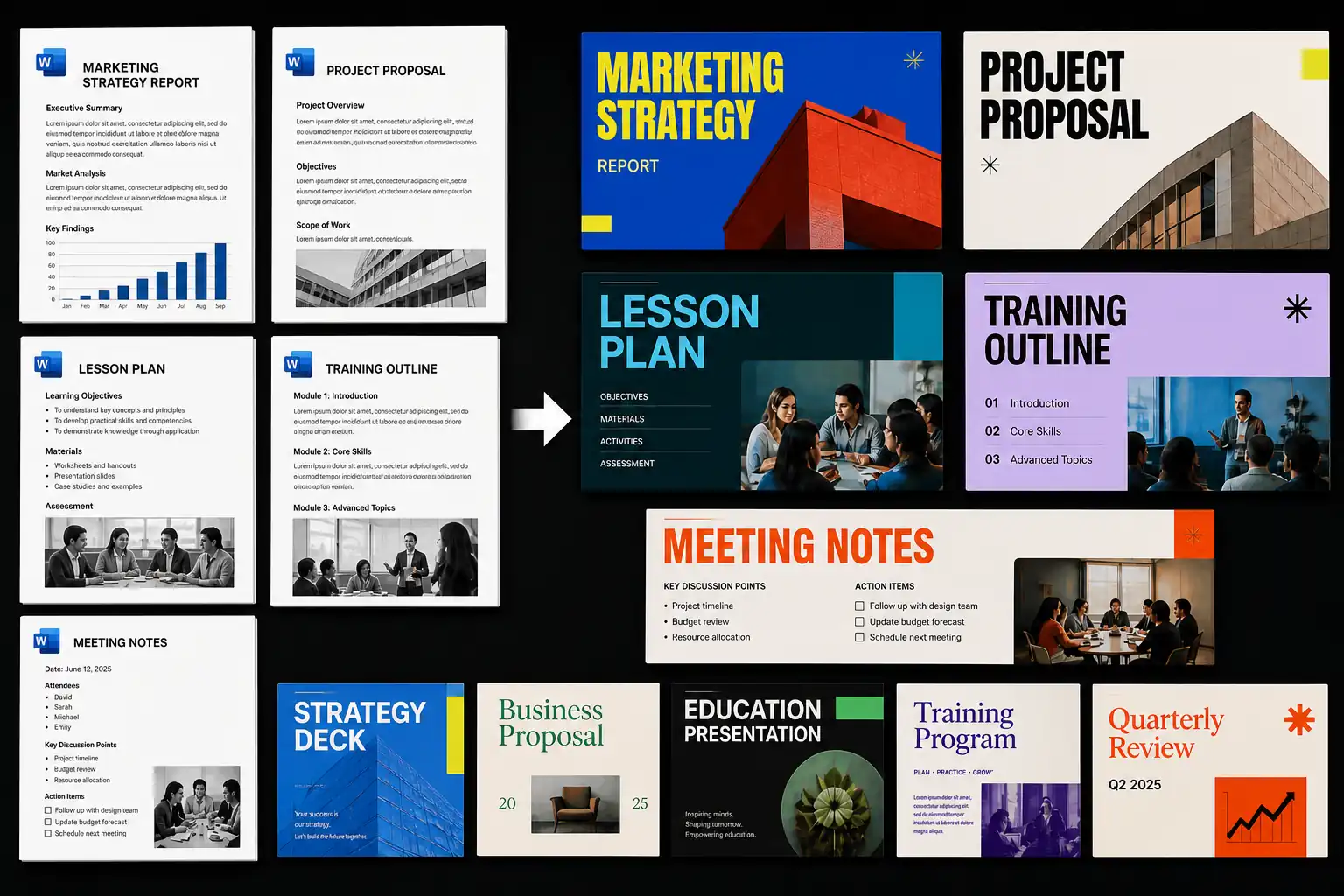
Choose from a range of PPT templates designed for different document types and presentation goals. Whether you need to turn a Word report, proposal, lesson plan, training document, or meeting note into PowerPoint, the layout can better fit the way your content will be presented.
Word documents often carry too much text for a single slide. This Word to PPT AI feature helps organize content into readable sections, balanced text blocks, and clearer page layouts, making the first PowerPoint draft easier to review and improve.
The generated deck is made for continued editing, not just one-time downloading. You can revise wording, reorder slides, switch templates, adjust layouts, and shape the editable PowerPoint draft around your audience, topic, or presentation goal.
How to Create a PPT from a Word Document in 3 Steps
1
Upload Your Word File
Upload a Word document, such as a report, proposal, lesson plan, meeting note, or article draft. The AI reads the file and extracts a clear presentation outline.
2
Edit the Outline and Pick a Template
Review the outline before generating slides. Adjust titles, reorder sections, remove extra points, and choose a PPT template that fits your topic and audience.
3
Generate and Download Editable Slides
Generate a PowerPoint draft from the edited outline and selected template. Then refine the slides and download the final editable PPT file.
Why Choose the Word to PowerPoint AI Converter on HeyTop AI?
Save More Time
Convert Word documents into usable PPT drafts faster, without having to recreate each slide page by page.
Work Online
Create PowerPoint slides directly from Word files on HeyTop AI,, without installing any additional software.
Easy to Use
The workflow is simple and clear, so you can turn documents into presentations without a complicated learning process.
Rich Templates
Choose from a variety of PPT styles to match the tone of your presentation, from professional and academic to creative or clean visual layouts.
Freely Editable
Refine generated slides by changing the text, layout, order, design, and final presentation details.
Suitable for Multiple Scenarios
Create PPT slides from Word documents for reports, courses, proposals, meetings, project updates, and daily presentations.
Which Real-World Work Scenarios are Our Word to PPT AI Suitable For?
Different audiences need different slides from the same Word document. These use cases show how Word to PPT AI helps reshape written content into presentations that are easier to explain, share, and act on.
From Word Reports to Clear Decision Slides
Long business reports often bury the main message under pages of details. With AI Word to PPT, teams can turn a Word report into PowerPoint slides that highlight findings, numbers, risks, and next steps for management reviews or internal updates. Instead of asking decision-makers to read the full document first, the deck brings the most important points to the front.
Build Client Pitch Decks from Proposal Documents
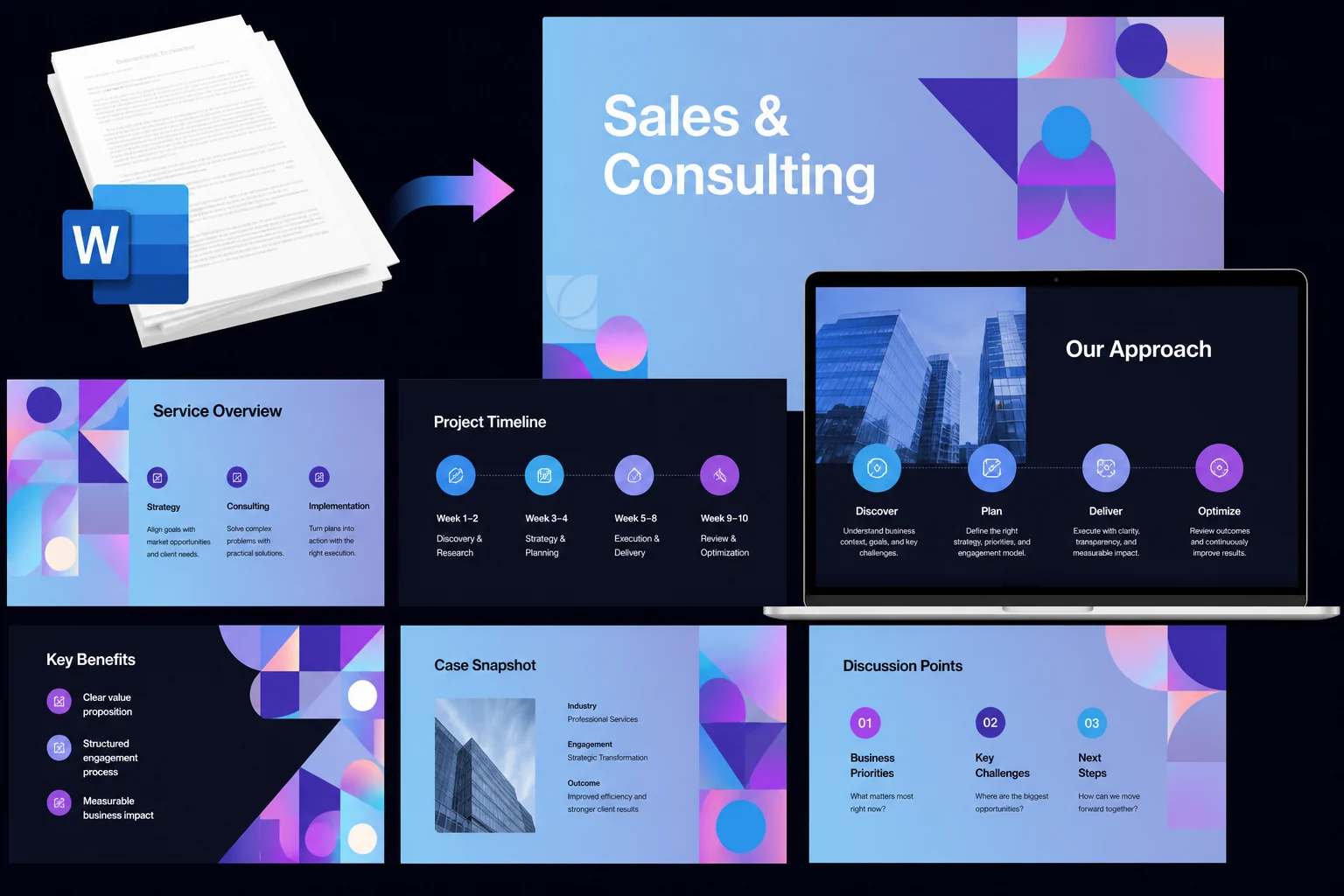
Sales teams, consultants, and agencies often start with a detailed word proposal before building a client deck. A Word to PPT AI converter can reshape service plans, strategy notes, and project proposals into slides with clearer value points, process flow, and discussion structure. The result is a pitch that feels easier to present, easier to discuss, and easier for clients to follow.
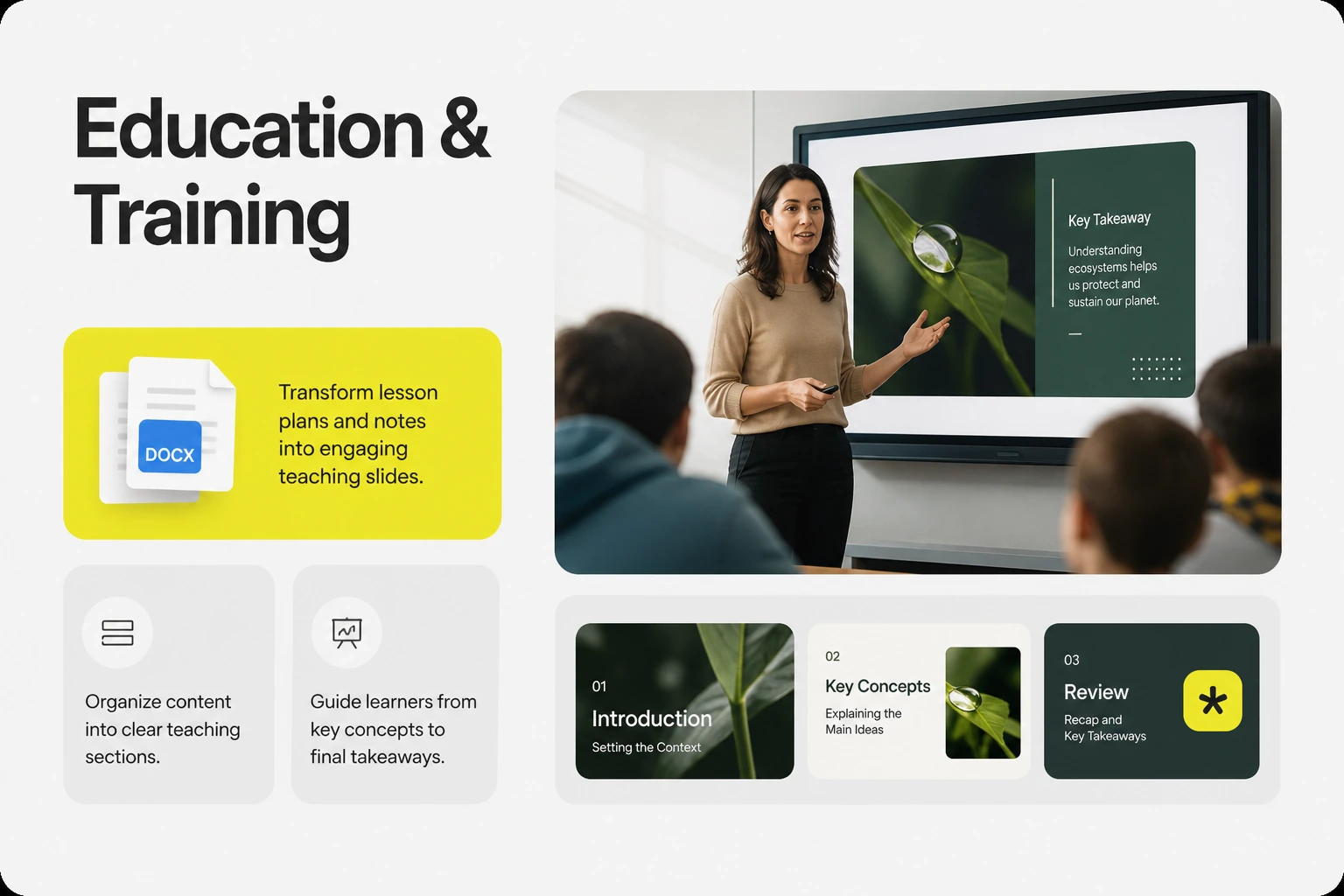
Make Teaching Slides from Lesson Plans and Notes
Teachers, trainers, and course creators can create PPT from Word document materials such as lesson plans, study notes, and workshop outlines. Instead of copying large blocks of text, the content can be organized into teaching sections, explanation points, and review slides. This gives learners a clearer path through the material, from the main concept to the final takeaway.
Present Research Ideas Without Rewriting Everything
Academic writing is usually too dense for slides, but the core argument still needs to be presented clearly. Students and researchers can summarize Word documents into PPT slides for class presentations, thesis updates, research sharing, or group discussions. Key details such as the topic, method, evidence, and conclusion can stand out without rewriting the entire document from scratch.
Share Project Updates from Working Documents
Project plans, meeting notes, and status documents often contain useful information, but they are not always ready for a team presentation. AI Word to PowerPoint helps organize those working documents into slides for progress reviews, follow-up discussions, and team alignment. Scattered notes become a shared set of talking points that teams can review, update, and move forward with.
What Users Say About Word to PPT AI Converter
“I had a 12-page campaign recap sitting in Word and only one afternoon to prepare the meeting deck. The first draft was not perfect, but it gave me the sections, slide titles, and talking points I needed. I spent my time polishing the story instead of rebuilding the whole PPT from scratch.”
Liora Venn|Marketing Manager
Frequently Asked Questions
An AI Word to PPT tool helps turn a Word document into a PowerPoint draft with slide sections, key points, and a clearer presentation structure. It is useful when you already have the content in Word but need to make it easier to present, explain, or share.
Yes. If your Word file has long paragraphs or too much detail for a slide deck, AI can help condense the content into shorter points, section titles, and a cleaner presentation outline. You can still review the result and adjust the message before using it.
Yes, the PPT draft can be edited after generation. You can change the wording, move slides around, update the layout, switch templates, and refine the deck so it fits your audience, topic, or presentation style.
Word to PPT AI works well for documents that already contain useful ideas or organized information, such as reports, proposals, class notes, training materials, research drafts, project updates, and meeting notes. Files with clear headings or sections usually make it easier to create a stronger first slid
Many basic Word to PPT converters focus on moving content into another format. AI Word to PPT is more helpful when your document needs to be shortened, reorganized, and shaped into slides that feel ready for a real presentation, not just copied from a Word page.