AI Image Enhancer: Instantly Upgrade Your Photo Quality for Free

Easily rescue dull or compressed images by recovering delicate textures and sharpening soft edges. Whether preparing visuals for social media or digital projects, our AI Image Enhancer helps you achieve a crisp, professional finish without tedious manual editing.

Reference images
Model

Loading models…

Preview
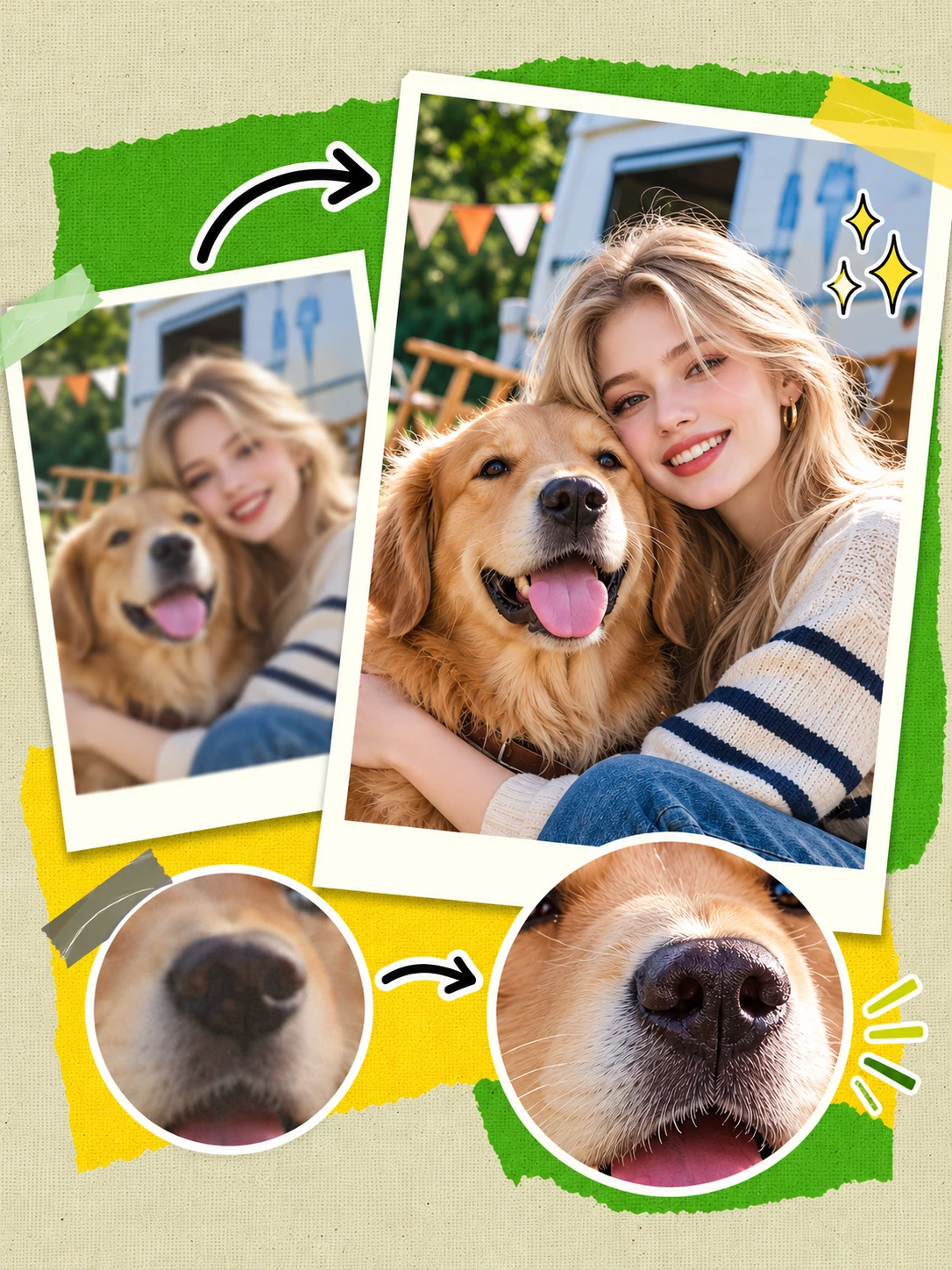
AI image enhancer comparison showing sharper facial details and golden retriever fur.

Before & After: See the Transformation in Action

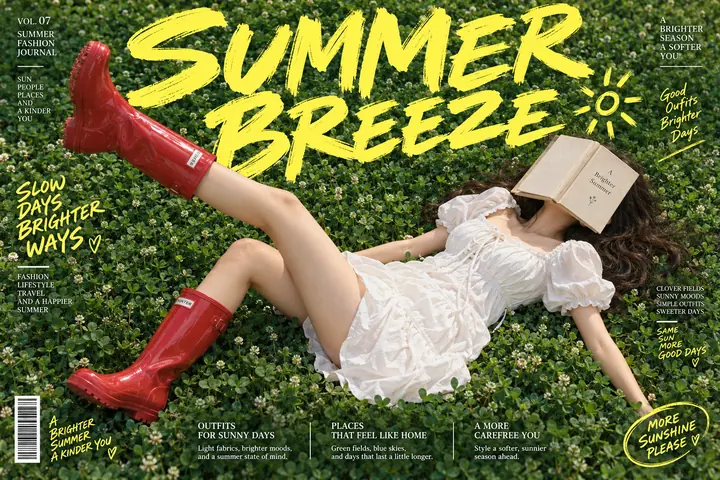
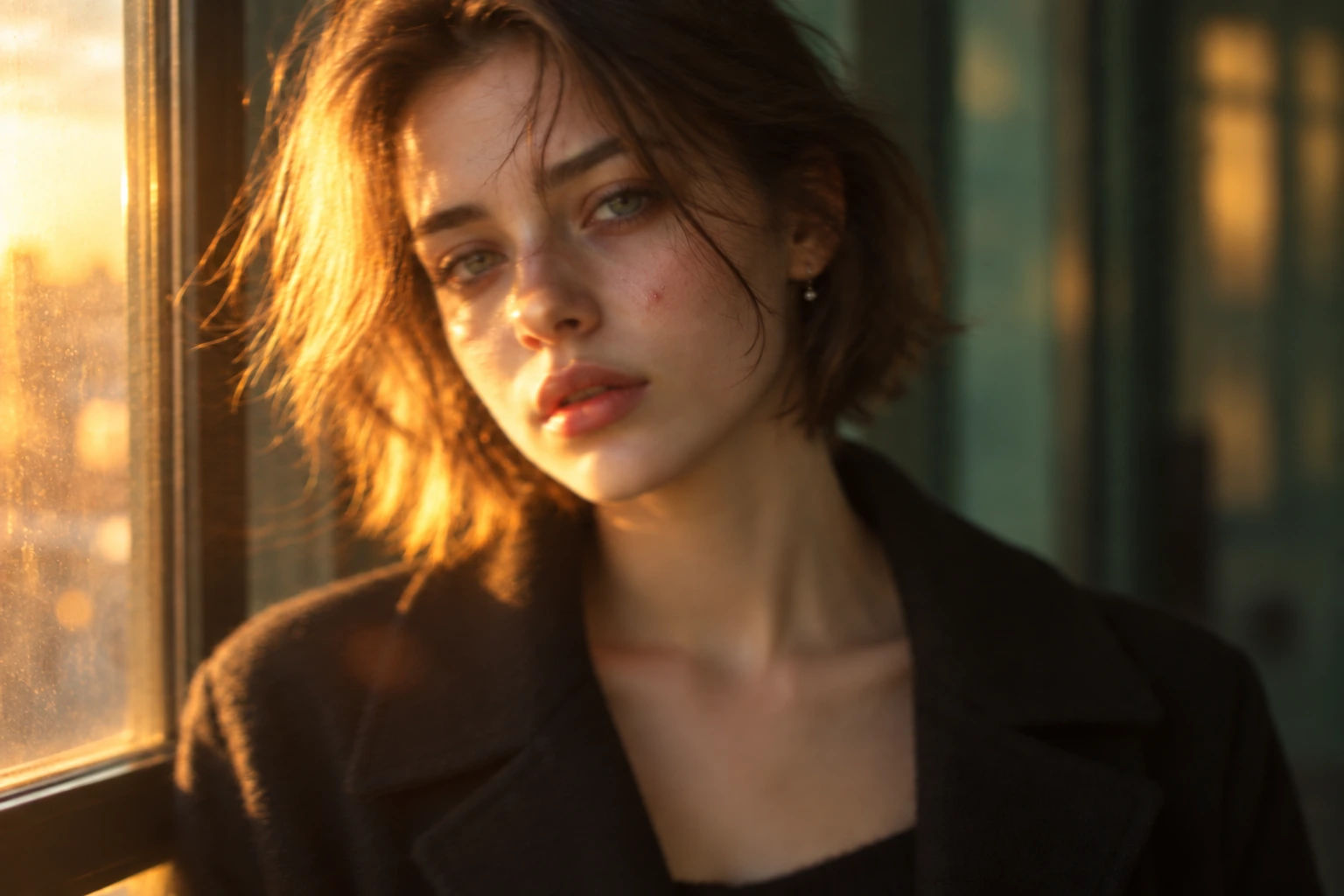
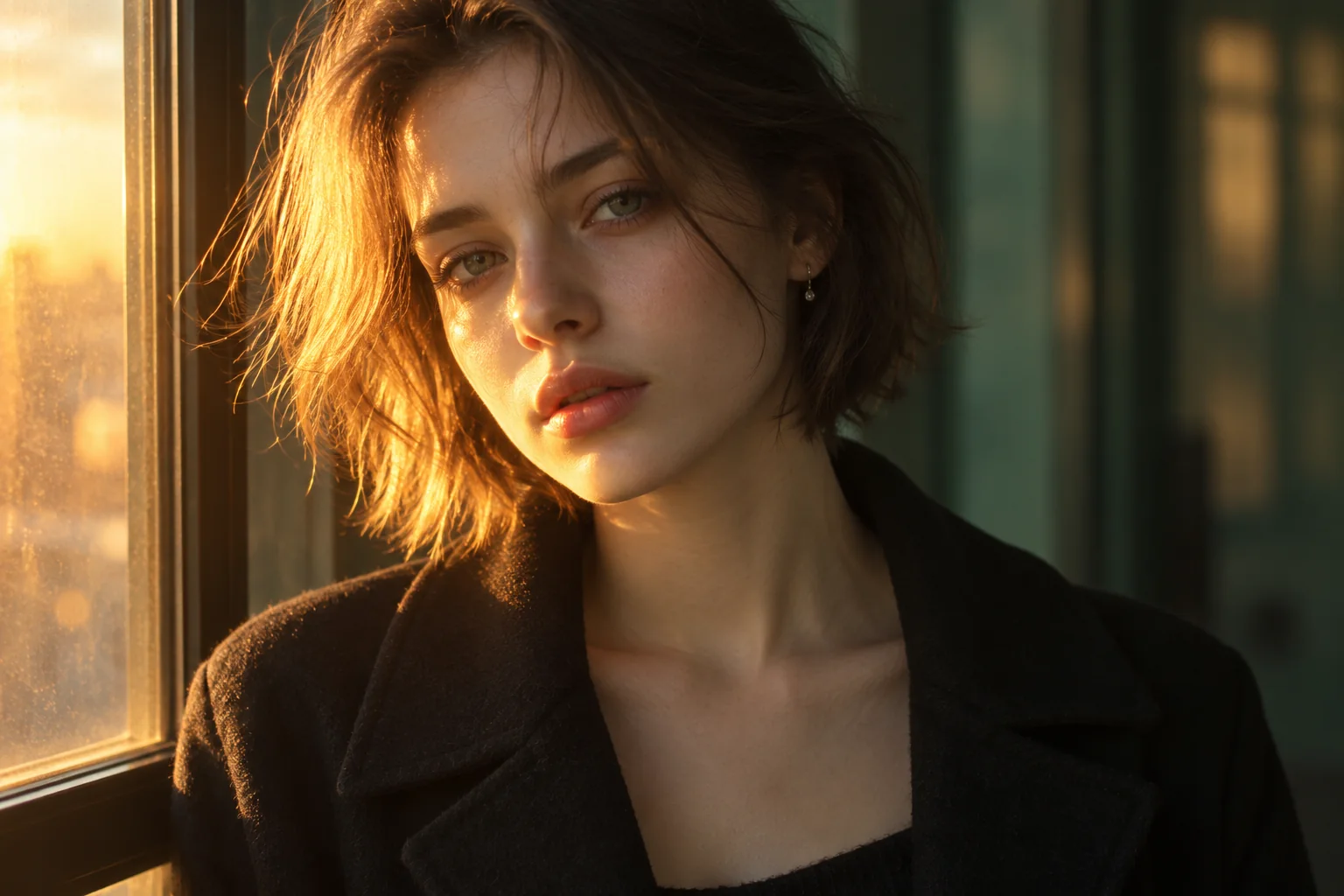
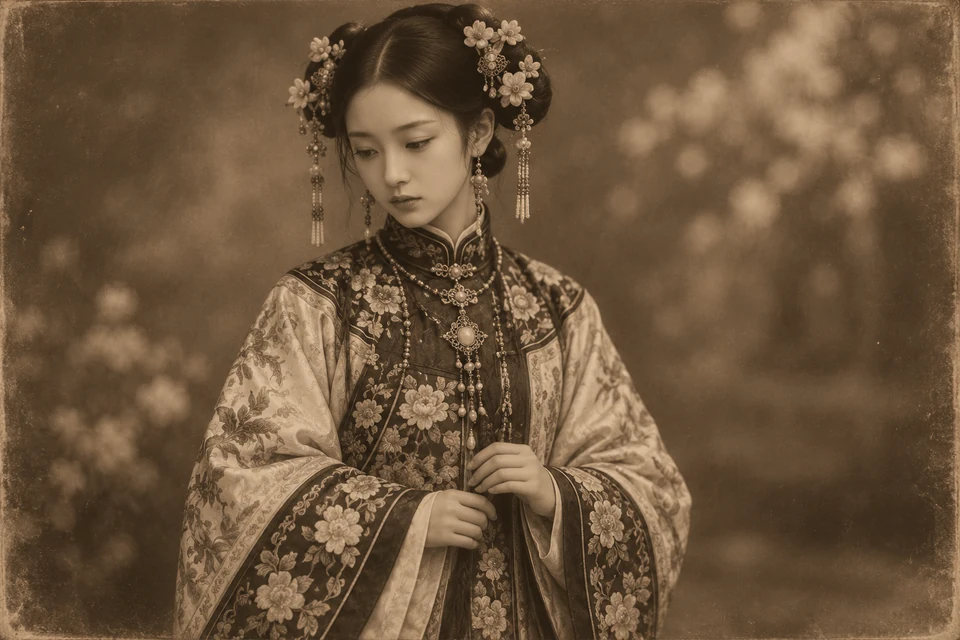
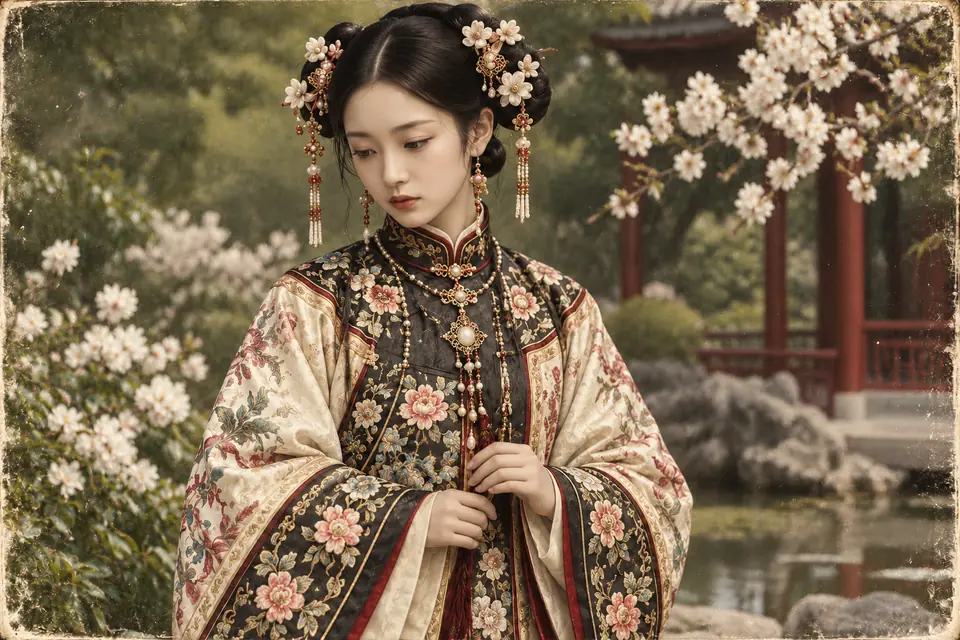
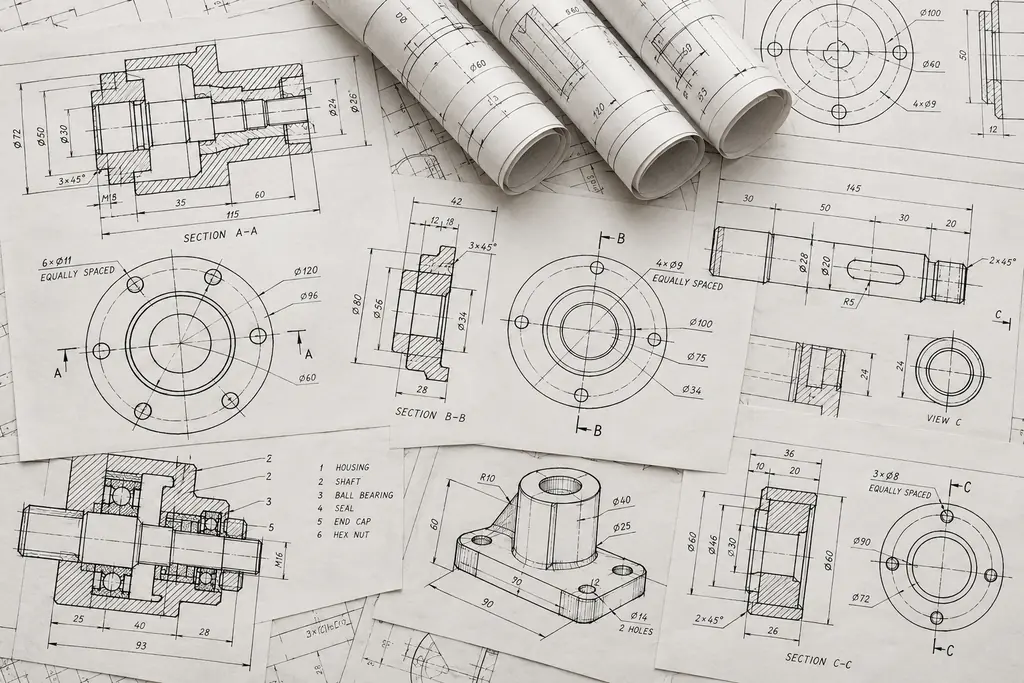
Drag the slider below to compare the original uploads with our processed results. You can easily spot how digital noise is reduced and focal points become sharper, leaving you with a noticeably cleaner, high-quality visual.

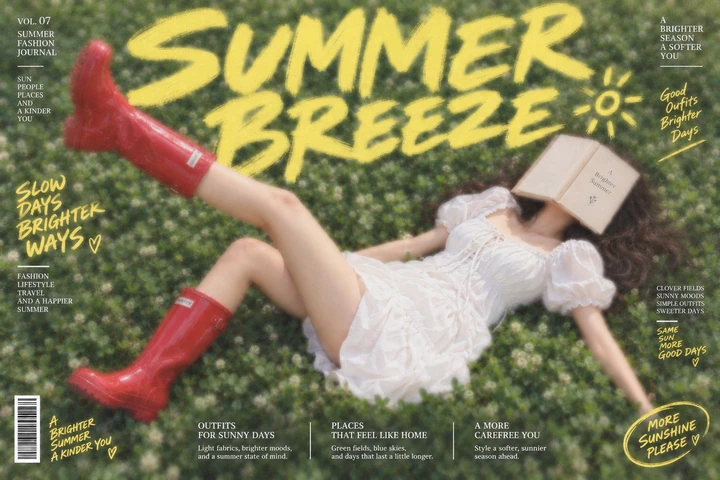
Fashion poster with a woman in red boots on grass and yellow Summer Breeze lettering.Enhanced fashion poster with sharper red boots, grass texture, and yellow Summer Breeze lettering.BeforeAfter‹ ›
Woman with short hair beside a window in warm evening light, with soft facial details.Enhanced evening portrait showing clearer facial features and hair strands in warm window light.BeforeAfter‹ ›
Woman in an embroidered traditional robe standing beside flowering branches in a garden.Enhanced garden portrait showing colorful robe embroidery and clearer facial and floral details.BeforeAfter‹ ›
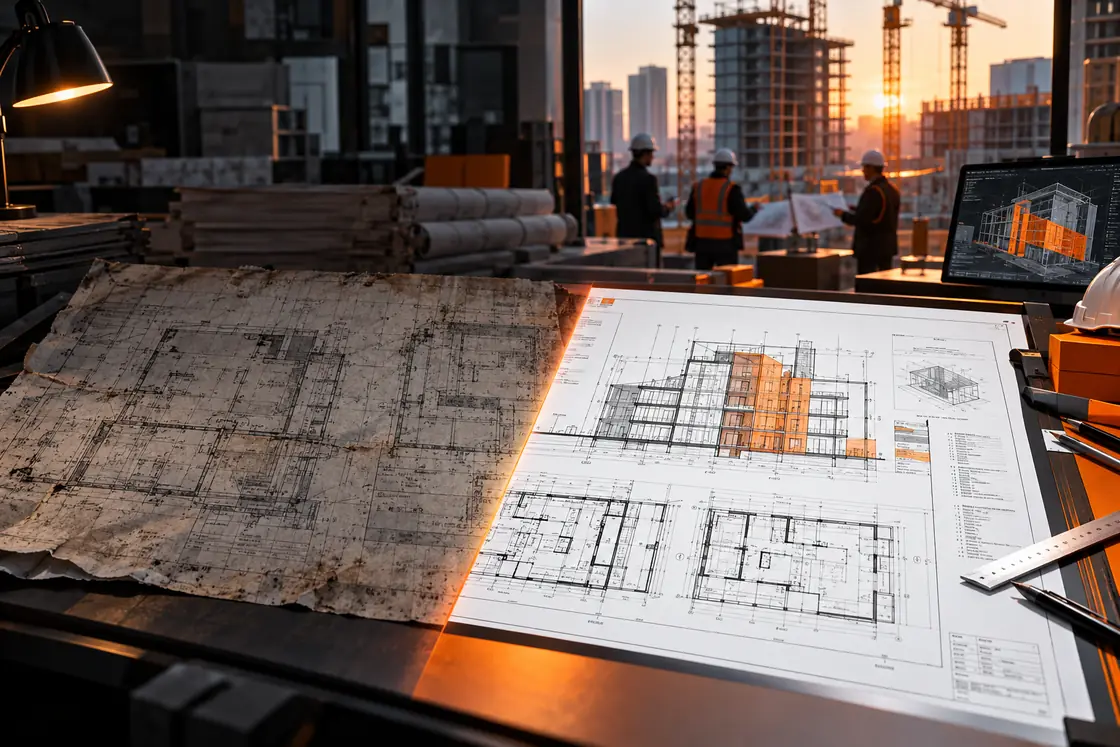
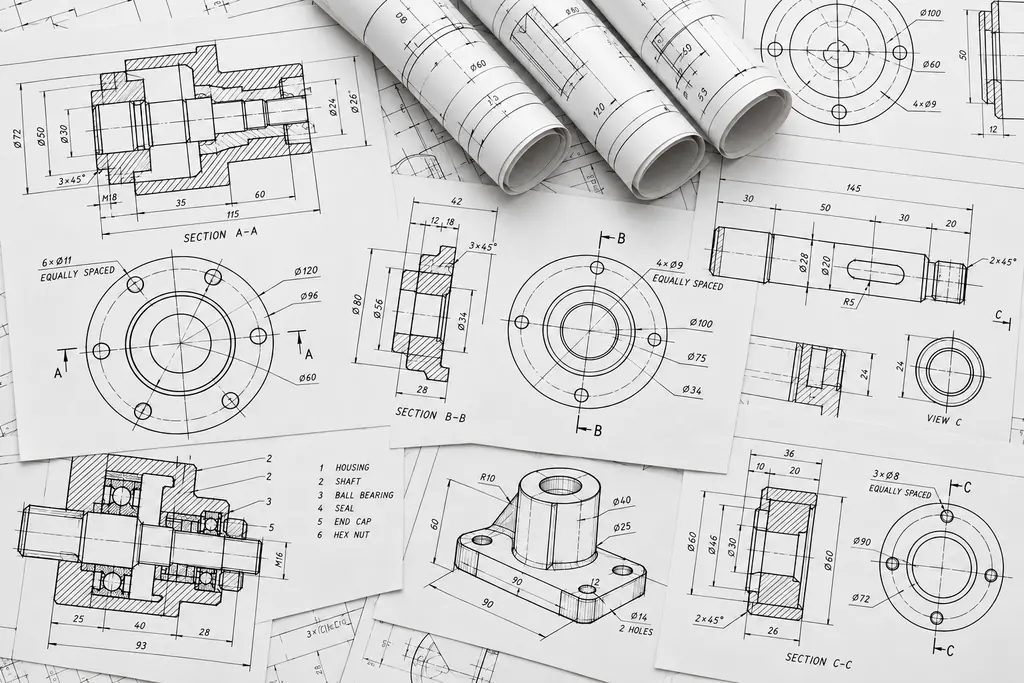
Architectural blueprint with floor plans, circular diagrams, and mechanical line drawings.Enhanced architectural blueprint showing crisp floor plans and detailed mechanical line drawings.BeforeAfter‹ ›
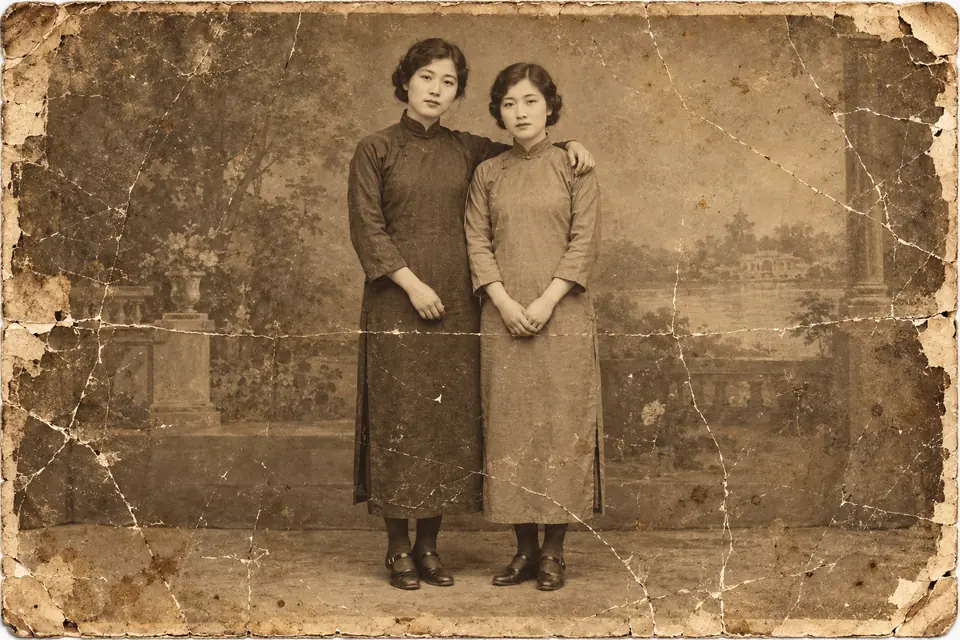
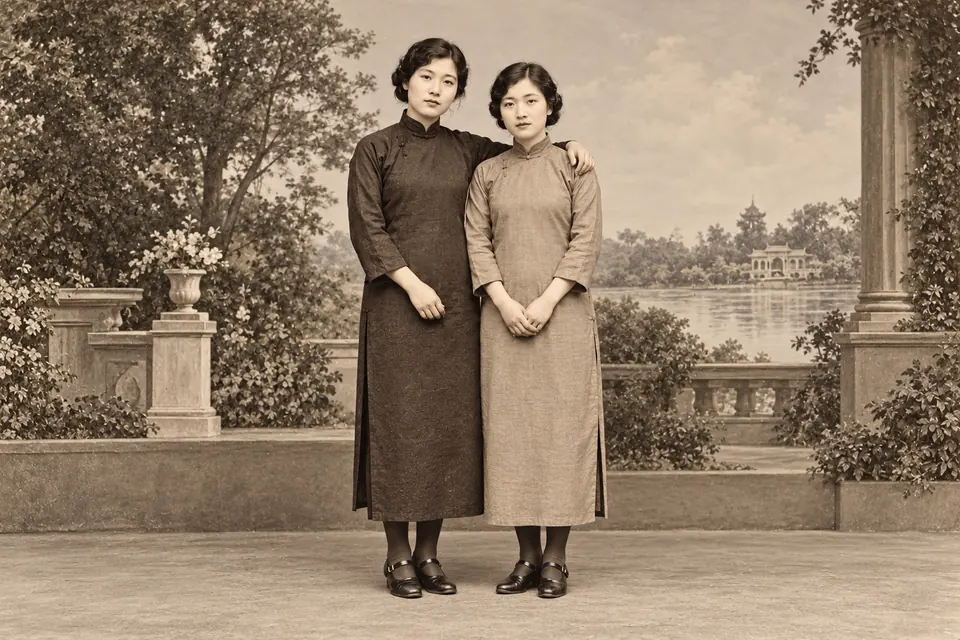
Vintage portrait of a couple standing in a garden, with scratches and faded surface details.Restored vintage couple portrait with clearer faces and clothing and reduced surface scratches.BeforeAfter‹ ›
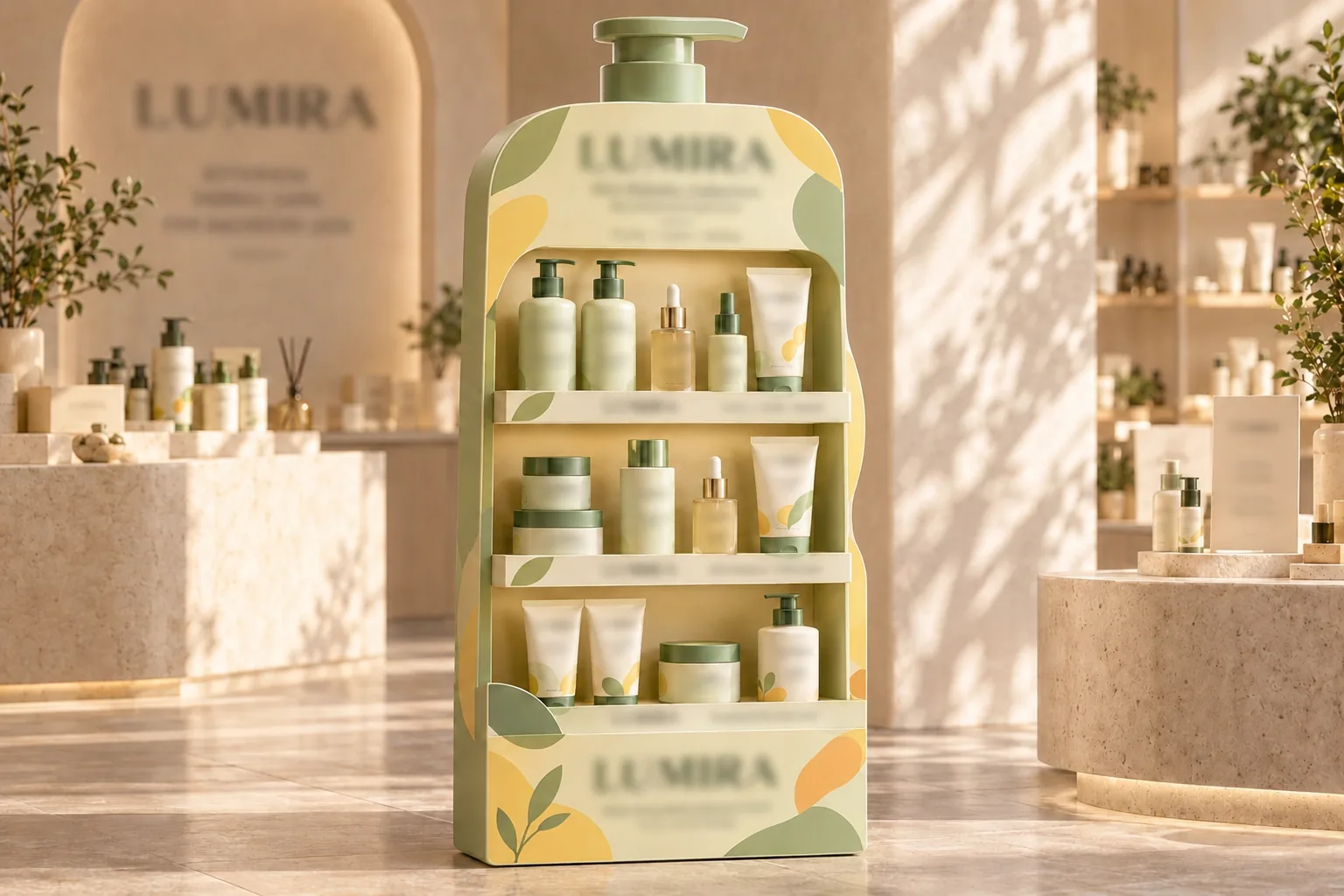
Skincare products and packaging arranged on a green retail display in warm sunlight.Enhanced skincare product display showing clearer packaging text, bottles, and display details.BeforeAfter‹ ›

Core Features of AI Photo Enhancer: Simplify Your Editing Workflow

Whether for work or personal projects, this toolkit provides a straightforward way to fix common image flaws. The targeted functions below help you refine details and deliver polished results effortlessly.

Scale to Any Required Dimension with AI Without Losing Quality

Image resizing keeps your original aspect ratio strictly locked in place across different formats. It scales visual content up or down smoothly, preventing stretched subjects and visibly blurred edges. Your final output preserves natural proportions and adapts to designated frames without awkward cropping.

Resize Your Image Now
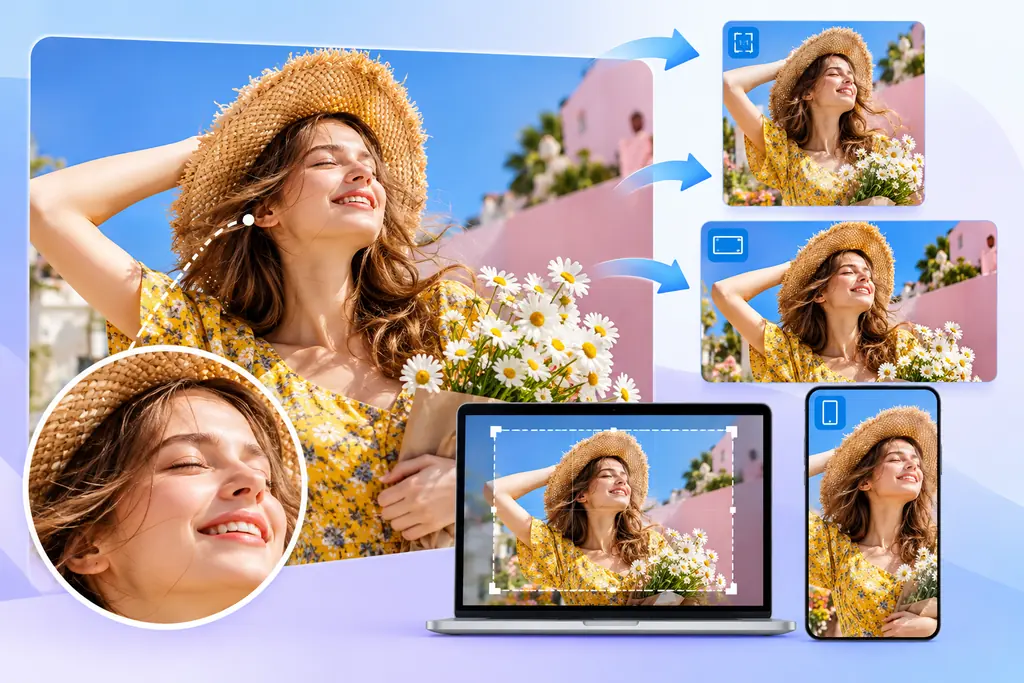
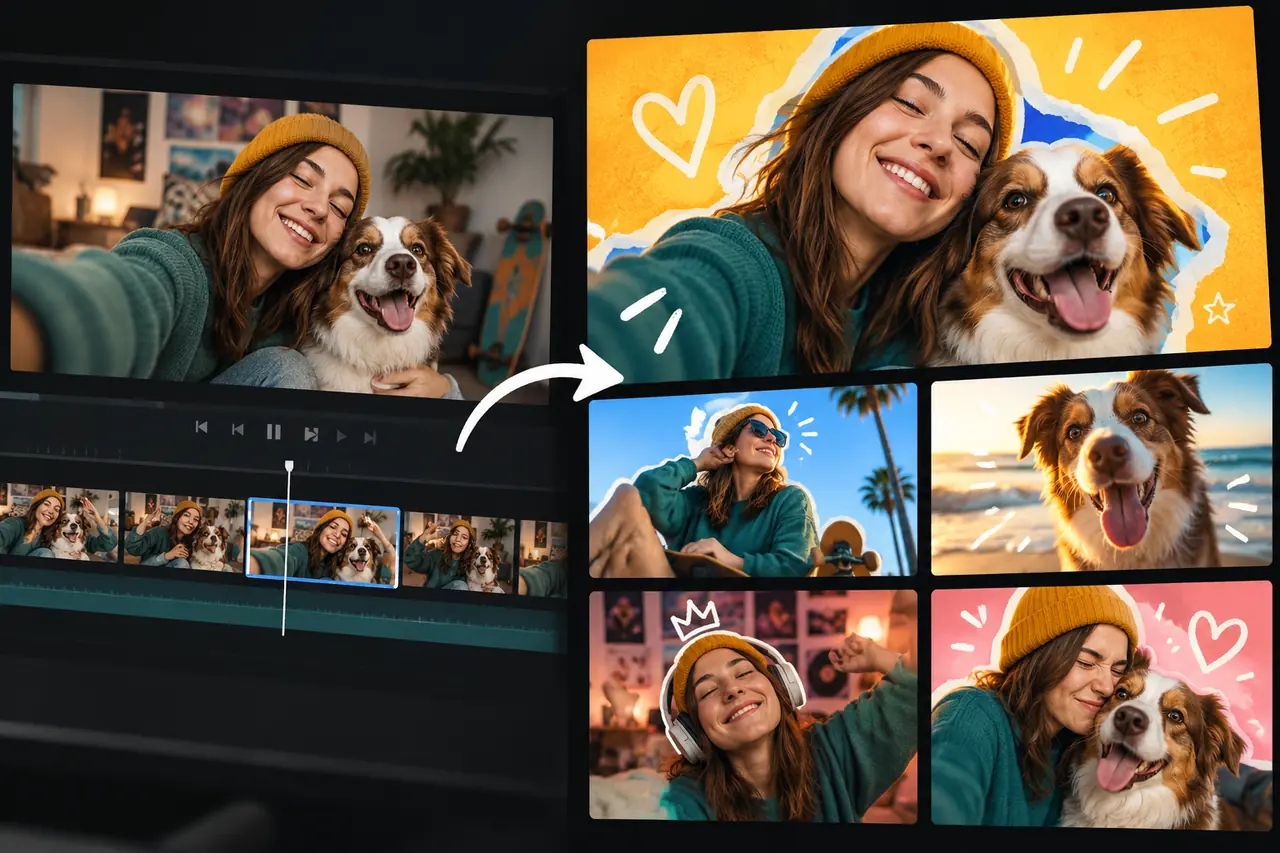
Portrait photo adapted to landscape, square, and vertical formats for multiple devices.

Bring Out Facial Details to Enhance Portrait Photos Naturally

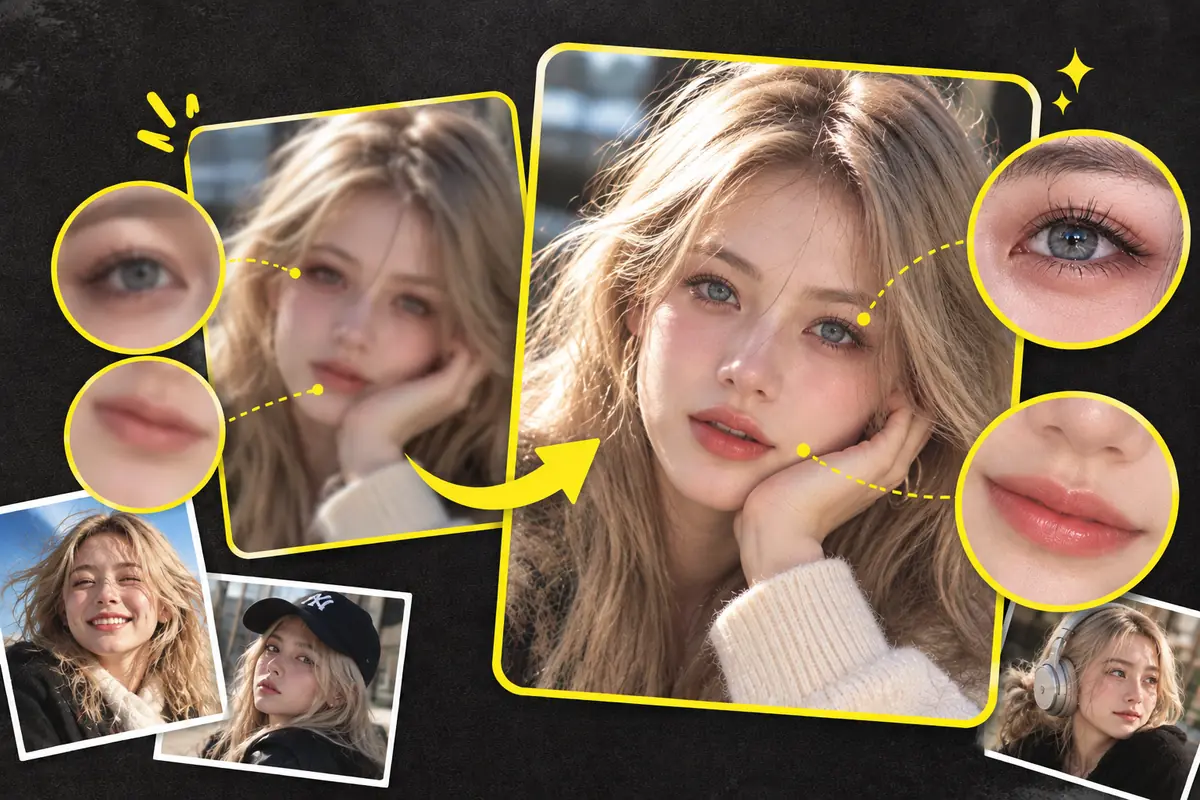
Soft or out-of-focus facial areas gain immediate clarity through targeted sharpening of eye contours and smile lines. The process brightens subtle expressions while respecting natural skin textures instead of laying down a heavy, plastic blur. The result is a sharp, believable headshot suited for professional profiles and personal sharing.

Enhance Your Portrait Naturally
Portrait comparison with enlarged eye and lip details showing clearer facial features.

Fix Grainy Photos and Balance Dim Exposures for High Clarity

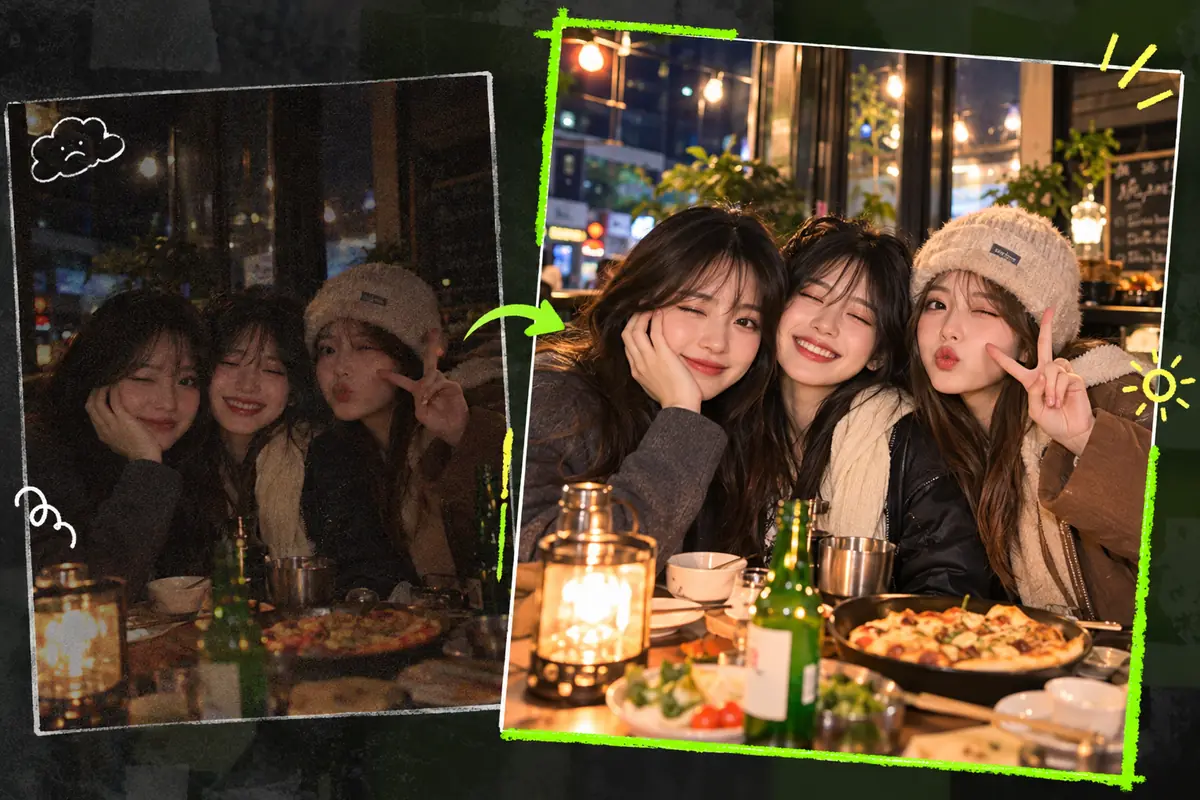
Poorly lit photos receive an immediate lift across dark corners while rough digital grain is cleaned up. Foreground subjects separate cleanly from background noise, revealing details once hidden behind dim exposures. Night and indoor captures turn out cleaner, clearer, and visually balanced without losing their natural atmosphere.

Brighten Dimly Lit Photos
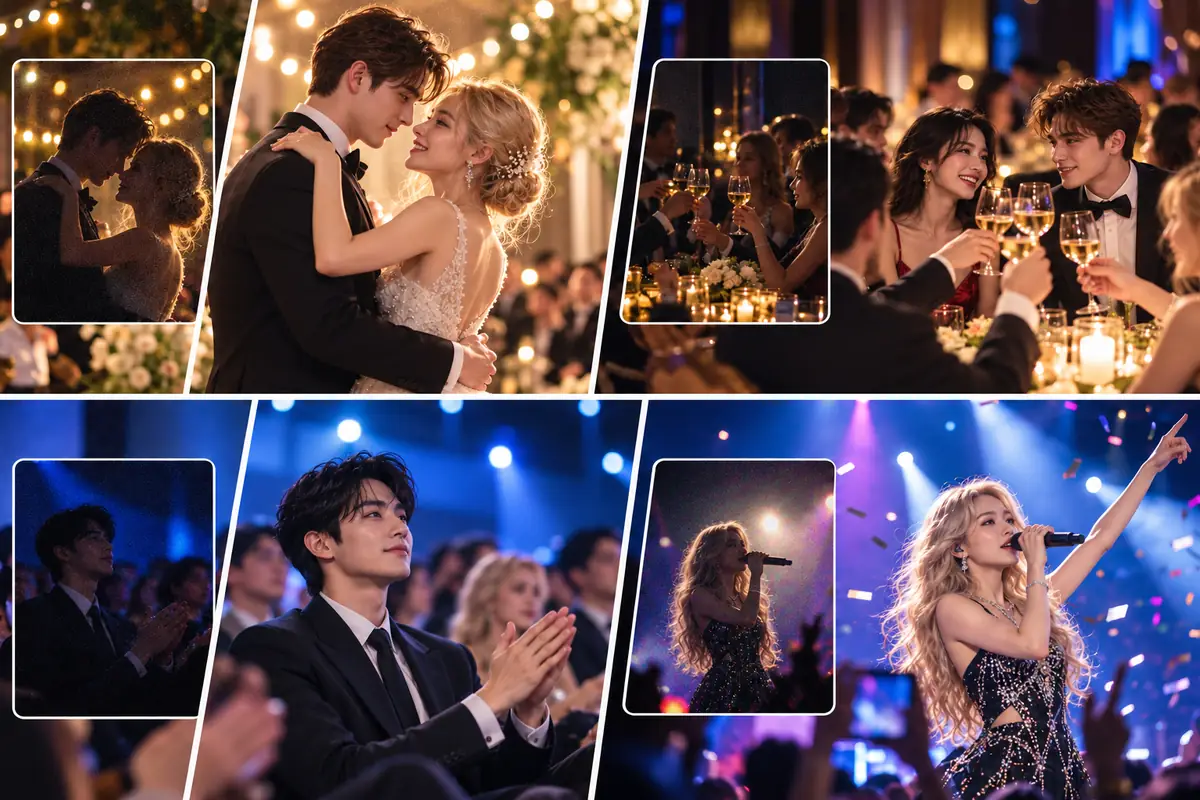
Low-light group photo comparison showing brighter faces and clearer details at a candlelit table.

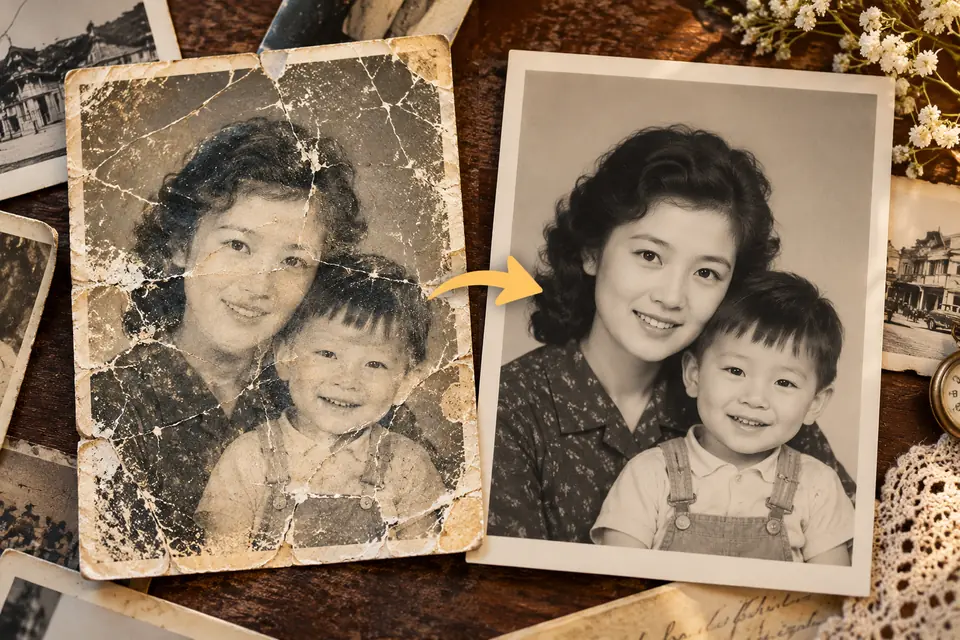
Restore Faded Old Photos and Remove Surface Scratches

Scanned vintage prints show visible improvement as physical creases, surface scratches, and fading soften significantly. Deeper tonal contrast returns to washed-out figures and backgrounds, rebuilding the original depth of the scene. Cherished family memories regain clear visibility, making them much more suitable for digital archiving or reprinting.

Restore Your Vintage Photos
Scratched mother-and-child photograph compared with a restored version with clearer faces.

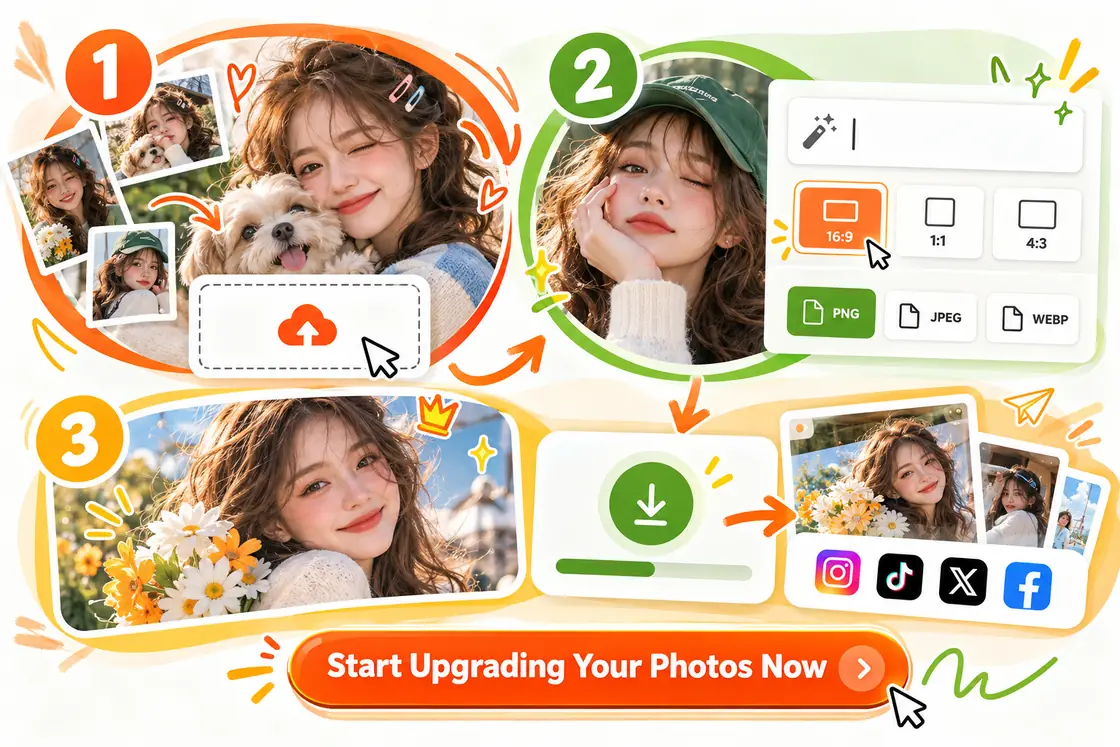
How to Refine Your Photos in Three Simple Steps

Getting started is quick and straightforward. Follow these basic steps to configure your settings and process the image exactly how you need it.

Three-step photo enhancement workflow showing upload, prompt settings, and result download.
  1. 01

    Upload Your Original Photo

    Drag and drop your target picture directly into the workspace. The system supports standard formats natively, allowing you to begin editing immediately.

  2. 02

    Enter Prompts and Set Parameters

    Type a short text prompt to guide the adjustment direction. Then, choose your required aspect ratio (e.g., 16:9 or 1:1) and output format (PNG, JPEG, WEBP) to fit your project.

  3. 03

    Download and Share the File

    Once processing is complete, save the updated file to your device. Your visual is now accurately sized and ready for social sharing or work presentations.

Why Choose AI Image Enhancer on HeyTop AI?

No Extra Editing Needed

The final results need zero extra edits. You can drop them directly into social posts, client decks, or print materials.

Preserves Authentic Details

It sharpens your images without making them look like plastic or over-smoothed paintings. You get a clearer picture that still feels real.

4K Ultra-Clear Resolution

Tailor the output to your exact needs with selectable 1K, 2K, and 4K options. Choose lower resolutions for quick web sharing, or upscale to stunning 4K for professional prints and maximum clarity.

Free to Use & Privacy Protected

Start enhancing your photos for free today. Your uploads are processed securely, are not used for public AI training, and you maintain full ownership of your source files.

What are Some Real-World Use Cases for AI Photo Upscaler?

Different technical projects bring their own image hurdles. Discover how practical visual optimization fits directly into your daily routine, delivering tangible value to your specialized tasks.

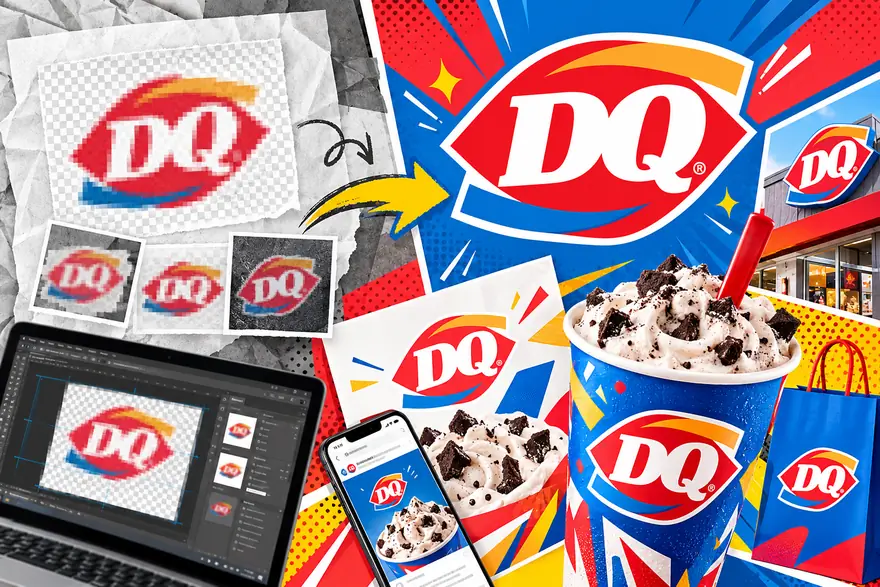
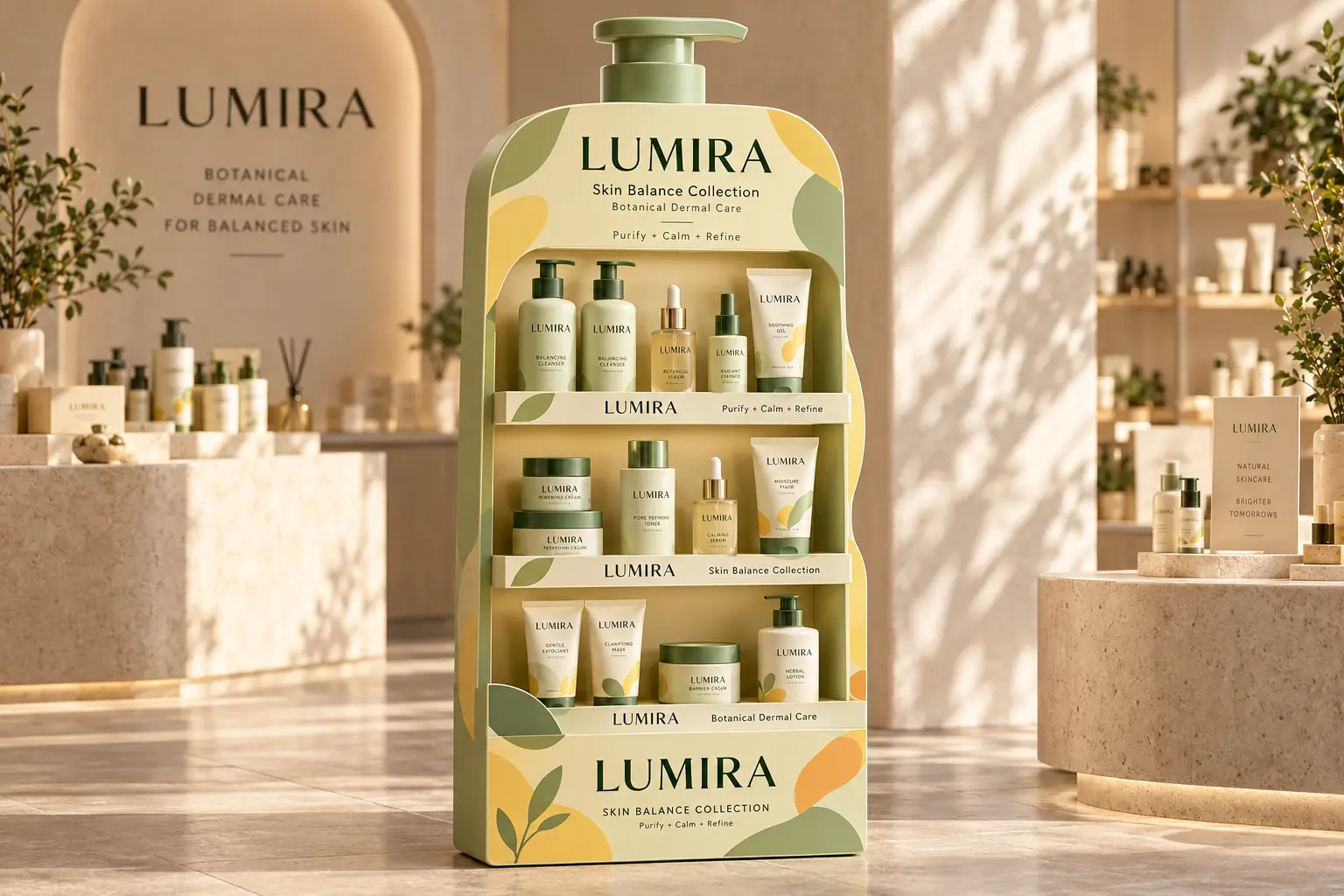
Faded brand print materials compared with vivid packaging, signage, and marketing displays.
01 / 05

Upgrade Low-Resolution Brand Assets for Modern Marketing Campaigns

When receiving older brand marks or low-resolution PNG logos from clients without vector source files, design teams often face creative bottlenecks. Addressing these visual limitations saves designers from tedious manual redrawing, enabling these older graphics to immediately meet the strict visual standards of modern marketing decks and high-profile presentations.

Real User Reviews of Our AI Image Upscaler

“A common headache in web revamps is clients handing over tiny banner images that look terrible on modern Retina displays. This workflow softens those harsh pixels just enough so I can build responsive layouts without constantly pausing the project to beg for better files.”
JC

Julian Croft

Independent Web Designer

Frequently Asked Questions

What is an AI Image Enhancer?

An AI Image Enhancer is a digital tool that uses artificial intelligence to automatically improve photo quality. It analyzes the image to upscale resolution, unblur details, reduce noise, and correct colors or lighting, transforming low-quality pictures into clear, high-definition visuals without manual editing.

Will the AI alter the original content or faces in my photos?

The tool is designed to enhance your photos while preserving the original content. It focuses on clarifying details, smoothing out grain, and improving sharpness without changing the underlying composition or natural facial features.

What types of images see the most noticeable improvement?

You will notice the best results on images with clear quality issues. This includes low-resolution photos, blurry shots, heavily compressed web images, and photos taken in low-light conditions with visible noise.

Do I need any professional photo editing experience?

No prior experience is needed. The process is fully automated. You simply upload your image, and the AI handles the complex adjustments behind the scenes, delivering an upgraded photo in seconds.

Will there be a watermark on my enhanced images?

Images processed under our free tier will include a subtle platform watermark. If you prefer a clean look for your projects or professional use, subscribing to a premium plan grants you the option to download your results completely watermark-free.

Can I use the processed images for commercial projects?

Yes, you can. As long as you own the copyright or have the legal right to use the original image, you retain full commercial rights to the enhanced version for use in e-commerce, marketing campaigns, and printing.

Transform Blurry Photos into Stunning HD Today!

Enhance Photos for Free Now