
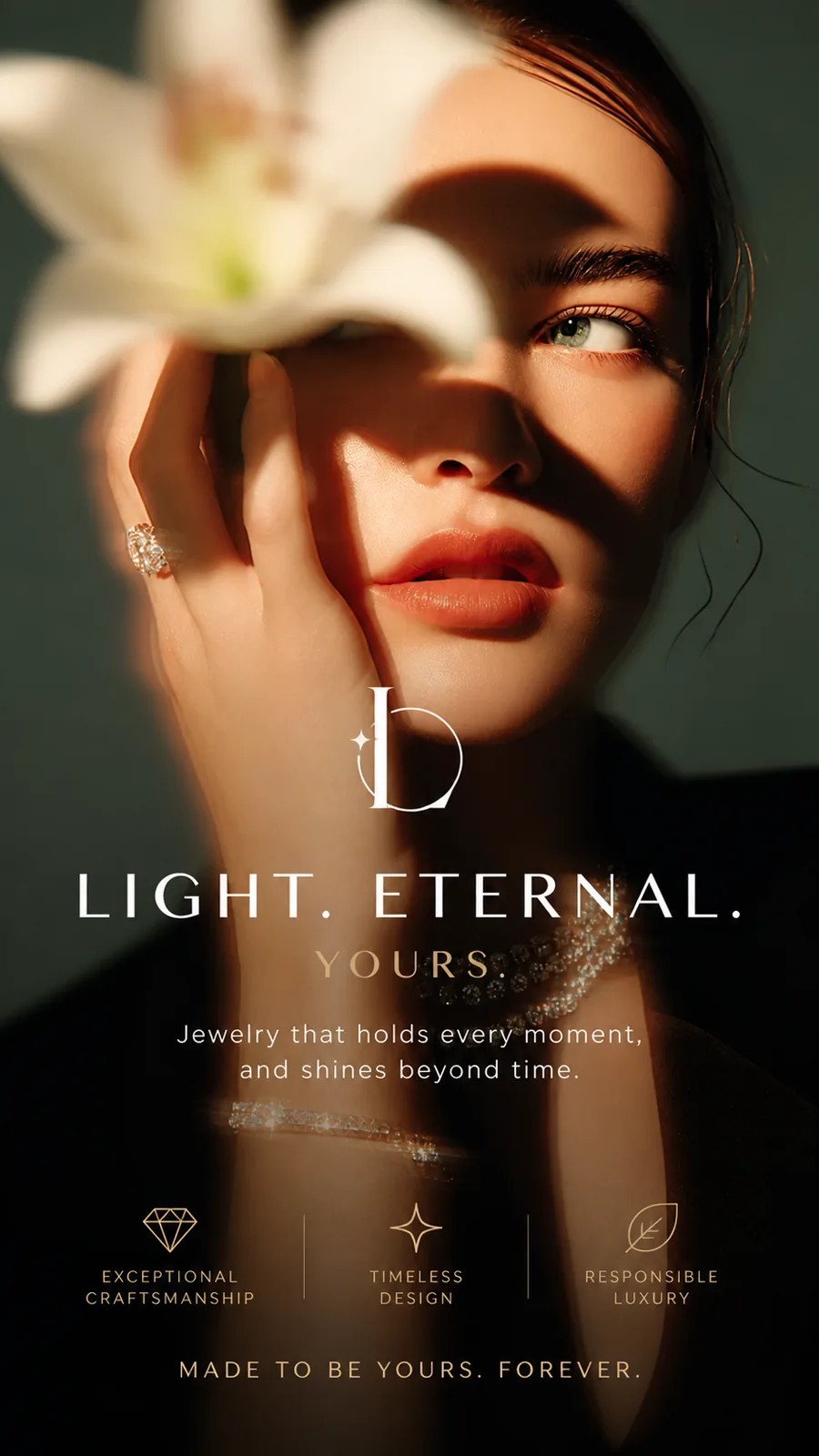
Turn Static Images into Lifelike Motion Videos Instantly
Stop posting stiff, frozen images. Instantly breathe natural wind, fluid camera pans, and realistic physics into your photos. Whether it's a creative illustration, a portrait, or a landscape, watch HeyTop AI upgrade your static pixels into flawless, high-fidelity video in just a few minutes!
Reference files
Loading models…
Preview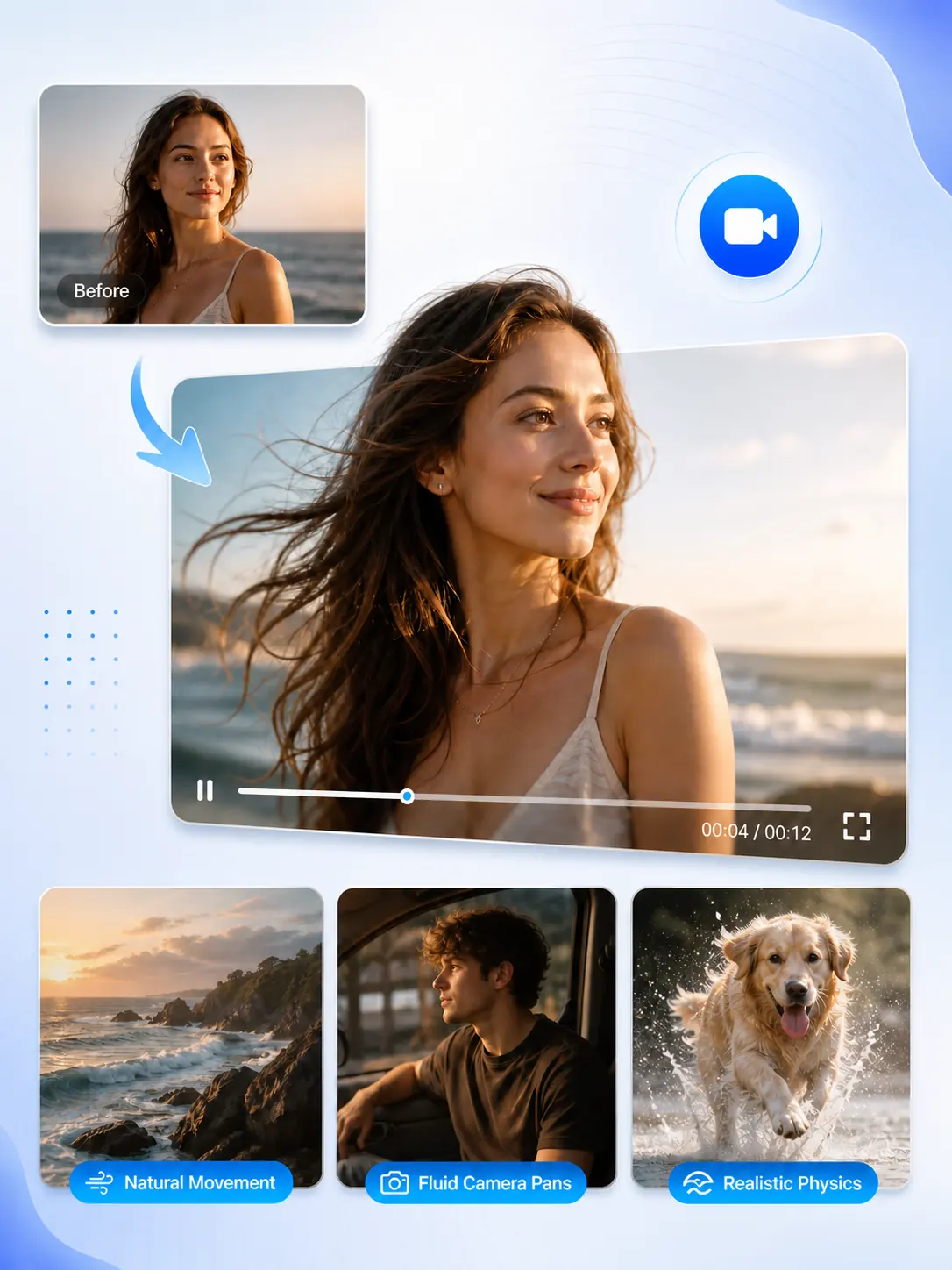
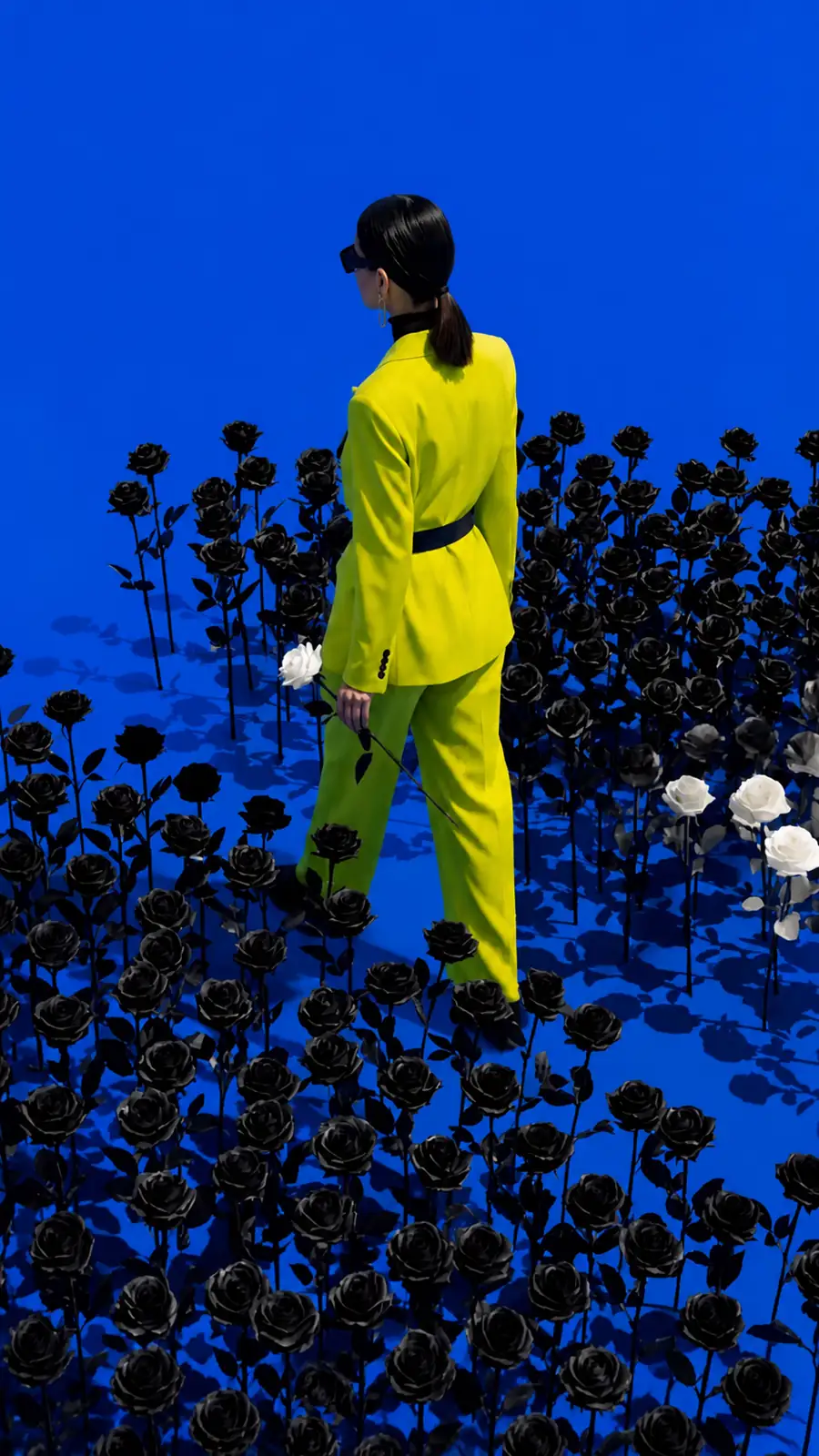
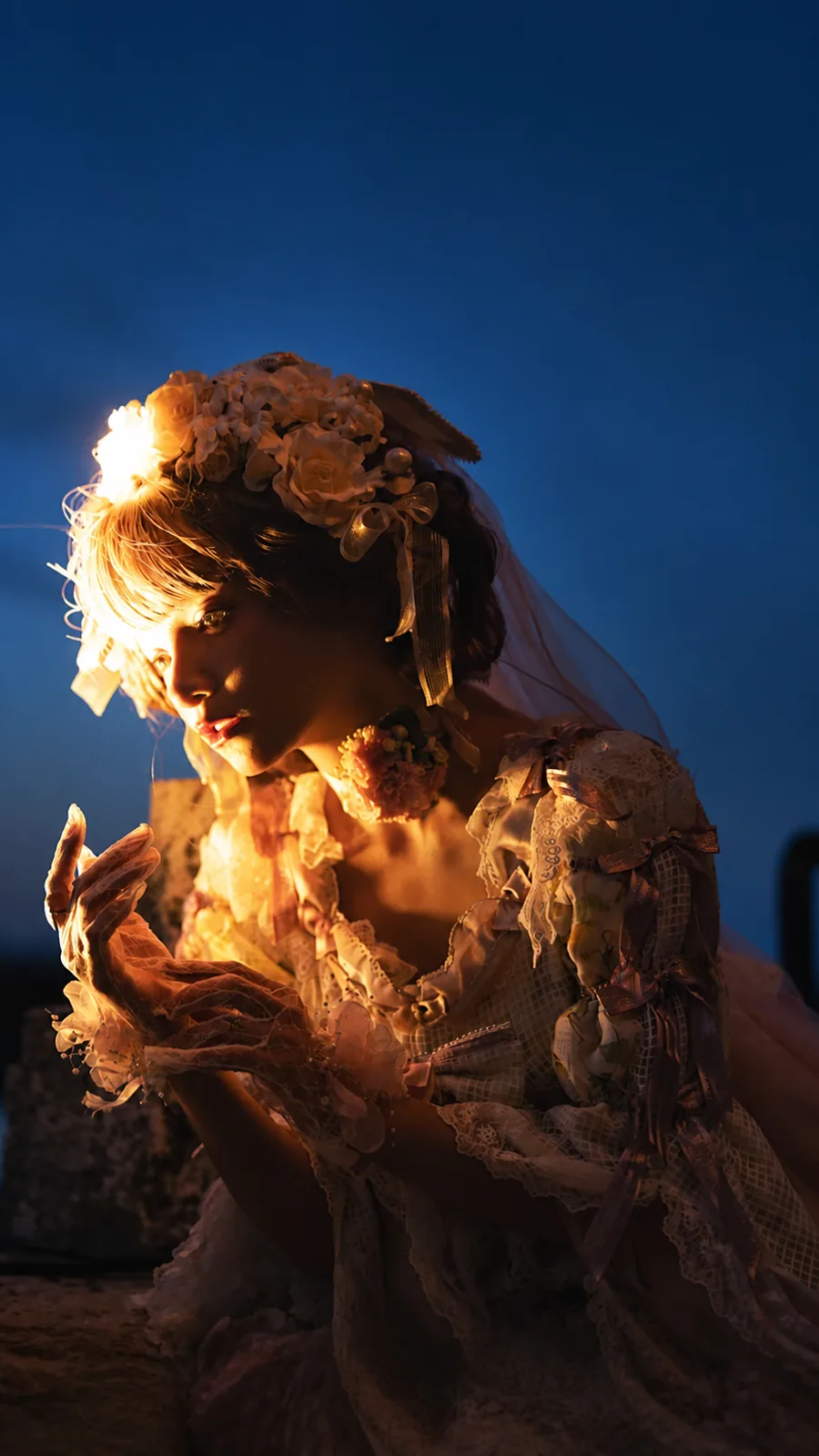
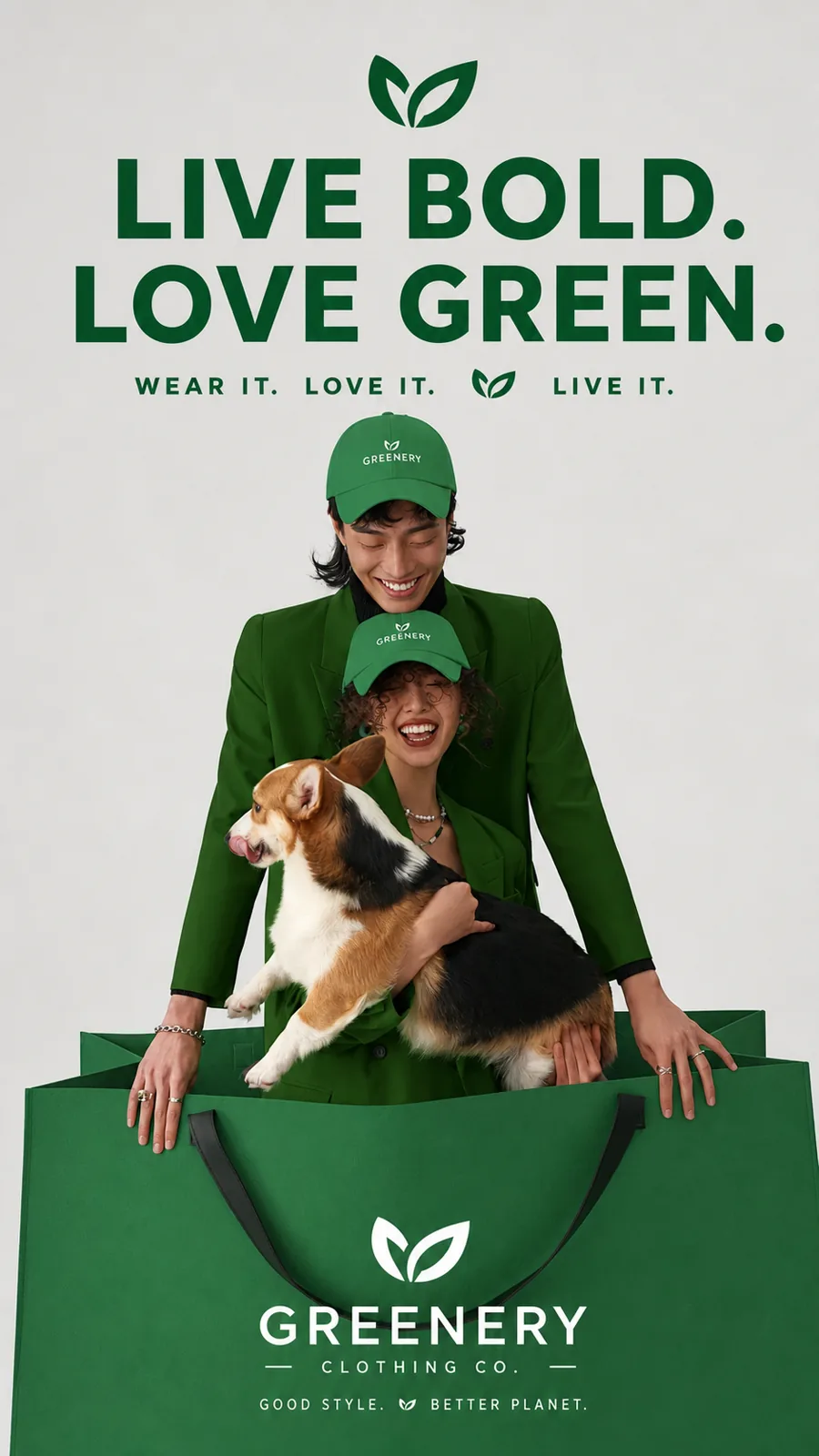
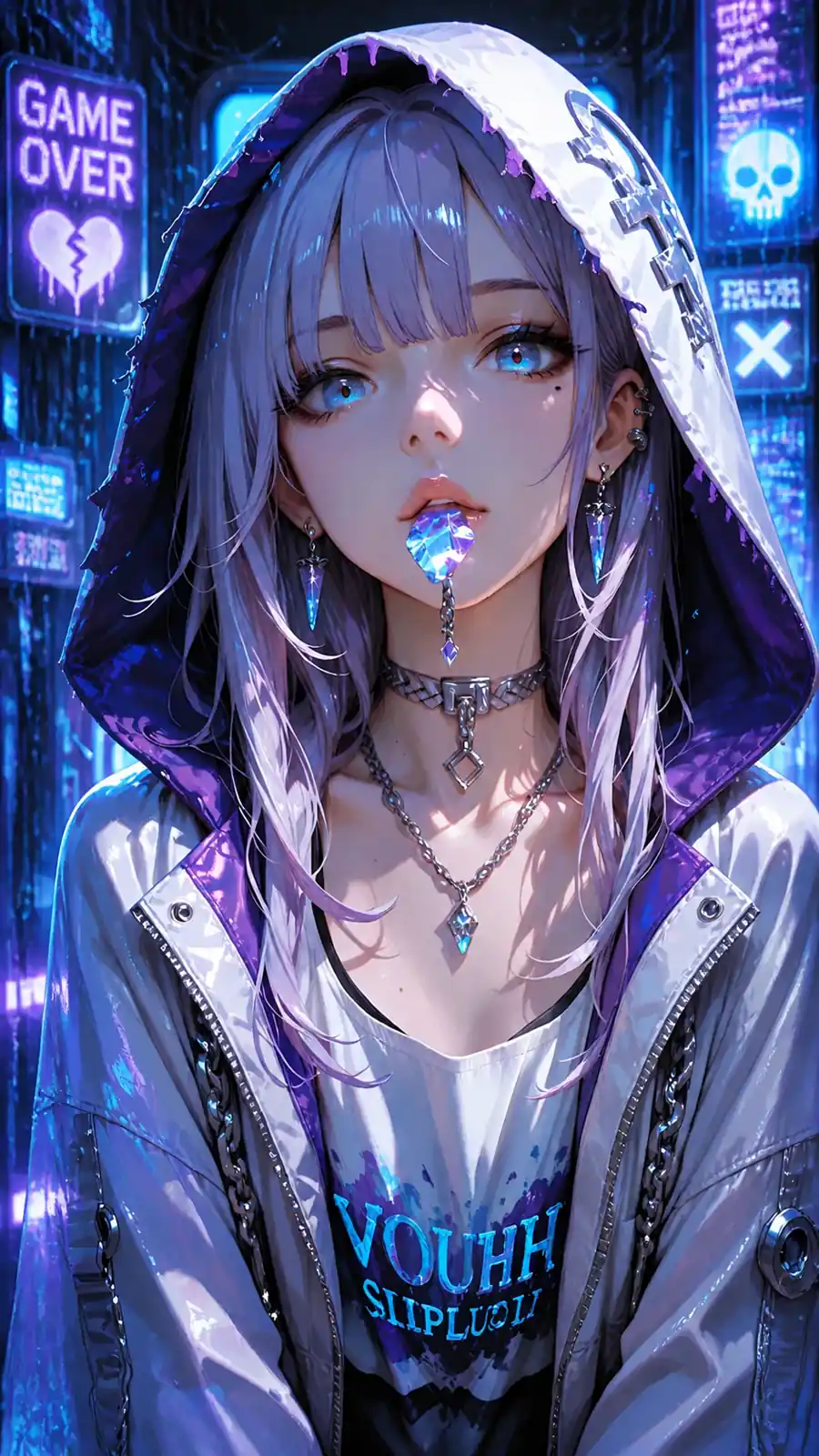
Real Examples: Watch Still Photos Turn into Beautiful Videos
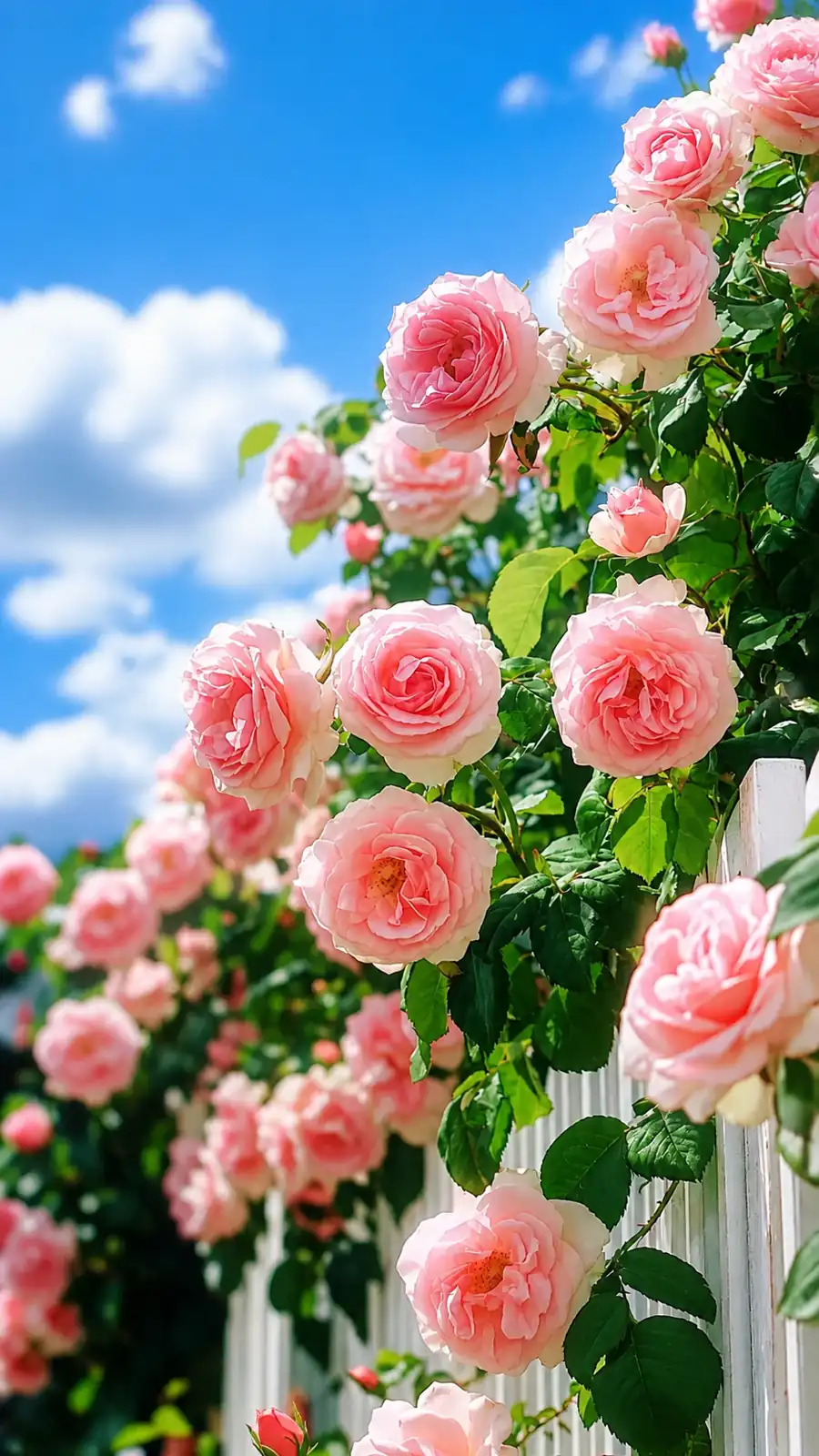
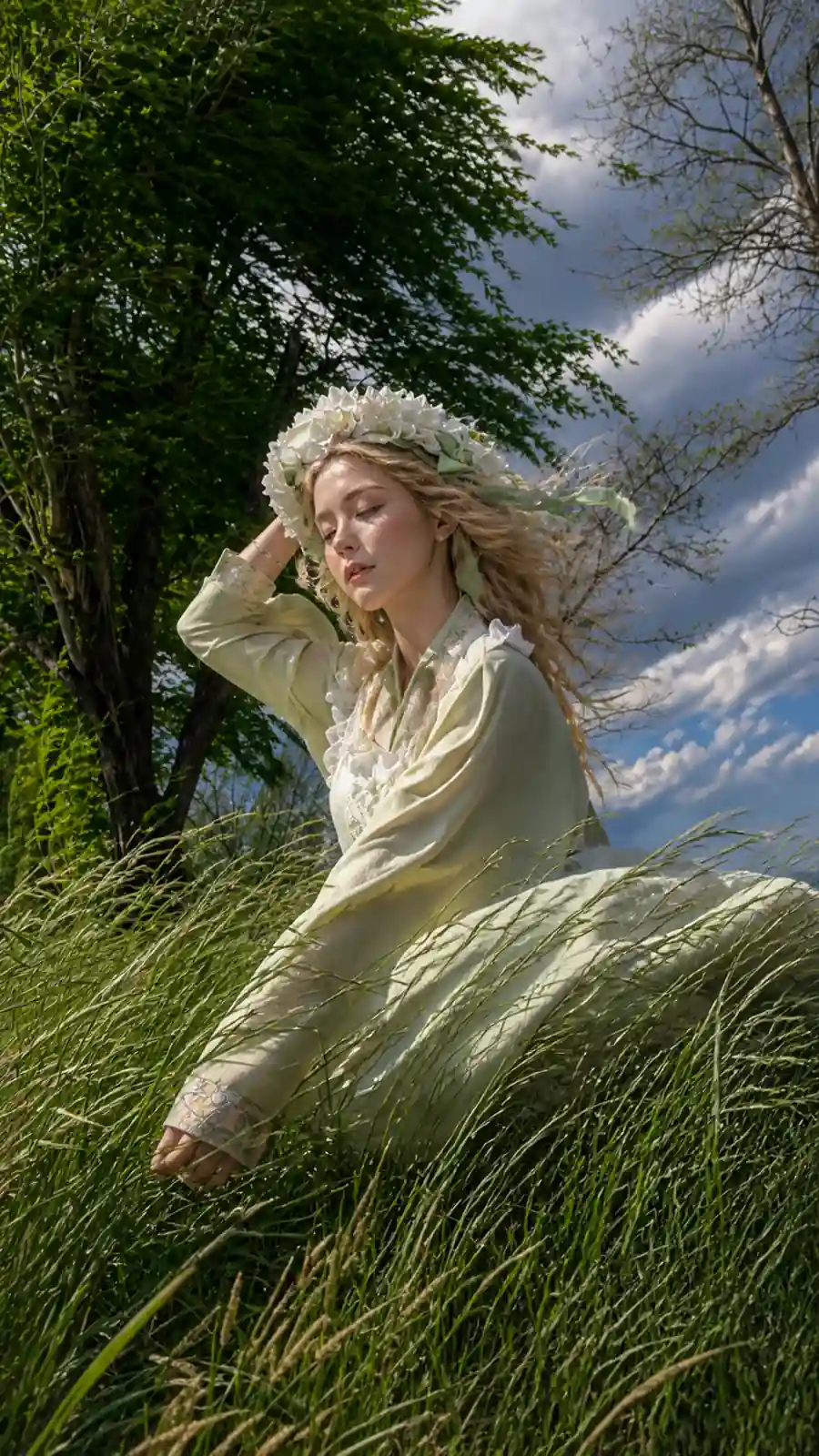
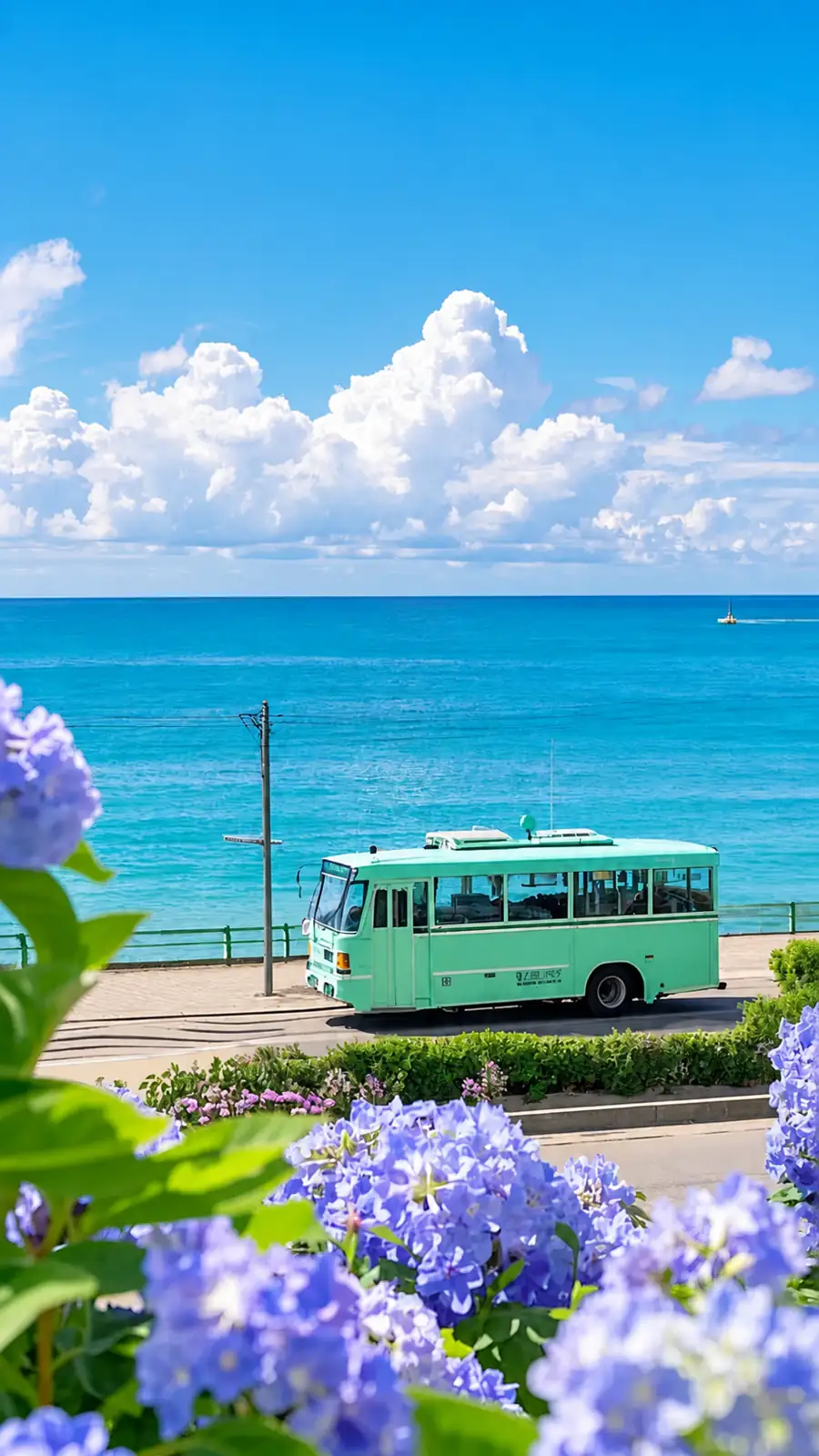
Hover or click the examples below to play the videos. See how the HeyTop AI image-to-video generator adds natural motion, realistic lighting, and smooth camera pans to different types of images.
How to Use the HeyTop AI Image-to-Video Generator
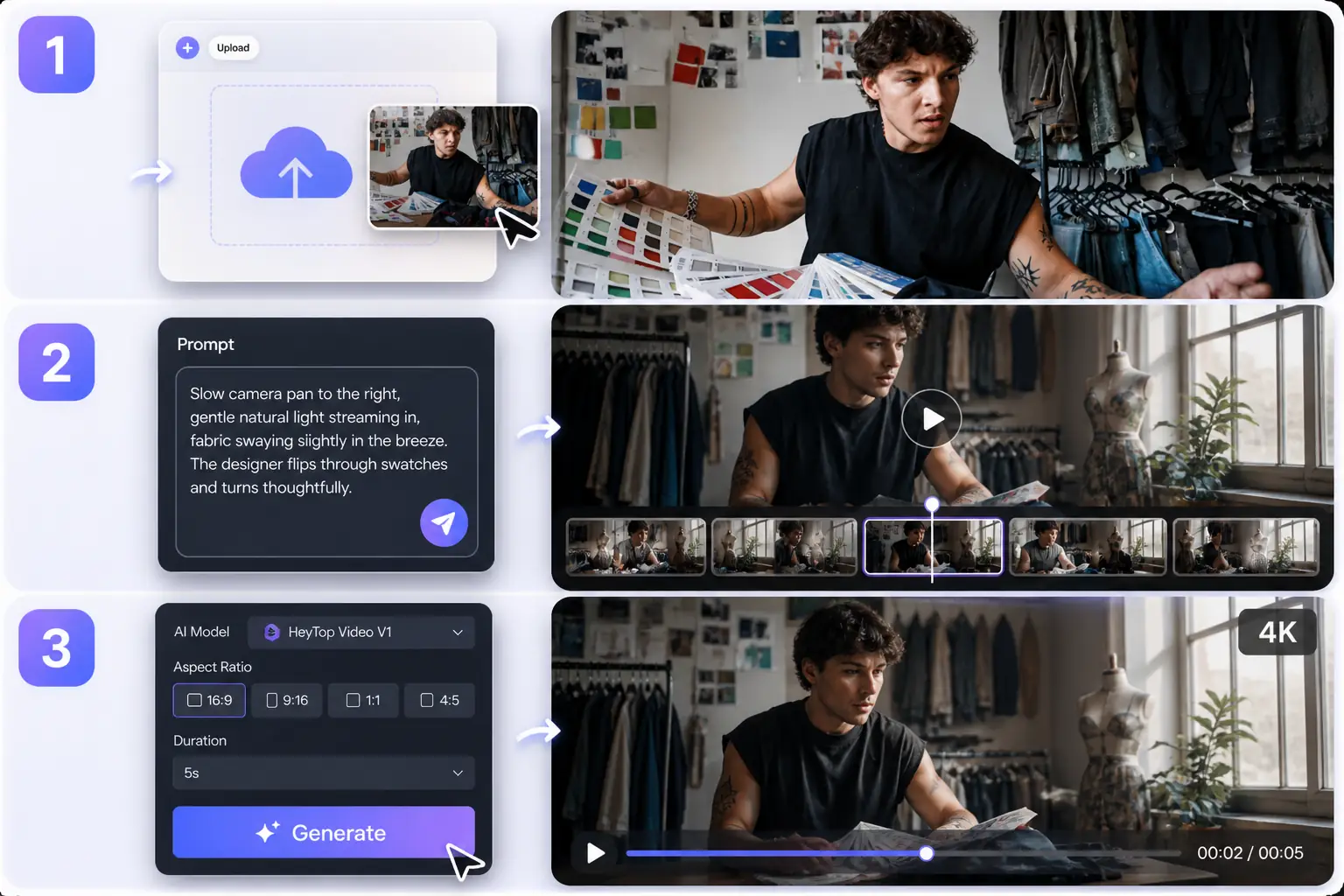
No complex editing skills required. Gain precise control over your pixels and direct natural, lifelike motion in three seamless steps.
1
Upload Your Image
Drag and drop any photo, character portrait, or landscape. Our AI instantly analyzes the image depth and lighting structure to prepare it for motion.
2
Describe the Motion
Type a simple prompt to guide the scene. Tell the AI how you want the camera to pan, the wind to blow, or the characters to move.
3
Choose Settings and Generate
Choose your preferred AI model, select your aspect ratio, set the duration, and hit Generate. Watch your static image render into a smooth, high-resolution video in minutes.
Everything You Need to Create Studio-Grade Videos
Go beyond simple animation. Discover the creative features designed to give you precise control, exceptional realism, and social-ready outputs without the steep learning curve.
Keep Every Original Detail Intact When Converting Images to Videos
Maintain the true essence of your upload. Our high-fidelity rendering pipeline carefully preserves facial structures, branding logos, and intricate textures. Instead of redrawing your image, the AI introduces smooth motion while keeping the original character likeness and lighting completely consistent.
Animate and Keep Details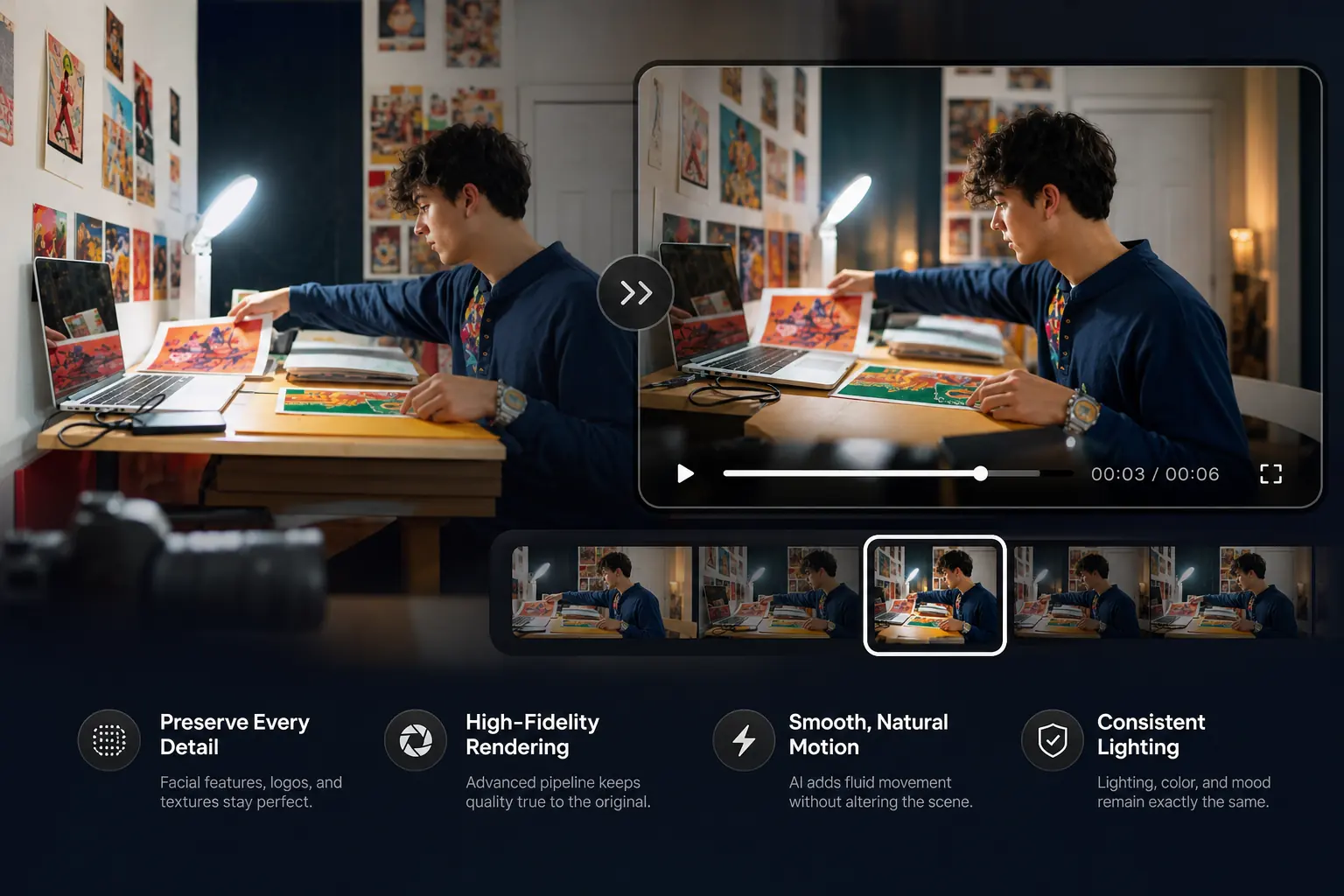
Direct Cinematic Camera Movements and Multi-Dimensional Depth
Turn flat, static assets into dynamic visual stories. Take full control of the virtual camera to apply cinematic pans, slow zooms, dramatic tilts, or orbital sweeps. This adds a layer of depth and high-end production value, making any portrait or landscape feel like a movie scene.
Control Camera Path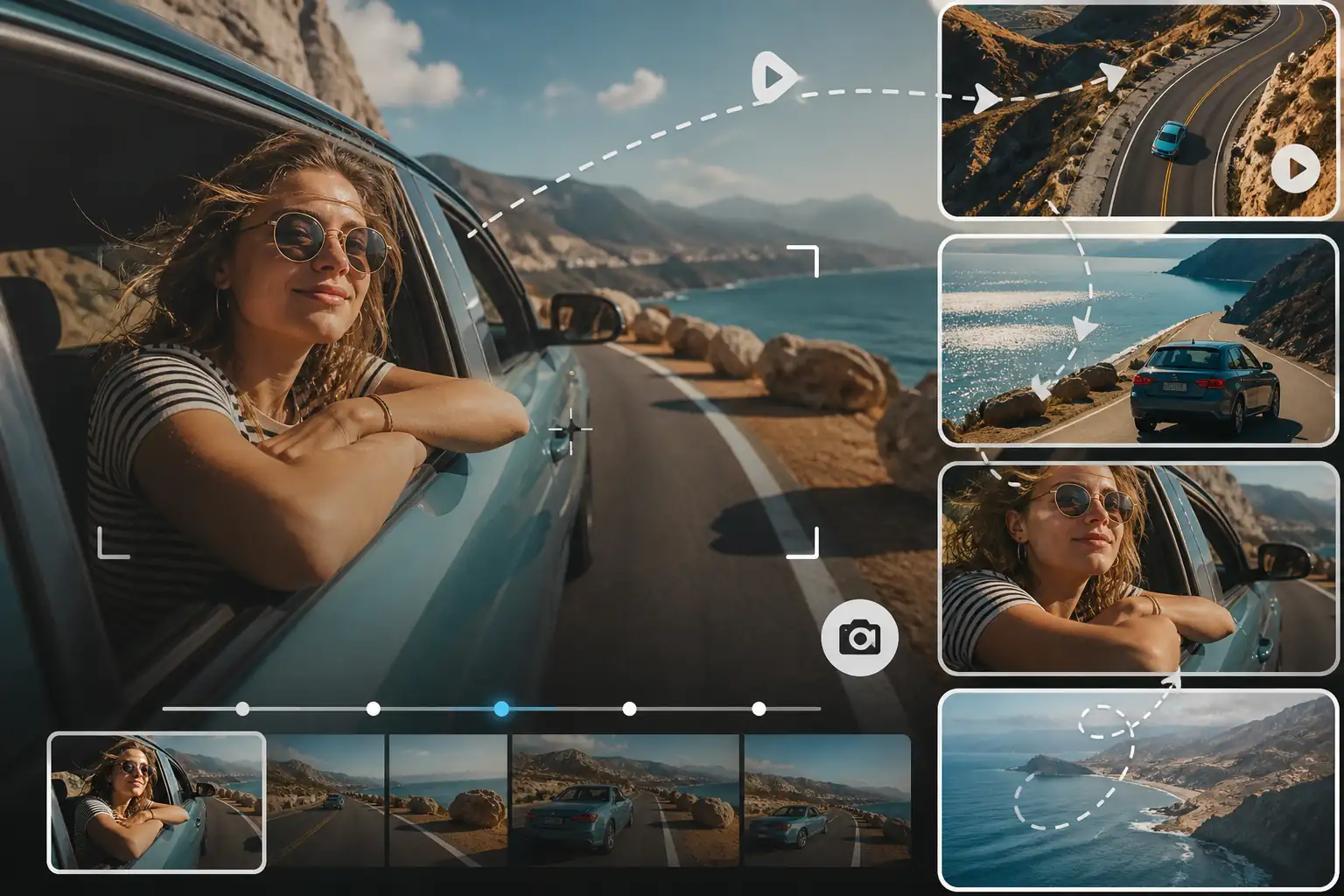
Simulate Realistic Physical Motion and Fluid Transitions
Experience movement that behaves according to real-world laws. From the natural drape and rustle of clothing to the organic flow of water, our motion engine calculates weight, wind, and gravity. This ensures natural motion paths, minimizing awkward structural warping or pixel stretching.
Generate Realistic Motion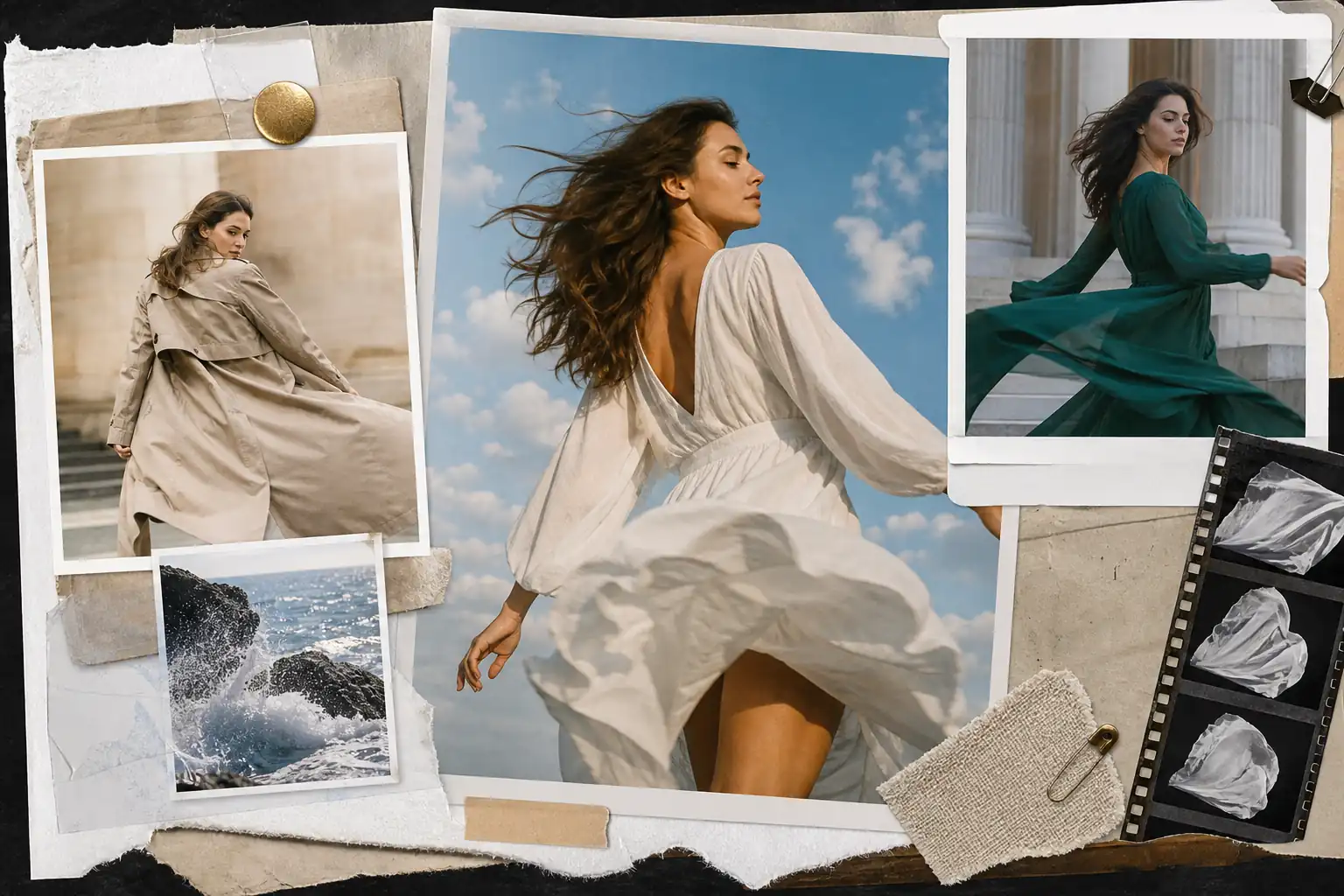
Guide Motion Directions with Multi-Lingual Natural Language
Control how your image moves using prompts in your native language. Our system understands multi-lingual instructions, translating descriptive text into precise motion paths—like a character turning or wind blowing—giving you complete creative control.
Animate with Prompts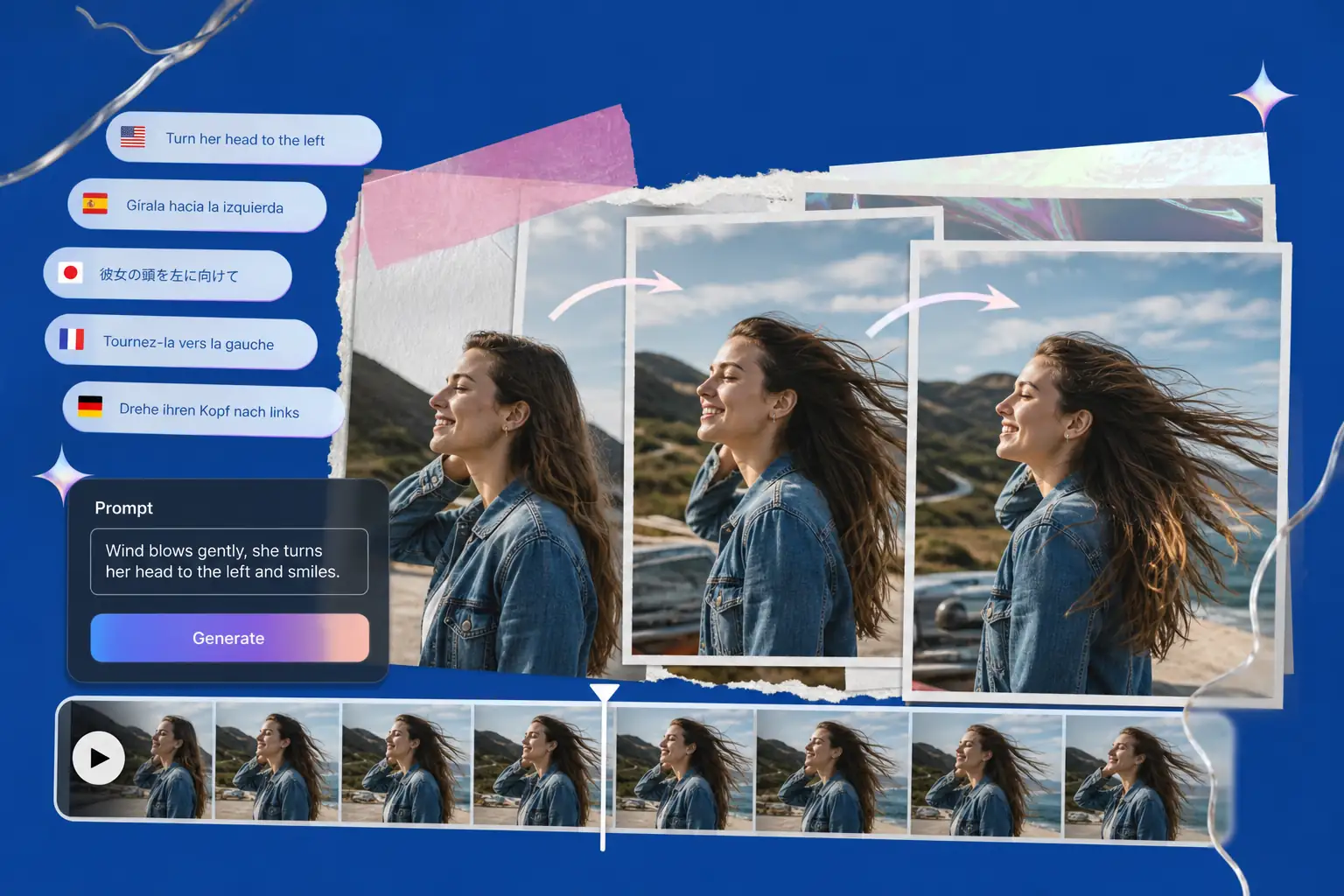
Format and Export High-Quality Videos for Any Screen Size
Skip the tedious post-production cropping. Choose the perfect aspect ratio—whether vertical for TikTok and Instagram Reels, or widescreen for YouTube presentations—before you render. Get social-ready, high-resolution outputs directly from your browser in seconds.
Choose Format & Export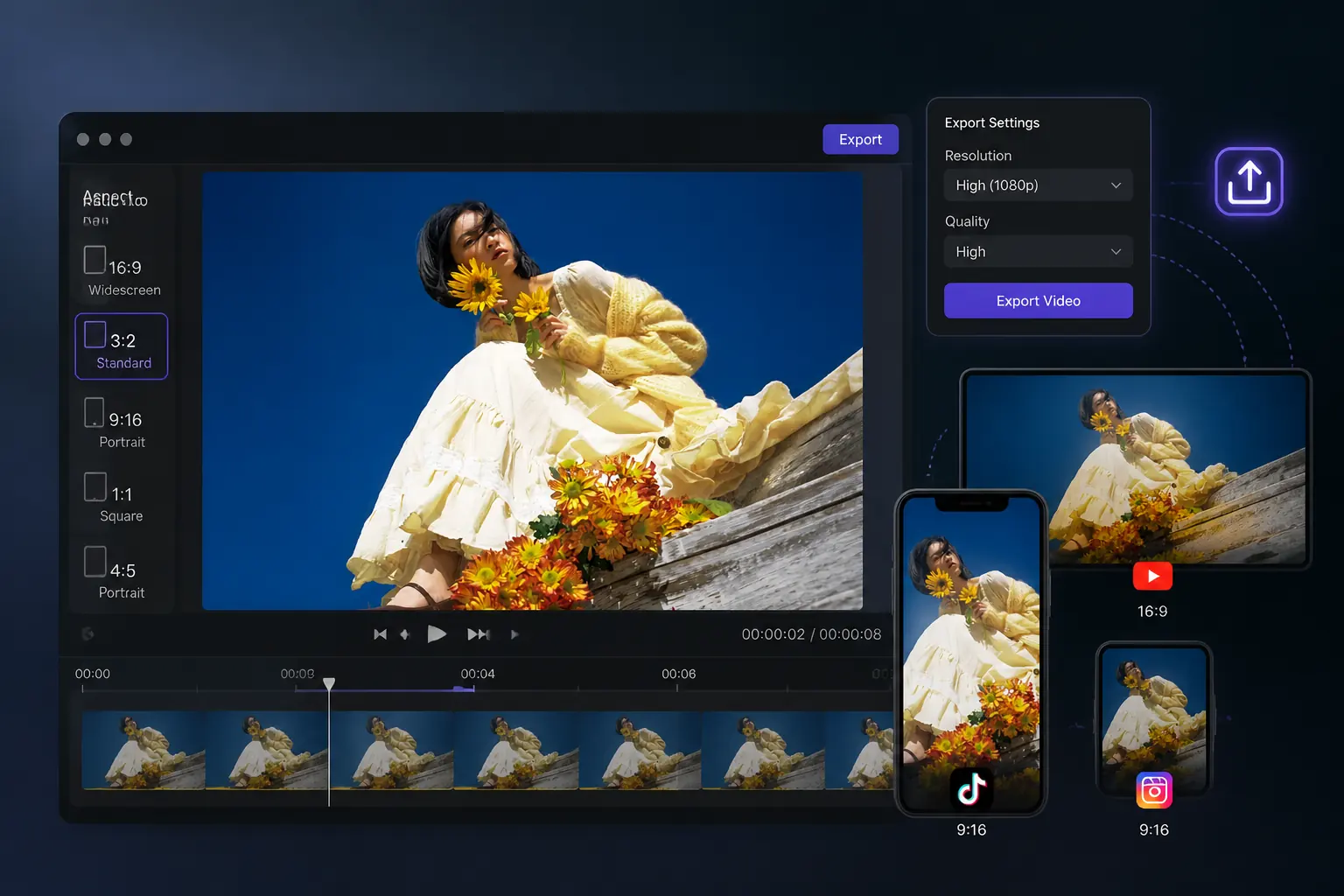
What Are the Advantages of Our Image to Video AI?
Ultra-Fast Video Generation
Powered by high-performance cloud GPUs, our engine renders high-quality cinematic videos in just seconds without long waiting queues.
Professional-Grade Visual Stability
Advanced frame-consistency algorithms ensure ultra-smooth transitions, eliminating common AI issues like flickering or sudden facial distortion.
Rigorous Brand & Detail Preservation
Keep corporate logos, text overlays, and specific product details sharp and perfectly intact across every single frame of the animation.
Simple Intuitive Interaction
Skip steep learning curves and complex parameter tuning with a clean, user-friendly interface designed for instant creation.
Ultimate Creative Cost-Effectiveness
Create premium, professional-grade video content at a fraction of the cost of traditional camera crews or expensive hardware setups.
One-Click Multi-Format Adaptation
Export your videos instantly in vertical, horizontal, or square aspect ratios, saving hours of tedious post-production resizing.
Real-World Applications of Our Image to Video AI Generator
From simple social media clips to interactive game assets, here is how different industries bring their static designs to life.
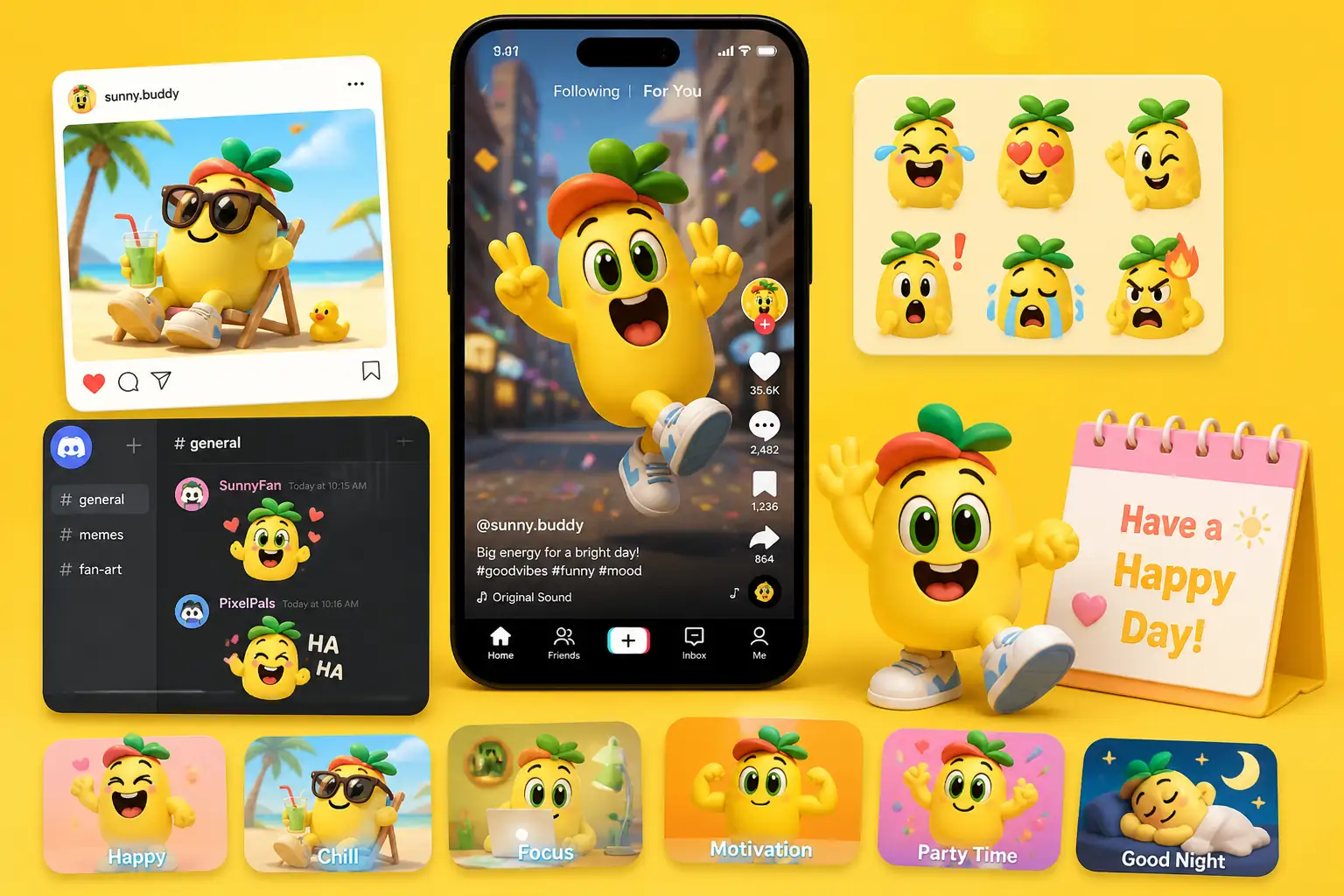
Generate Instant Mascot Content for High-Frequency Social Engagement
Brand managers, social media editors, and creators keeping corporate characters or VTubers active. [What it brings] Leverage our free online image to video AI to instantly turn static IP graphics into funny memes, seasonal greetings, or reaction GIFs. Keep your brand persona fresh and relatable across TikTok, Instagram, or Discord without needing a dedicated animation team.
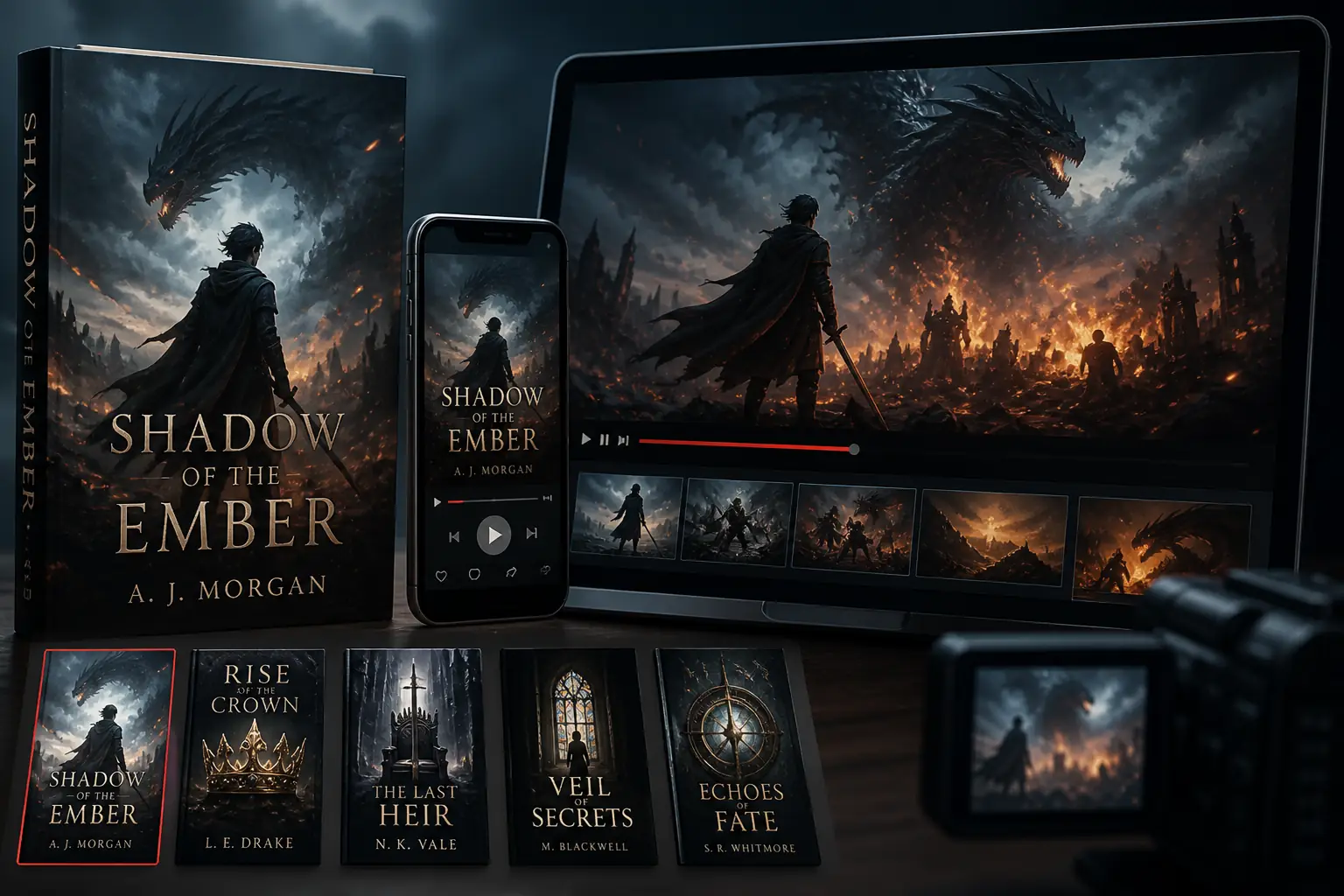
Convert Static Book Covers into Viral Social Media Promos
Authors, publishers, and content creators promoting novels, web-fiction, or comic covers on short-video platforms. Easily animate static images online to create cinematic book trailers with dramatic camera sweeps and elemental effects. By transforming flat cover art into engaging AI image to video ads, you can stop users from scrolling past and significantly lower your reader acquisition costs.
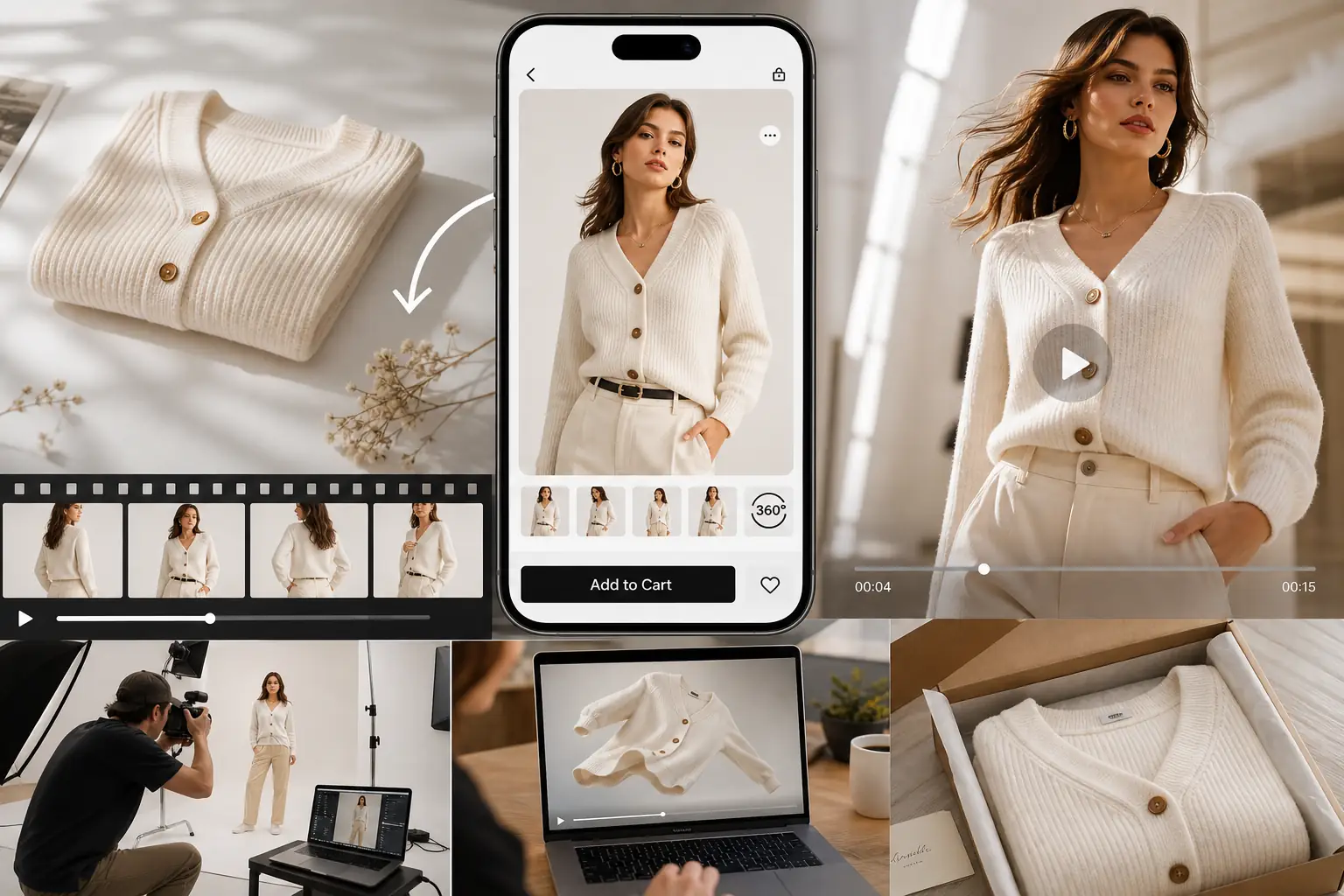
Turn Flat Product Photos into High-Converting Motion Ads
E-commerce sellers and brand designers with static product photos, apparel flat-lays, or packshots. You can now turn photo into video AI to showcase 3D-like rotations and natural fabric movement. It is the easiest way to animate product photos for ads without renting expensive studios or hiring models, directly capturing buyer attention and boosting your store’s conversion rates.
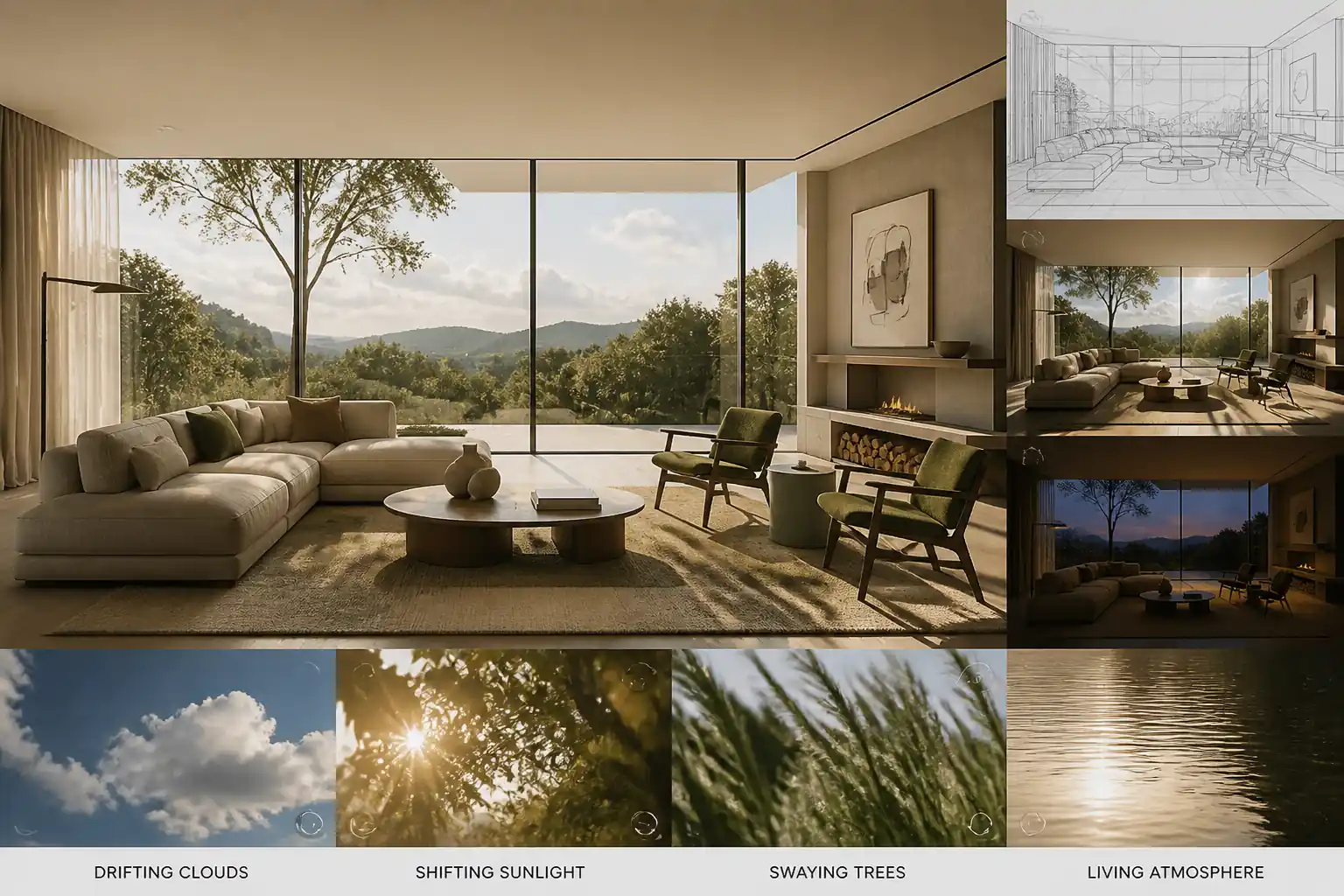
Simulating Realistic Environments and Atmospheres for Clients
Architects, interior designers, and real estate developers presenting conceptual designs. [What it brings] Use this tool as your go-to image to 3D video generator to inject living elements—like drifting clouds, shifting natural sunlight, and swaying trees—into static CAD or interior renders. Show clients a convincing, "breathing" space that evokes emotion, helping you win pitches and speed up design sign-offs.
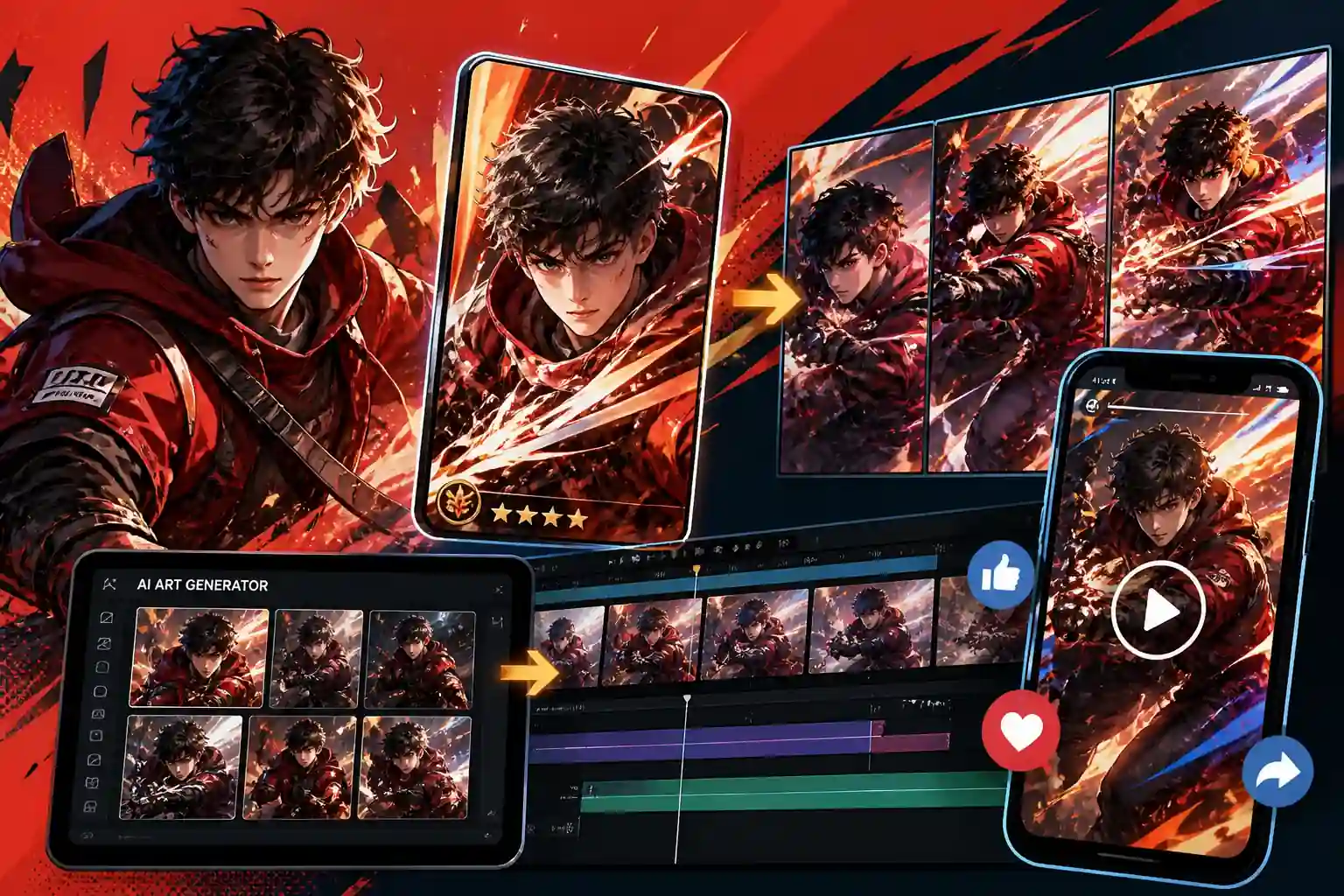
Animate Game Key Art for High-Impact Promo Teasers
Game publishers, marketing teams, and concept artists looking to scale up content production. [What it brings] You can now easily turn AI art into video to generate cinematic loading screens, card animations, and social media teasers in seconds. Skip the complex, budget-heavy animation pipelines and get high-quality marketing materials ready to drive pre-registrations instantly.
Frequently Asked Questions
An AI image to video generator uses machine learning models to analyze a static picture's depth, lighting, and structure to predict physical movement. Instead of just stretching pixels, our HeyTop image to video AI generates entirely new, seamless frames to transition your photo into a natural-looking video clip.
To help you get started, HeyTop AI offers trial credits upon registration so you can experience our free online image to video AI. Since rendering high-quality video requires cloud GPU power, ongoing generations run on a credit system. You can subscribe to a plan or top up credits as needed to unlock faster rendering.
he length of the generated video depends on the specific model you choose, allowing you to freely adjust the duration based on your creative needs. For longer narratives, you can also seamlessly loop or stitch multiple generated clips together in your video editor.
No. To convert image to video AI, you can simply upload your image and click generate—our AI automatically analyzes the scene to apply natural motion. If you want specific actions, you can add simple words (like "slow zoom" or "gentle wind") to guide the AI image to video generation.
Yes, you retain the rights to your creations. If you are on a paid subscription plan, you have full commercial rights to use the generated content. You can safely turn AI art into video for portfolios or animate product photos for ads on platforms like YouTube and TikTok.
For the best results when you animate static images online, we recommend high-resolution files with clear subjects, like portraits, landscapes, or digital art. When you turn photo into video AI, try to avoid extremely blurry or heavily watermarked images, as these can interfere with the AI's depth perception.