HeyTop.ai

MiniMax H3 AI Video Generator: Redefining Video Realism

Bring your imagination to life with MiniMax H3 on HeyTop. Experience seamless 2K resolution featuring natural fluid dynamics, realistic object collisions, and readable bilingual text. Control your camera with ultimate fluid motion.

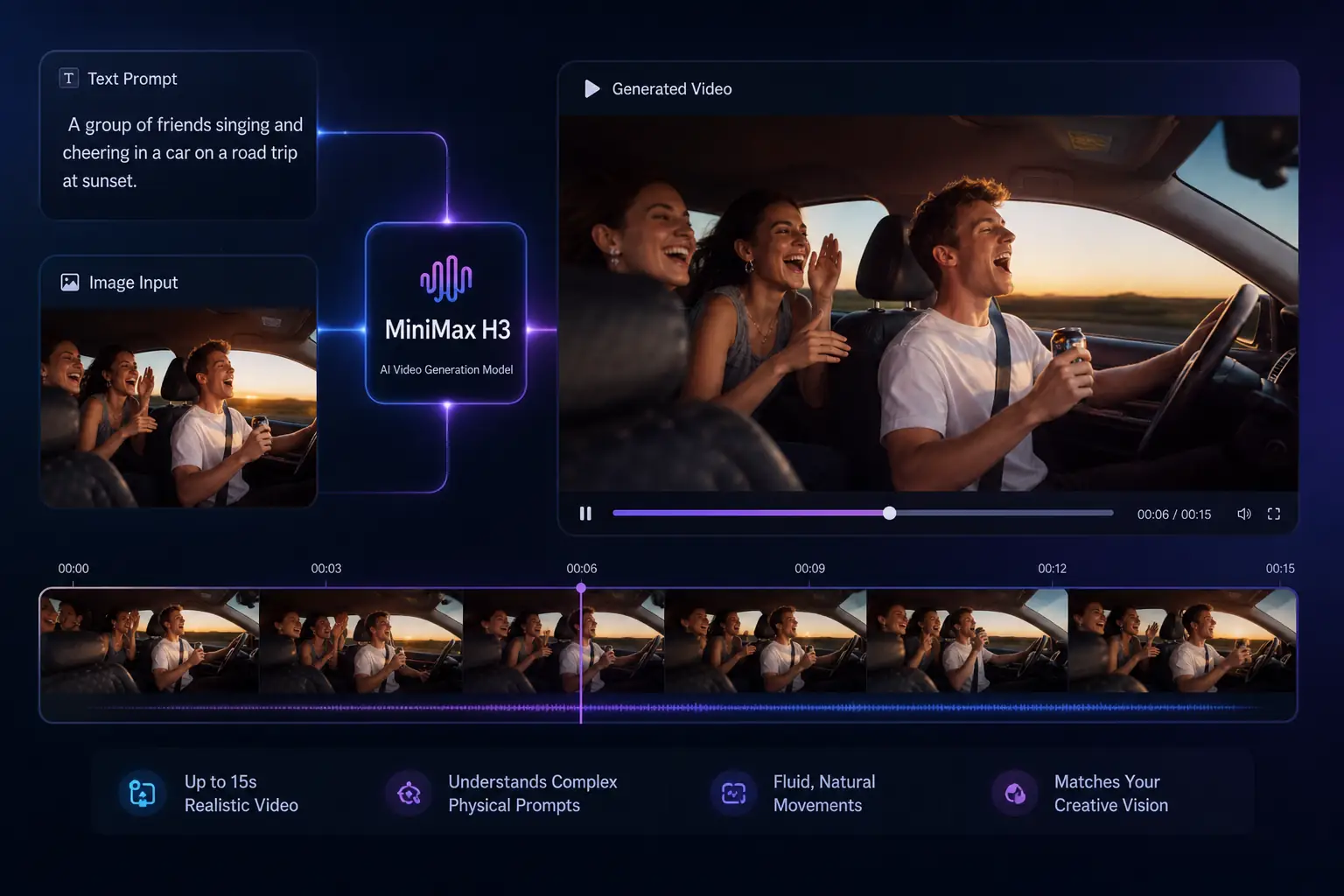
MiniMax H3 interface turning a road trip prompt into a synced 15-second video preview
2K2048x1080 cinematic clarity
15sHigh-fidelity video clips
AudioAutomatically synced stereo audio
TextReadable bilingual text and logos

What is MiniMax H3 for Multimodal Video Production?

MiniMax H3 is MiniMax AI's general-purpose multimodal model, treating text, images, video, and audio as a unified creative environment. Built on the HeyTop ecosystem, H3 can generate 2K native resolution videos up to 15 seconds long and supports synchronized stereo sound, excelling in accurate text rendering, dynamic V2V conversion, and rigorous instruction execution.

The MiniMax H3 AI video model is now available for trial on HeyTop. See the following parameter and feature table to understand how H3 compares to its predecessors and industry standards.

Comparison Dimension MiniMax H3 (The New Standard) Previous Models (Video-01 / Industry Standard)
Physics Simulation Cinematic Realism:Simulates complex fluids, soft-body collisions, and natural gravity with flawless accuracy. Approximated Motion:Physics often break down; liquids look static, and collisions cause unnatural deformation.
Text-on-Video Perfect Bilingual Rendering:Generates crisp, legible English and Chinese text without distortion or gibberish. Garbled Characters:Text is highly prone to warping, misspelling, and fading into the background.
Resolution Quality Native 2K Resolution:True 2048x1080 cinematic clarity. No upscaling artifacts or artificial sharpening. Stretched 1080p:Relies heavily on post-processing upscale, often losing fine details and textures.
Camera Control Multi-Axis Fluid Camera:Smooth panning, tilting, zooming, and complex cinematic transitions. Linear / Rigid Movement:Camera motions are basic, mechanical, and often cause perspective errors.
Temporal Consistency Zero Character Drift:Maintains perfect logical and visual consistency across the entire video duration. Frame Distortion:Characters, faces, and backgrounds morph or change shapes in fast-motion scenes.

Powerful Features: What You Can Create with MiniMax H3

Explore the advanced multimodal capabilities of MiniMax H3 on HeyTop to turn your creative concepts into high-fidelity, production-ready videos.

Convert Prompts and Static Images into Lifelike Motion

Seamlessly transform text prompts or static images into dynamic, highly realistic video clips up to 15 seconds long. MiniMax H3 understands complex physical prompts to deliver fluid, natural movements that perfectly match your creative vision.

Generate Video from Prompt/Image
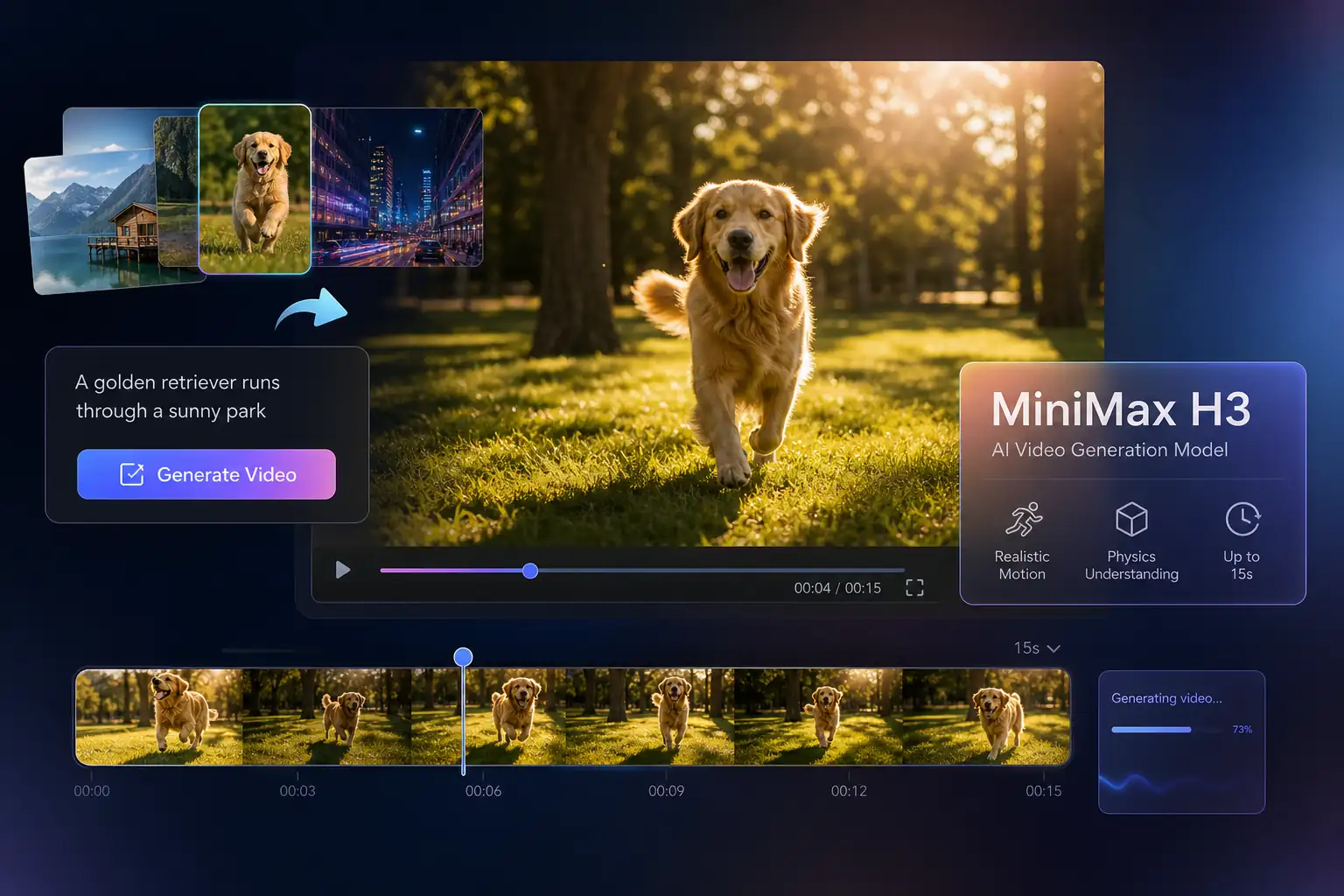
Prompt and image inputs generating a golden retriever video with realistic motion controls

Produce Sharp, Pro-Grade Videos with Exquisite Detail

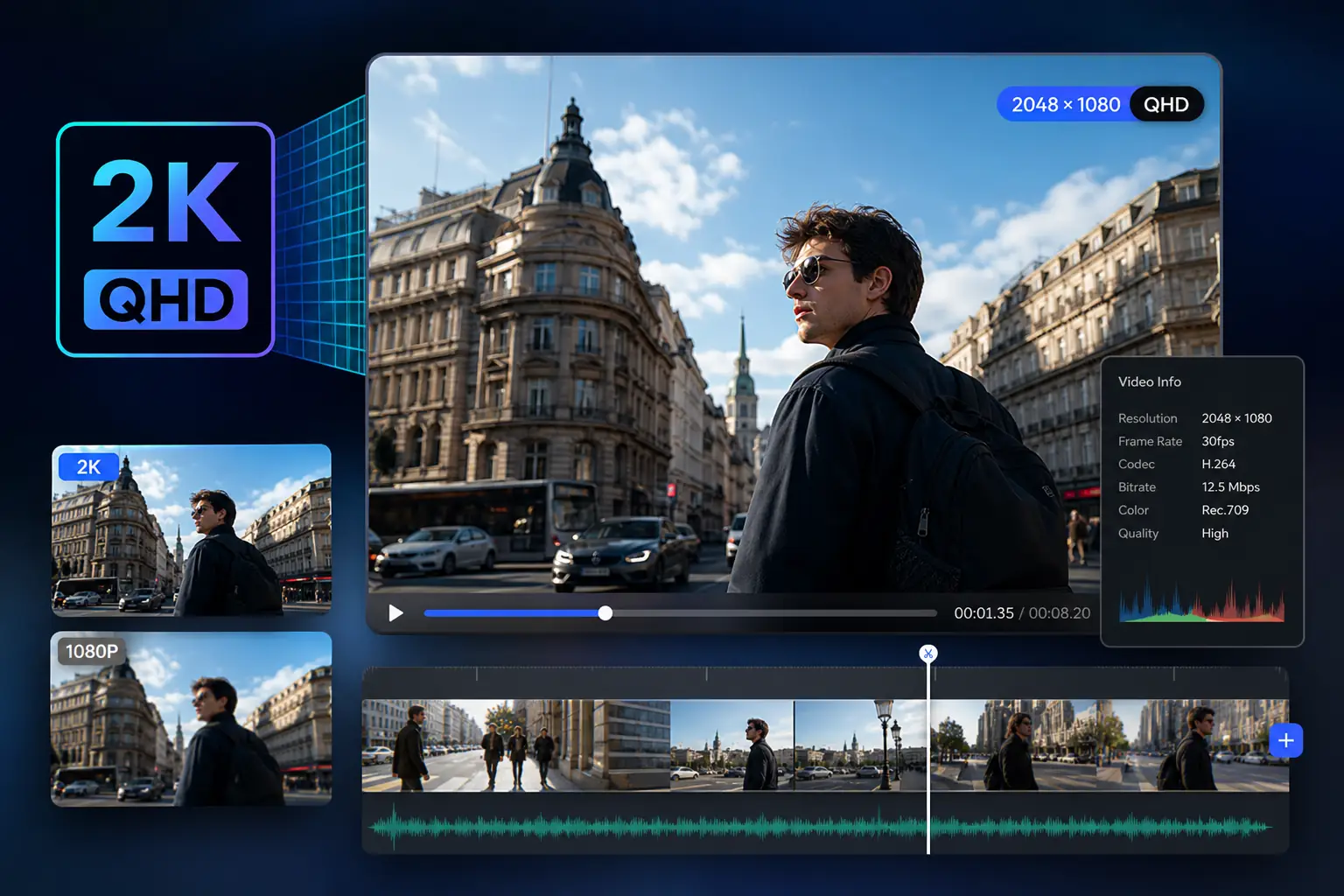
Generate stunning, native 2048x1080 resolution videos directly without relying on external upscaling tools. Every frame preserves rich textures, sharp edges, and true-to-life lighting, making it perfect for high-end screen displays.

Create 2K AI Videos Now
2K video editor preview showing sharp city footage, QHD resolution, and production details

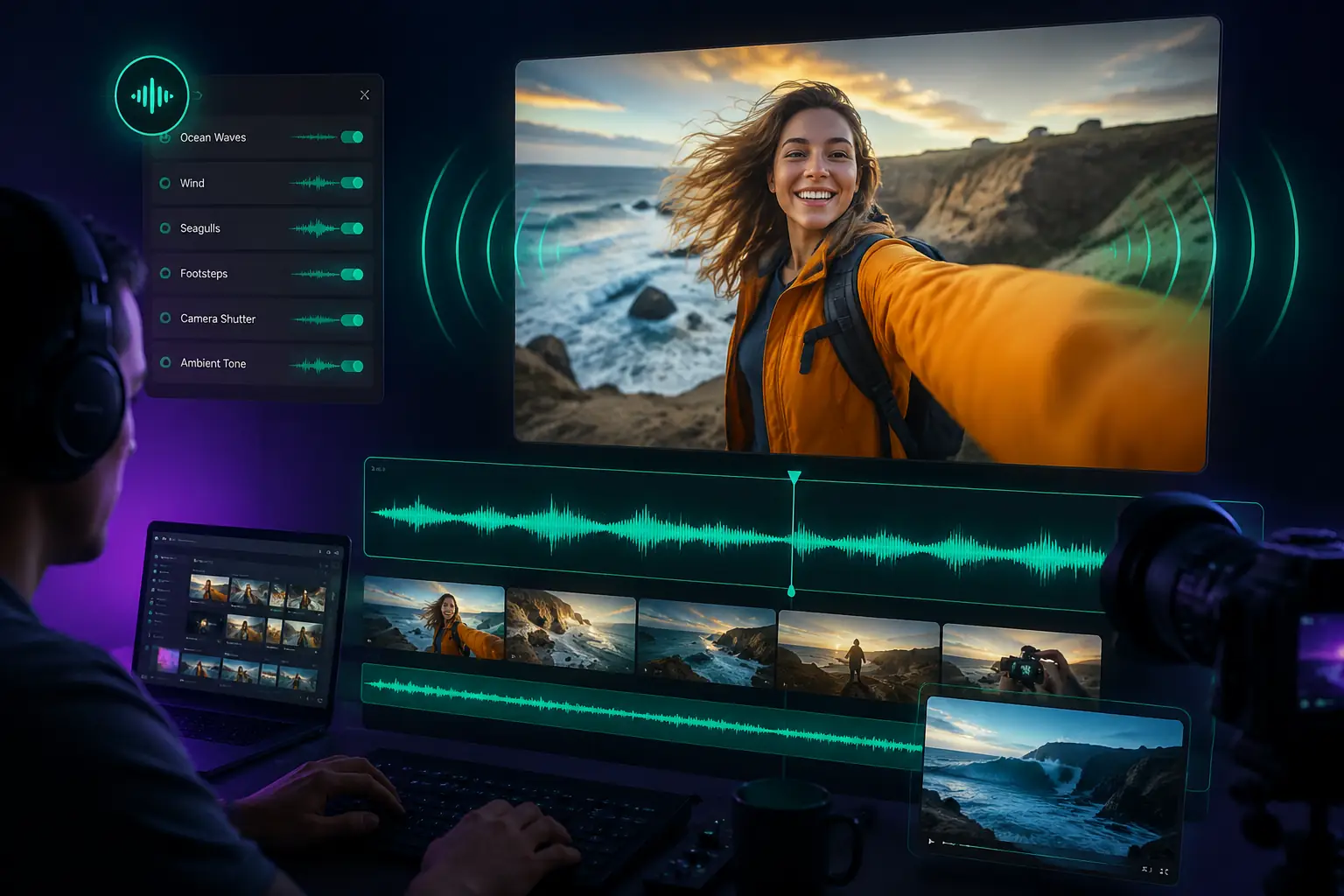
Output Audiovisuals with Automatically Synced Stereo Audio

Erase the need for post-production sound design by generating video and matching stereo audio simultaneously. The model crafts realistic environmental sounds and sound effects that correspond naturally with on-screen actions.

Generate Video with Sound
Video timeline with waveform controls for automatically synchronized stereo audio output

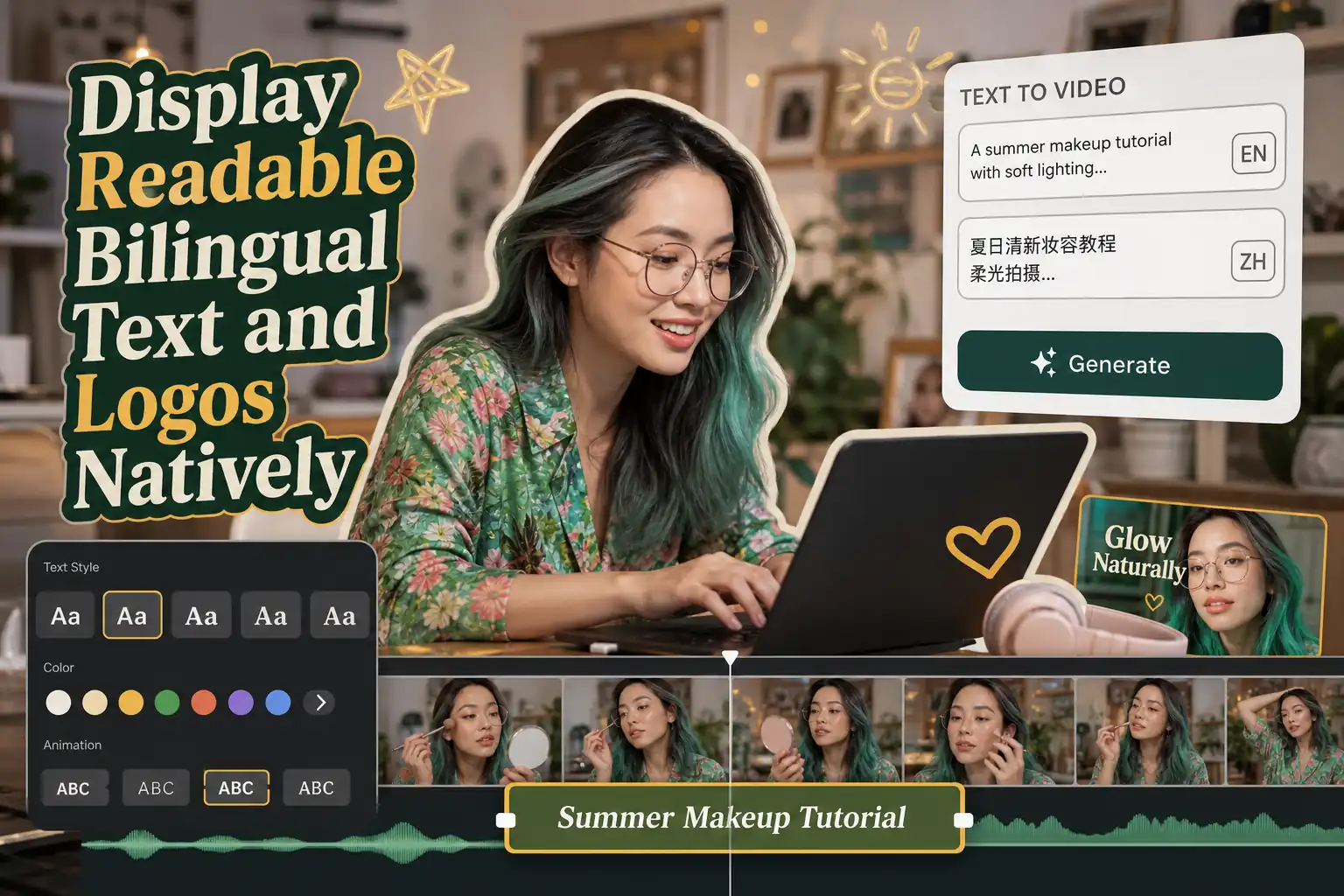
Display Readable Bilingual Text and Logos Natively

Render crisp, legible English and Chinese characters directly within your videos without distortion or spelling errors. This enables creators to design professional advertisements, e-commerce promos, and titles with flawless brand presentation.

Try Text to Video Editor
Readable English and Chinese title graphics rendered inside a MiniMax H3 video scene

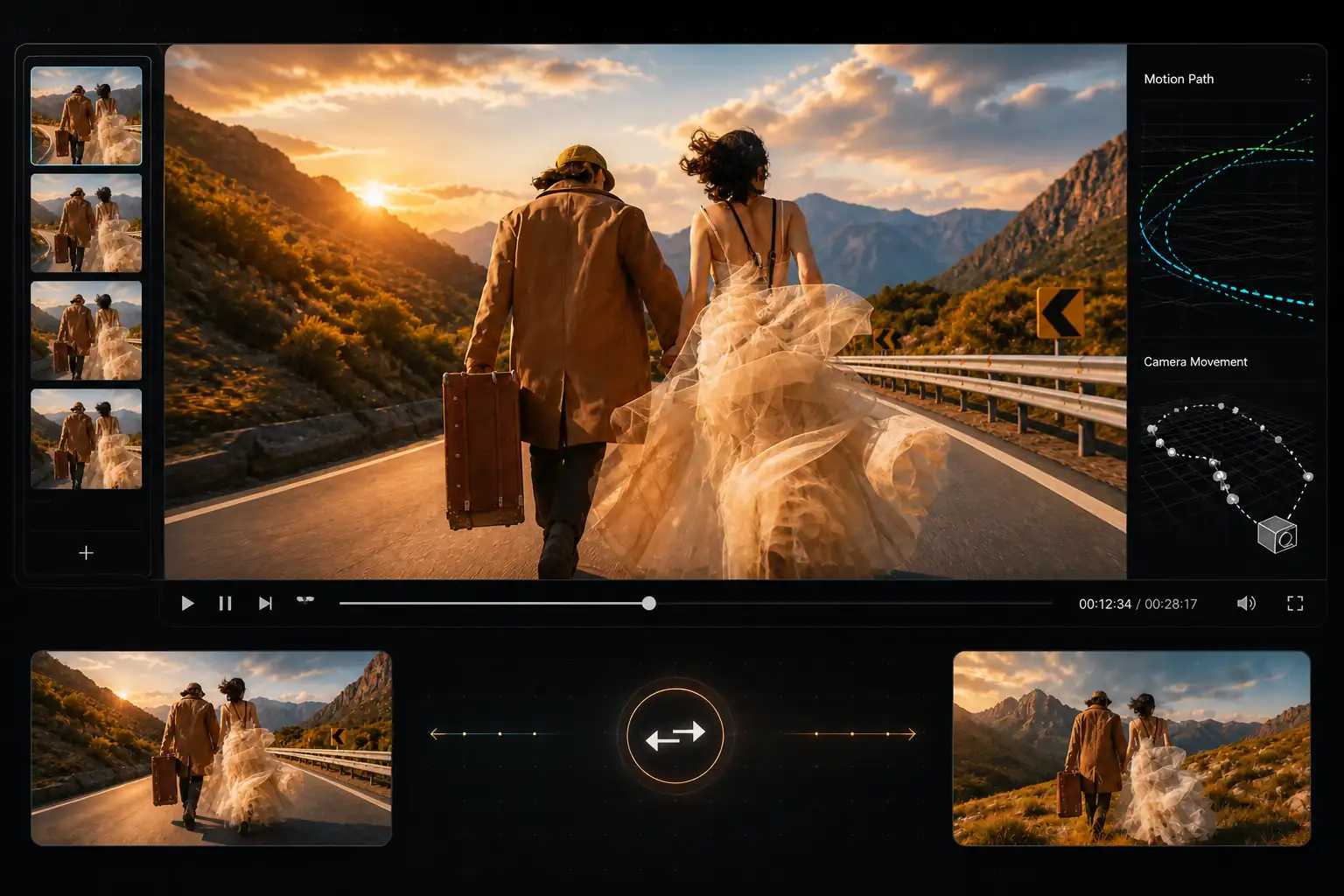
Clone Complex Movements via Video to Video Editing

Extract precise motion trajectories and camera movements from a reference video and apply them to your generated characters. This feature ensures consistent action sequencing and logical choreography across different scenes.

Experience Motion Transfer
Reference motion path applied to generated characters in a video-to-video editing workflow

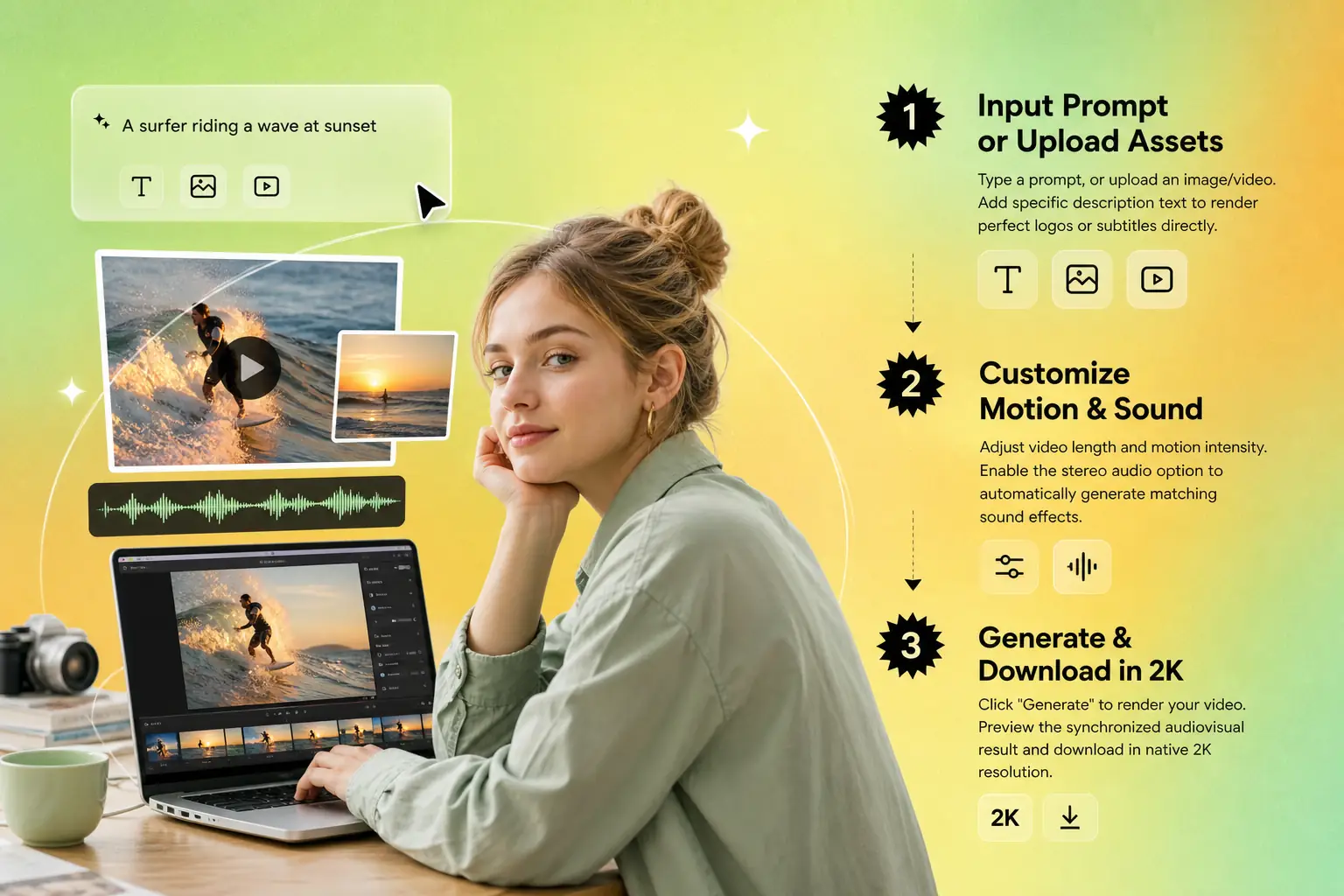
How to Use MiniMax H3 on HeyTop: A 3-Step Guide

Harness the advanced multimodal power of MiniMax H3 in seconds with HeyTop’s intuitive creator studio.

1

Input Prompt or Upload Assets

Type a prompt, or upload an image/video. Add specific description text to render perfect logos or subtitles directly.

2

Customize Motion & Sound

Adjust video length and motion intensity. Enable the stereo audio option to automatically generate matching sound effects.

3

Generate & Download in 2K

Click "Generate" to render your video. Preview the synchronized audiovisual result and download in native 2K resolution.

MiniMax H3 workflow showing prompt input, motion and sound settings, then 2K video download

Why Choose MiniMax H3 on HeyTop?

Instant Generation

Turn text or images into high-fidelity video in minutes, drastically shortening your production and launch cycles.

Realistic Physics

Simulate natural gravity, collisions, and fluid dynamics flawlessly, eliminating common AI distortions.

Flawless Text Rendering

Generate readable bilingual logos and subtitles embedded perfectly in your video, ensuring strong brand consistency.

Limitless Creativity

Easily direct complex action shots, gravity-defying physics, and fantasy scenes that are impossible to shoot in real life.

Real-World Use Cases: MiniMax H3 in Action

See how creators, marketers, and studios leverage MiniMax H3 to stream production and elevate visual storytelling.

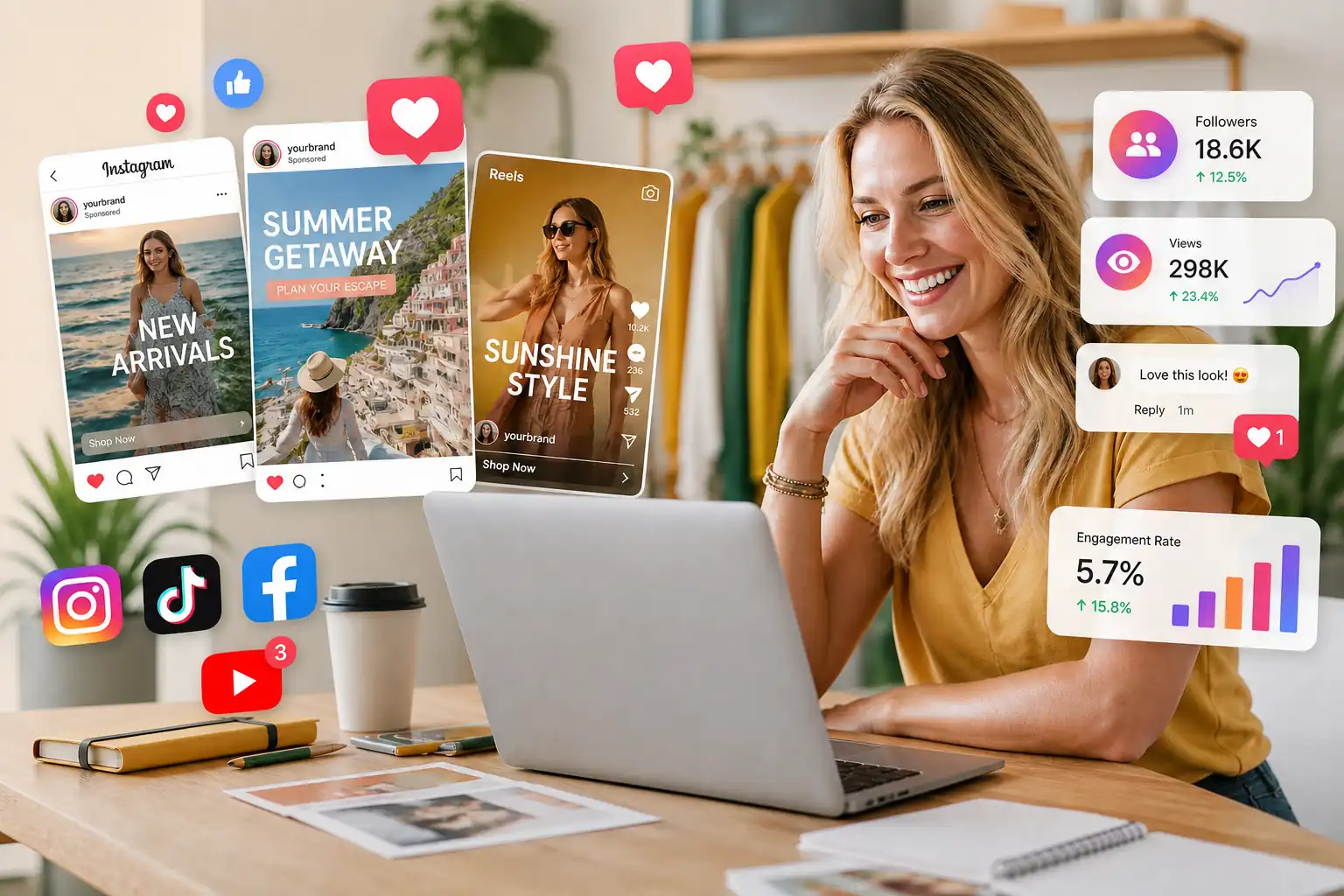
Marketer reviewing social ad creatives, engagement metrics, and short video campaign results

Scale Your Ad Creatives to Match Fast-Moving Trends

Designed for social media marketers and ad agencies who need to launch campaigns on short notice. Instead of waiting weeks for studio bookings and post-production, you can instantly generate trend-jacking social ads and localized brand promos, allowing you to test dozens of creative angles, boost click-through rates, and maximize your ad spend efficiency.

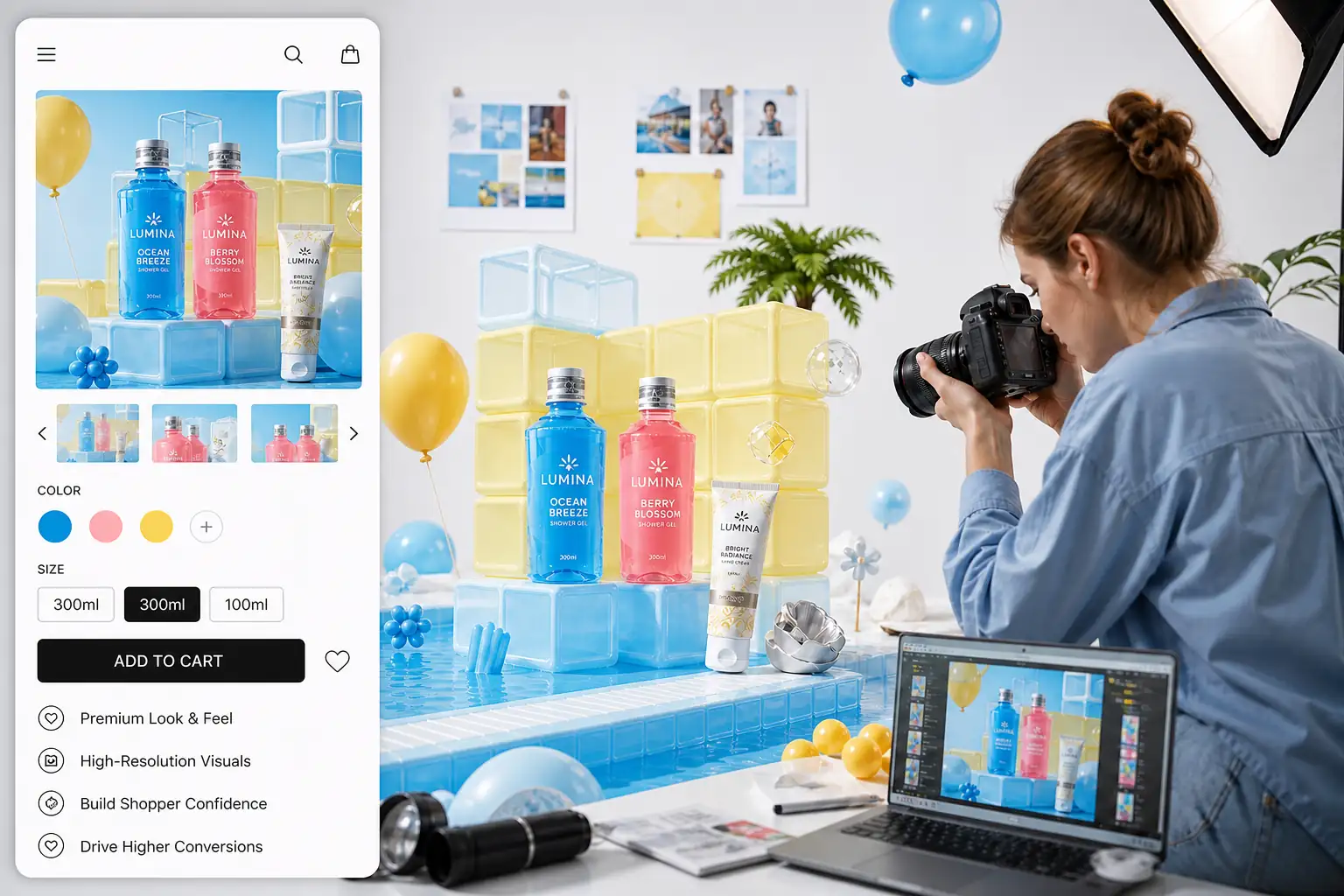
E-commerce product visuals arranged for premium showcase videos and shopper conversion

Elevate Product Detail Pages and Boost Shopper Trust

Ideal for e-commerce sellers and DTC brands looking to premiumize their storefronts. You can create commercial-grade product showcases and high-end close-ups on a micro-budget, replacing expensive physical studio photography with rich, high-fidelity visual assets that drive customer engagement and boost purchase conversion rates.

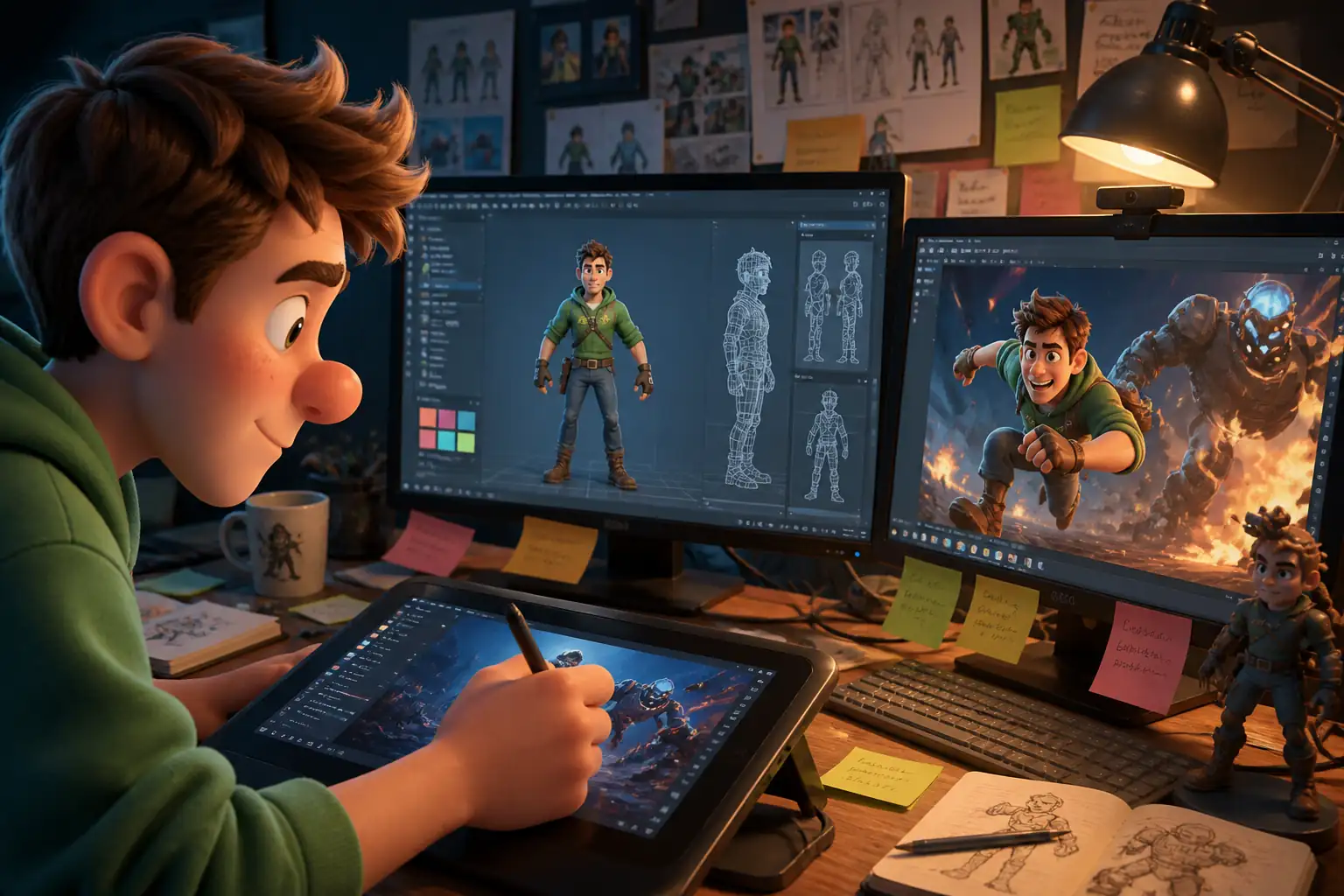
Game character concept scene prepared for rapid visual prototyping and pitch videos

Accelerate Visual Prototyping and Concept Pitching

Built for indie game developers, animators, and concept artists who need to bring characters and worlds to life. Rapidly iterate on character concepts, dynamic action sequences, or promotional game trailers, allowing you to visually pitch high-concept ideas to investors and build early community hype with ease.

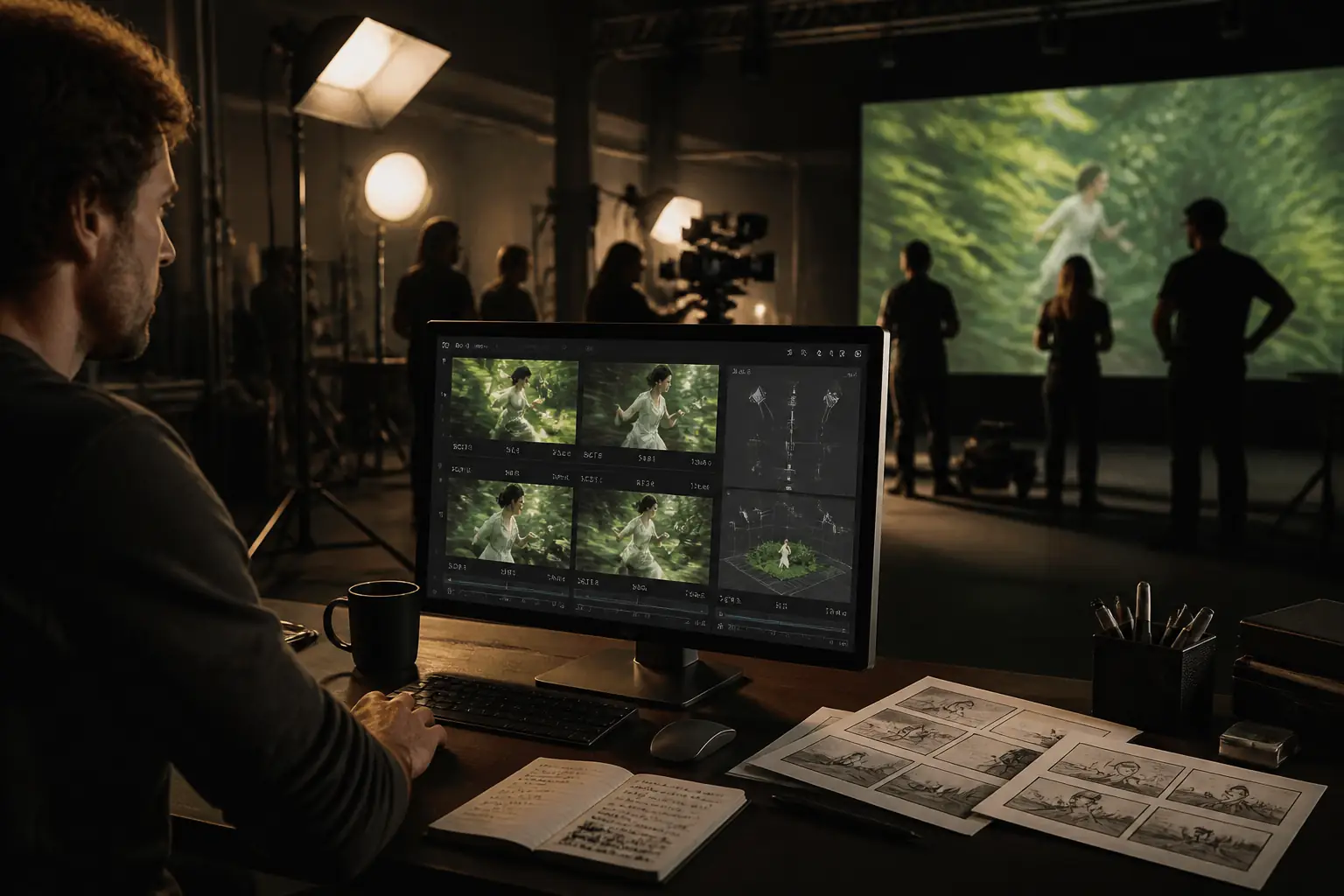
Film previsualization scene with cinematic framing for shot planning and script blocking

Streamline Pre-Production and Script Blocking

Empowering directors, filmmakers, and storyboard artists to pre-visualize high-budget shots before renting a single piece of gear. Easily block out camera angles, lighting directions, and complex action choreography to align your crew's vision early, saving thousands of dollars in wasted production days on set.

Content creator planning daily posts with generated b-roll and video production assets

Keep Up with Daily Publishing Demands Effortlessly

Perfect for YouTubers, TikTokers, and solo content creators looking to stand out in crowded feeds. Generate stunning b-roll, atmospheric backgrounds, or complete visual narratives from raw scripts, helping you maintain a consistent, high-frequency posting schedule without compromising on production quality.

MiniMax H3: Frequently Asked Questions

You can experience MiniMax H3 directly on HeyTop through our web-based interface without any complex coding or local GPU setup. Simply log into your HeyTop account, navigate to the AI Video Workspace, select the MiniMax H3 model, and enter your text prompt or upload an image to start generating high-quality videos instantly.

Yes, any videos you generate using MiniMax H3 on HeyTop are fully cleared for commercial use. You hold the rights to your generated content, making it perfect for social media ads, product showcases, website assets, film pre-visuals, and other promotional campaigns.

MiniMax H3 supports generating videos with a native resolution of up to 2K (2048x1080) and a maximum duration of 15 seconds per clip. This native high-definition output ensures crisp textures, cinematic lighting, and professional-grade details without needing third-party upscaling tools.

Yes, one of MiniMax H3’s standout features is its native end-to-end audio-video generation. It automatically generates and synchronizes realistic ambient sounds, footsteps, winds, and actions-matched stereo audio directly with the video, saving you hours of post-production sound design.

While Runway Gen-3 and Luma are powerful, MiniMax H3 excels in exact bilingual text rendering (English & Chinese) and native 15-second generation with synchronized audio. It also offers superior physical consistency in V2V (Video-to-Video) motion transfer, making it highly reliable for complex character movements and brand ads.

Create High-Fidelity 2K AI Videos Instantly
with MiniMax H3

4.8 rated by creators for fast, high-quality AI video production.

Generate Your First 2K Video