AI Talking Avatar Generator: Put Your Character on Screen

Create talking avatar videos with natural-looking expressions and speech-matched movement that give your chosen character an on-screen presence. Share your message without filming yourself, booking a studio, or animating facial movements by hand.

Reference files
Model

Loading models…

Preview
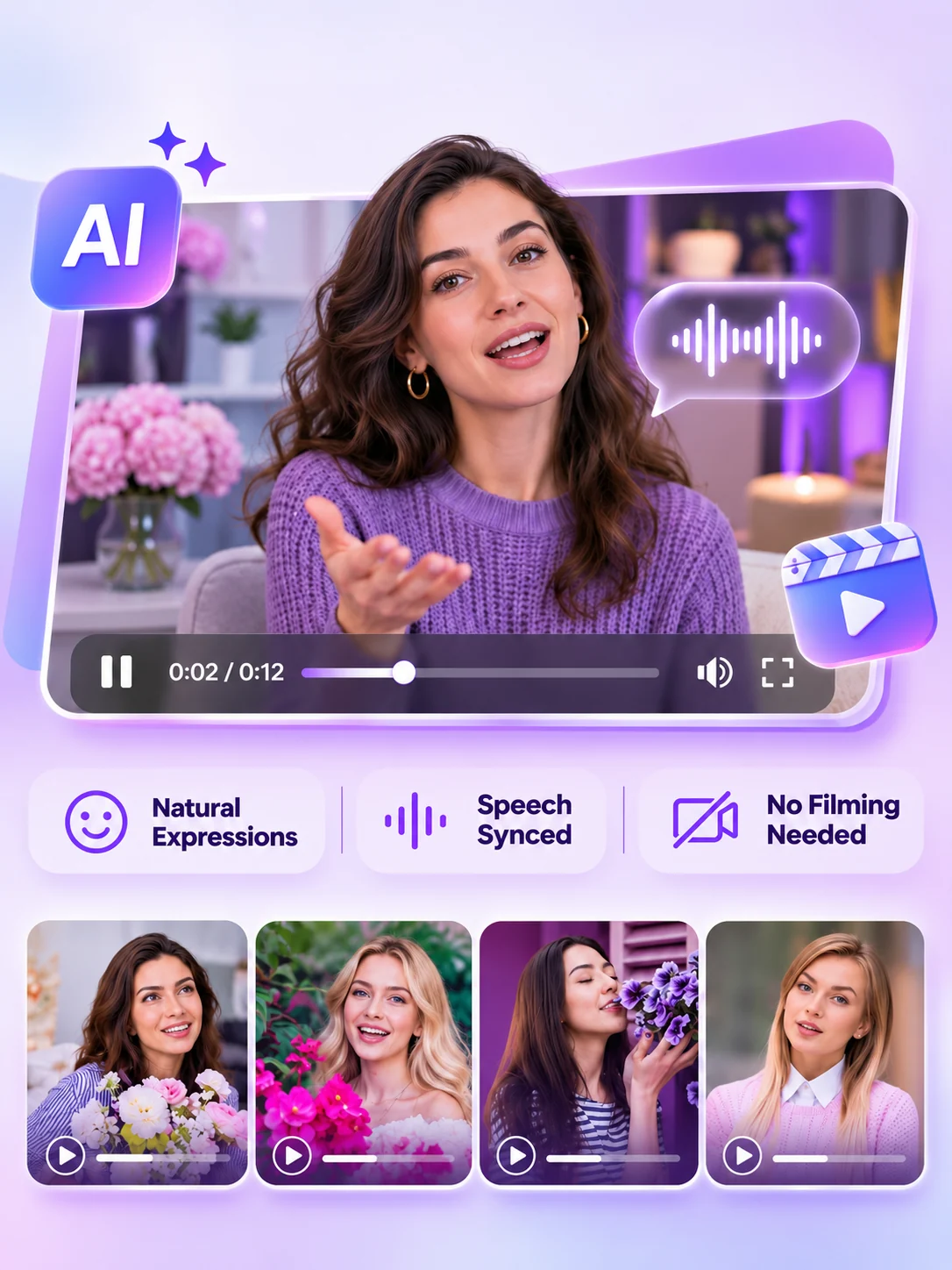
Woman presenting in a purple talking avatar interface with expression and voice controls.

Explore AI Talking Avatar Video Examples for Work and Play

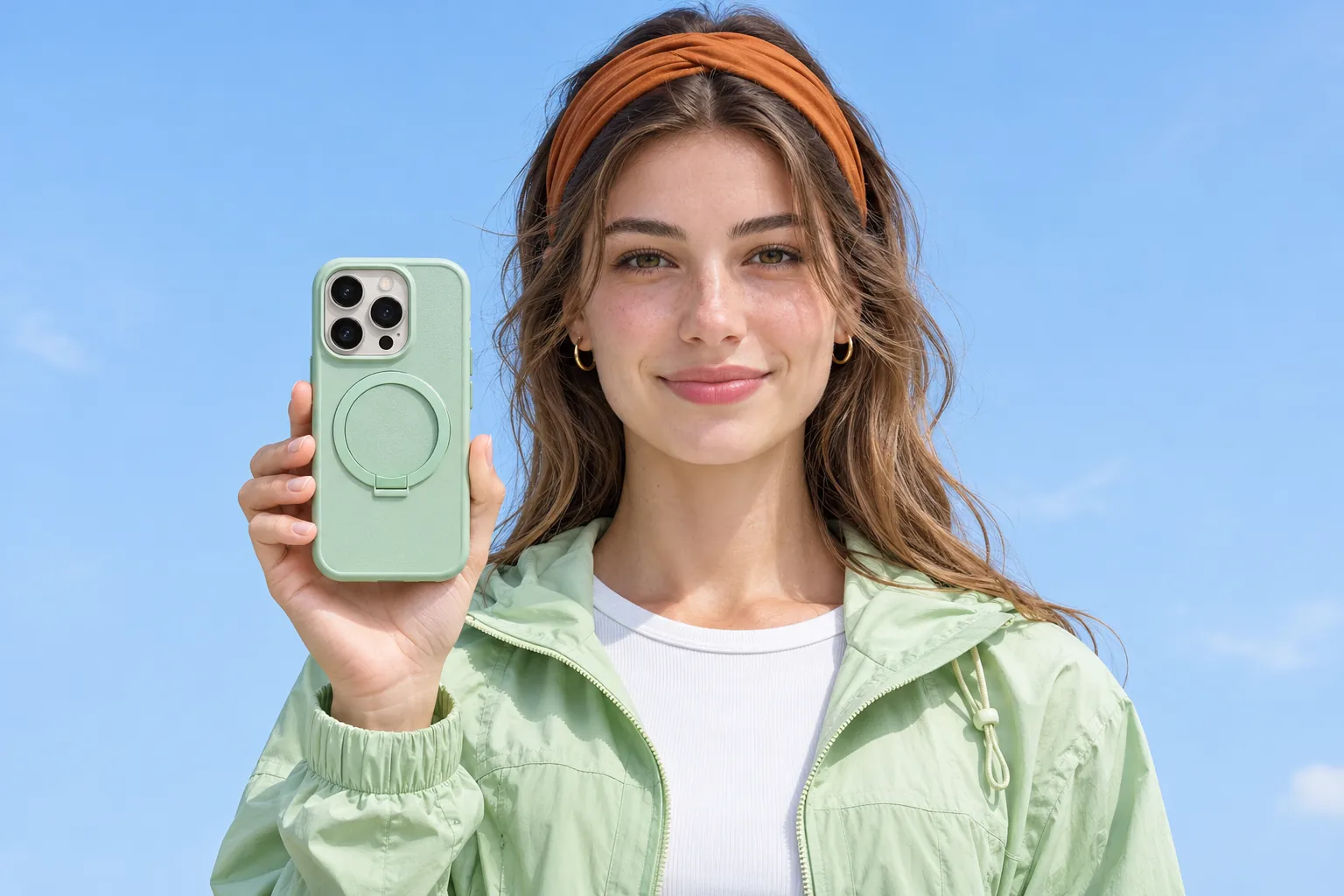
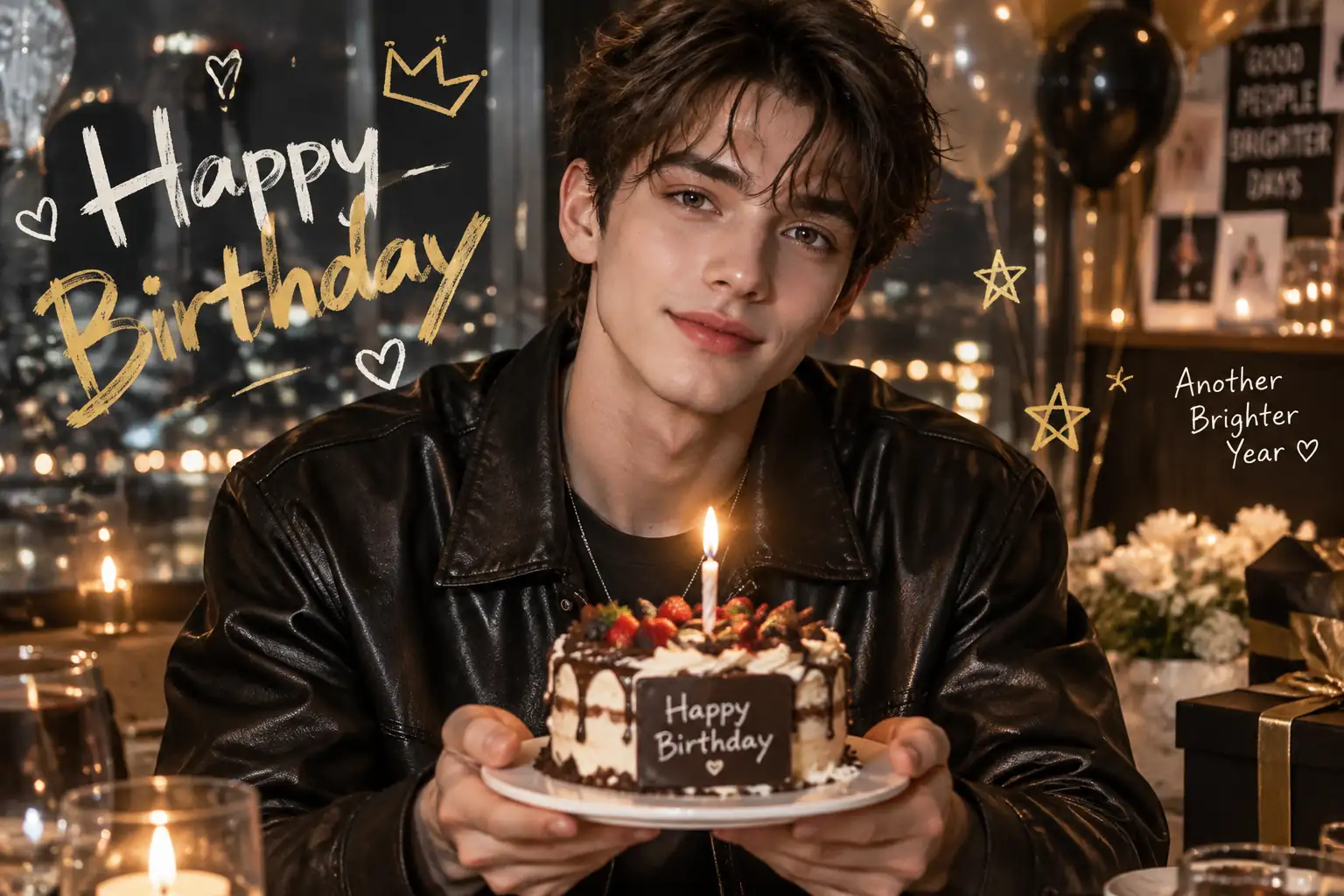
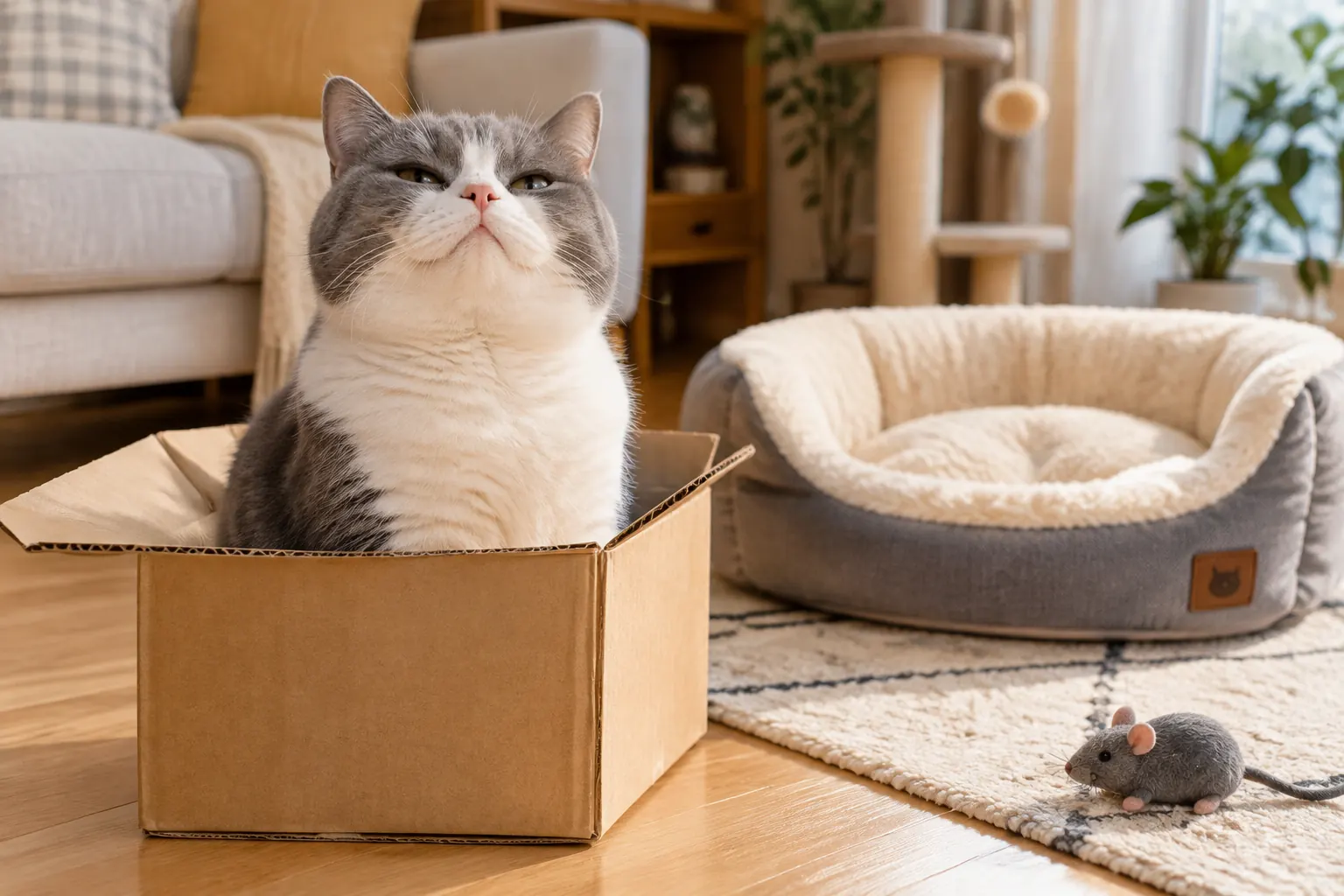
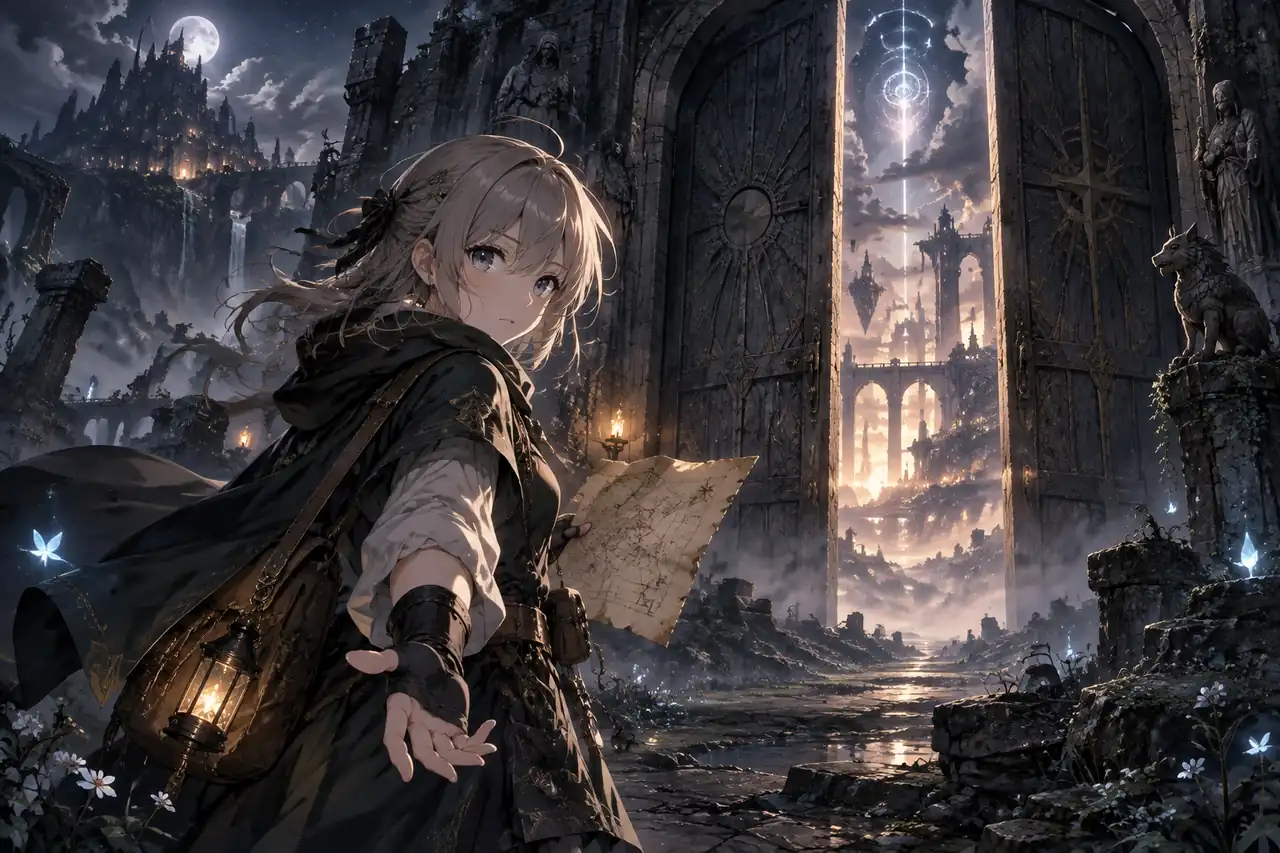
From product introductions to playful character stories, see how different ideas look and sound on screen. Compare each original image with the finished video for inspiration.

What Are the Core Features of Our AI Talking Photo Generator?

Bring static images to life with a complete set of creation tools. Our AI talking avatar generator gives you full control to shape character appearances, seamlessly sync audio, and design custom backgrounds for your videos.

Turn Static Photos into Engaging Speaking Characters

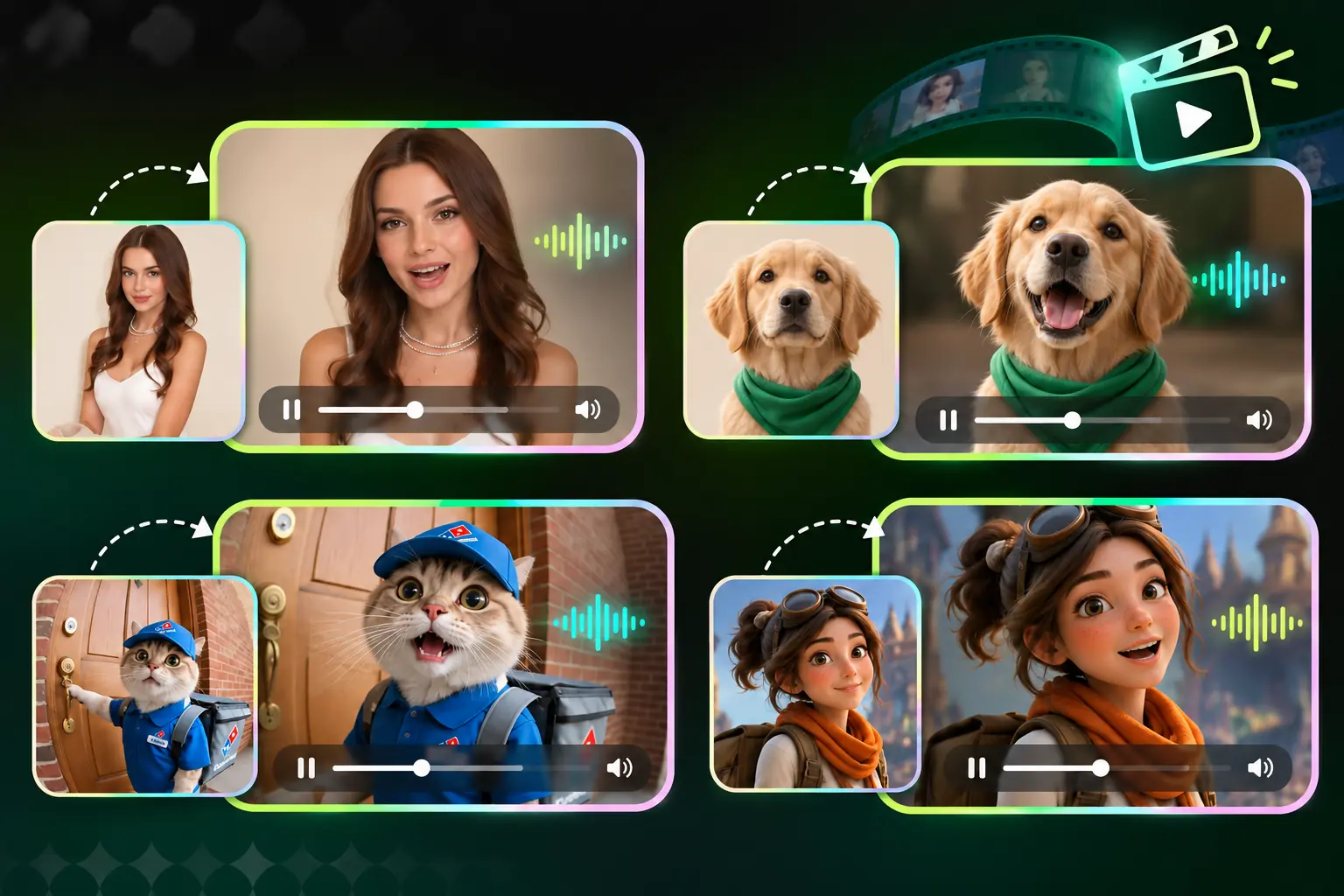
Transform standard portraits, brand mascots, or character art into expressive AI talking avatars. Instead of setting up a camera, simply upload an image to define your speaker’s appearance. It easily makes a photo talk, giving you a consistent and engaging face for all your digital content.

Create Your Talking Avatar
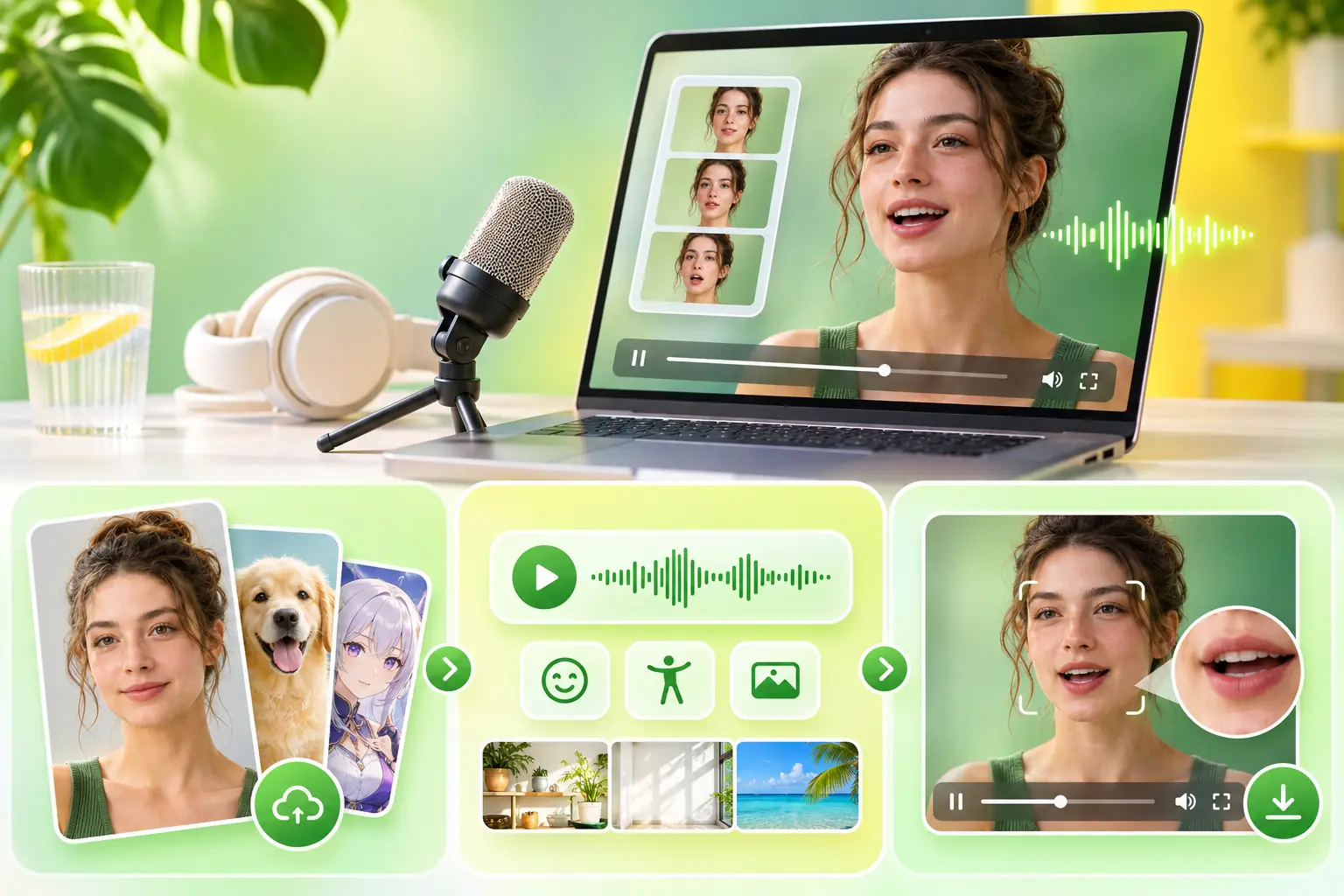
Human, dog, and illustrated characters shown as still portraits beside animated speaking previews.

Sync Lip Movements for a Flawless, Natural Delivery

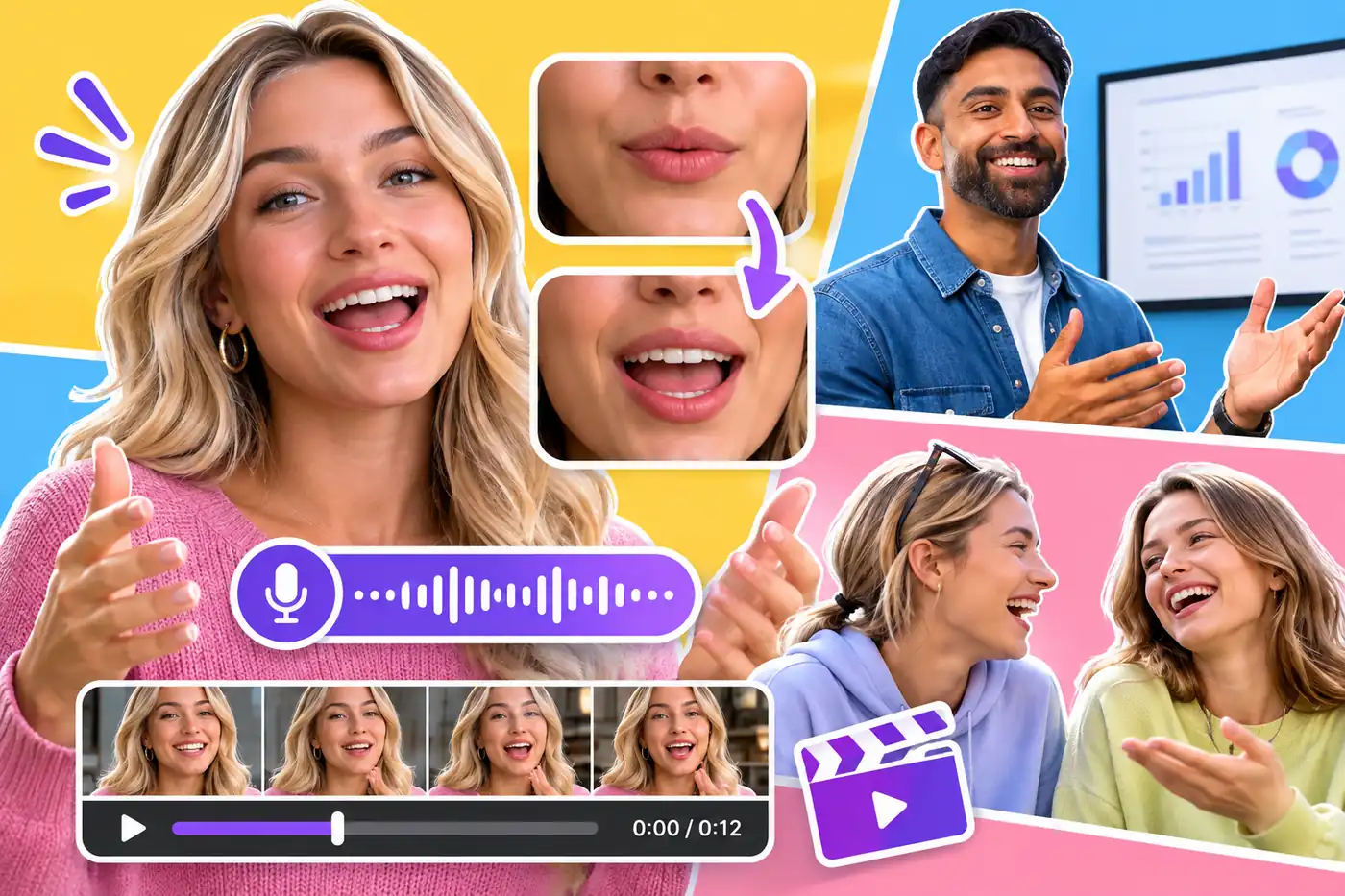
Advanced lip-syncing naturally aligns the character’s mouth movements with the pacing and rhythm of your audio. Combined with subtle facial dynamics guided by text prompts, it ensures your avatar delivers formal explanations or casual dialogues with a convincing, natural flow.

Sync Lip Movements
Close-up mouth movements paired with presenter clips and an audio waveform for speech synchronization.

Drive Videos with Multilingual Audio for Global Reach

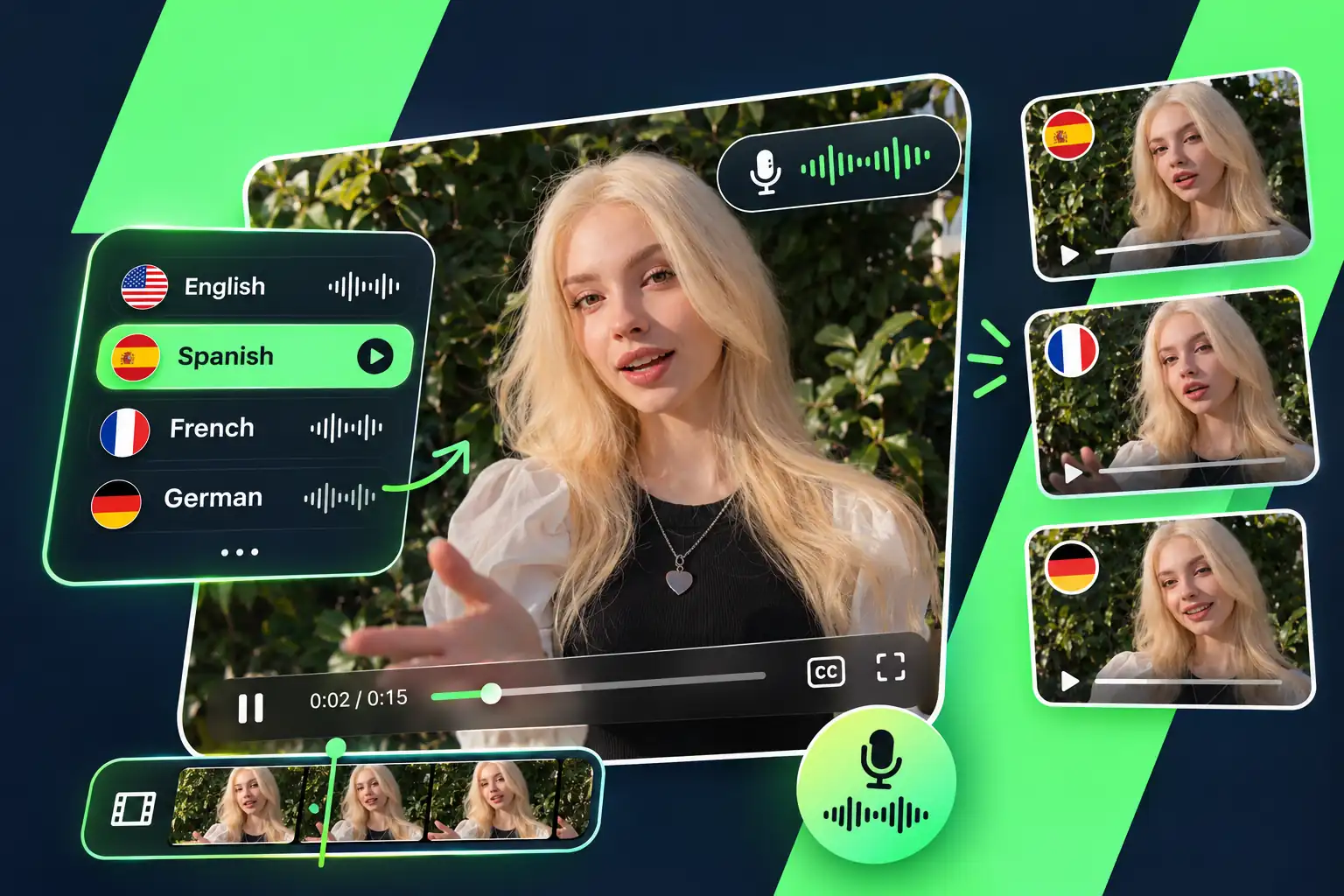
Give your character a voice using narration in different languages, or create a talking avatar with your own voice through custom recordings. By pairing your selected photo with localized audio scripts, you can efficiently adapt the exact same message for diverse audiences worldwide.

Add Multilingual Voiceover
A presenter paired with English, Spanish, French, and German voice tracks and localized video previews.

Set Custom Scenes to Match Your Video's Topic

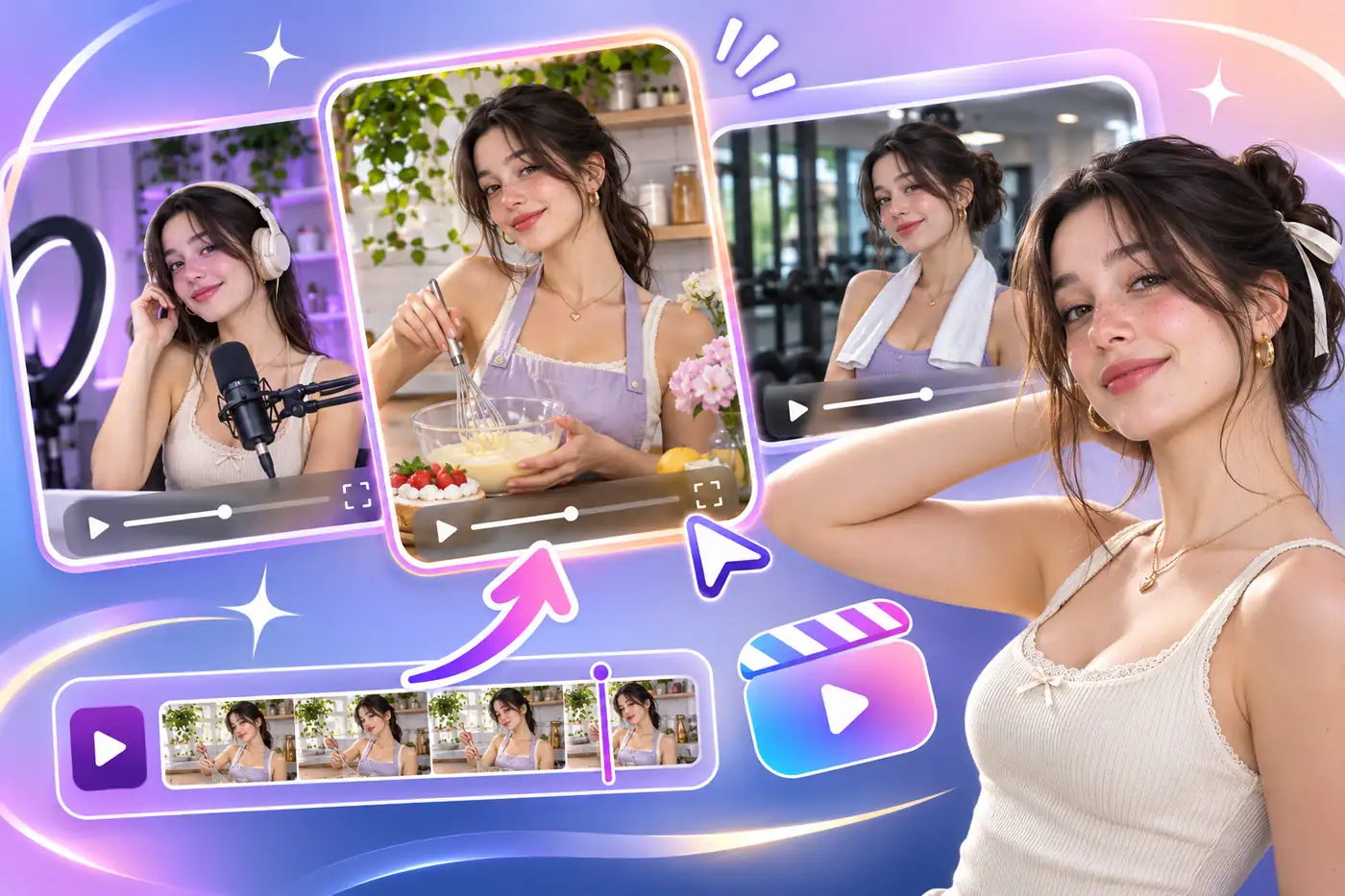
Replace plain backgrounds with customized visual settings that directly support your video’s topic. Whether you need the professional look of a clean studio or a specific themed atmosphere, scene generation helps ground your AI avatar in the ideal visual environment.

Customize Video Scene
A speaking presenter in recording, outdoor, and cafe settings with a scene selection timeline.

How to Create an AI Talking Avatar Video

Combine a static photo with an audio recording to deliver your message. Follow these three steps to complete your production.

Portrait selection, voice input, scene settings, and a speaking video preview arranged as a workflow.
01

Upload Your Character Photo

Supply an unobstructed portrait of a human, pet, or anime figure. Even lighting and visible facial features ensure better animation quality.

02

Input Audio and Settings

Add your existing voice recording. Use text descriptions or video references to define specific expressions, poses, and backgrounds.

03

Generate and Review the Result

Preview the processed clip to evaluate lip-sync and facial dynamics. Tweak your settings if necessary, then download the final file.

Create AI Talking Avatar Video Now

Why Choose Our AI Talking Avatar Maker?

Cut Costs and Save Time

Bypass the need for expensive camera gear, lighting, and actors. Turn your audio into a complete video in a fraction of the time usually spent on live shooting and editing.

Ensure Brand Consistency

Produce a series of videos using a consistent character appearance, helping maintain a recognizable digital identity across your channels.

Simple and Easy to Use

Focus on delivering your message while the platform automatically manages the facial movements and lip-syncing behind the scenes.

Update Content Effortlessly

Need to change a script or update information? Simply adjust your input and generate a new video instantly, eliminating the hassle of scheduling reshoots.

Trusted by Professionals: Real Stories from Our Users

Frequently Asked Questions

What is an AI Talking Avatar Generator?

It is an artificial intelligence-based creation tool designed to animate static images. By uploading a portrait photo and providing accompanying audio or text, the system generates a video where the character’s lip movements align with the speech. It helps lower the barrier to video production, allowing for content creation without needing a real person on camera.

Do I need professional video editing skills to use this tool?

No. The process relies on a few intuitive steps: upload assets, input content, and click generate. Even beginners without animation or editing experience can get started quickly and produce initial drafts.

Is the lip-sync effect in the generated videos natural?

Lip-syncing remains stable with standard speech rates. However, extremely fast pacing or unusual pronunciations may cause slight variations. We recommend testing different voice tones to achieve the best result for your character.

Can I use my own photo as a digital avatar?

Yes, provided you have the legal rights to use the image. For better facial dynamics, we recommend using clear, well-lit, front-facing photos with no facial obstructions.

How does it handle multiple languages or different accents?

Its multilingual capabilities depend on your input audio/text and the selected accent. The tool adapts pronunciation and facial movements accordingly, making it highly practical for cross-cultural content while saving you time sourcing foreign voice actors.

How does pricing work, and is there a free trial?

We offer a variety of flexible subscription plans. New users typically receive initial free credits to test the tool and evaluate if it fits their project needs. For specific quotas and tier details, you can visit our pricing page to choose a plan that fits your personal or team requirements.

Ready to Make Your Static Photos Speak in Just Minutes?

Try AI ​​Talking Avatar Generator Now