
Input Modes
Start from prompts, reference images, or follow-up edits in one workflow.
GPT Image 2 turns loose ideas into usable visuals with better prompt following, stronger reference detail retention, cleaner image text, and more controlled edits.
Loading models…
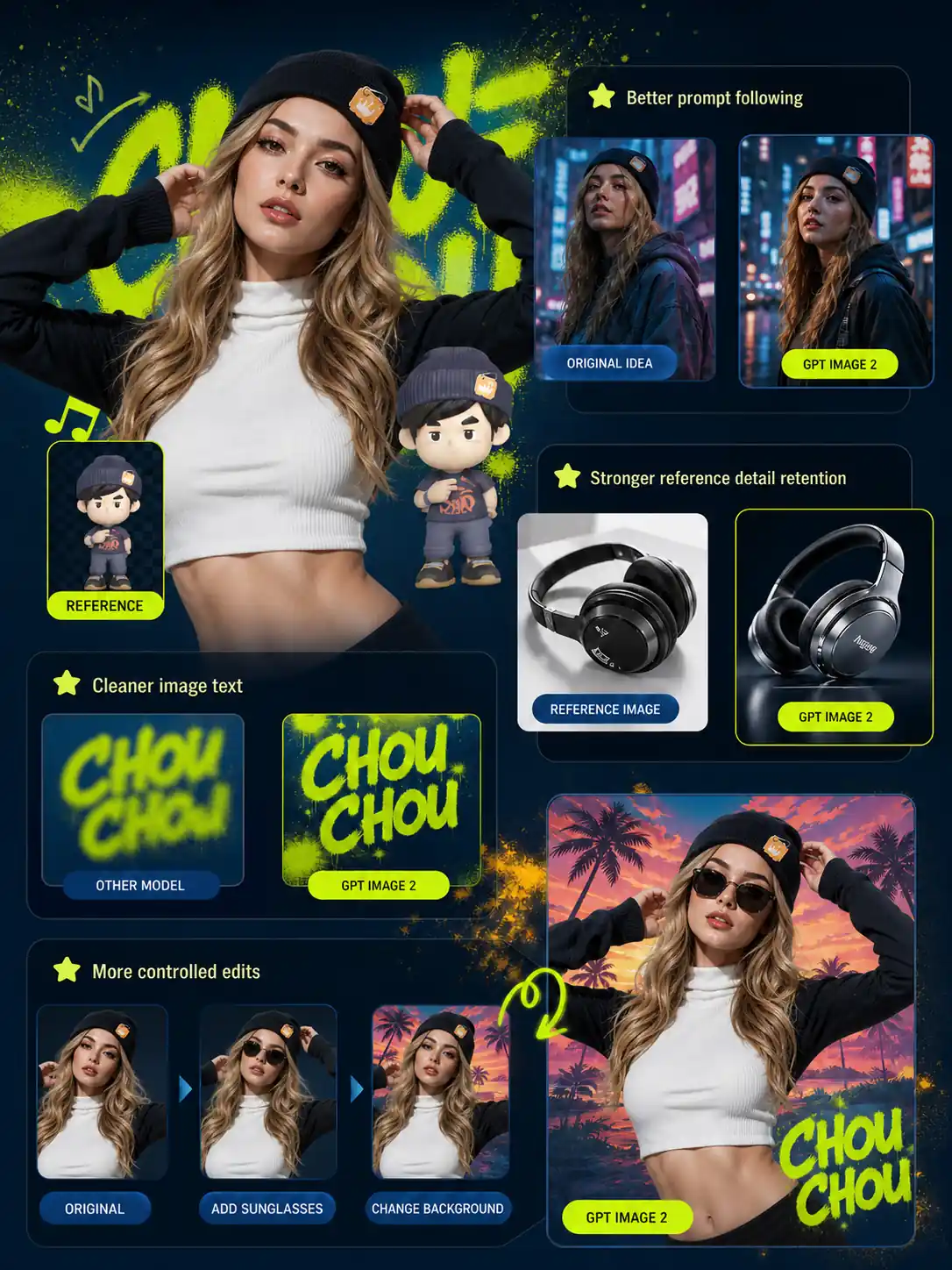
Start from prompts, reference images, or follow-up edits in one workflow.
Create concepts, product visuals, posters, UI previews, and graphics.
Adjust style, layout, text, or details with a simple prompt.
GPT Image 2 is OpenAI’s advanced AI image model for high-quality generation and editing from prompts or reference images. It improves practical visual creation with stronger prompt understanding, better reference detail retention, flexible image sizes, and cleaner edits than many general image models.
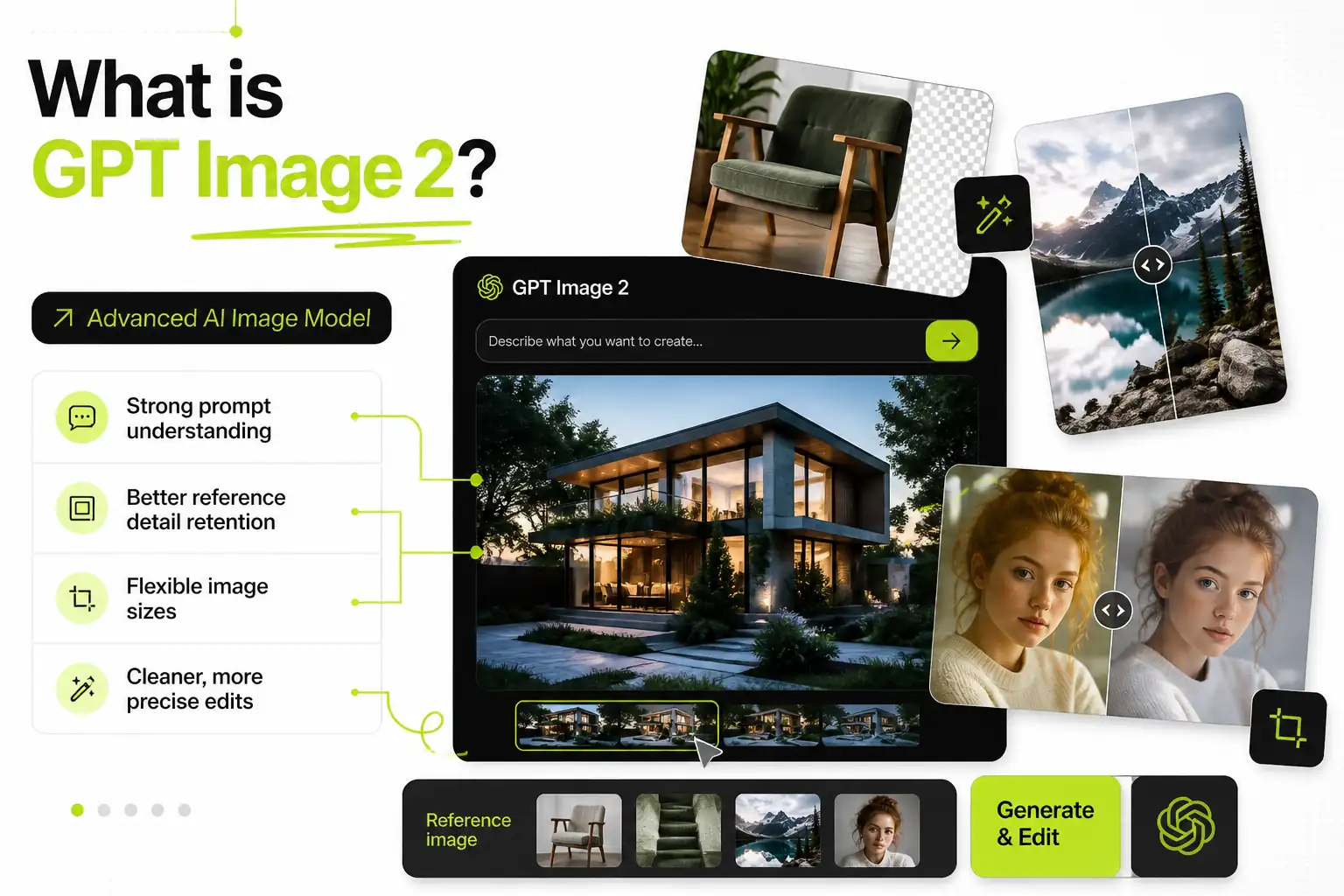
From detailed prompts to reference edits, readable image text, product-style scenes, and structured layouts, GPT Image 2 helps turn different creative inputs into visuals you can refine.
Describe the subject, setting, camera angle, lighting, mood, style, and intended use in one prompt. GPT Image 2 can connect those details into a more organized image, making it useful when a creative brief needs clear direction instead of a simple style request.
Write a Prompt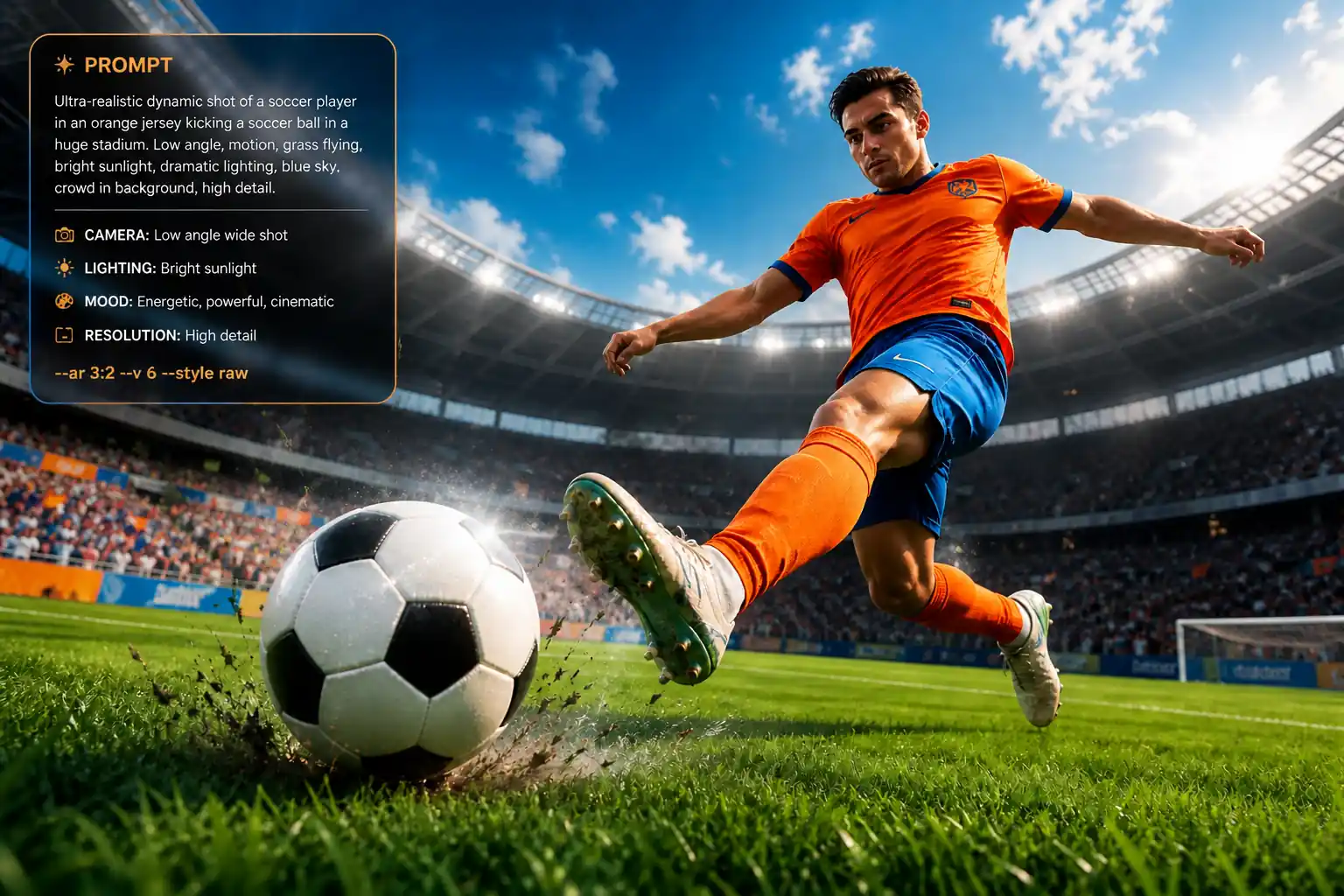
Upload a photo, sketch, product shot, or concept image to guide the subject, style, shape, or composition. GPT Image 2 reference image editing helps you build on existing material while keeping the visual details that matter to the final result.
Use a Reference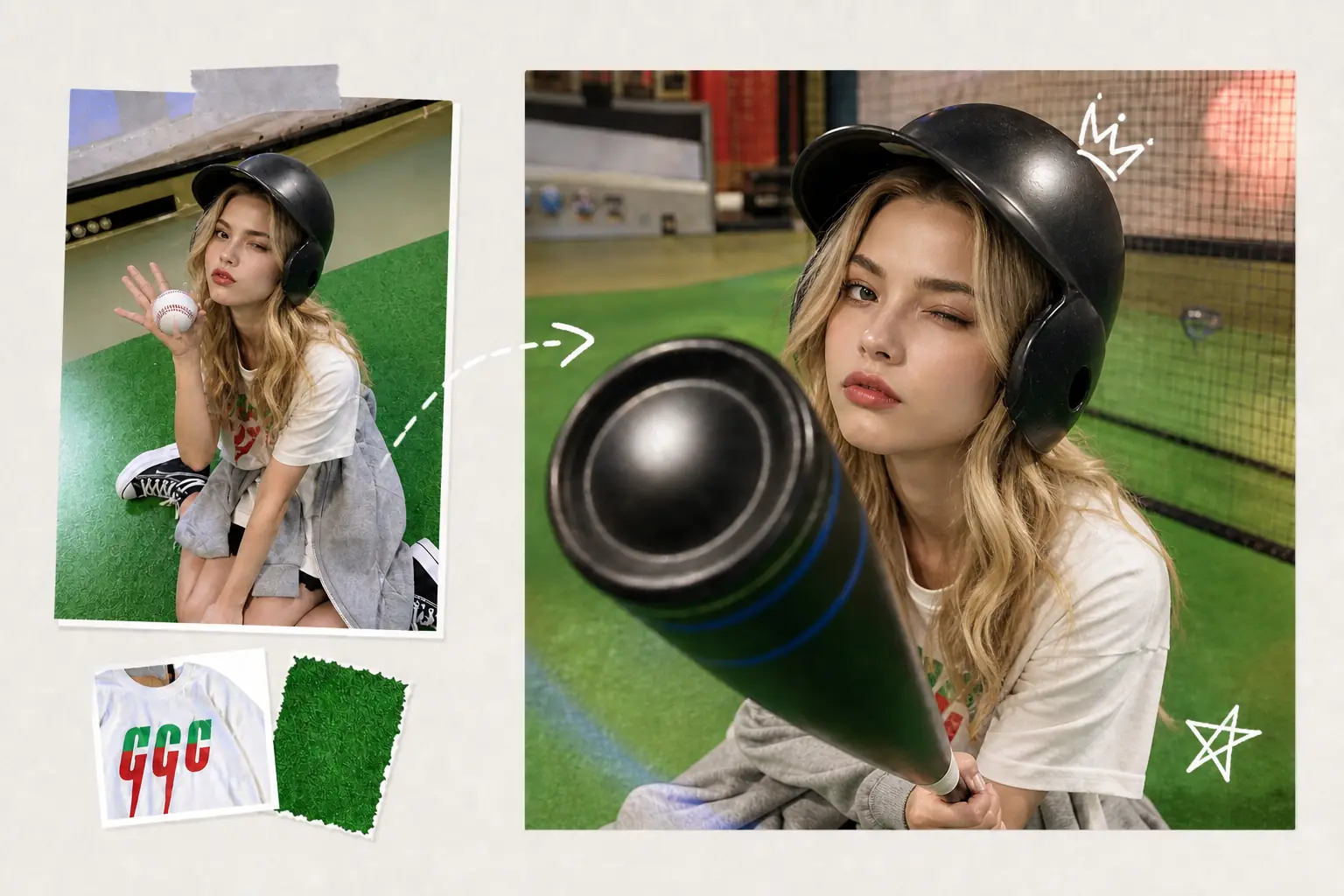
Add short words, labels, titles, signs, or interface copy directly into the image when the design calls for readable text. This is useful for posters, packaging ideas, banners, UI screens, and other text-in-image layouts that need both visuals and copy.
Add Image Text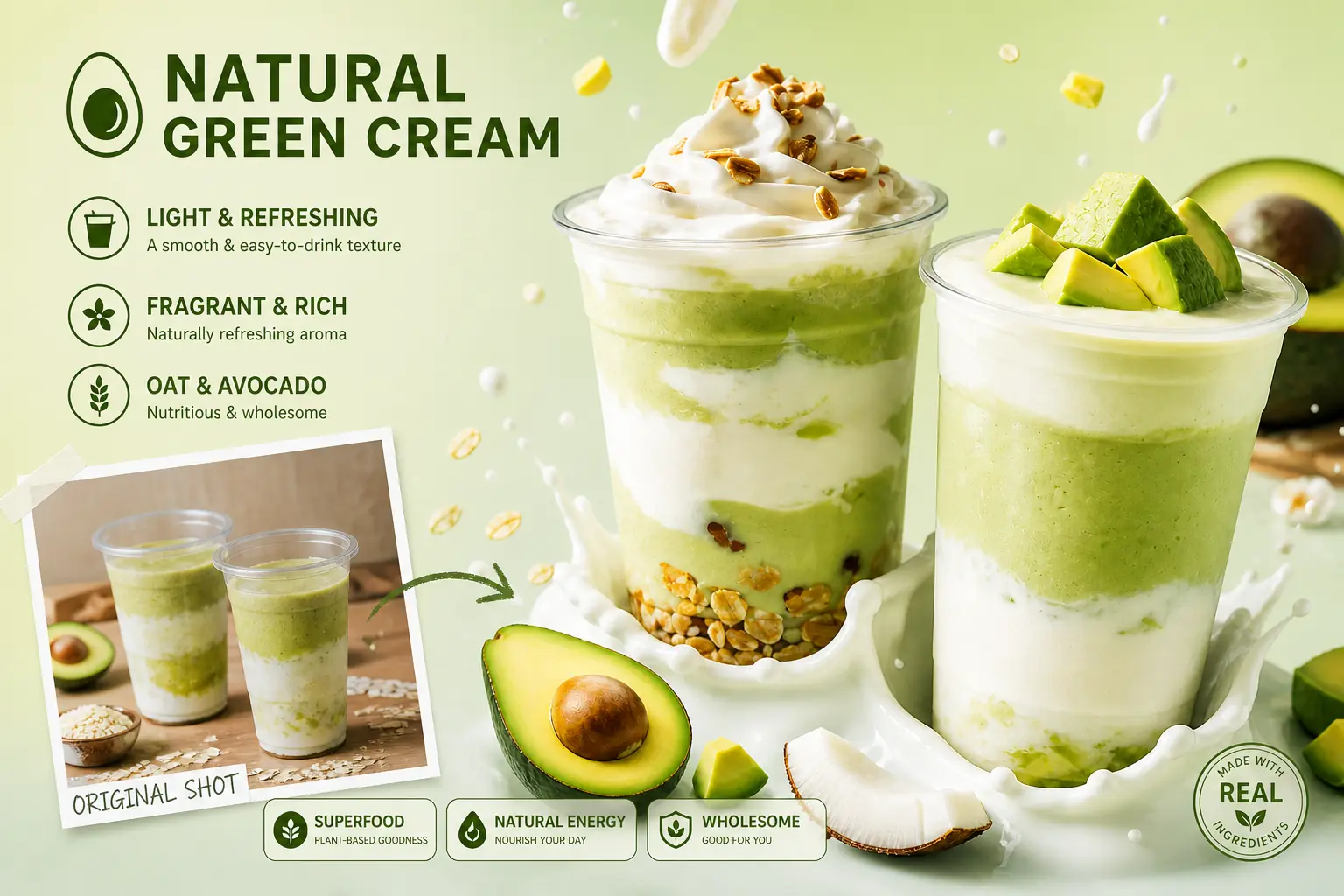
Create product-style visuals with attention to lighting, material, color, background, surface texture, and object placement. GPT Image 2 can turn a rough campaign idea or brand direction into a grounded image draft that is easier to review and refine.
Create Brand Scenes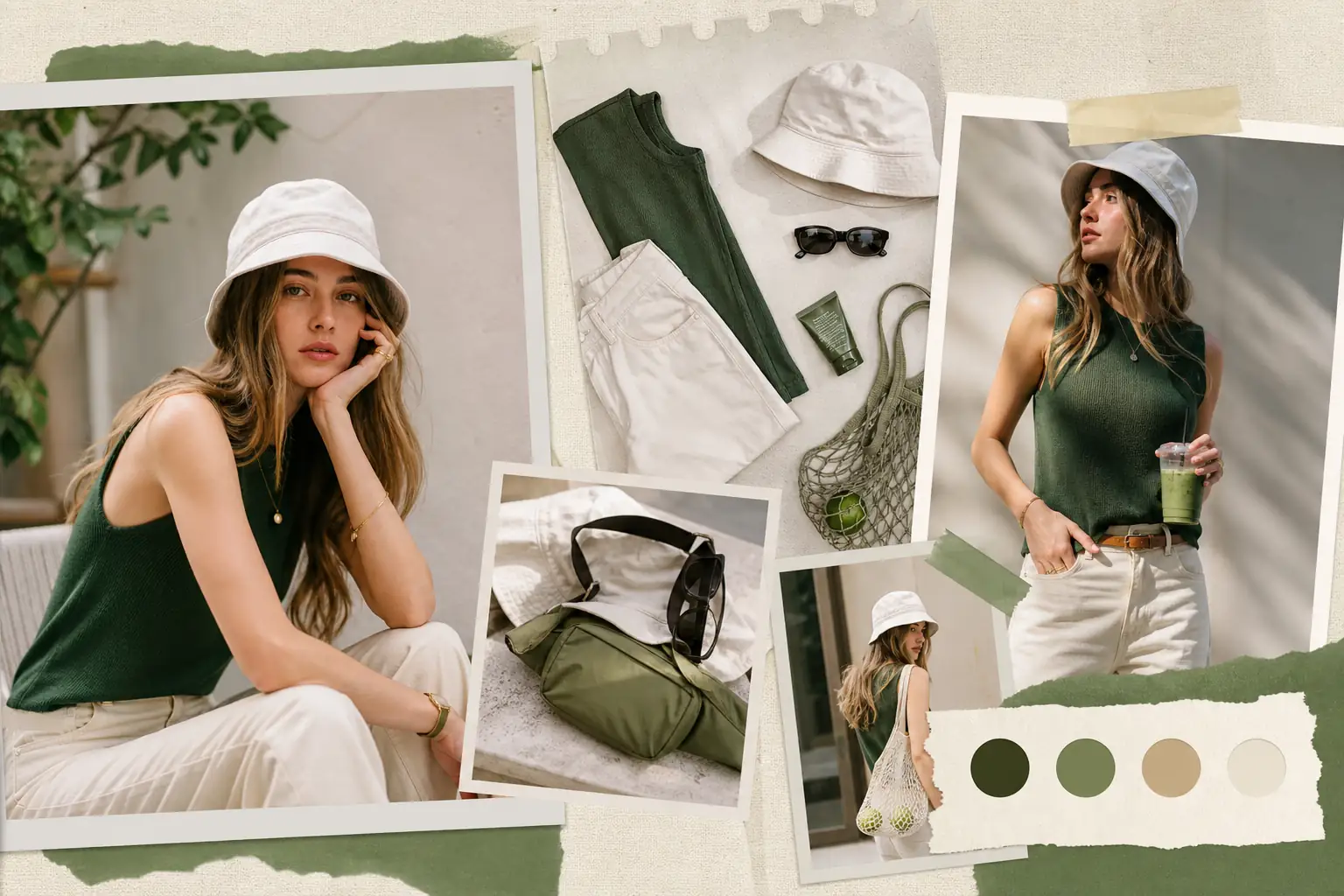
Generate app screens, dashboard ideas, website sections, browser-style layouts, and other structured visual concepts. GPT Image 2 UI mockup generation lets teams see the shape of a product, page, or content idea before moving into full design work.
Draft a Layout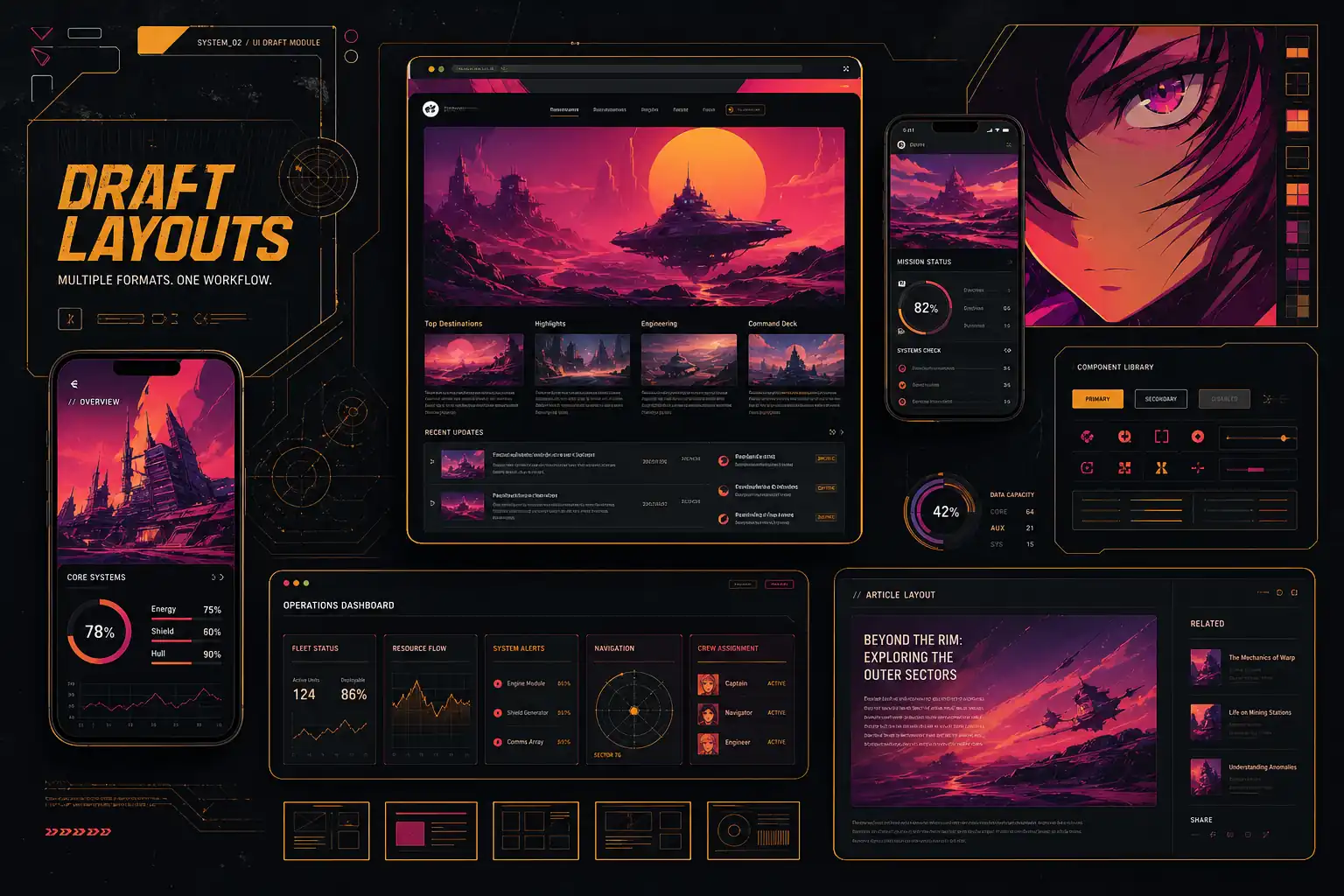
Start with a prompt or image, set your output direction, then refine the result with simple follow-up edits.
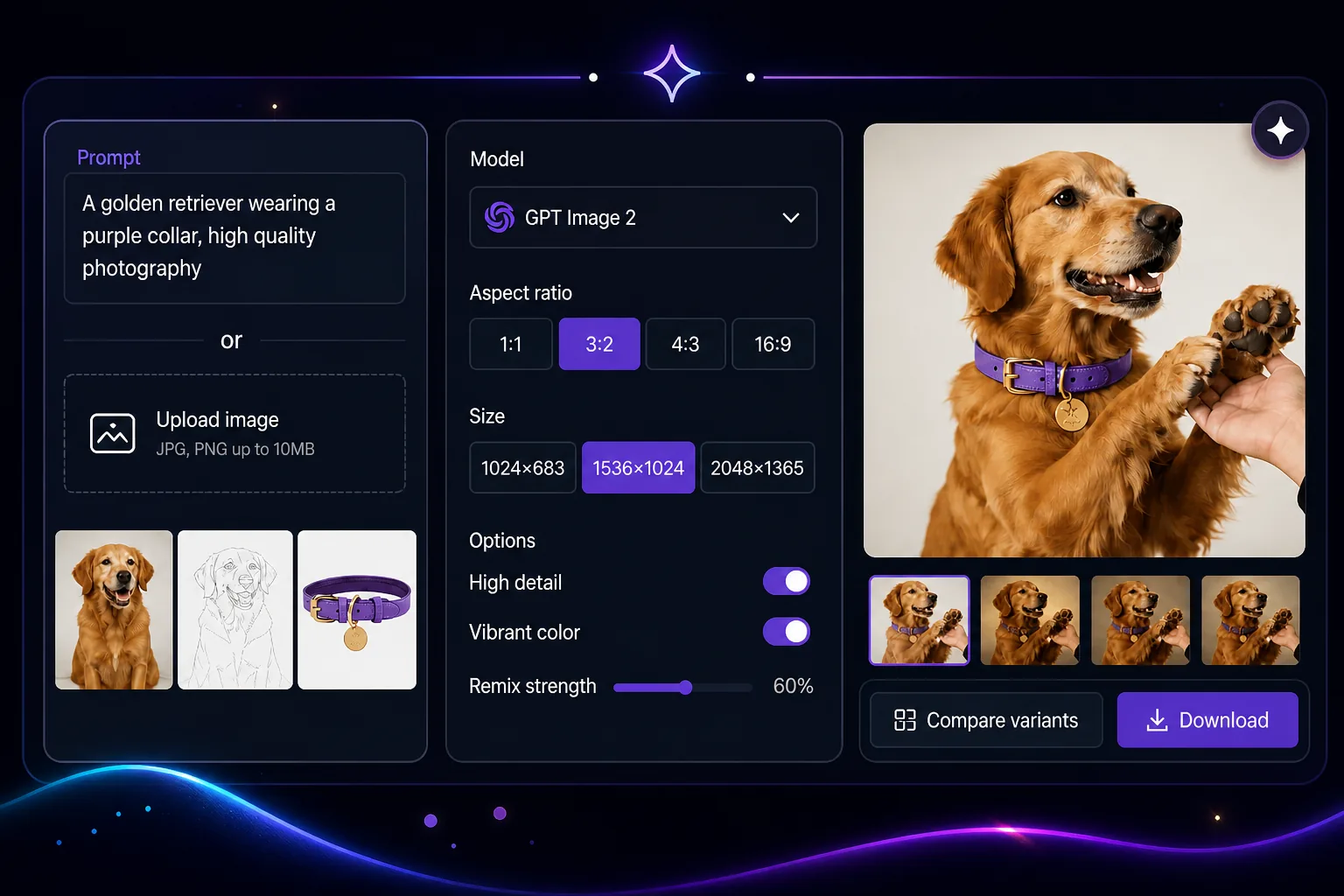
Enter what you want to create, or upload a photo, sketch, product image, or draft to guide the first result.
Select GPT Image 2 as the model, then choose the size, ratio, and options that fit your final use.
Review the image, request specific changes, compare versions, and save the result when it is ready.
GPT Image 2 handles detailed creative requirements with stronger consistency, so the output is less likely to drift away from the brief.
It performs better with dense scenes, layered compositions, small elements, and visuals that require more than a simple subject on a background.
Short copy, labels, signs, and layout text are easier to read and refine, making the result more practical for communication-focused visuals.
With improved reasoning in the image workflow, GPT Image 2 can better connect the goal, context, and visual structure before creating the result.
The model is more useful when you need several visual directions from one idea, helping you compare options before choosing a final route.
GPT Image 2 is built for visuals that need to move beyond inspiration, from planning and review to real campaign, content, and design workflows.
See how GPT Image 2 can be used for packaging concepts, how-to visuals, signs, menus, storyboards, and localized designs that need clear text, structure, and practical creative direction.
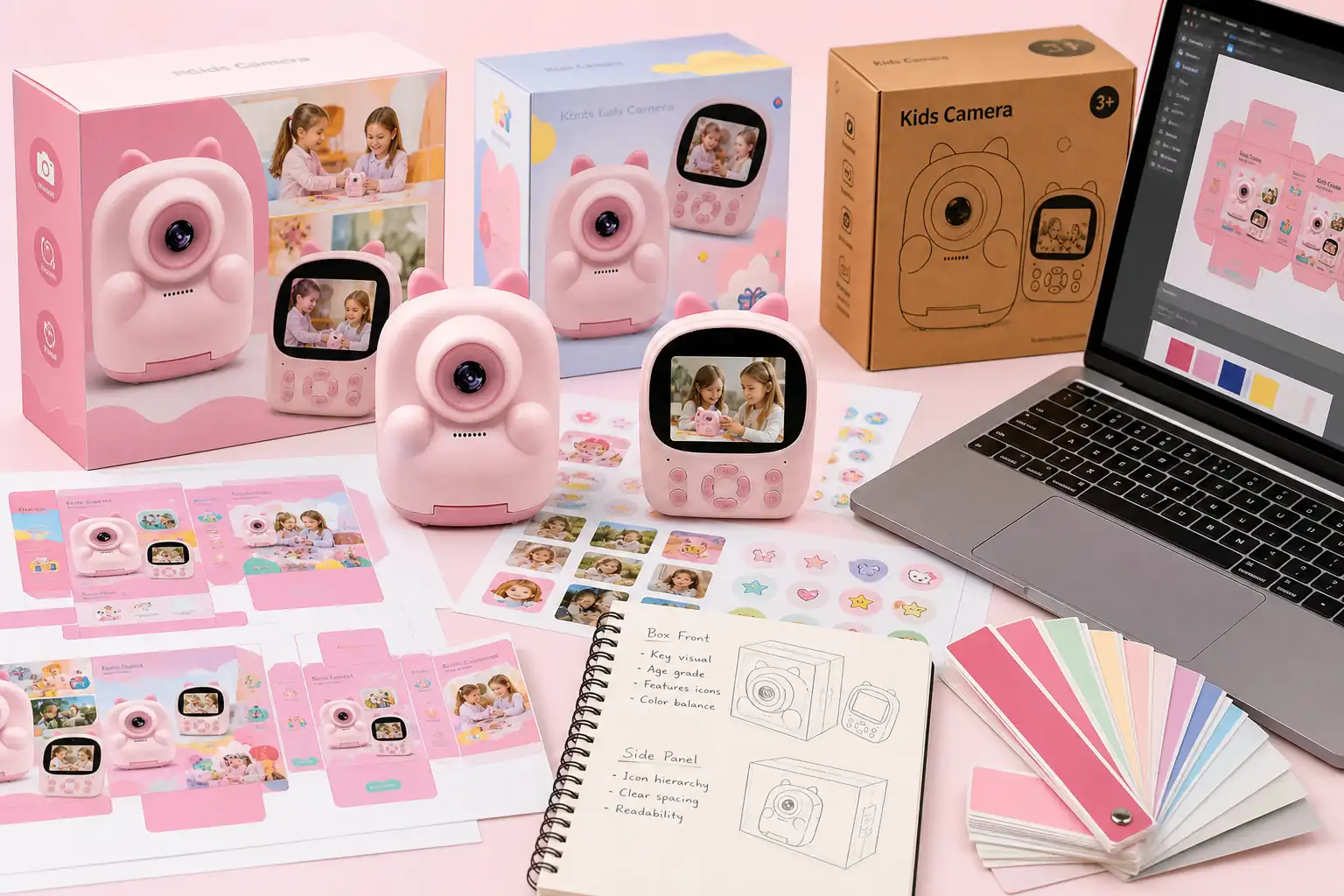
CPG brands, ecommerce sellers, and design teams can use GPT Image 2 online to visualize bottle labels, box fronts, sticker sets, sleeves, and seasonal packaging concepts. Early package ideas become easier to compare before the strongest direction moves into final design.
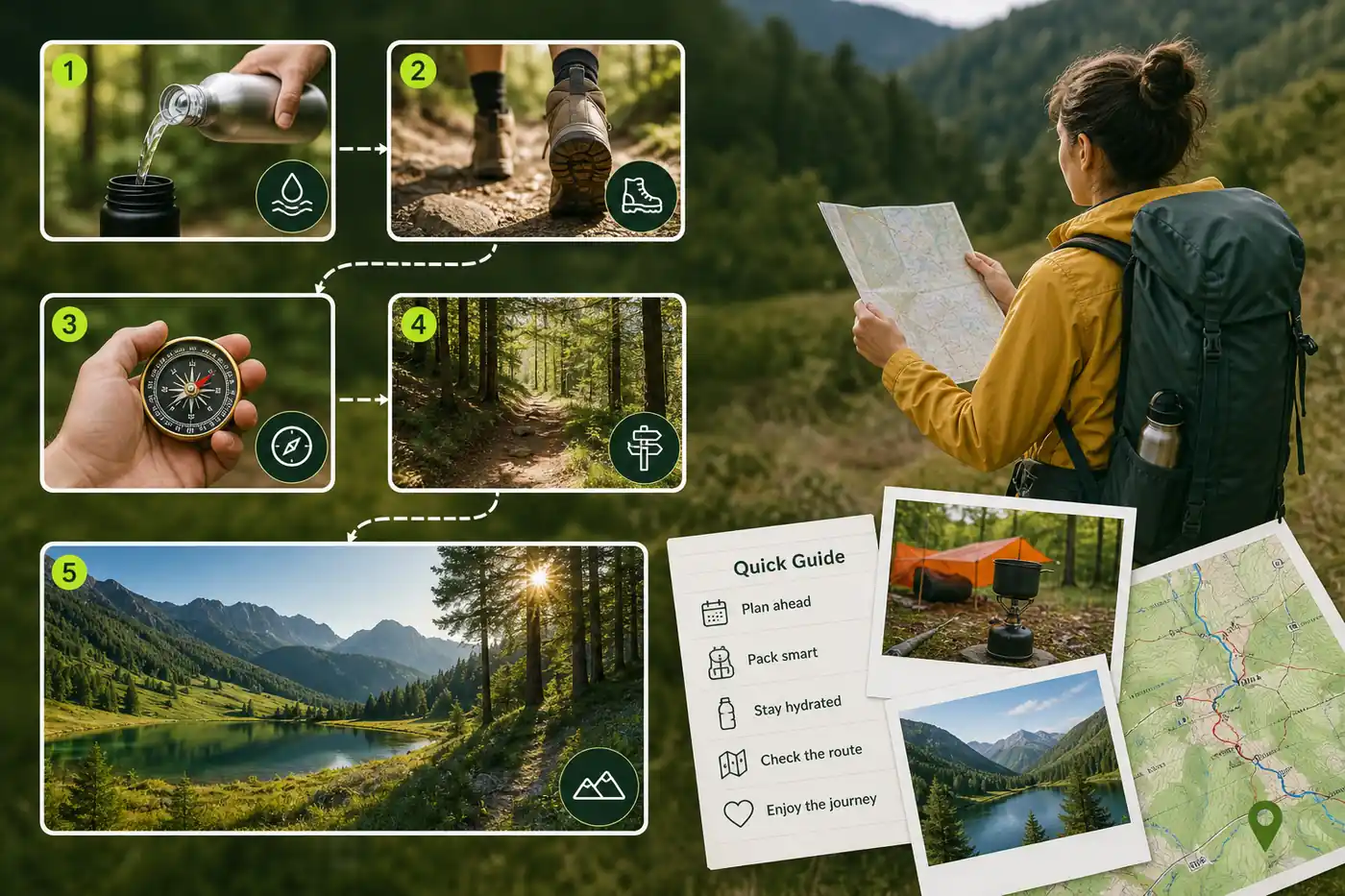
Setup guides, onboarding flows, recipes, classroom content, and help articles often need more than written instructions. With clearer text inside images, GPT Image 2 can turn procedural information into visual materials that are easier to understand at a glance.
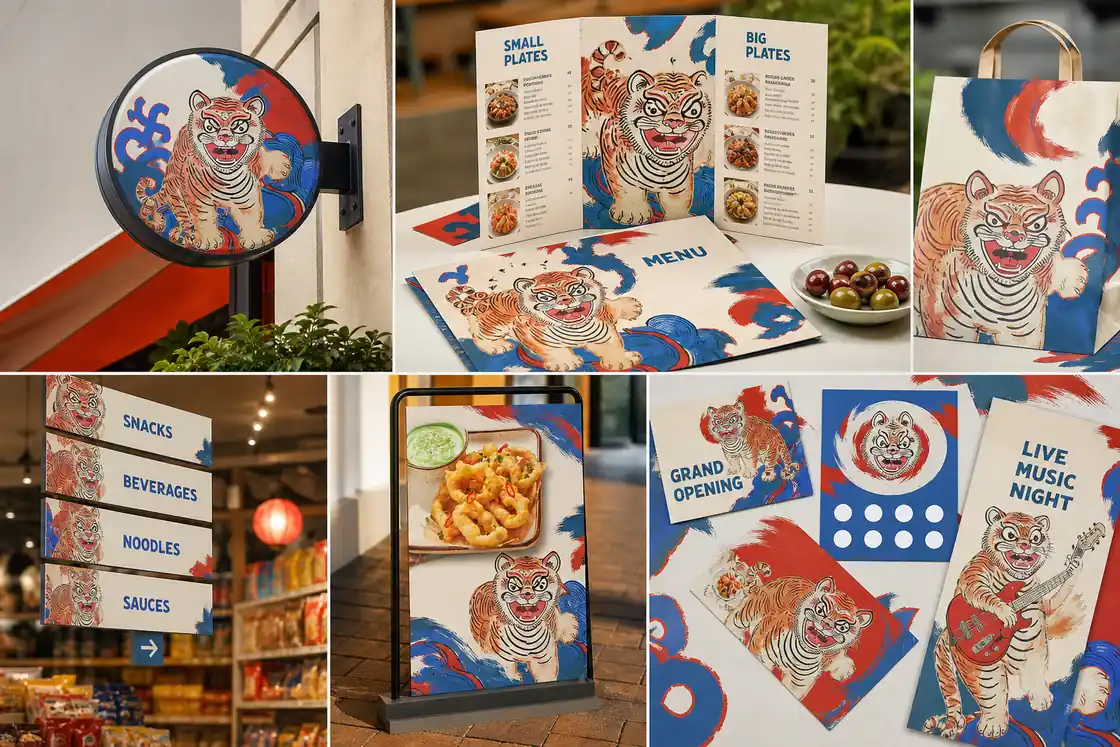
Cafes, retail stores, events, and local service businesses can use GPT Image 2 for menus, shop signs, booth displays, aisle markers, and directional posters. Teams can review how short copy, space, and visual style feel together before production.
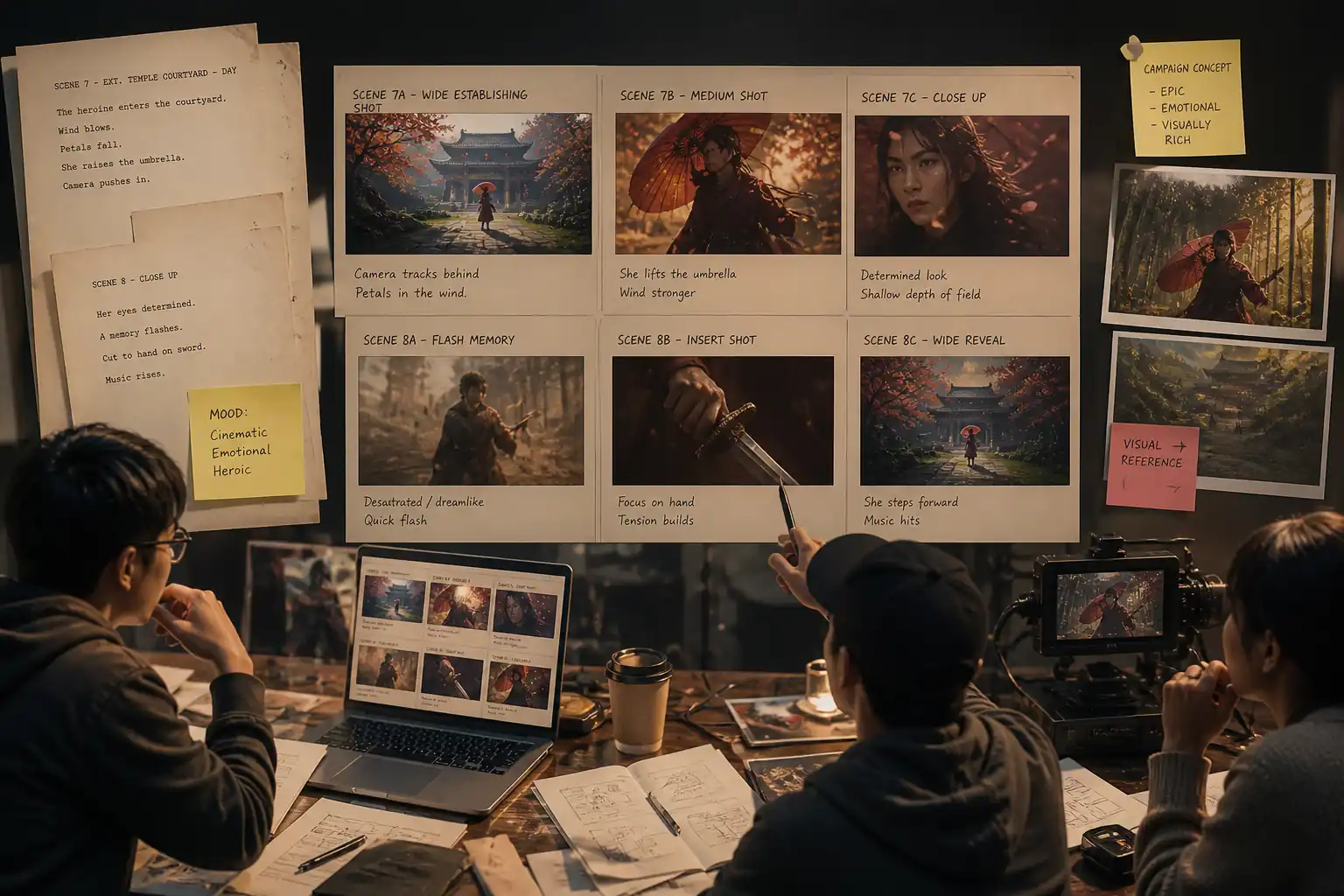
Scripts, shot notes, and campaign ideas become easier to discuss when they have a visual sequence. A detailed GPT Image 2 prompt can help creators, agencies, and video teams turn written notes into storyboard-style frames before filming or pitching.
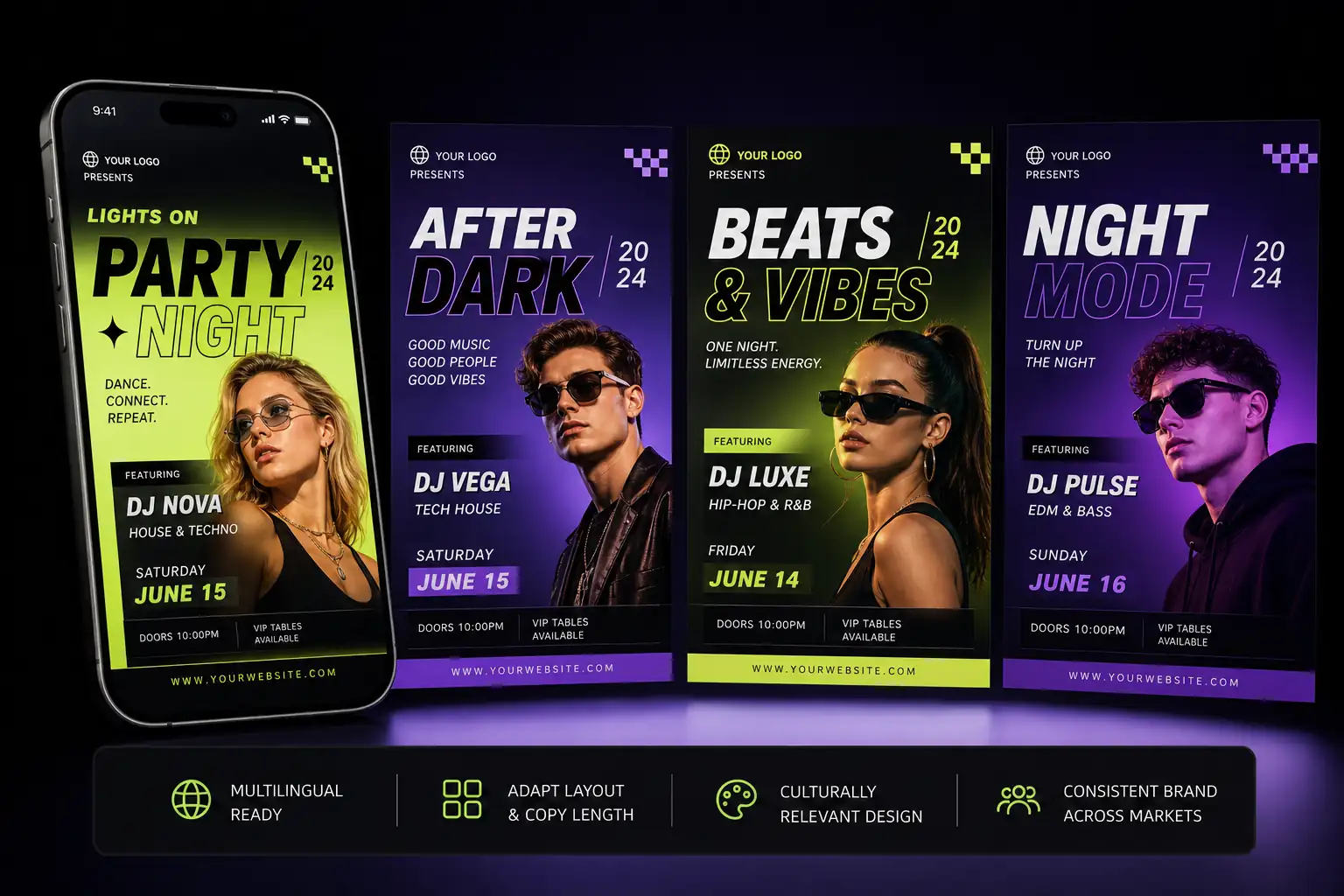
Global campaigns and multilingual content often need visual versions for different audiences. GPT Image 2 image editing can help adapt covers, banners, labels, signs, or UI-style graphics so teams can check copy length, layout, and tone across markets.
GPT Image 2 is useful when I need to turn a rough direction into something I can show a client. It gives me enough structure to discuss color, shape, and layout without opening a full design file.
Independent Packaging Designer
What I like most is that the results are easier to judge. I can quickly decide whether an idea has potential, instead of spending half the meeting explaining what the image was supposed to show.
Product Marketing Lead
It helps when a lesson needs a visual example but the team does not have time for a custom illustration cycle. I can create a clear draft, share it with reviewers, and adjust the direction before production starts.
Learning Content Producer
GPT Image 2 is helpful for early concept work because it gives the team something concrete to react to. It shortens the gap between a written idea and a visual direction we can actually compare.
Creative Strategist
I use it to check whether a design idea still works when the message changes for another market. It makes language length, spacing, and tone easier to review before we involve the final design team.
Localization Manager
For pitches, it helps me show the mood of a scene without building a full deck from scratch. The images are not the final production asset, but they make the creative conversation much faster.
Video Pitch Producer
GPT Image 2 is a good fit for early creative planning, packaging directions, storyboard frames, localized design versions, signage concepts, and other projects that need a clear visual starting point.
Yes. You can upload an existing image and describe the update you want, such as changing the background, adjusting the look, replacing an element, or cleaning up part of the image.
GPT Image 2 is better suited for short text than many earlier image models. It works best for concise labels, titles, signs, menu items, packaging notes, and simple interface wording.
GPT Image 2 can support commercial image drafts and creative planning, including campaign concepts, packaging directions, and content materials. Usage rights may depend on your plan and platform terms, so review the policy before publishing.
Yes. You can try GPT Image 2 on HeyTop AI for free to generate or edit images before deciding whether you need more credits, higher usage limits, or advanced output options.
GPT Image 2 is designed for more controlled generation and editing, with stronger instruction handling and a closer match to detailed creative briefs than earlier OpenAI image models. Nano Banana Pro may be useful for other creative styles, while GPT Image 2 is often better when the task needs a specific, directed result.